

In this article we will see how to create a simple image slide show in WPF. In an Image Control, I am fetching images from the database using First, Next, Previous and Last buttons. I am using the Code First Approach to create a database in SQL Server .The images displayed in the image control are taken from the database. For your convenience I am storing images of the numbers from 1 to 10 in the database. Before proceeding to this article I request that you go through my previous article of how to store and retrieve images from a SQL Server Database in WPF.
For more information, click on the following link to learn how to store and retrieve images in a SQL database in WPF:
In other words: Storing and Retrieving Image from SQL Server Database in WPF
Now I will explain how all 4 button events work one by one as shown below.
First Button
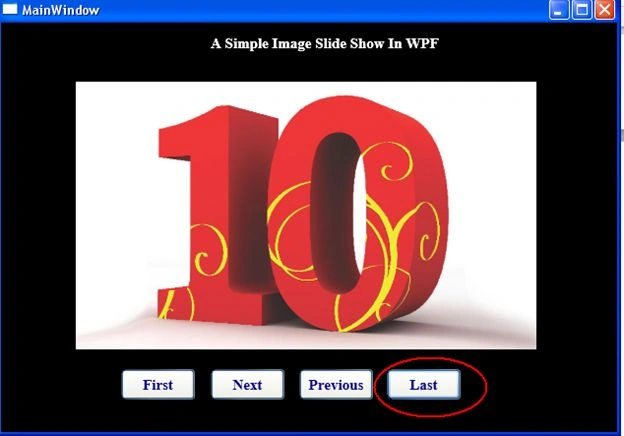
When you click on the first button, the very first image from the database will be fetched into the image control as shown in the following snapshot.
The code behind for the first button click event is:
private void First Click(object sender, RoutedEventArgs e)
{
Database DB = new Database();//Context Class name
var result = (from t in DB.Images
select t.ImageToByte).FirstOrDefault();
Stream StreamObj = new MemoryStream(result); //converting bytes to stream
BitmapImage BitObj = new BitmapImage();
BitObj.BeginInit();
BitObj.StreamSource = StreamObj;
BitObj.EndInit();
this.image2.Source = BitObj
}
Next Button
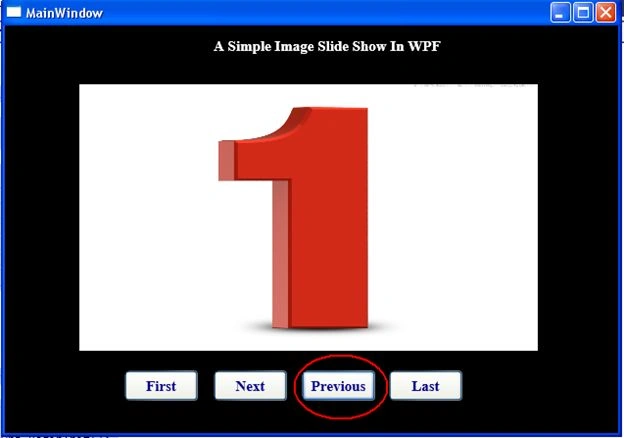
When you click on "Next" button, the next image from the database will be fetched into the image control. A snapshot of the Next Click event is shown below.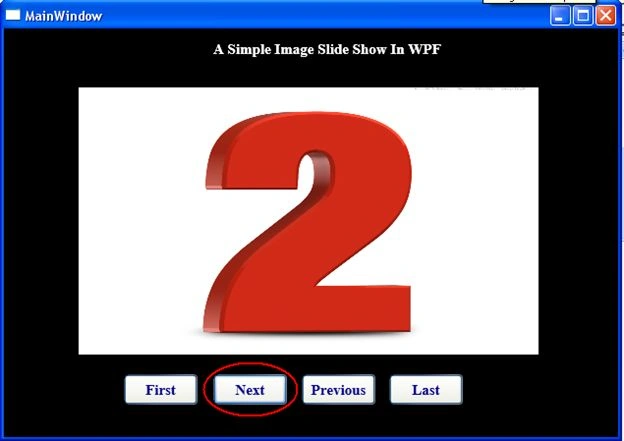
The code behind for the next button click event is:
private void Next_Click(object sender, RoutedEventArgs e)
{
Database DB = new Database();
if (count < (DB.Images.Count() - 1))
{
count++;
var result = DB.Images.OrderBy(t => t.Id).Skip(count).FirstOrDefault();
Stream StreamObj = new MemoryStream(result.ImageToByte);
BitmapImage BitObj = new BitmapImage();
BitObj.BeginInit();
BitObj.StreamSource = StreamObj;
BitObj.EndInit();
this.image2.Source = BitObj;
}
else
{
var result = DB.Images.Select(c => c).FirstOrDefault();
Rebin GanjaliPosted Nov 11, 2014, 2:28 AM
how we can create database in this project?