

Introduction
In this article we are going to learn how we can add Bootstrap 5 in Angular 11. We add bootstrap by two methods, the first is with simple CDN links, and the second is by using package manager. I hope you will find this article useful.
In this article we will cover:
- What is Bootstrap?
- Create Angular 11 Project
- Add Bootstrap Using CDN Links
- Add Bootstrap Using Package Manager
- Uninstall Bootstrap
What Is Bootstrap?
Bootstrap is a free and open-source CSS framework directed at responsive, mobile-first front-end web development. It contains CSS- and JavaScript-based design templates for typography, forms, buttons, navigation, and other interface components.
Create Angular 11 Project
In my pc there is already Angular ’s latest version had install. If you not have angular in your system you can install it in few steps. You can refer angular’s official website to learn how to install angular.
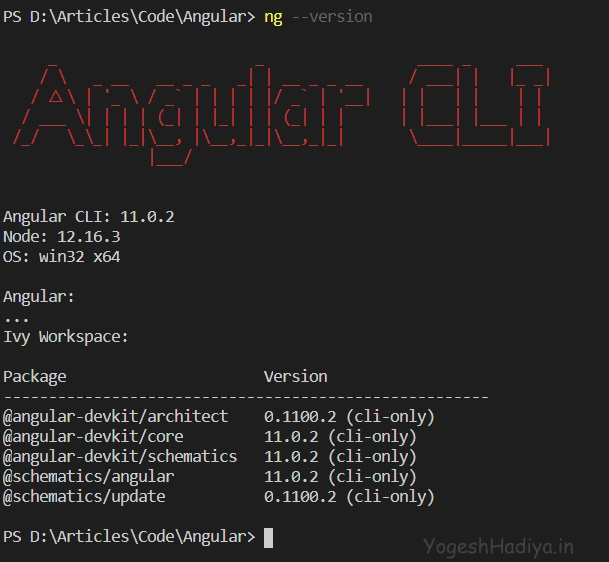
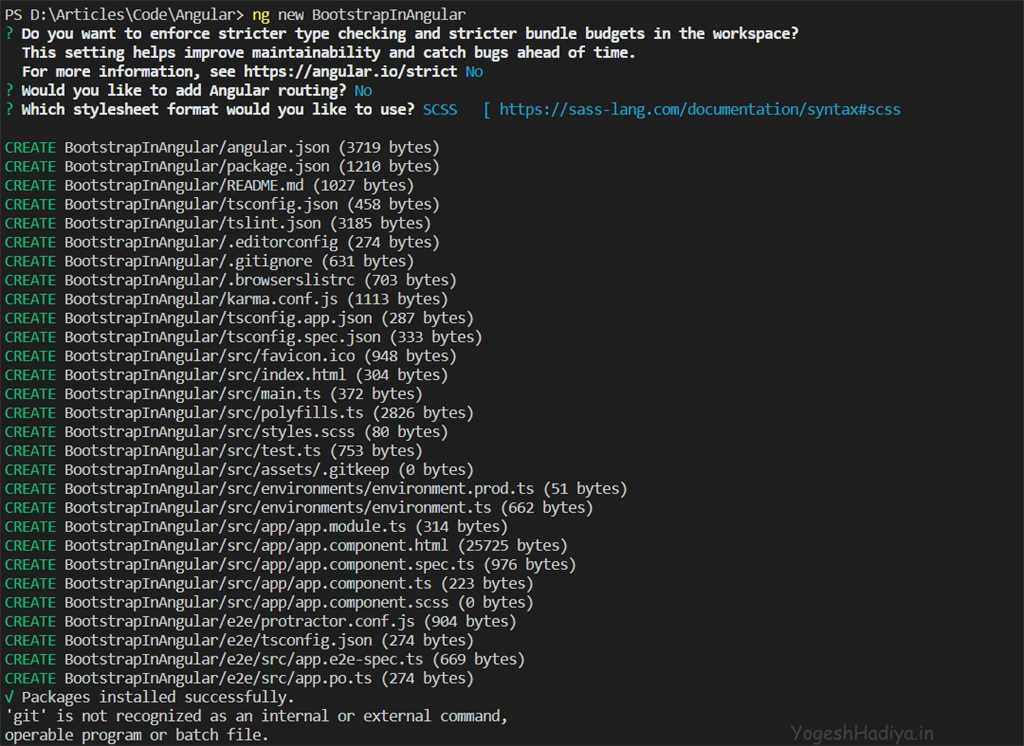
Run following command to create new Angular project. Here ng means Angular, new determine that create new project and BootstrapInAngular is project name.
- ng new BootstrapInAngular
After running this command you will ask some question about add routing and which style sheet you want to use in your project. You can choose as your requirement.
Add Bootstrap Using CDN Links
Step 1
Go to bootstrap official website getbootstrap.com .
Step 2
Click on download button.
Step 3
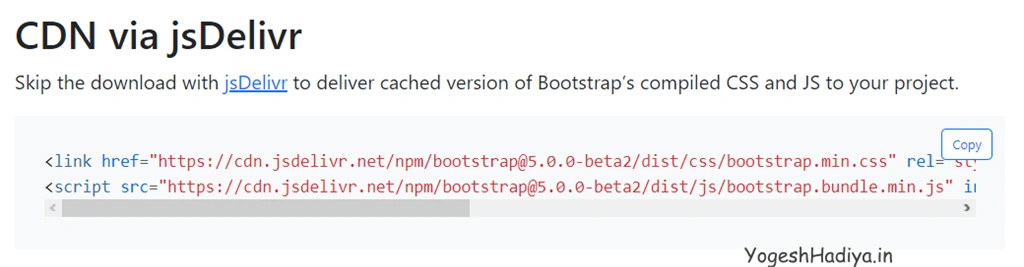
Scroll down and you can see CDN Via jsDelivr. Copy both css and js links.
Step 4
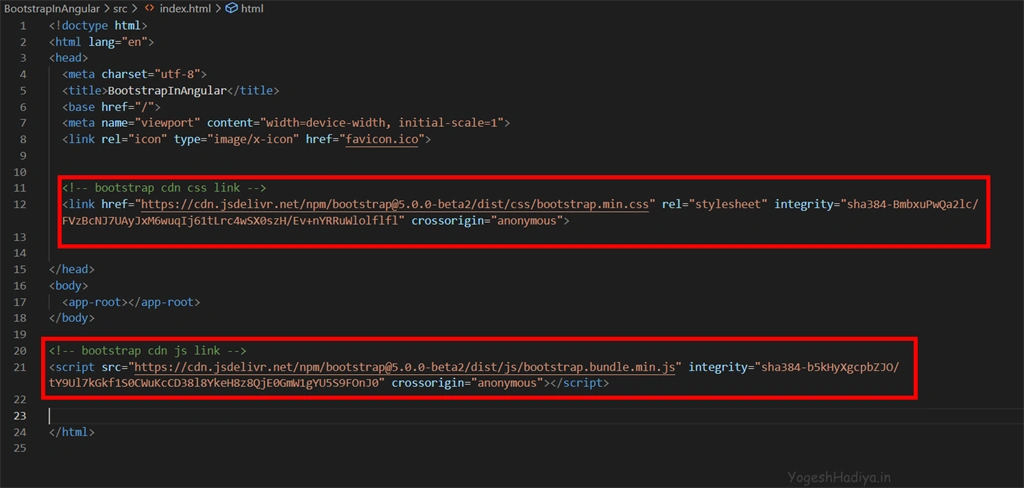
Open your index.html file and put both links.
Step 5
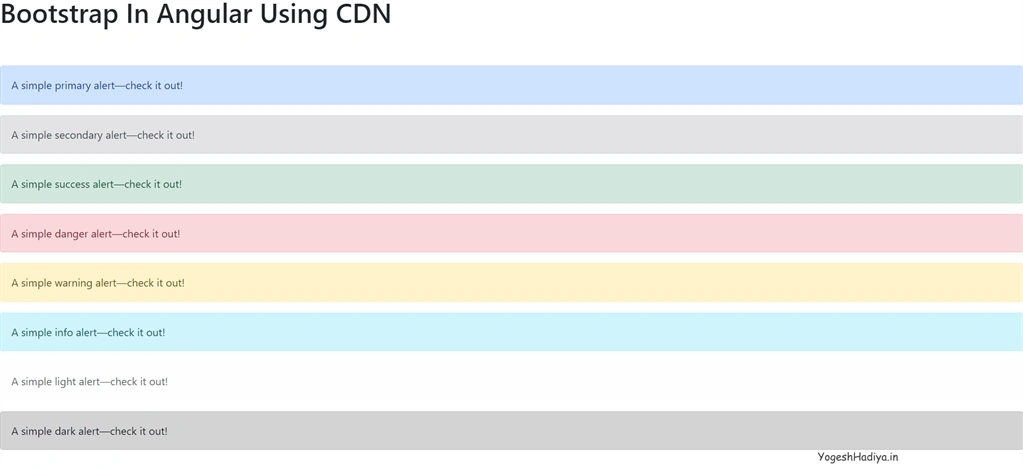
Now let’s see bootstrap is working or not. Open app.component.html file and add bootstrap components which you want. Here I add alert boxes for checking.
- <h1>Bootstrap In Angular Using CDN</h1>
- <br>
- <br>
- <div class="alert alert-primary" role="alert">
- A simple primary alert—check it out!
- </div>
- <div class="alert alert-secondary" role="alert">
- A simple secondary alert—check it out!
- </div>
- <div class="alert alert-success" role="alert">
- A simple success alert—check it out!
- </div>
- <div class="alert alert-danger" role="alert">
- A simple danger alert—check it out!
- </div>
- <div class="alert alert-warning" role="alert">
- A simple warning alert—check it out!
- </div>
- <div class="alert alert-info" role="alert">
- A simple info alert—check it out!
- </div>
- <div class="alert alert-light" role="alert">
- A simple light alert—check it out!
- </div>
- <div class="alert alert-dark" role="alert">
- A simple dark alert—check it out!
- </div>
Step 6
Run your project by ng serve. You can see output in below image.
Step 7
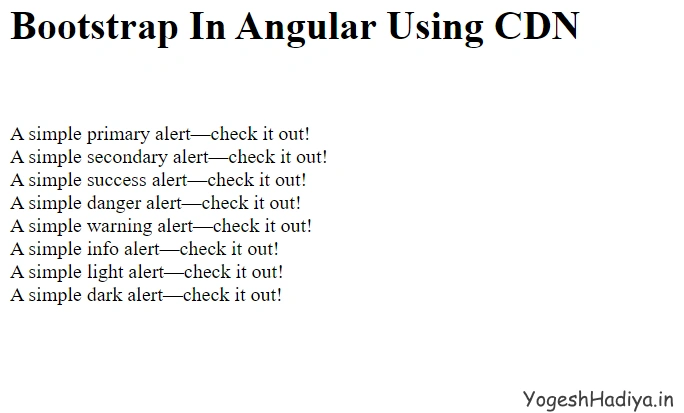
Now comments this links and then again run project and you can see in below image styles are now on applied.
Add Bootstrap Using Package Manager
Step 1
Now we are adding bootstrap using package manager. Run below command to install bootstrap in your project. Here @next refer to latest version. You can also define version here.
- npm install bootstrap@next
You can see in your package.json file that bootstrap is added and also in node_module bootstrap folder is created.

Step 2
For using bootstrap we need to import bootstrap styling in our main style file. In my case I have style.scss because I use scss styling in this project. Import bootstrap css by adding below line in top of your style file.

Step 3
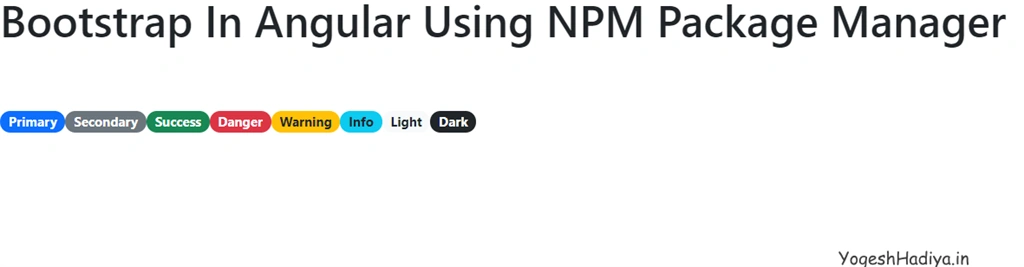
Now let’s check bootstrap is working or not. Here I add badge button in app.componet.html file. You can add as your preference.
- <h1>Bootstrap In Angular Using NPM Package Manager</h1>
- <br>
- <br>
- <span class="badge rounded-pill bg-primary">Primary</span>
- <span class="badge rounded-pill bg-secondary">Secondary</span>
- <span class="badge rounded-pill bg-success">Success</span>
- <span class="badge rounded-pill bg-danger">Danger</span>
- <span class="badge rounded-pill bg-warning text-dark">Warning</span>
- <span class="badge rounded-pill bg-info text-dark">Info</span>
- <span class="badge rounded-pill bg-light text-dark">Light</span>
- <span class="badge rounded-pill bg-dark">Dark</span>
Step 4
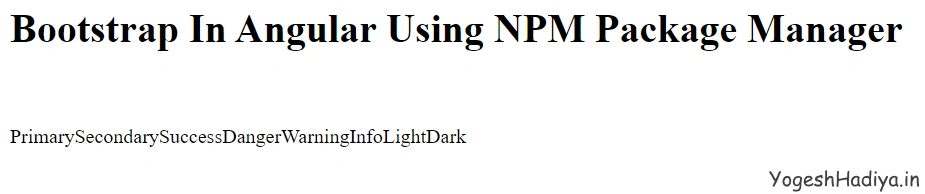
Now run your project. You can see in below image bootstrap styling is working fine.
Uninstall Bootstrap
For uninstall bootstrap from your project run below command.
- npm uninstall bootstrap
Now when you run your project you get the below error because we do not remove import section in style file and now Bootstrap is not in our project compiler, which doesn't find bootstrap. So remove that import line and run project again.
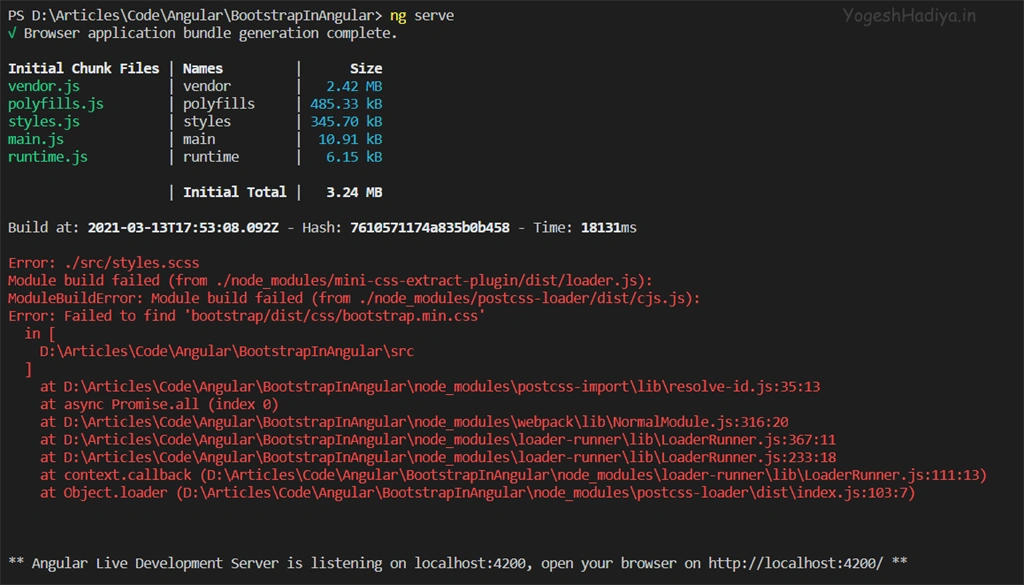
You can see in the below image that style is not applied now.
I hope you find this article helpful. Share with your friends and like the article if you get information from it. Thank you.
EliseoPosted Jun 22, 2021, 11:30 AM
My good!!!! why on earth not change the angular.json file?
Michal SzymanskiPosted May 8, 2021, 7:48 PM
Great article, thanks! Btw, there is a very nice and free integration for Bootstrap 5 and Angular 11. Have look at MDB UI KIT https://mdbootstrap.com/docs/b5/angular/
NNN CCCPosted Apr 23, 2021, 7:33 PM
Great article. Also, instead of "You can see in your angular.json file that bootstrap is added", it should say "You can see in your package-lock.json (and even package.json) file that bootstrap is added"