

Introduction
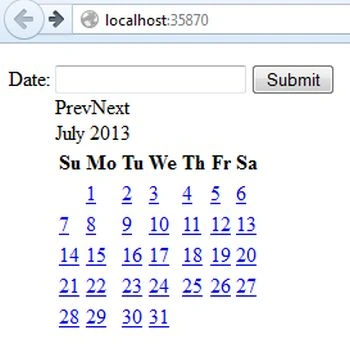
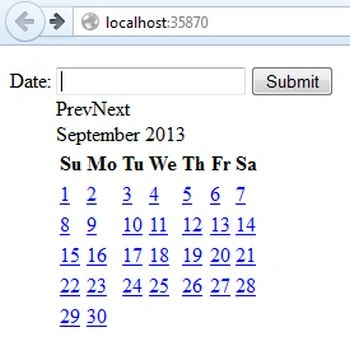
This article describes how to add a calendar in the Web API. Here we use the jQuery Calendar Control in the Web API. In it I show how to transfer the date of the calendar to the controller. We use the Calendar Control for showing the calendar in our application Through this calendar the user can point to any day in any year.
Now we will see the procedure for adding the calendar in the Web API.
Step 1
Create a Web API application:
- Start Visual Studio 2012.
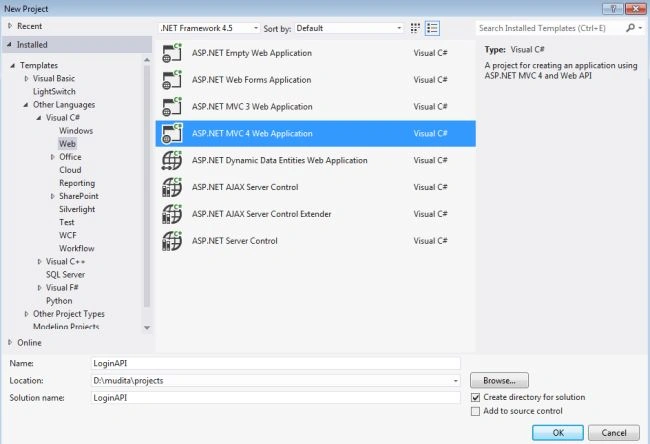
- From the Start Window select "Installed" -> "Visual C#" -> "Web".
- Select "ASP.NET MVC 4 Web Application" and click on the "OK" button.
- From the "MVC4 Project" Window select "Web API".
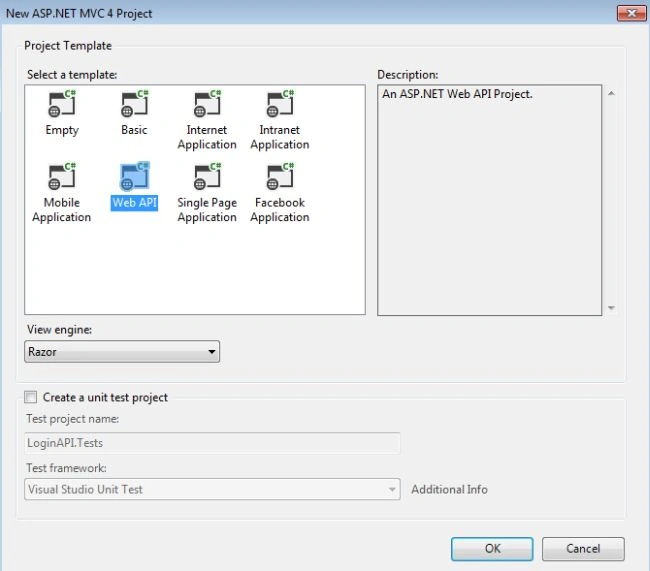
- Click on the "OK" button.
Step 2
Create a Model Class "Calendar.cs":
- In the "Solution Explorer".
- Right-click on the "Models" -> "Add" -> "Class".
- Select "Installed" -> "Visual C#" and select class.
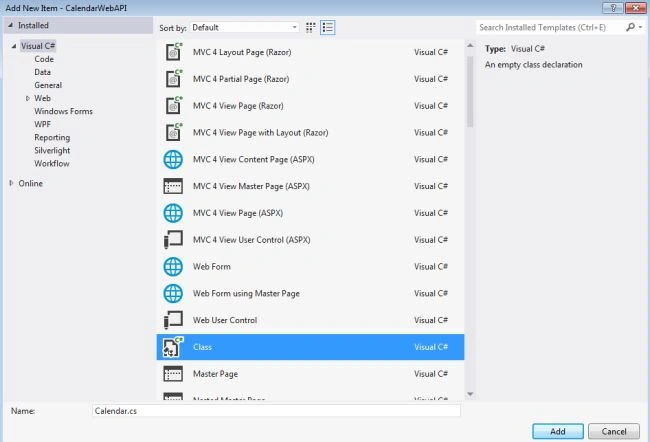
- Click on the "Add" button.
Add the following code:
- using System;
- using System.Collections.Generic;
- using System.ComponentModel.DataAnnotations;
- using System.Linq;
- using System.Web;
- namespace CalendarWebAPI.Models
- {
- public class Calendar
- {
- [Required(ErrorMessage = "Date Must be Require")]
- public string Date
- {
- get;
- set;
- }
- }
- }
In the code above "Required" shows that the Date field is required.
Step 3
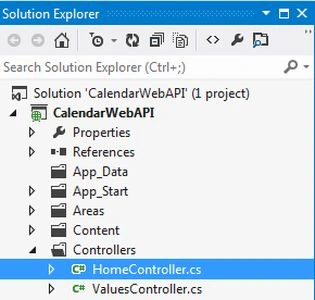
In the "HomeController" write some code. This file exists in:
-
In the "Solution Explorer".
-
Select "Controllers" -> "HomeController".
Add the following code:
- using System;
- using System.Collections.Generic;
- using System.Linq;
- using System.Web;
- using System.Web.Mvc;
- using CalendarWebAPI.Models;
- namespace CalendarWebAPI.Controllers
- {
- public class HomeController : Controller
- {
- public ActionResult Index()
- {
- return View();
- }
- [HttpPost]
- public string DisplayDate(Calendar calendar)
- {
- if (ModelState.IsValid)
- {
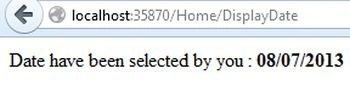
- return "Date have been selected by you : <b>" + calendar.Date.ToString() + "</b>";
- }
- return "Please select any date ";
- }
- }
- }
Join the conversation! Your thoughts help the community grow.