

Before starting this article let's understand what is Agile and Scrum.
What is Agile
Agile is a Method of project management that is characterized by dividing module in to tasks and tasks into short phases of work and frequent reassessment and adaptation of plans. In other words, Agile is a Time Boxed incremental software development method.
Scrum is an incremental agile software development framework (Agile Framework).
- Product Backlog: A product owner creates a customer’s wish list and prioritized it and create backlog, called Product Backlog.
- Sprint Planning: In this meeting team select small part or module from the Top Priority Wish List of Product Backlog and prepare a small task list.
- Setting Capacity and Sprint: Team has to deliver the tasks in 2 weeks or 4 weeks sprint, here Scrum Master bind tasks with Time and User.
- Scrum Master’s role: Is to make sure team focused on its goal.
- End of the sprint: We have completed tasks which we can Release to Client.
- Sprint review and retrospective: sprint ends with a sprint review and retrospective where Team Inspect and Adopt to become more effective on process.
- Next Sprint: In the next sprint, the team chooses another Module and Task of the product backlog start working on the next sprint.
What Setup Visual Studio Team Services
Visual Studio Team Services is a services for track work of team, share code and incremental project release. It’s free for up to 5 Members, you can purchase plan as per your need.
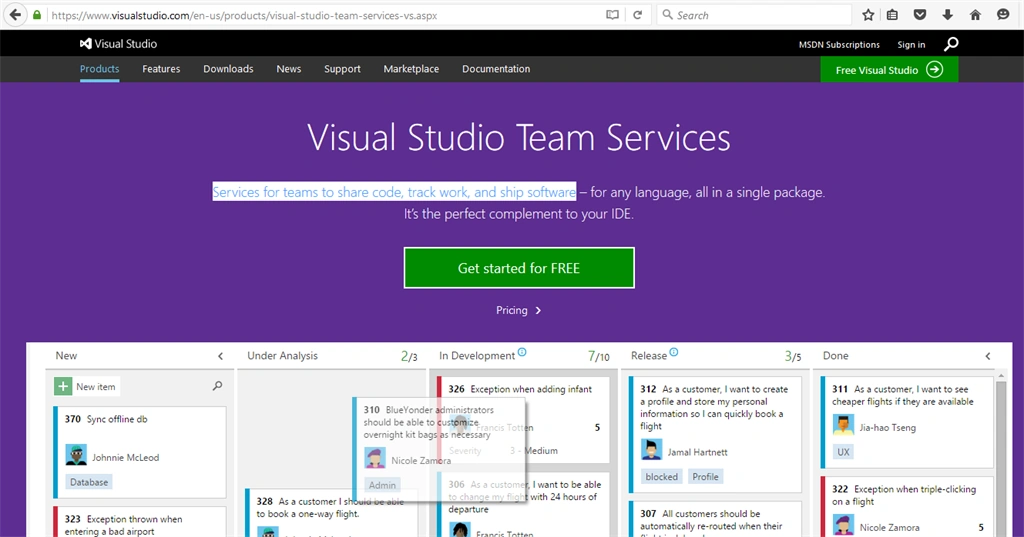
Visit this Link and complete the Sign-up process.
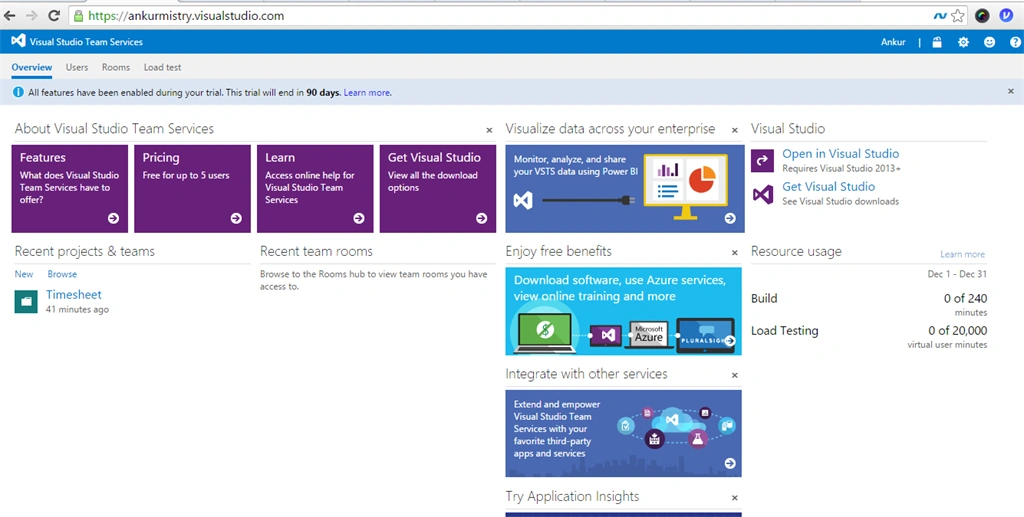
After login it will redirect you to Dashboard, here you can create a Project and Team. Create new project by clicking on 'New' from Recent project and teams.
Create your Team Project: From the Process Template you can choose Agile or Scrum Template.
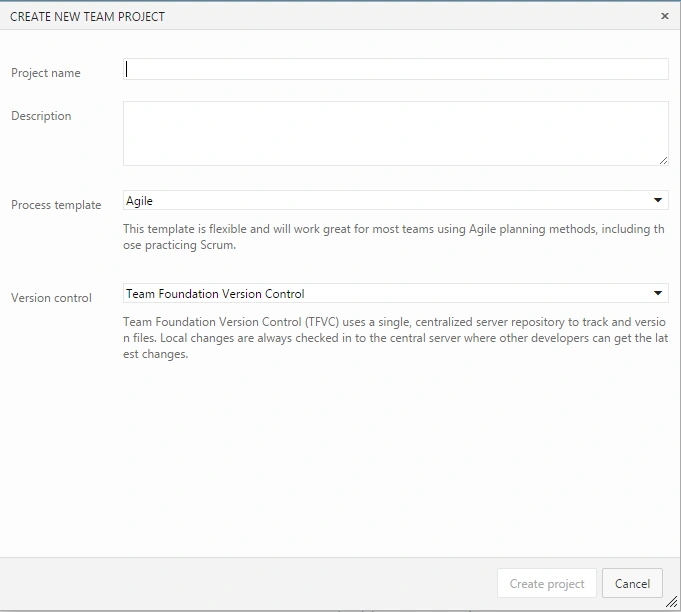
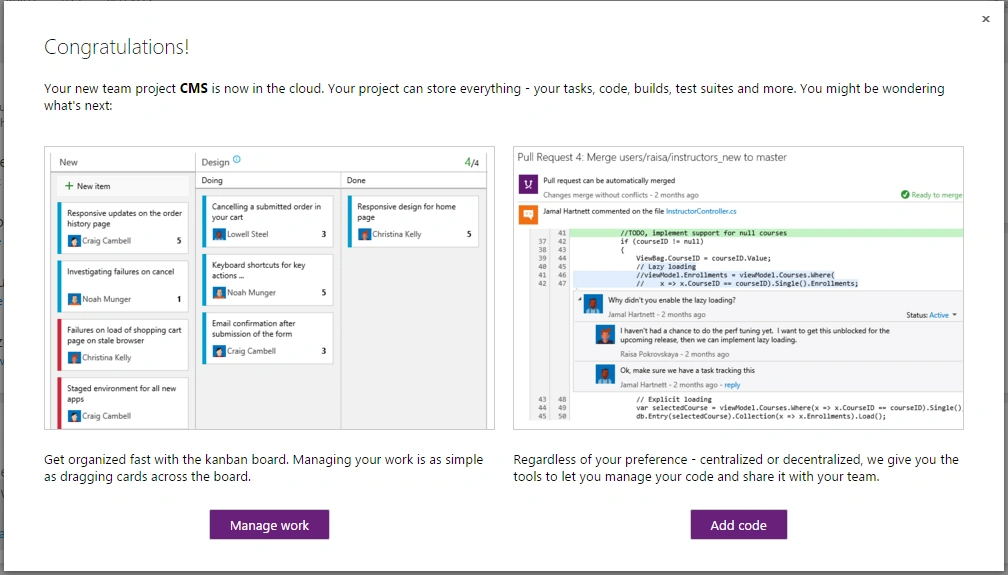
From the Version Control you can select Team foundation Version Control or Git. Enter project name and click on 'Create Project' - Select 'Manage Work'.
Here I have created 2 templates one using Scrum Template and another with Agile Template.
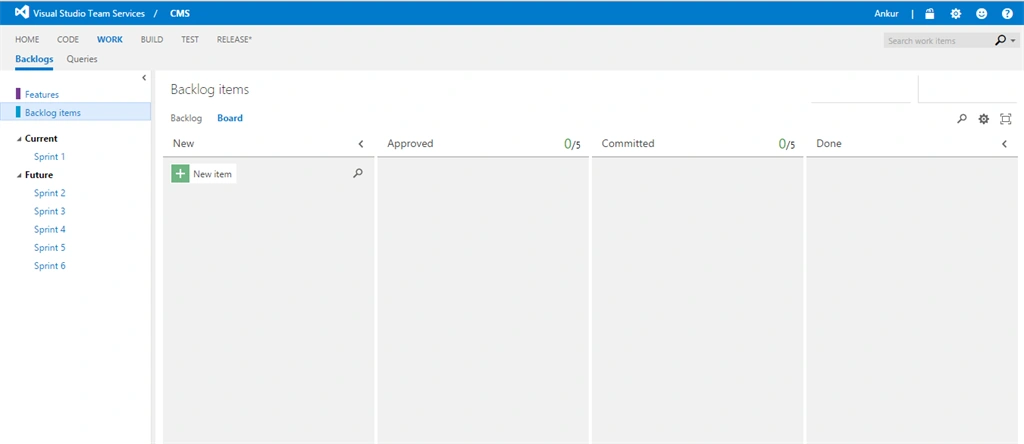
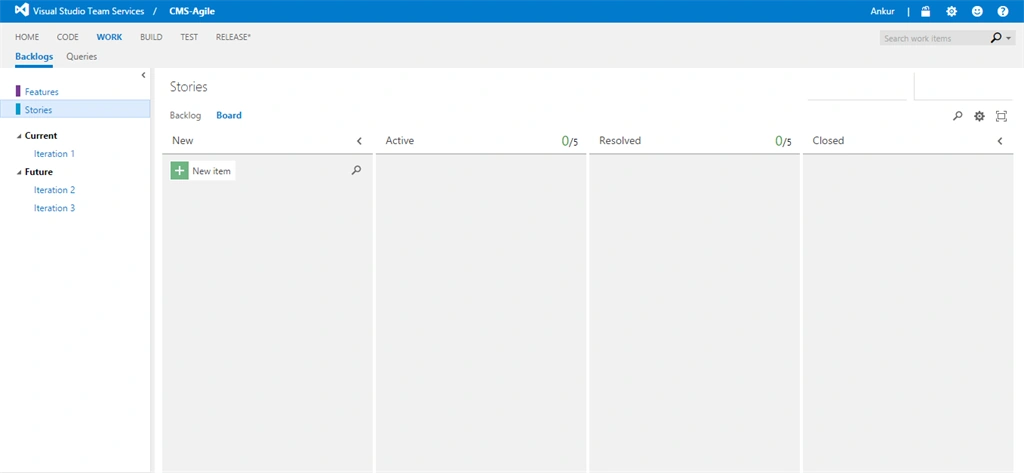
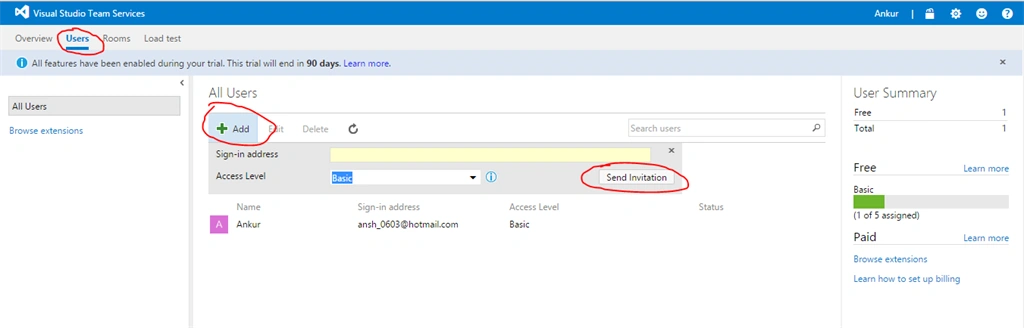
The Basic difference here is some keywords, like here in Scrum we have Columns Like 'New'. 'Approved', 'Committed' and 'Done' and in Agile Template we have 'New', 'Active', 'Resolved' and 'Closed'. Also for the Backlog in Scrum we have 'Sprint 1', 'Sprint 2' Etc. and in Agile we have 'Iteration 1', 'Iteration 2', etc. You can also change and customize this column as per your need. After creating project, Next task is adding Resources or Users, for that follow below steps.
Go to Users Tab - Add User Details and click on 'Send Invitation' Button,
After Creating Users, next step is creating Backlogs of your project. Click on 'New' and add your 'User Story' in Backlog, set your Prioritized list of works.
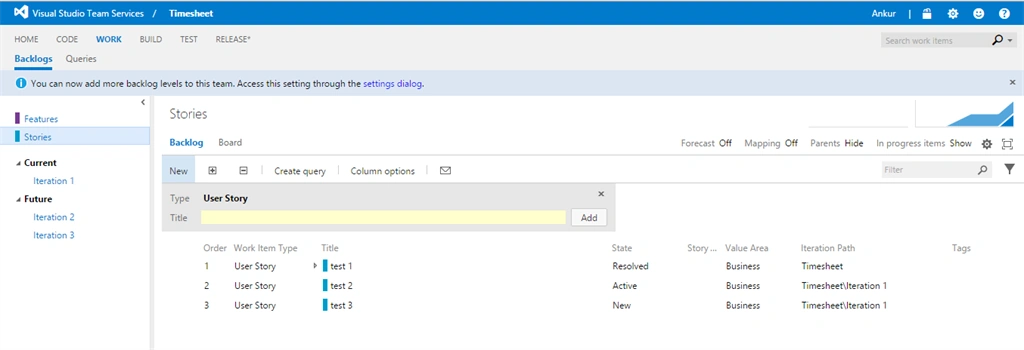
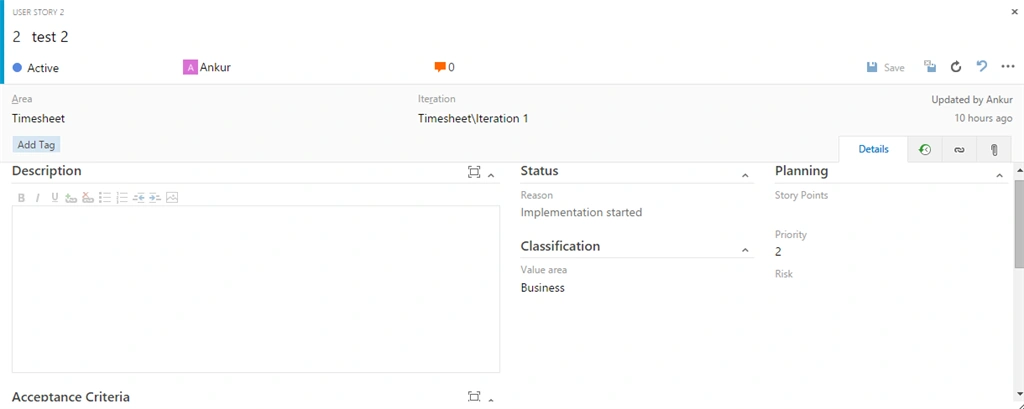
In your User Story, you can add details of tasks, Acceptance Criteria, Status and Priority, Links and Attachments, as in the following screen.
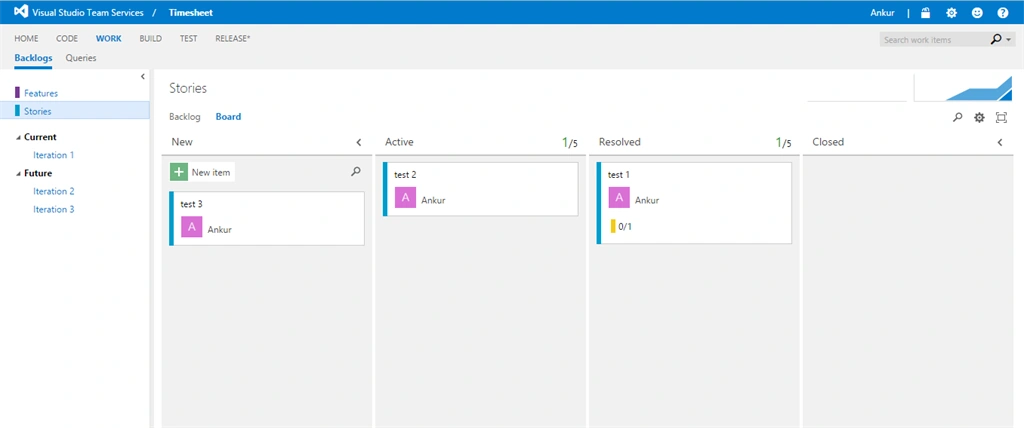
Backlog have Board, where you can keep track and manage your Project Progress by simply drag and drop Tasks in Column, Edit Tasks, etc.
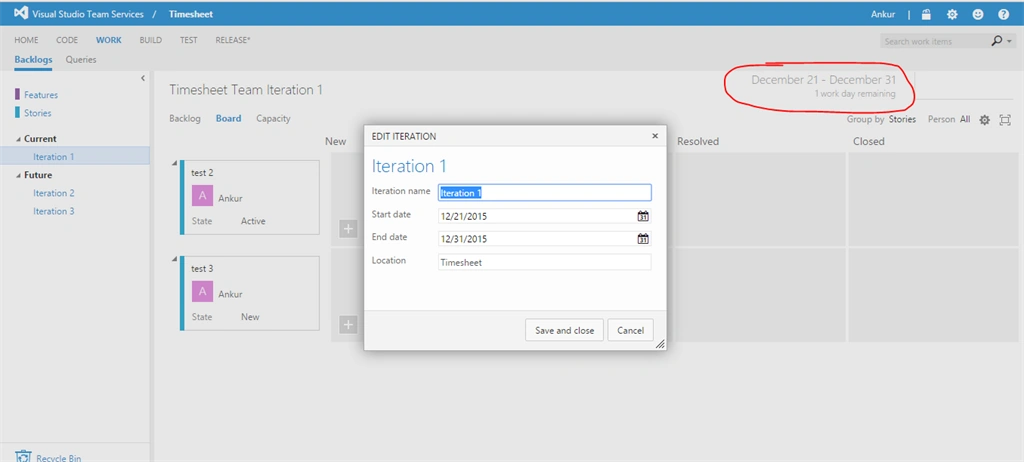
For Agile Template you can set dates for each Iterations as in the following screen,
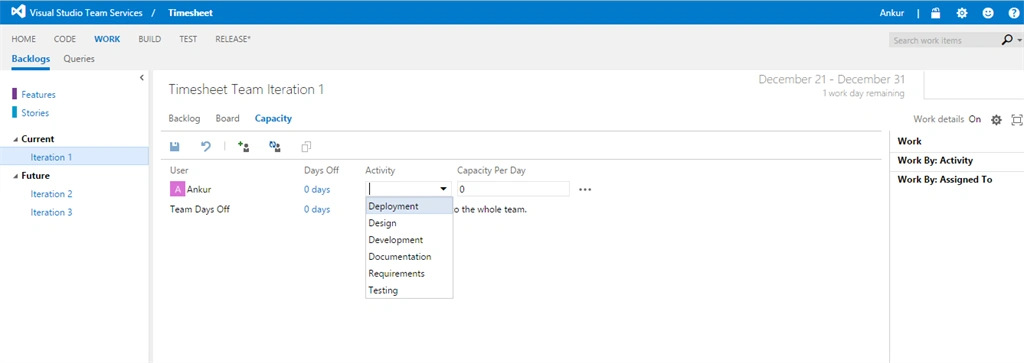
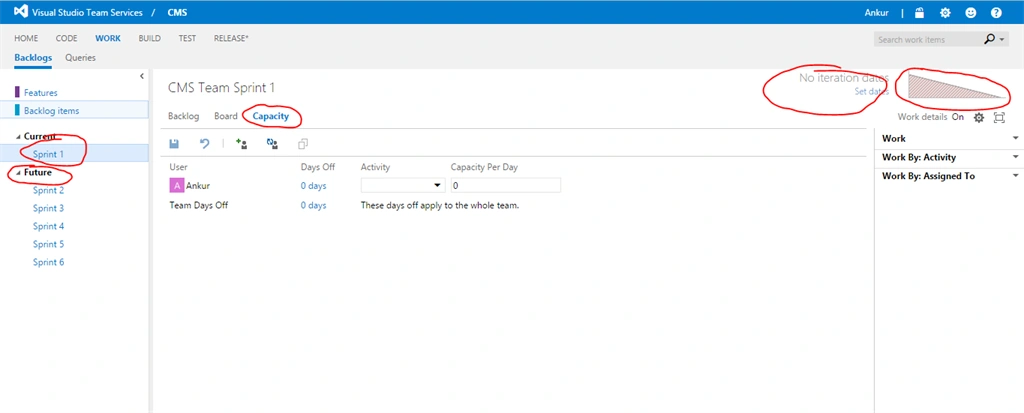
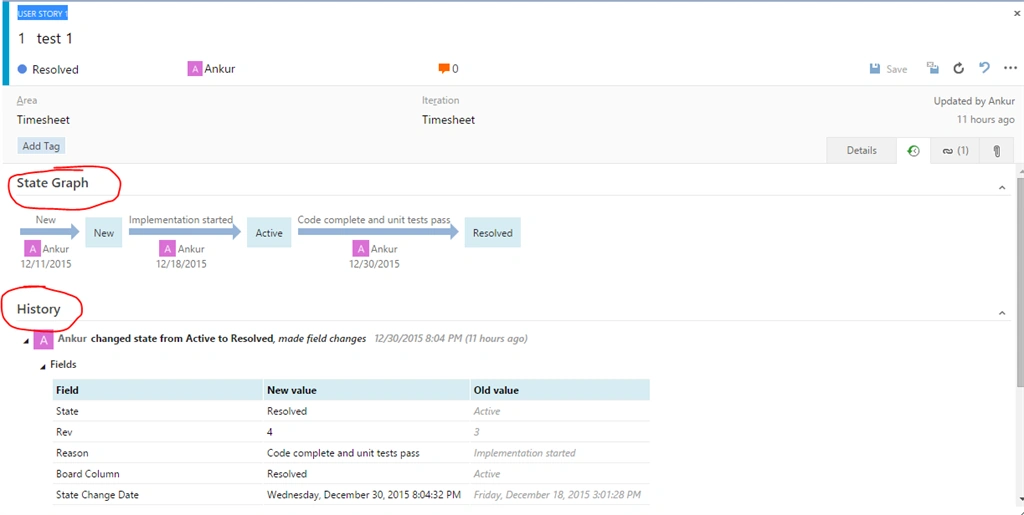
You can check also sprint burndown chart. In any point of time you can check the history of your Task as in the following screenshot. Here you can check who task owner is and who has made changes with date and time.
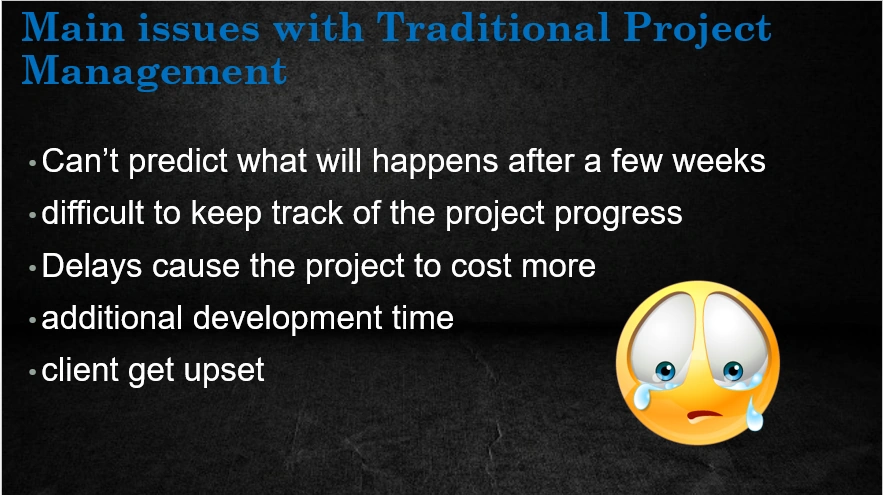
Main issues with Traditional Project Management
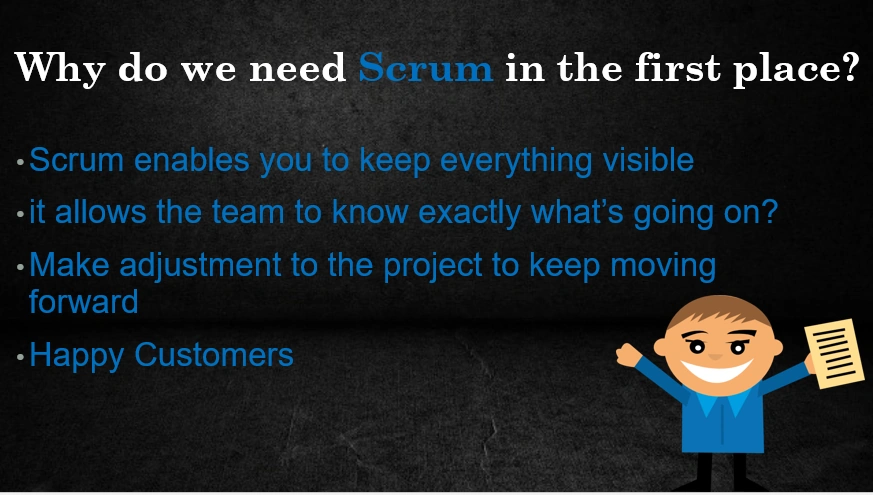
Why do we need Scrum in the first place?
So friends, what are you waiting for, set your own working rules and be a rule player. Start working smartly using Visual Studio Team Services. We will discuss more features like Query Editor, Graph, etc of Visual Studio Team Services and other tools in next article.
Wish you all ‘Happy New Year - 2016’.
Ibrahim SiddiquePosted Oct 3, 2017, 6:18 AM
Nice Article thanks for sharing
Vishal GhadagePosted Aug 12, 2016, 2:57 PM
It's really good article and also good explanation of agile and svrum in short words... Thanks for sharing....
Pradeep SahooPosted May 18, 2016, 4:59 PM
Nice share .........
Asfend YarPosted Feb 27, 2016, 4:05 AM
Nice Share
Akhil GargPosted Jan 4, 2016, 10:50 AM
Nice article
Ankur MistryPosted Dec 31, 2015, 10:54 AM
Thank you Santhakumar Munuswamy
Santhakumar MunuswamyPosted Dec 31, 2015, 10:38 AM
Thanks for nice article
Ankur MistryPosted Dec 31, 2015, 10:01 AM
Thank you Manoj Kalla
Manoj KallaPosted Dec 31, 2015, 8:38 AM
Very good article... Theory get refresh as like refresh button.
Jeetendra GundPosted Dec 31, 2015, 4:28 AM
Good one
Former memberPosted Dec 31, 2015, 4:18 AM
Nice article......
Humayun Kabir MamunPosted Dec 31, 2015, 3:44 AM
Nice...
Sibeesh VenuPosted Dec 31, 2015, 3:19 AM
Nice Share