

Asynchronous file upload control lets you upload files asynchronously. You can check the uploaded files both at client and server side.
There are many useful properties introduced in asynchronous file upload control like Complete back color, error back color, file content, filename, OnClientUploadComplete and lot more.
You can learn more in my previous parts here,
- AJAX Control Toolkit Tutorial: Introduction - Part One
- AJAX Control Toolkit Tutorial: Accordion - Part Two
- AJAX Control Toolkit Tutorial: AjaxFileUpload - Part Three
- AJAX Control Toolkit Tutorial: AlwaysVisibleControl- Part Four
- AJAX Control Toolkit Tutorial: AnimationExtender- Part Five
- AJAX Control Toolkit Tutorial: AreaChart - Part Six
Here is the list of useful properties.
- It can upload a file without any postback.
- It can show file upload or error status in the form of back color, green if upload is successful, otherwise red.
- It has a built in client and server event and properties for better control.
- You can also customize the control to show progress in the form of some spinner image.
We will discuss each property with examples for better understanding later in this article.
As an initial approach we will now place the code of async file upload control and check its output.
- <ajaxToolkit:AsyncFileUpload OnUploadedComplete="AsyncFileUpload1_UploadedComplete"
- runat="server"
- ID="AsyncFileUpload1" Width="400px" UploaderStyle="Modern"
- UploadingBackColor="#CCFFFF" ThrobberID="myThrobber" />
- protected void AsyncFileUpload1_UploadedComplete(object sender, AjaxControlToolkit.AsyncFileUploadEventArgs e)
- {
- string fileNametoupload = Server.MapPath("~/Documents/") + e.FileName.ToString();
- AsyncFileUpload1.SaveAs(fileNametoupload);
- }

Let’s see in detail about properties, events and methods of the control.
Events
- Upload Complete
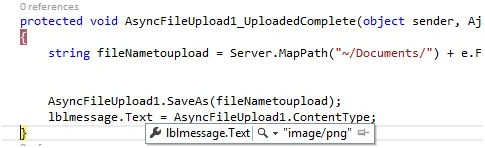
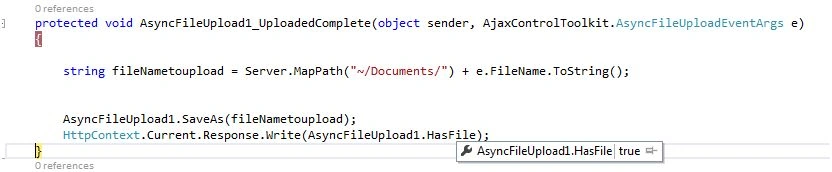
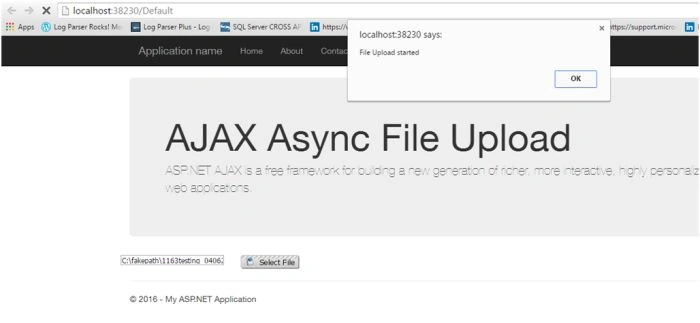
It is a server side event and called when file is successfully uploaded to the server. It shows a green color to show it uploaded to the server.
- protected void AsyncFileUpload1_UploadedComplete(object sender, AjaxControlToolkit.AsyncFileUploadEventArgs e)
- {
- string fileNametoupload = Server.MapPath("~/Documents/") + e.FileName.ToString();
- AsyncFileUpload1.SaveAs(fileNametoupload);
- }

- UploadedFileError
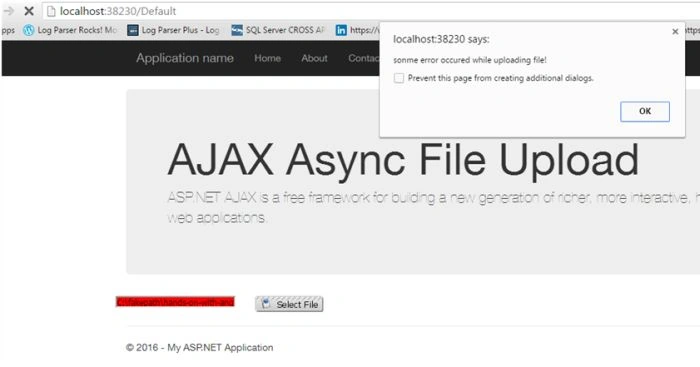
It isa server side event and called when the file is not successfully uploaded to the server and generated an error. It shows a Red color to show it did not upload to the server.
- protected void AsyncFileUpload1_UploadedFileError(object sender, AjaxControlToolkit.AsyncFileUploadEventArgs e)
- {
- lblmessage.Text = "SOme error Occured";
- lblmessage.ForeColor = System.Drawing.Color.Red;
- }

Properties





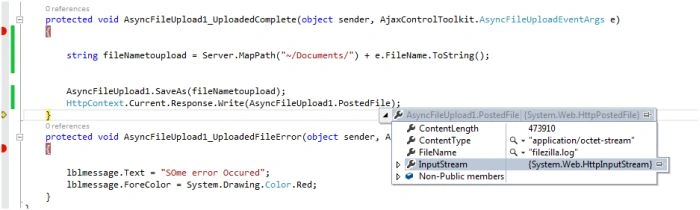






Iqrar AliPosted Dec 9, 2016, 9:44 AM
Very knowledgeable piece of data.
Vignesh ManiPosted Jun 11, 2016, 4:41 PM
nice one
Bhuvanesh MohankumarPosted Jun 10, 2016, 12:59 AM
Good one...
RajaPosted Jun 10, 2016, 12:33 AM
Nice Share....
Debasis SahaPosted Jun 10, 2016, 12:16 AM
Good one..
Santhakumar MunuswamyPosted Jun 9, 2016, 11:59 PM
Thank you for sharing
Sonu ChaudharyPosted Jun 9, 2016, 4:46 PM
good one