

AJAX Control toolkit Calendar Control is an extender control that works with some input field to extend its functionality. It provides client side scripting functionality with customizable date format and User Interface.
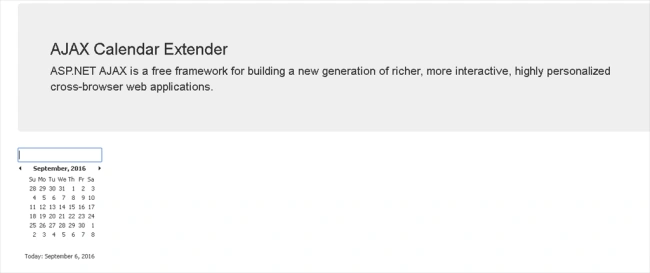
You can select the date after opening extender by clicking on the date to set or Today link for populating Today's date. Hope you raise a question here about how we move back and forth to the months or years to select the required date.
You can move back and forth between months by clicking on the left and right arrow buttons, and by clicking on the Title of the calendar you can change the view from days to months and then another click to years to select the date. The same procedure reverses once you selected the required year from past or future year to months and then finally day selection.
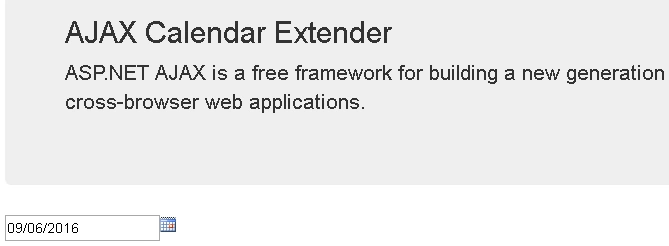
So let’s start it to implement it in our code and check the initial look.
First we required a textbox where the extender appears.
- <asp:TextBox ID="Date1" runat="server"></asp:TextBox>
- <div class="row">
- <div id="ajaxcontroltoolkitplaceholder">
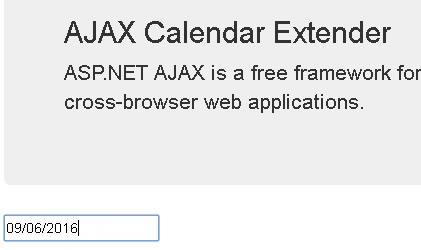
- <ajaxToolkit:CalendarExtender runat="server" TargetControlID="Date1" CssClass="ClassName" Format="MM/dd/yyyy" /> </div>
- </div>
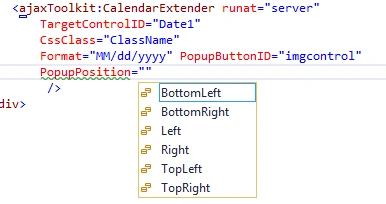
Properties
Iqrar AliPosted Dec 9, 2016, 9:40 AM
Very knowledgeable piece of data.
Nikhil SanganiPosted Sep 9, 2016, 12:27 AM
Good
Vignesh ManiPosted Sep 8, 2016, 6:47 PM
Nice