

Copilot agents can otherwise be called ‘mini experts’ that boost Copilot actions to stand alone. Each agent can specialize in a particular task or be targeted for one application, such as drafting an email in Outlook, generating data insights in Excel, or looking for files added in the SharePoint folder and summarizing the information available in the document. These agents work together to pull information and add context from across the Microsoft 365 suite of apps to provide helpful responses and actions.
Copilot Agents are Game Changers
In the real world, every time, a user cannot trigger an action to perform something and respond back. The real magic happens by connecting Copilot agents with the data and context from different apps and responding in a scheduled manner. This interconnection allows you to get recommendations based on a broader context without manually switching between apps or logging in to separate windows.
This feature makes Microsoft 365 Copilot a true copilot by enabling users to work faster, automate repetitive tasks, and enhance their productivity by having a second set of hands that is intelligent enough to understand and act autonomously.
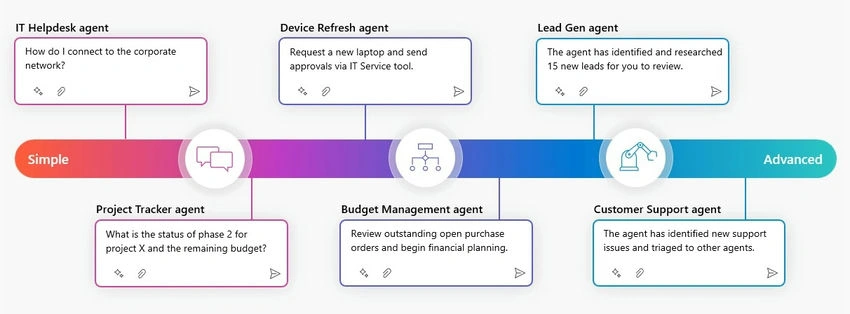
Image source: Microsoft / microsoft.com
Agent Builder Tools
To build an agent by declaring instructions, actions, and knowledge to extend and customize Microsoft 365 Copilot. Such agents are called ‘Declarative Agents’.
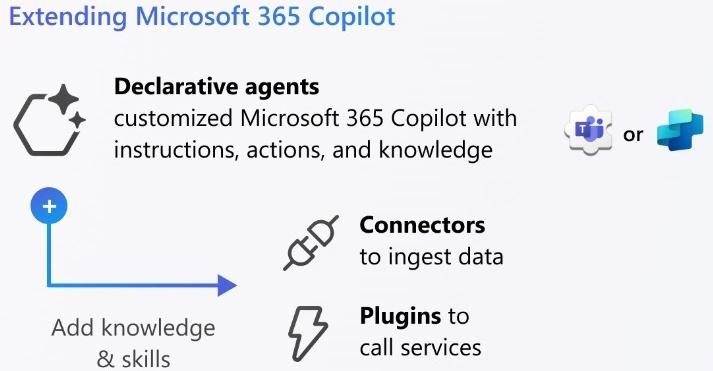
Image source: Microsoft / microsoft.com
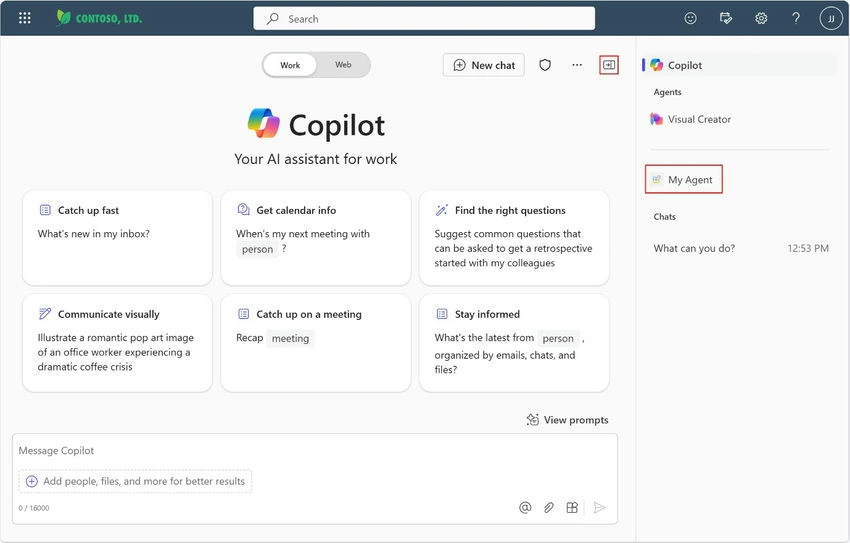
Declarative Agents are built to enhance the user experience by allowing them to create personalized and tailored interactions and responses with a similar look and feel.
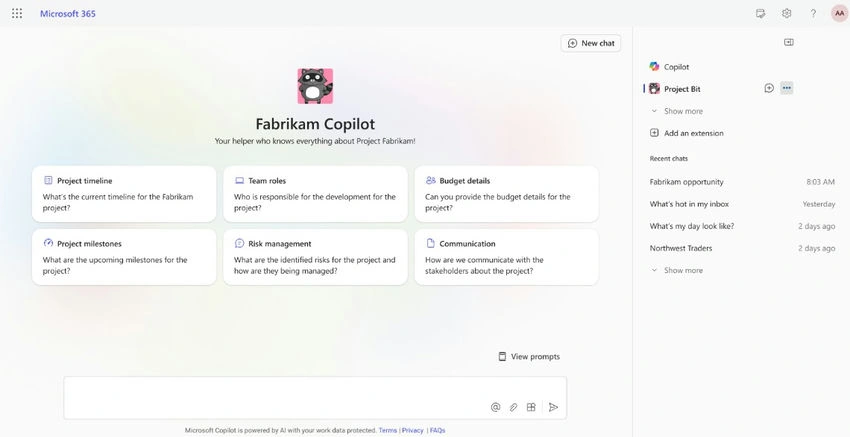
Image source: Microsoft / microsoft.com
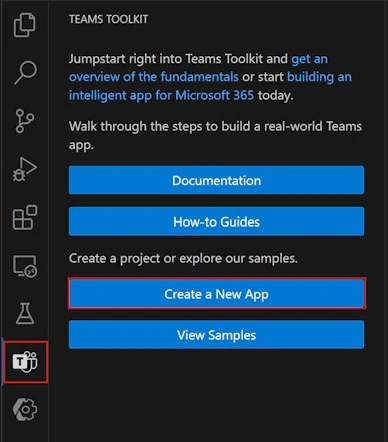
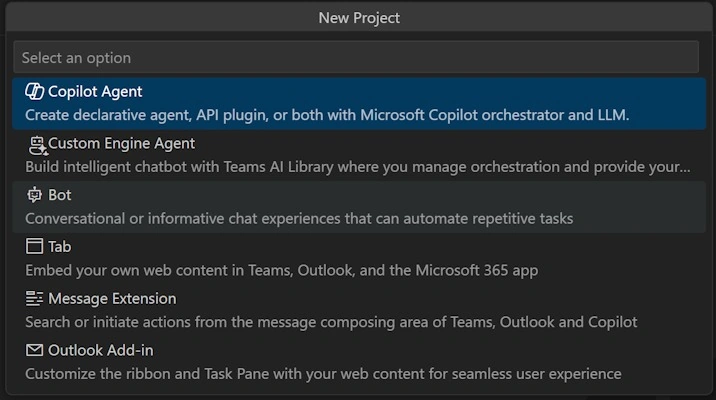
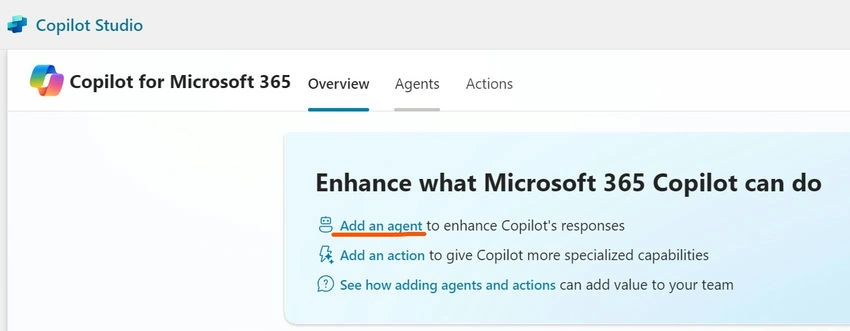
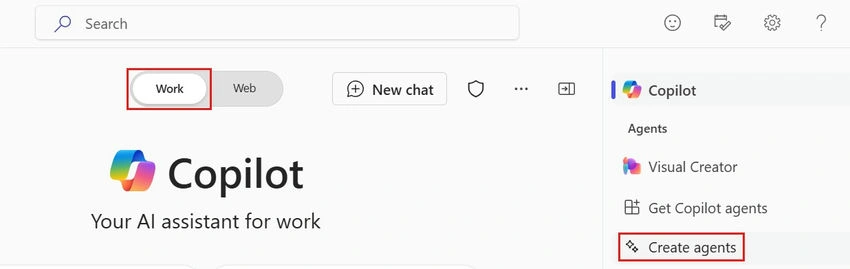
Build a declarative agent if you want a specific agent for tasks and domain knowledge. These agents can be built in multiple ways.

Image source: Microsoft / microsoft.com
Join the conversation! Your thoughts help the community grow.