

This is part three of "Always Encrypted In SQL Server 2016 - Step By Step Guide" series. In this article, we are going to see how to search In an encrypted column and how to deploy a certificate to a different environment. In case you have missed out the previous two articles of the series, you can read them here:
- Always Encrypted In SQL Server 2016 - Step By Step Guide - Part One
- Always Encrypted In SQL Server 2016 - Step By Step Guide - Part Two
Search Encrypted Column
As part of the Always Encrypted In SQL Server 2016 - Step By Step Guide - Part One article, we have created a table with few records as shown below.
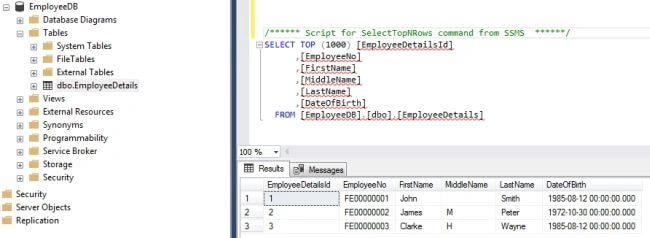
Let's create a simple MVC application having a simple View to perform the equality search on LastName/FirstName/Middle Name columns. The proposed View will look like below.
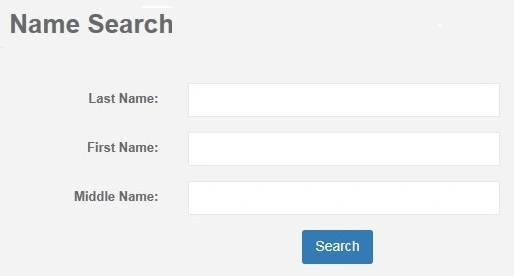
The requirement is when a user enters the name and hits the search button, the application should make a call to a stored procedure that will pull all the matching records (remember, no wild-card search is possible as AE technique only allows equality search). In this article, we will not cover the implementation details for this screen logic.
For illustration purpose, we will consider the same "EmployeeDB" custom database created using the SSMS from our local development machine. To keep things simple, we are going to reference a single server that will serve as a web server and as well as a database server.
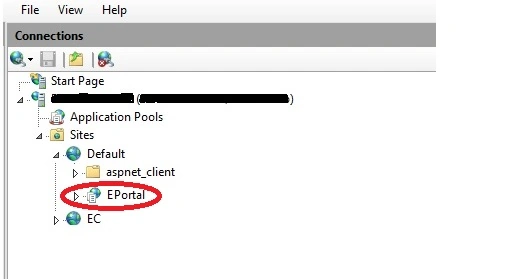
Let's deploy the ASP.NET MVC application to a dev. server (Server Name: DevServer01) and connect to this database. Configure a website with name "EPortal" on this dev. server and ideally, the website should look like below.
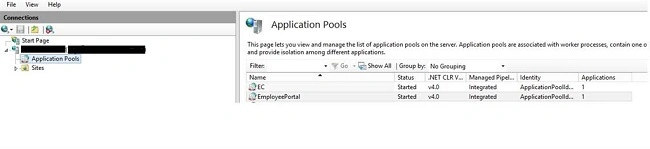
For our example, we will have a single server that would host the MVC app and SQL Server 2016. Let's have an app pool for the website as shown below.
Alright, everything is ready now! The connection string in the web.config file points to "EmployeeDB" database which will have a single stored procedure to perform the search query. Let's enter the First Name as "John" and hit the search button in the front-end application. Ohh! there seems to be an issue, doesn't there? The below error is displayed after performing the search.
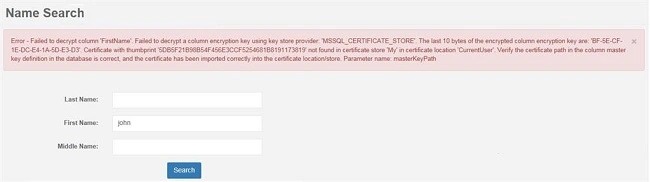
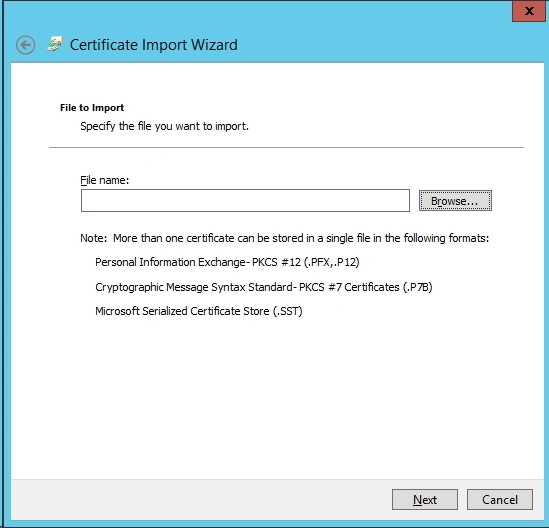
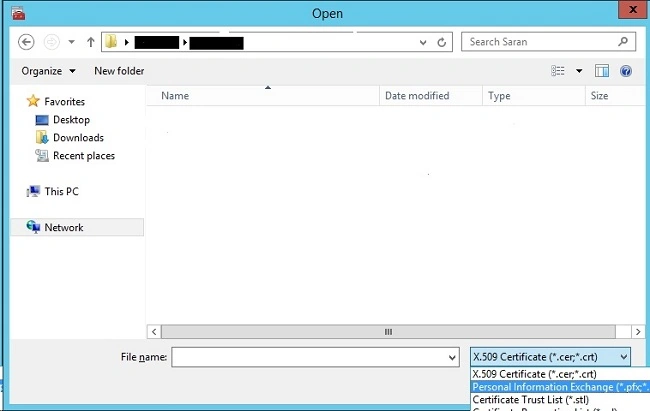
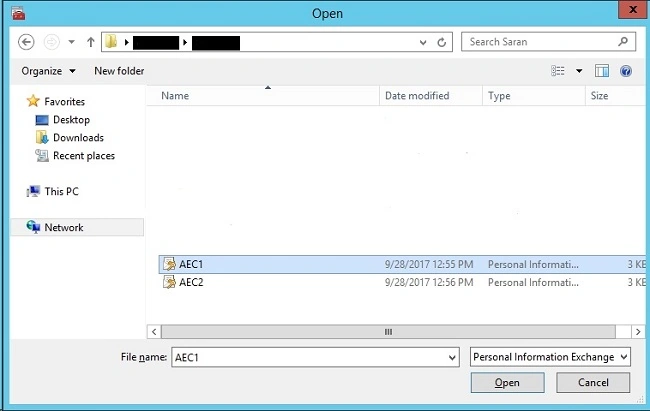
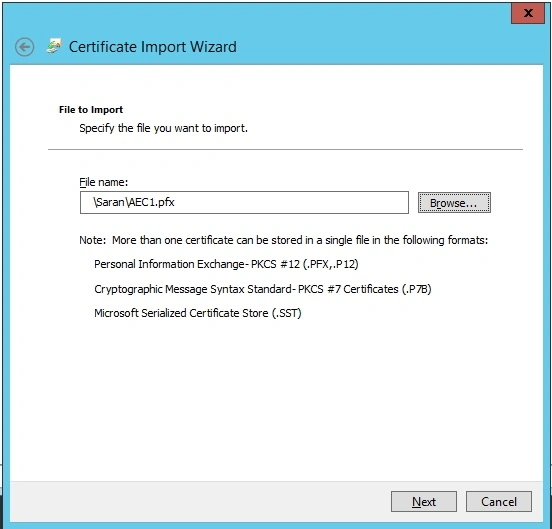
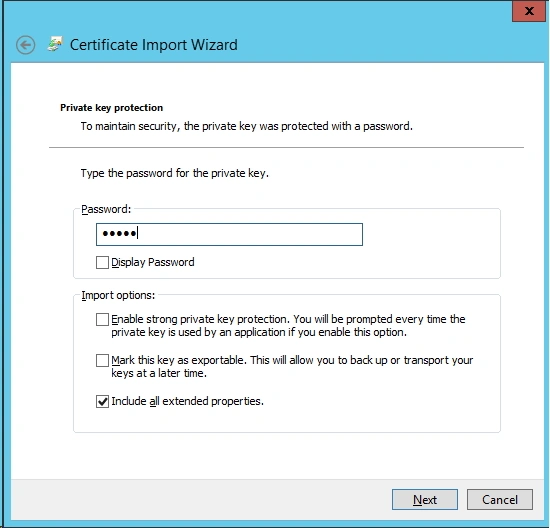
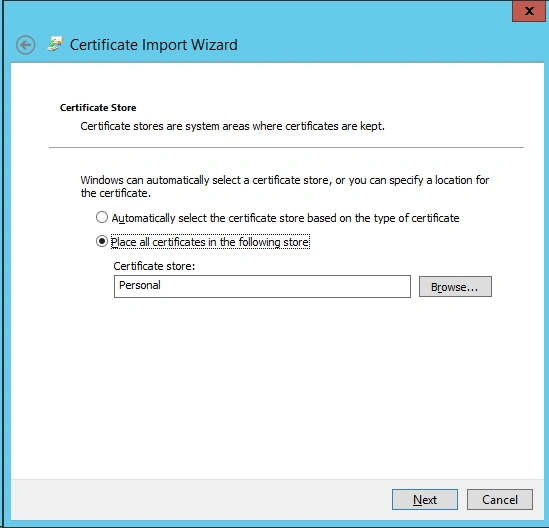
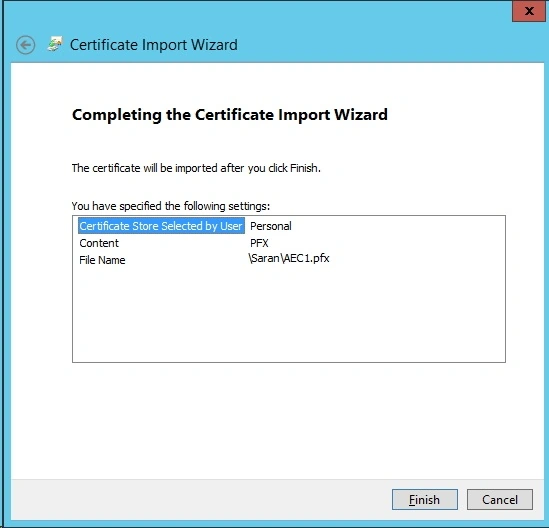
So, what's going wrong? Remember that initially, we had configured the encryption process on "Employee" table using SSMS from the local development machine and due to this, the CMK certificate lies on our local machine and its not accessible on the dev. server where we published our sample application. The certificate created on the local development machine is shown below.

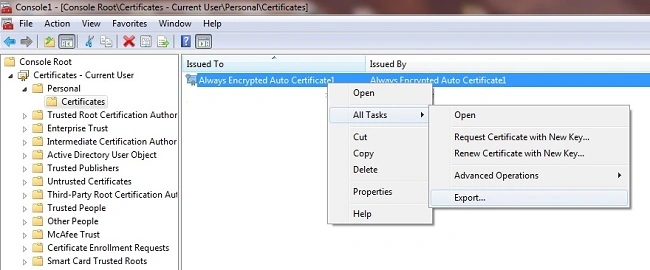
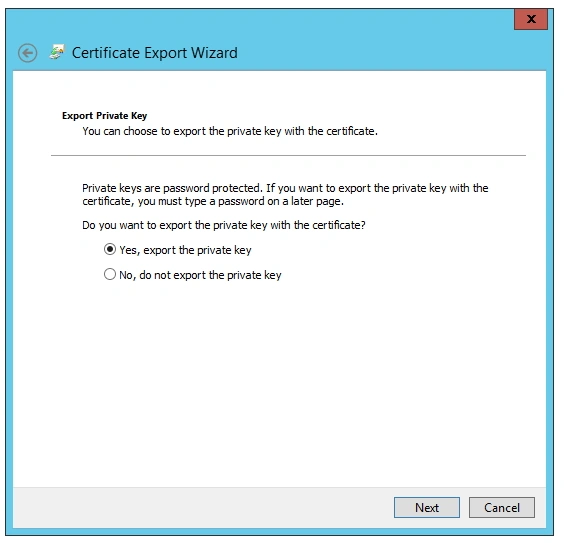
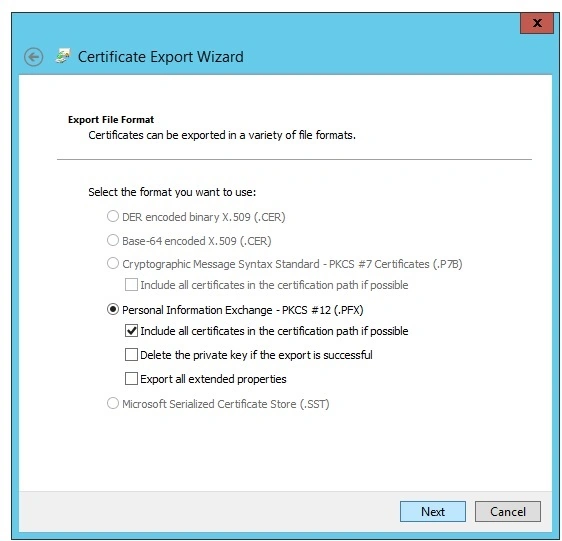
Hadshana KamalanathanPosted Jul 17, 2018, 3:13 AM
Thank you for sharing...