IIS configuration files can be administration.config, applicationHost.config, or website or application specific web.config. We can use this feature to edit and save those settings than generate a C# or appcmd.exe script for automation as well.
You can see my previous articles on IIS 7.5 Feature:
Let’s open
IIS 7.5 manager and check whether Configuration Editor Module is present or not under Management section as shown below:
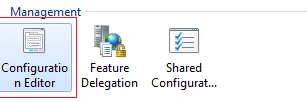
Let’s select server node, double-click on Configuration Editor and understand its settings:
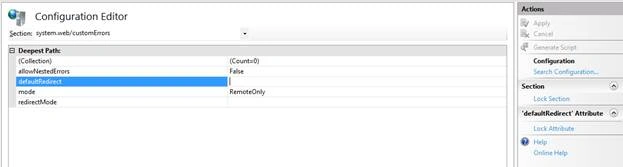
We can select a particular section and edit those settings. Let’s set customerrors mode to Off and click on Apply as shown below:

We can even generate script for this change by clicking on “Generate Script”:
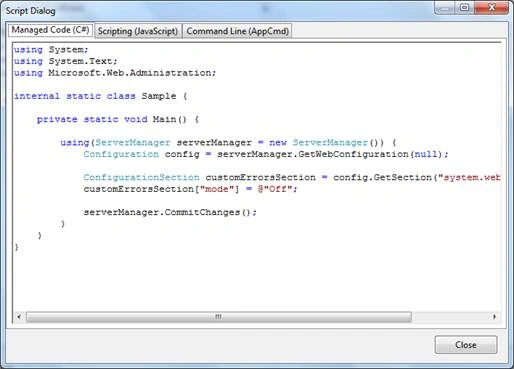
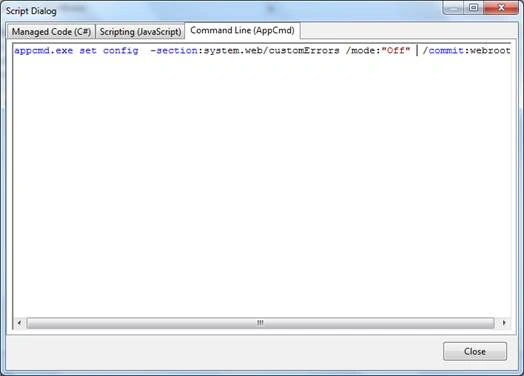
We can use this C# or JS script or appcmd.exe command for automation or administration purposes.
We can search for a specific entry in all configuration files by clicking on “Search Configuration”:
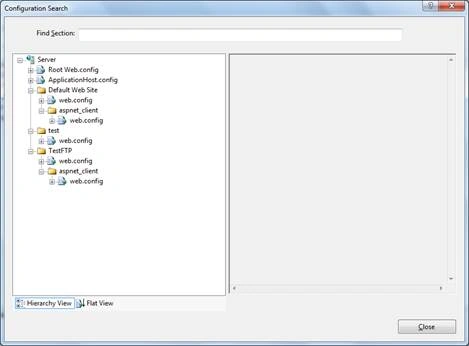
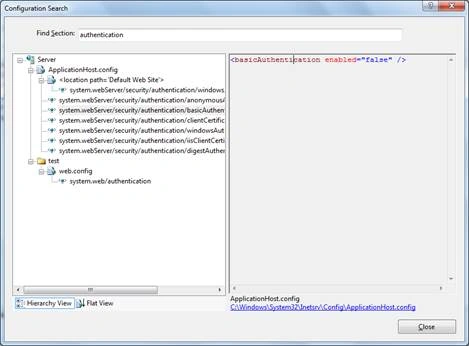
We can lock a section like customErrors or attribute like Mode, so that it cannot be modified in lower application level configuration files.

We can use shared configuration features in cases where a single config file has to be used by multiple IIS instances in a web form. It enables a server to access a configuration file in a UNC share as if it were its local configuration. As a result, when you update the configuration by using a front-end Web server, the updates are made to all other servers within web farm.
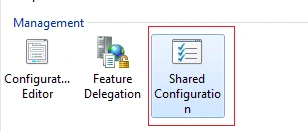
Click on Shared Configuration and enter details like remote config file path and credentials to connect to it.
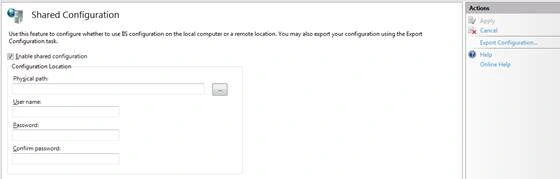
We can click on “Export Configuration” to export all config files and make it available for sharing on a UNC path.
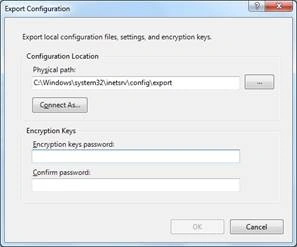
Enter a password and click on OK, this will create 3 files: administration.config and applicationHost.config and configEncKey.key.
I am ending things here on Configuration Editor and shared configuration, I hope this article will be helpful for all.
Read more articles on IIS:


Prasanna MuraliPosted May 20, 2016, 9:12 PM
Nice one...
Gowtham RajamanickamPosted Apr 25, 2016, 10:00 AM
good article..
Vivek KumarPosted Apr 24, 2016, 2:59 PM
Good one
Debasis SahaPosted Apr 24, 2016, 1:08 PM
Good one..
Kuppurasu NagarajPosted Apr 24, 2016, 12:36 PM
Nice Sharing..
Rahul Kumar SaxenaPosted Apr 24, 2016, 12:12 PM
Good One
Vignesh ManiPosted Apr 24, 2016, 9:49 AM
Nice