

This article shows how to build an easy application (Text Editor) for yourself using Angular JavaScript. You can change the code to attach some extra functionality to your editor because it simply uses your knowledge of HTML, CSS and JavaScript.
So are you ready for this.
How to Build
The procedure for building this application is as easy as writing a hello world program using recursion, what you need is only the skills in HTML, CSS and JS.
There are generally 3 steps in it: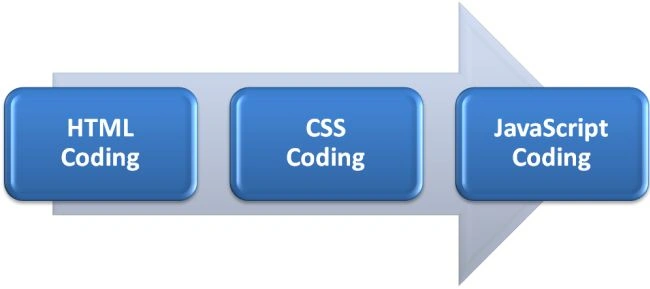
Step 1: HTML Coding
In this very first step you only need to perform a base HTML coding operation by calling or accessing functionalities of angular js in it via a tag like ng-app, ng-controller and other (mentioned in the code).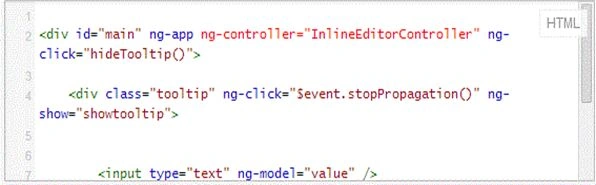
Code Snippet
<div id="main" ng-app ng-controller="inlineEditorController" ng-click="hideTooltip()">
<div class="tooltip" ng-clcik="$event.stopPropagation()" ng-show="showtooltip">
<input type="text" ng-model="value"/>
</div>
<p ng-click="toggleTooltip($event)">{{value}}</p>
</div>
Step 2: CSS Coding
In the CSS page we will define the structural overview and some design aspects of the editor, it is totally on you. (Like how you want to see your editor in the form of color, size, width, height and several other respective aspects and properties.)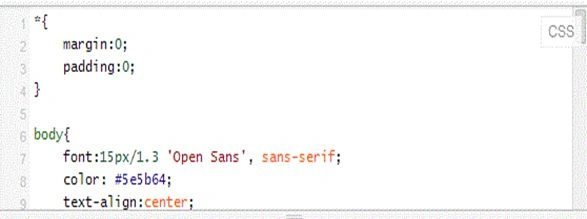
Code Snippet
*(
margin:1;
padding:0;
}
body
{
font:15px/1.4 'Tahoma', tahoma;
color: Fuchsia;
text-align:center;
}
a, a:visited
{
outline:none;
color:Teal;
}
a:hover
{
text-decoration:blink;
}
section, footer, header, aside, nav
{
display:block;
}
.tooltip
{
background-color:#5c9bb7;
background-image:-webkit-linear-gradient(top, #5c9bb7, #5392ad);
background-image:-moz-linear-gradient(top, #5c9bb7, #5392ad);
background-image:linear-gradient(top, #5c9bb7, #5392ad);
box-shadow: 0 1px 1px #ccc;
border-radius:3px;
width: 280px;
padding: 10px;
position: absolute;
left: 50%;
margin-left:-150px;
top: 80px;
}
.tooltip:after
{
content:'';
Join the conversation! Your thoughts help the community grow.