

Overview
In previous articles, we have seen the UI-Router parameters with an example. In this article, we will see,
- Case sensitivity of UI-Router in AngularJS, and
- Default route with UI-Router in AngularJS, with an example. (we will use the same example demo application, here also)
For more articles on AngularJS, refer to these links -
- Overview Of AngularJS
- Modules And Controller In AngularJS
- Controllers in AngularJS
- AngularJS ng src Directive
- AngularJS ng-Repeat Directive
- Handling Events In AngularJS
- How To Use Two-Way Data Binding In AngularJS
- Filters In AngularJS
- Sorting Data In AngularJS
- Sorting Rows By Table Header In AngularJS
- Creating Custom Filters In AngularJS
- ng-Hide And ng-Show In AngularJS
- ng-init Directive In AngularJS
- Search And MultiSearch In AngularJS
- ngInclude Directive In AngularJS
- $http Service In AngularJS
- Consuming ASP.NET WebService In AngularJS
- AnchorScroll Service In AngularJS
- AngularJS Page Refresh Problems
- RouteParams In AngularJS
- Angular AnchorScroll With Database Part
- AngularJS Routing Using WebService
- AngularJS Controller As Syntax
- AngularJS Nested Scopes And Controllers As Syntax
- AngularJS CaseSensitive And Inline Templates
The routes that are configured using UI-Router are case-sensitive by default. We will continue with the same example at the moment. When you run that application, you are on the home page.
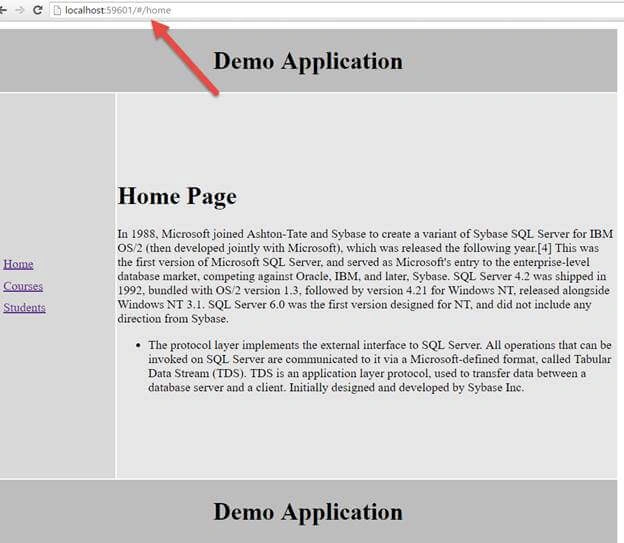
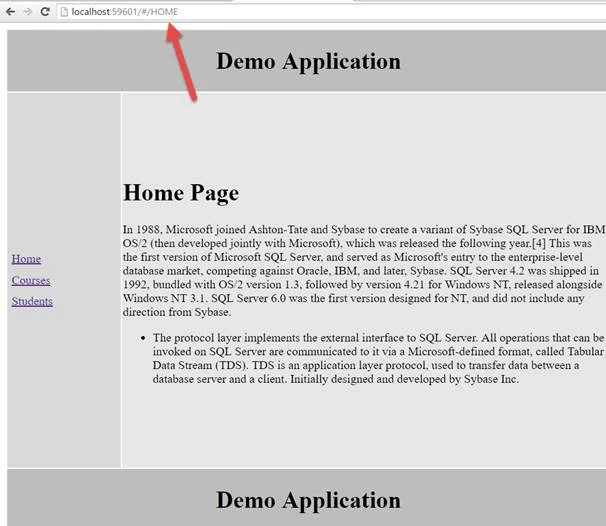
Look at the URL above, it is localhost some port /#/our Controller name. In this case, all the letters are in lowercase and everything works as expected. Let’s change it to Upper-case.
Initially, when you change the case, nothing happens.
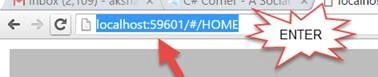
But, when I do highlight the complete URL and press enter, the whole data of home Controller is gone. See the output below.
Output
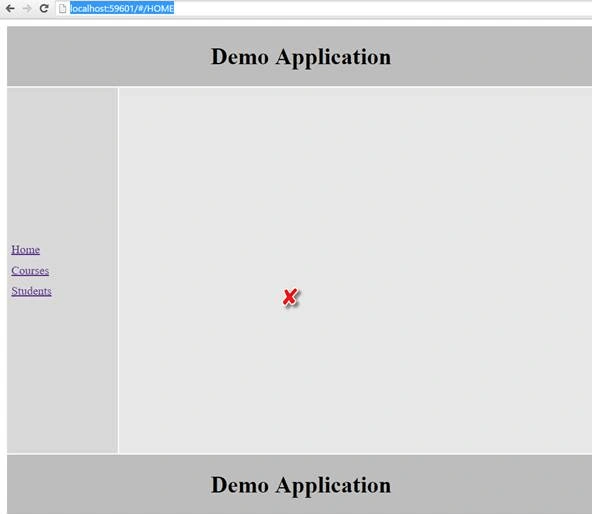
Nothing is being displayed in the layout View. That’s because the routes that are configured using UI-Router are case sensitive.
To make route insensitive, all you have to do is to inject $urlMatcherFactoryProvider service into the config() function and call caseInsensitive(true) function.
Let’s go back to our Controller. We will inject $urlMatcherFactoryProvider service to the config function and then call caseInsensitive function and pass a value.

Now, save your changes and reload your app.
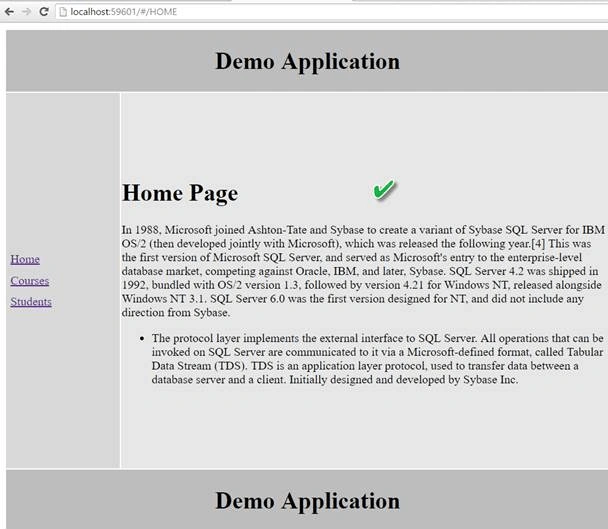
You can see from the above output that the URL might be the combination of uppercase, lowercase, and so on. Still, we are able to see the data that is present in the current Controller.
Also, you can check with the other URL i.e. our /courses and /students.
You will able to view that partial template. So this was all about CaseInsensitive with UI-Router,
- Now, in our second part of this article, we will see how to set a default route using UI-Router in Angular application. Let’s understand this with an example.
At the moment, if we try to navigate the router which is not configured for example :/ABC, initially, when you hit enter, the app does not react. When you click on the URL and hit enter, the app reacts and displays nothing.

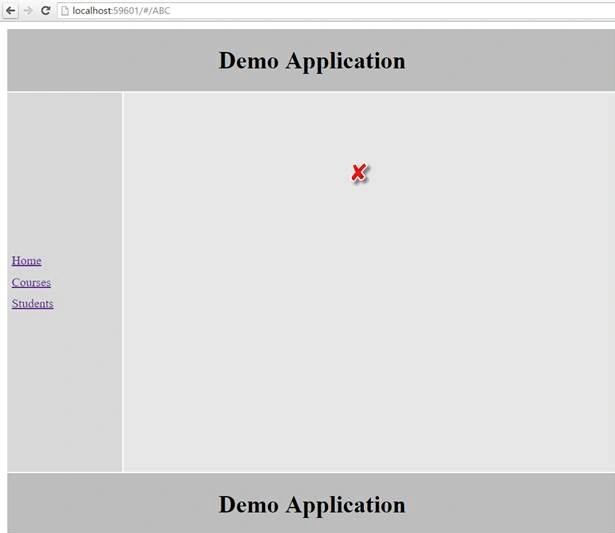
The router which is not configured the angular does not know which layout to be injected that’s why we don’t see any data on the page or we have a blank layout. If you try to navigate to the route of this URL we will get the same output as,
We can solve this problem by using default routes.
To configure default routes when you are using ui-router inject $urlRouterProvider service into config() function and use otherwise () function passing it to the default Route.
Now, we want our home route to be our default route.
So, we will inject $urlRouterProvider to the config function and then, we are going to use its otherwise function. In that, you will pass the default route, /home.

Now, save the changes and reload the app.
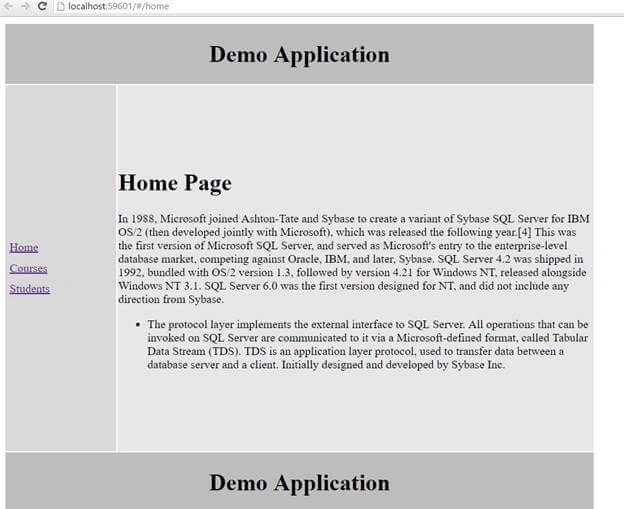
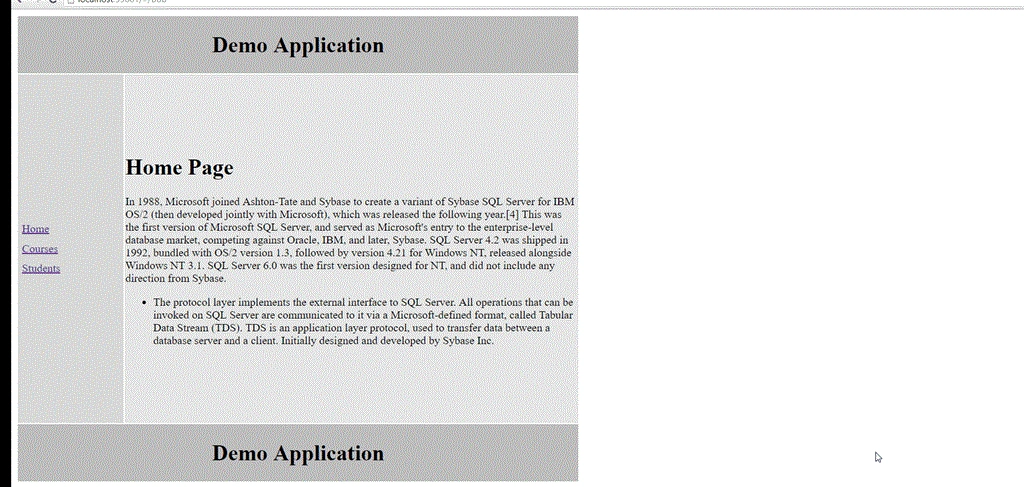
As you can see from the above output, by default it has routed to the home Controller. You can type in the URL the route which is not configured in this example /ABC or any other route which is not configured and let’s check the output:
Check the below output for the route which is not configured and on the root we get the same output,
Conclusion - So, this was all about Case Sensitivity and default UI-Route in Angular JS. Hope this article was helpful!!
Hamid KhanPosted Nov 25, 2017, 12:37 PM
Nice............. could you please attach the source code?
Vignesh ManiPosted Sep 19, 2016, 8:25 AM
Nice