

Introduction
In my previous article I explained How to Apply Knockout Validations in MVC Application.
This article is a continuation of that article. In this article I will tell you about some more Knockout validations in MVC Applications.
In the previous article you saw:
- Required Validator
- MinValue Validator
- MaxValue Validator
- Email Validator
In this article I will show you:
- Date Validator
- Number Validator
- Whole Number Validator
- Phone Number for US Validator
Let's see how to apply the following validations.
Date Validation
Date Validation will check whether a Date is entered in the correct format.
All the validations are applied using the Extend Function. Date validation is also applied in the same format.
self.Title = ko.observable("").extend({ required: true, date: true });
This validation validates both slashes and dashes for separating the days from months and years, both can be used together.
Output
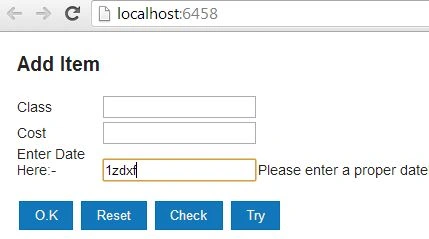
In the output you can see that as I enter some invalid text, an error message is displayed by the TextBox.
Number Validation
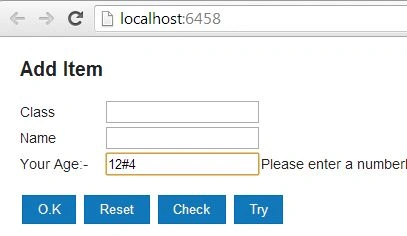
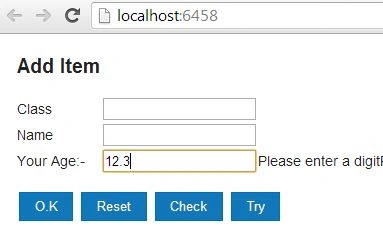
Number Validation will ensure that only numbers are entered, even if you enter a non-numeric value between the numbers the validation will also detect that. It's syntax is as follows:
self.Title = ko.observable("").extend({ required: true, number: true });
Bhuvanesh MohankumarPosted May 3, 2016, 12:43 PM
Good one..