
Overview
Usually, web applications work together to integrate different functionalities in a single login. So, if web applications (eg: - multiple modules) can host within a primary application, it is easier to use ASP.NET Core cookie sharing mechanisms over a single sign-on (SSO) experience.
Steps
For example, we can start with two MVC applications in .Net core and share the cookie for authentication. Let’s consider the primary application name is “PrimarySite” and secondary application “Subsite”.
Initially both applications have similar startup.cs file.
public void ConfigureServices(IServiceCollection services) {
    services.AddControllersWithViews();
}
// This method gets called by the runtime. Use this method to configure the HTTP request pipeline.
public void Configure(IApplicationBuilder app, IWebHostEnvironment env) {
    if (env.IsDevelopment()) {
        app.UseDeveloperExceptionPage();
    } else {
        app.UseExceptionHandler("/Home/Error");
        // The default HSTS value is 30 days. You may want to change this for production scenarios, see https://aka.ms/aspnetcore-hsts.
        app.UseHsts();
    }
    app.UseHttpsRedirection();
    app.UseStaticFiles();
    app.UseRouting();
    app.UseAuthorization();
    app.UseEndpoints(endpoints => {
        endpoints.MapControllerRoute(name: "default", pattern: "{controller=Home}/{action=Index}/{id?}");
    });
}
Step 1
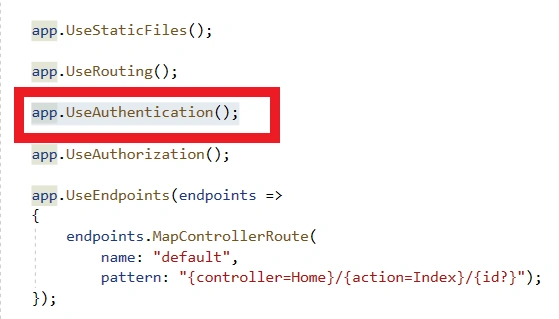
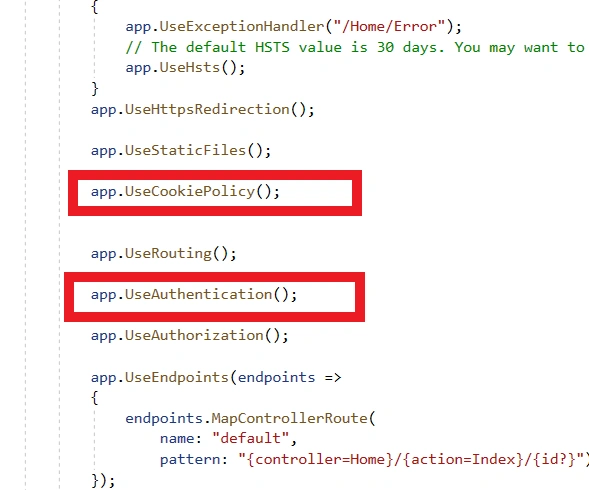
First, we can make a login/register page in Primarysite. For that we need to add authentication middleware in configure method above UseAuthorization middleware.
app.UseAuthentication();
Steps 2
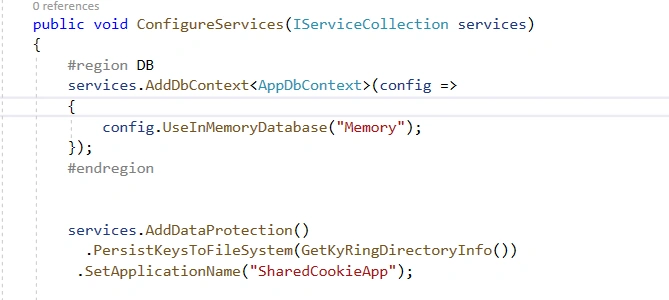
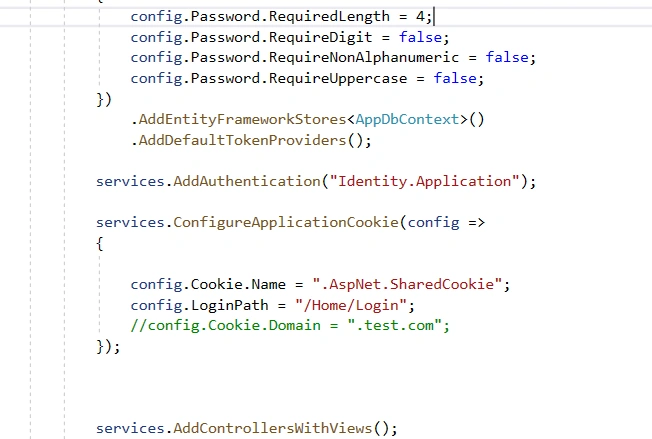
Set up a cookie sharing configuration with a key storage location in Configureservices method of startup.cs. The application name “SharedCookieApp” should be common in other applications/modules. (available namespace:- using Microsoft.AspNetCore.DataProtection;)
Then apply cookie policy configurations.
services.AddDataProtection().PersistKeysToFileSystem(GetKyRingDirectoryInfo()).SetApplicationName("SharedCookieApp");
services.Configure < CookiePolicyOptions > (options => {
    // This lambda determines whether user consent for non-essential cookies is needed for a given request.
    options.CheckConsentNeeded = context => true;
    options.MinimumSameSitePolicy = SameSiteMode.None;
});
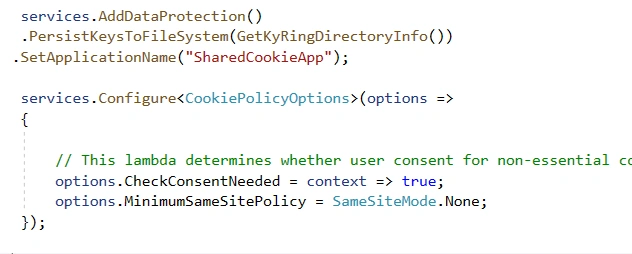
We are using different applications/solutions set samesite policy to “None”
GetKyRingDirectoryInfo is a custom method to retrieve common path directory.
private DirectoryInfo GetKyRingDirectoryInfo() {
    string applicationBasePath = System.AppContext.BaseDirectory;
    DirectoryInfo directoryInof = new DirectoryInfo(applicationBasePath);
    string keyRingPath = Configuration.GetSection("AppKeys").GetValue < string > ("keyRingPath");
    do {
        directoryInof = directoryInof.Parent;
        DirectoryInfo keyRingDirectoryInfo = new DirectoryInfo($ "{directoryInof.FullName}{keyRingPath}");
        if (keyRingDirectoryInfo.Exists) {
            return keyRingDirectoryInfo;
        }
    }
    while (directoryInof.Parent != null);
    throw new Exception($ "key ring path not found");
}
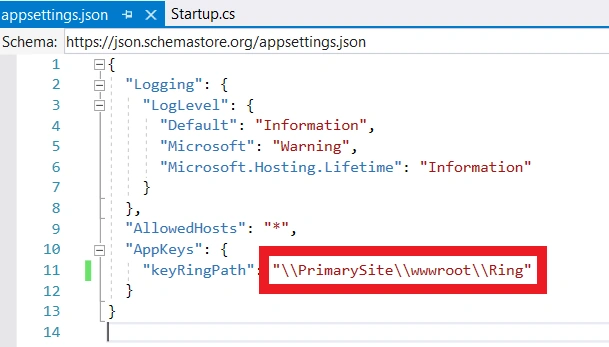
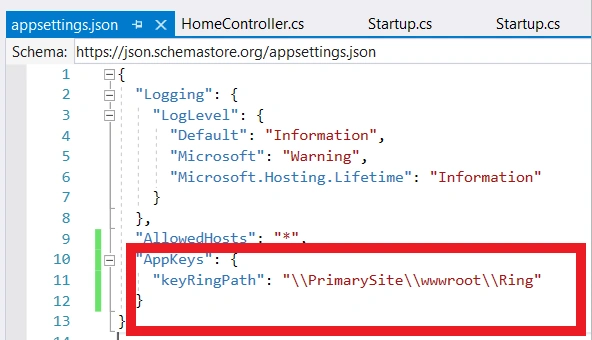
Common path can be set in appsettings.json
"keyRingPath": "\\PrimarySite\\wwwroot\\Ring"
Step 3
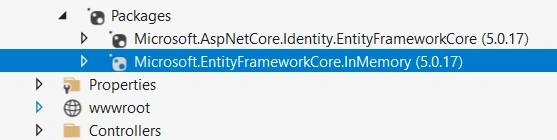
For testing the register/login functionality, we can use in-memory database (data storing in memory not in real database). For that we need to install the below NuGet packages (entity framework core Identity and In-memory). This step is optional and used for testing register and login. Real entity framework can be used if it exists in the original application.
Join the conversation! Your thoughts help the community grow.