

Introduction
With the rise of digital content, managing and analyzing videos has become more important than ever. Azure AI Video Indexer (VI) is a cloud-based service that helps businesses and developers extract valuable insights from videos using artificial intelligence (AI). This tool can automatically analyze video content, recognize faces, detect emotions, extract speech-to-text transcriptions, and even generate summaries.
Development
Azure AI Video Indexer is part of Microsoft's AI services and uses machine learning to process and analyze video files. It provides a set of powerful features that help users understand video content quickly and efficiently.
Key Features of Video Indexer
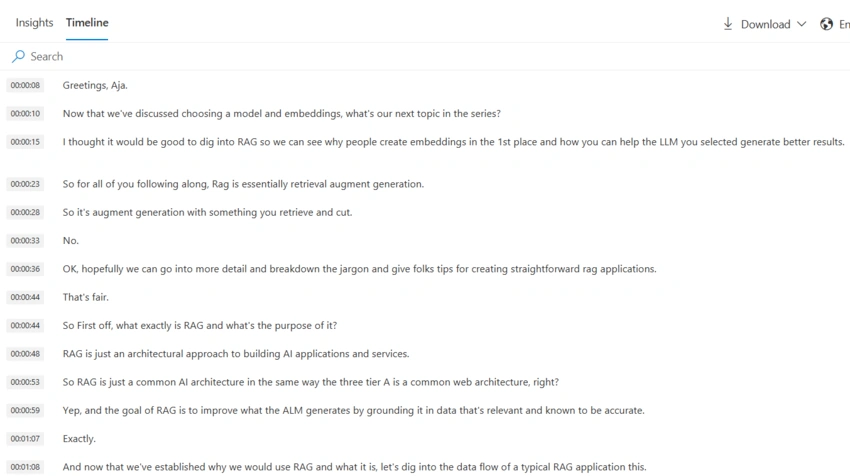
- Speech-to-Text and Translations
- Converts spoken words in videos into text
- Supports multiple languages and can provide translations
- Face and Object Recognition
- Identifies known celebrities and people from a custom database
- Detects objects, such as cars, buildings, and other relevant elements
- Sentiment and Emotion Analysis
- Analyzes the tone and emotions of people in the video
- Helps in understanding audience reactions
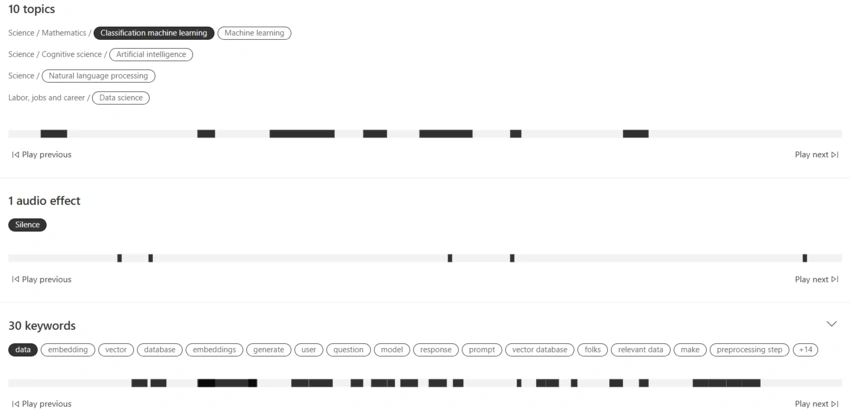
- Keyword Extraction and Topic Detection
- Identifies important keywords from speech and visual content
- Group videos by topics for better organization
- Scene and Shot Detection
- Breaks down videos into scenes and shots
- Helps in fast navigation and editing
Integration of OpenAI in Video Indexer
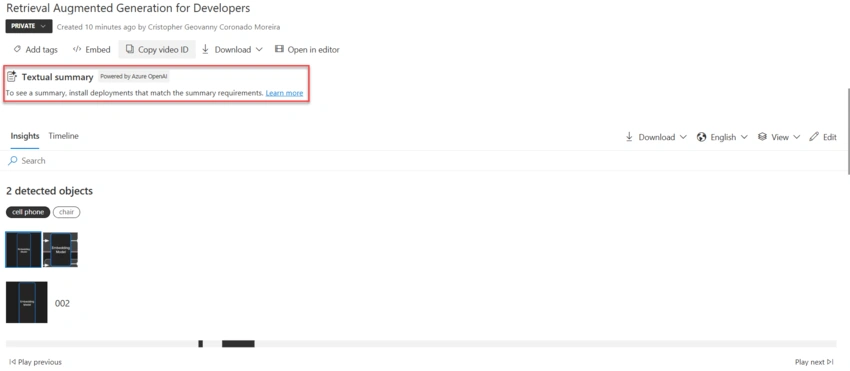
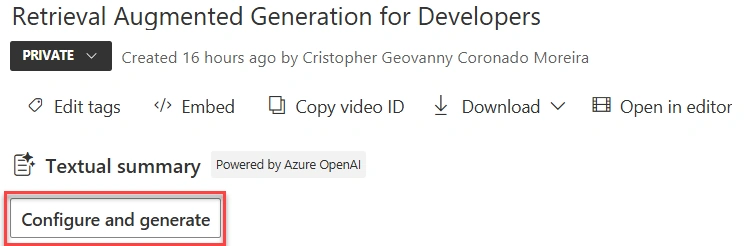
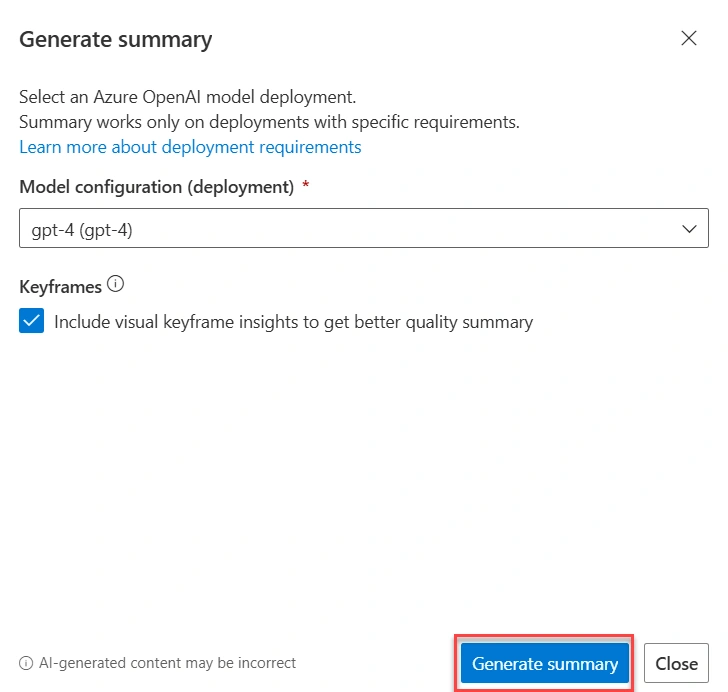
Microsoft has integrated OpenAI technology into Azure AI Video Indexer to enhance its capabilities. OpenAI models improve the accuracy of transcriptions and summaries, making it easier to understand and categorize video content. AI-powered text generation can also help create descriptions and highlights for videos, improving accessibility and content management.
Demo
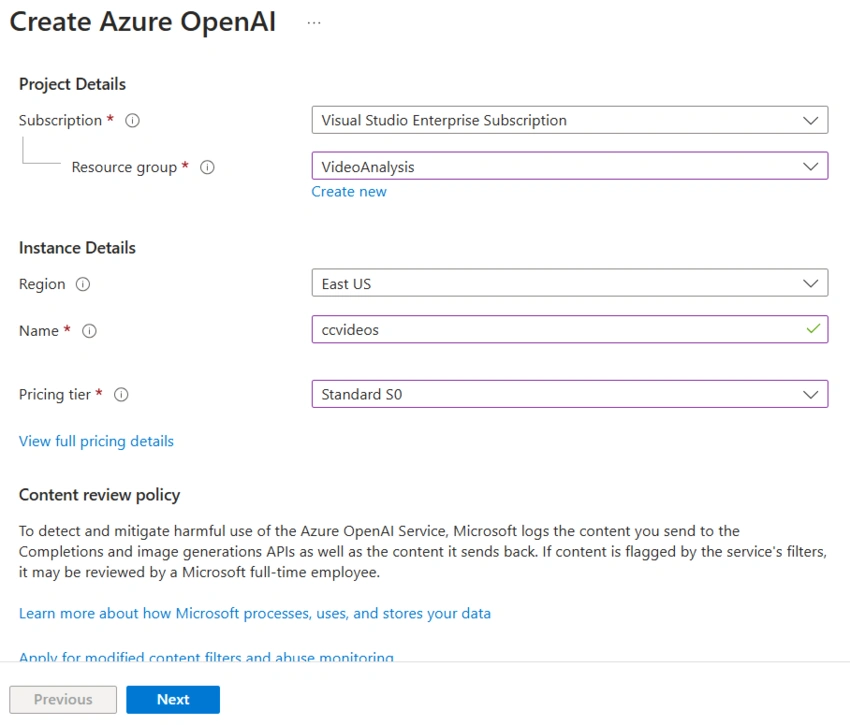
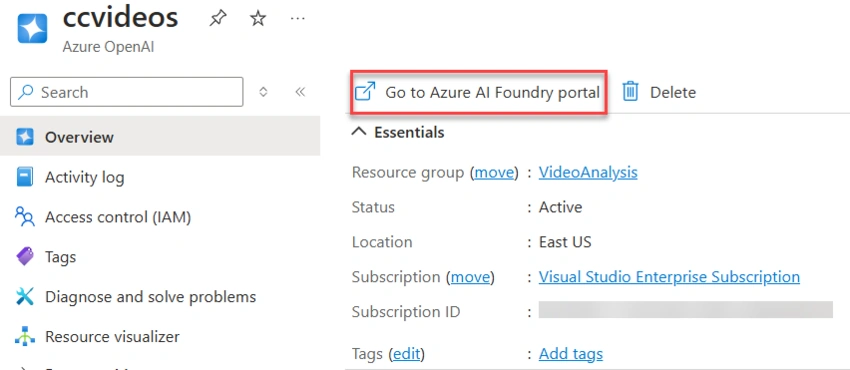
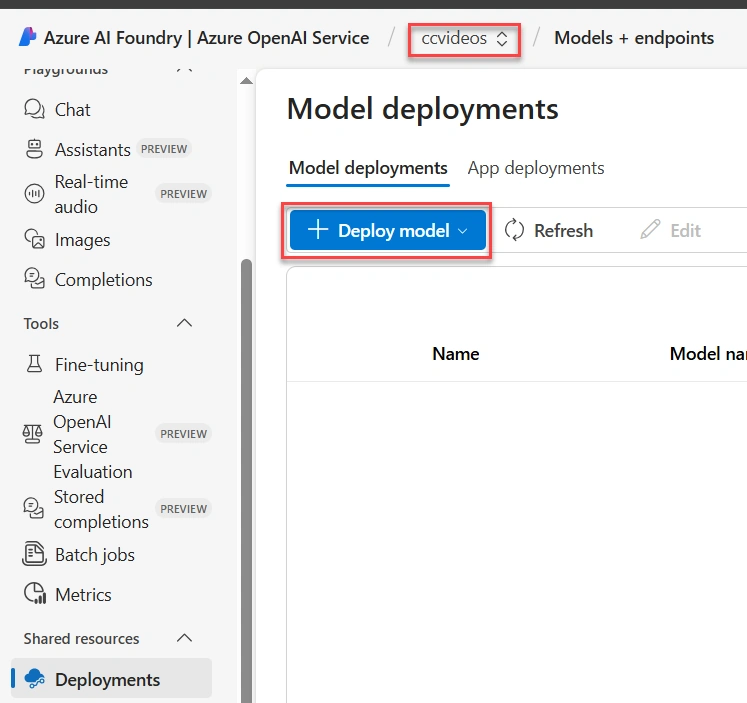
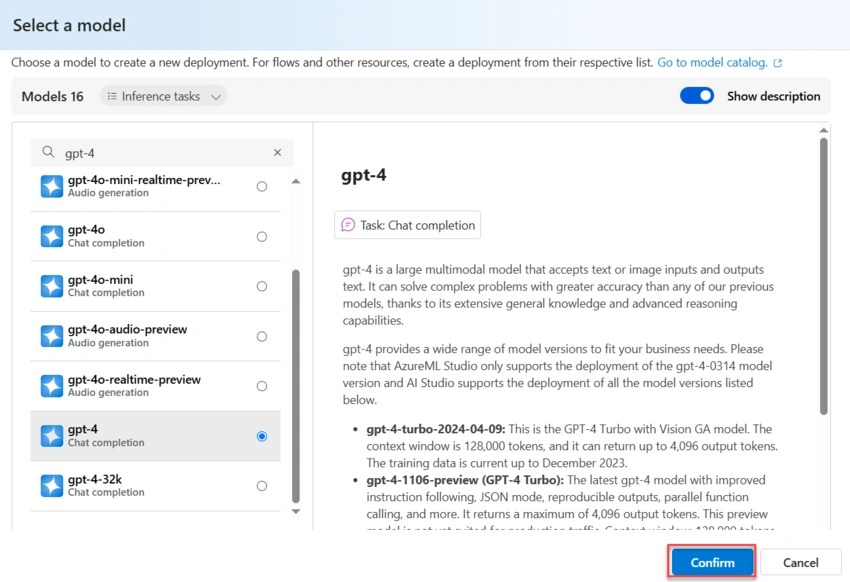
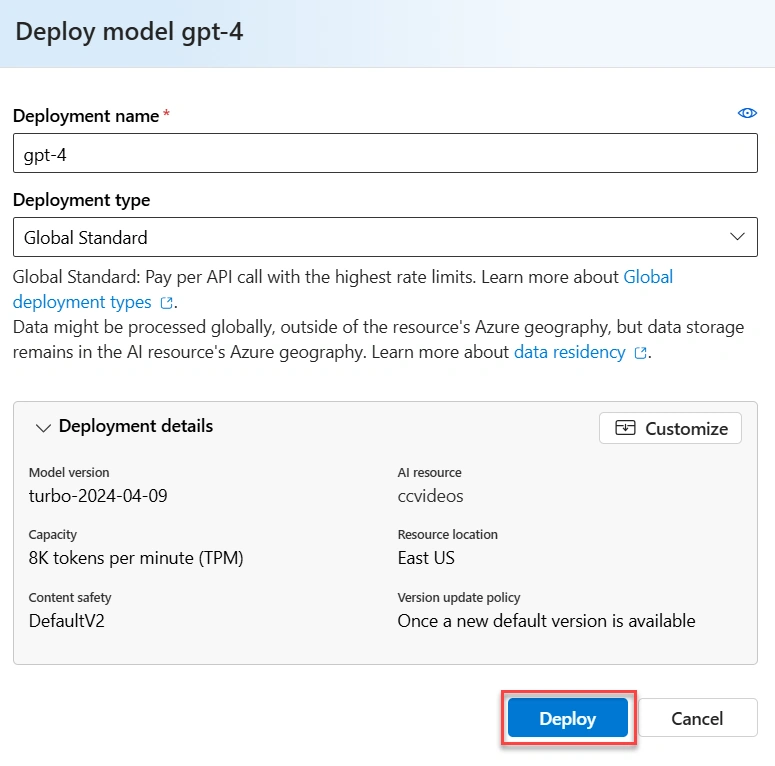
Go to the Azure portal and create an Azure OpenAI resource.
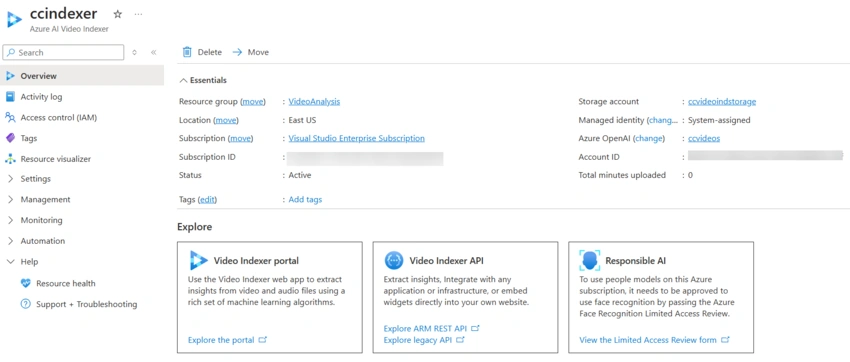
Then, we can create the VI resource.
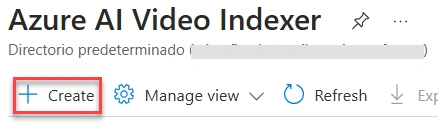
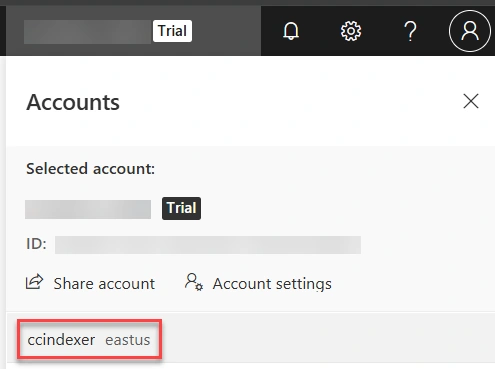
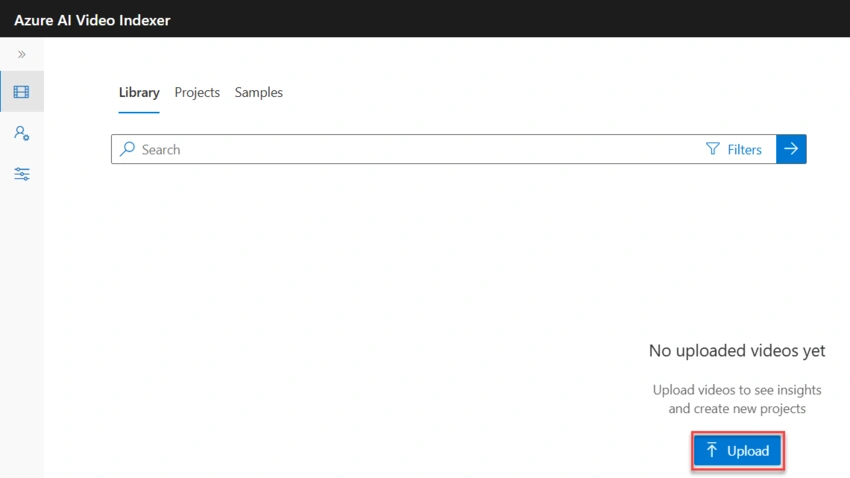
You can use a free, trial account Azure AI Video Indexer and try it out with your content. No Azure subscription is required. The account provides up to 2,400 minutes of free indexing. But, trial accounts that haven't been used for 12 months might be deleted. To prevent its deletion, simply sign in the trial account.
Existing VI accounts created before June 21, 2022 were able to access face identification, customization and celebrities recognition till June 2023. In order to enable these features, you must fill a form that is in the documentation.
For further details about VI account types, visit this page.
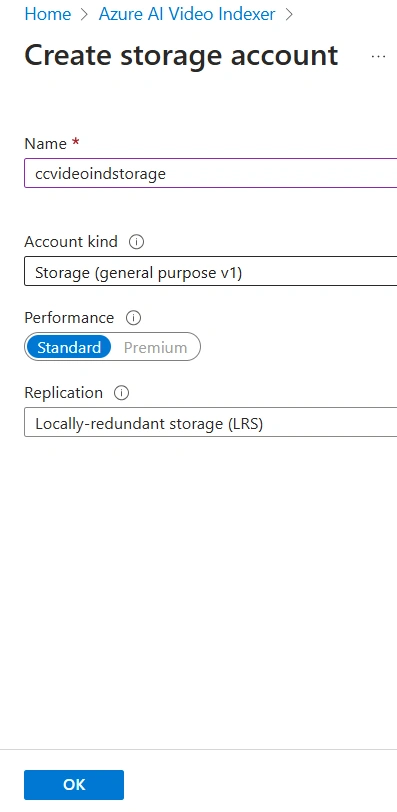
From the wizard, you can create a Storage Account or select an existing one in the resource group.
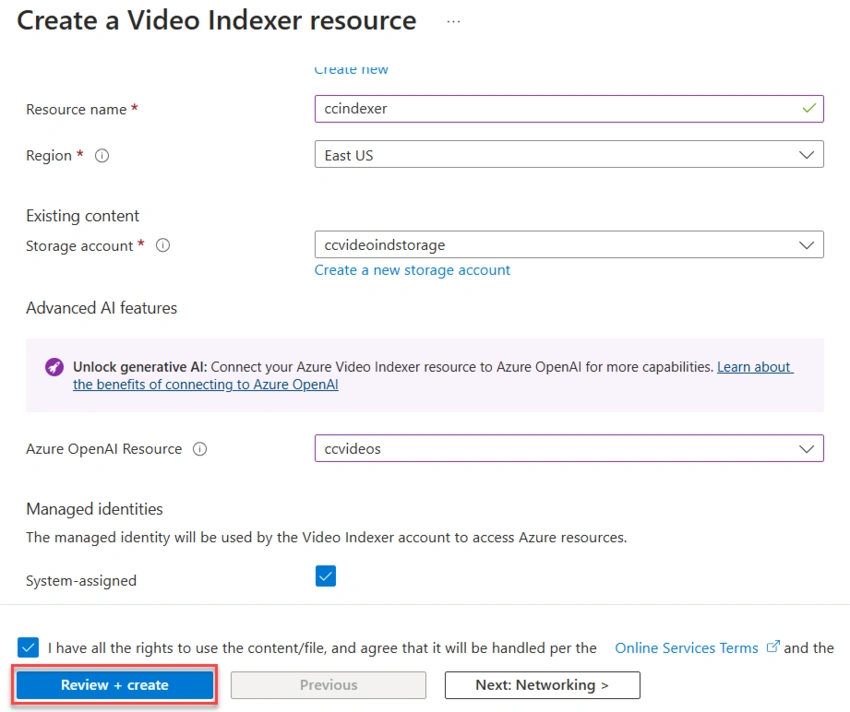
Select the Storage Account and OpenAI resources. Click on Review + Create.
Once the VI resource is created, you will see two error alerts that indicate to assign a respective role, click on those buttons.


Join the conversation! Your thoughts help the community grow.