

Introduction
Hi, in this article, we will see how to create a container in Azure; this is a step-by-step process dont skip the below steps.
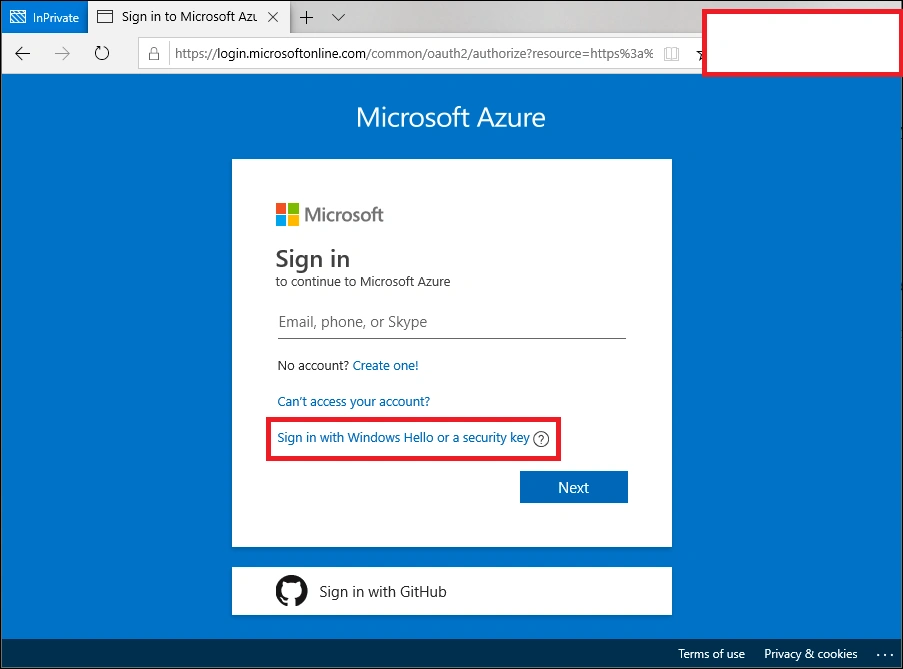
Step 1. First, you have to sign in to your Azure portal; if you dont have one, create one and log in using your account credentials.
Step 2. Creating a storage account
- Now create a storage account once you log in; if you dont have a storage account, search storage account in the top search bar and create one.
- Give the required details like subscription, resource group, location, storage account name, and performance options. Now Click on Review and Create. Your storage account will be created now.

Step 3. Configure the settings
Once the storage account is created, now check on the left navigation on the account and click storage account; here, you have to configure the storage account settings.
Step 4. Create the container
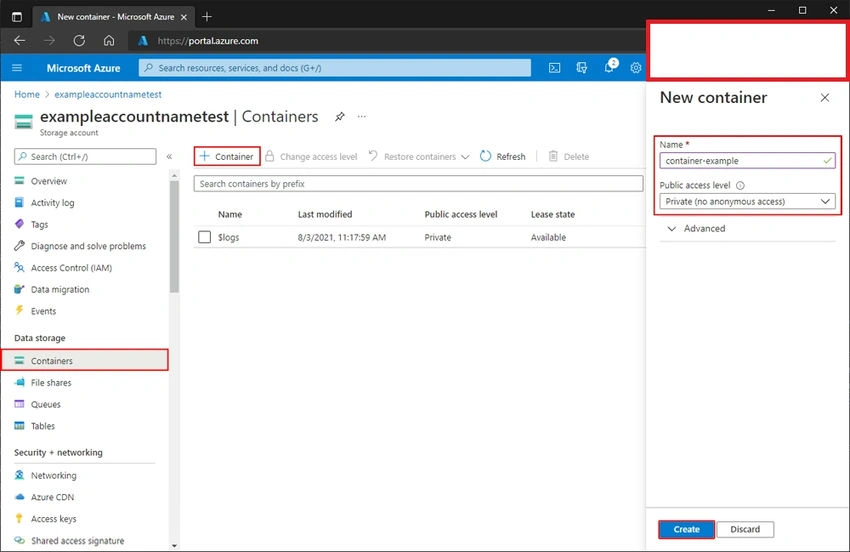
- Click "Containers" in the "Blob service" section of the storage account settings. Then, to add a new container, click the "+ Container" button. Give the container a distinctive name, choose a public or private access level, and press "OK" to create it.
Step 5. Configuring container (Optional)
- After setting up the container, you can configure the properties of the container,
- Configuring such access, metadata, and retention policies, do these according to your requirements.
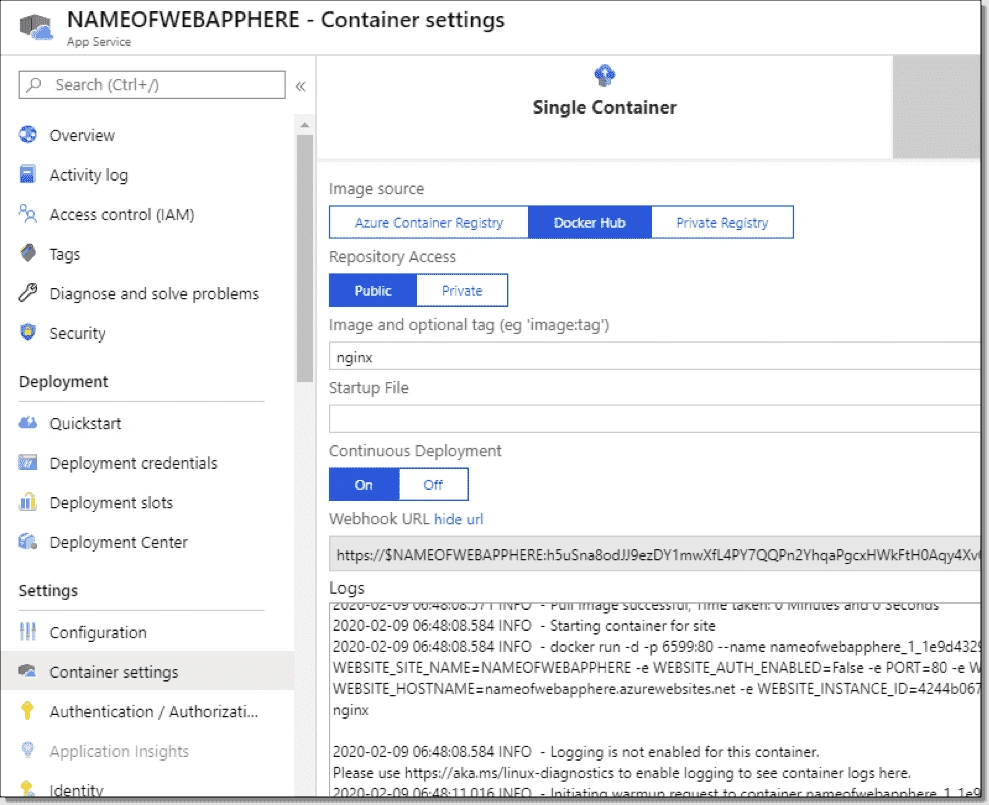
Step 6. The container is ready to use.
- Your container is ready to use now; you can store your blob and other files in this container.
- Using Azure storage APIs, you can upload files, data, or blobs to the container, set access permissions, and carry out several other operations.
By following the steps mentioned above, you can create your storage account and a container to store data and utilize it in the cloud; all the best.
VamsiPosted May 18, 2023, 7:35 AM
Great article with fantastic content! Highly informative and well-explained