

Azure Traffic Manager
Azure Traffic Manager controls the distribution of the user traffic to specified endpoints in different data centers which helps in improving availability, performance and provides load balance of traffic. It supports Azure VMs, Web Apps, and cloud services as endpoints. It uses the Domain Name System (DNS) to direct client requests to the most appropriate endpoint based on a traffic-routing method and the health of the endpoints. You can also use Traffic Manager with external, non-Azure endpoints. When the user tries to access any Web App it will first hit the traffic manager and traffic manager will decide which endpoint it should send to.
The following are the benefits of Azure Traffic Manager,
- Improved availability of critical applications by monitoring the endpoints and providing automatic failover when an endpoint goes down.
- Improve responsiveness for high-performance applications by directing traffic to the endpoint with the lowest network latency for the client.
- Can perform service maintenance without downtime as the Traffic Manager directs traffic to alternative endpoints while the maintenance is in progress.
- Can combine on-premises and Cloud-based applications as traffic Manager supports external, non-Azure endpoints enabling it to be used with hybrid cloud and on-premises deployments
Let’s discuss it more detail using the following diagram from Microsoft.
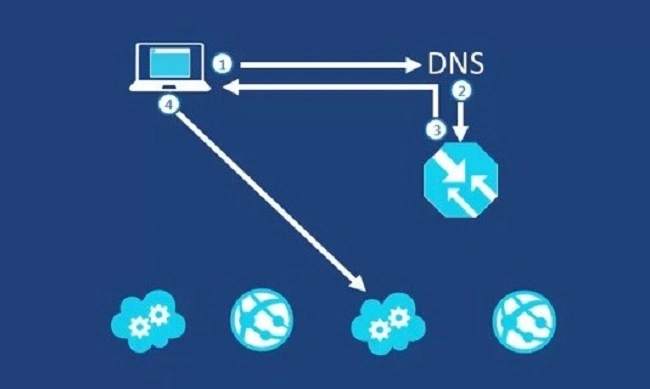
When a user requests any web app through the domain, they are querying the public DNS for the IP address and will connect to that IP address directly to access the service. But here, the public domain may have a CNAME entry pointing to a traffic manager instead of the Web App and Traffic manager have endpoints pointing towards our web apps. The most important point to understand is that Traffic Manager works at the DNS level. Traffic Manager uses DNS to direct clients to specific service endpoints based on the rules of the traffic-routing method. Clients connect to the selected endpoint directly. Traffic Manager is not a proxy or a gateway. Traffic Manager does not see the traffic passing between the client and the service.
Once the reply has been provided, the subsequent traffic will not go through the traffic manager until the next TTL we define. This makes it different from the load balancer. TTL is the time limit until next a process to check through the traffic manager again to route the endpoints. This will help us to not get locked in case of any failure of the nodes which we are connected and in case the traffic manager can switch the endpoints.
You have to take care in case of any databases for your web application, as each Webapp at different endpoints has to share one database and an update from one should reflect on the other one also.
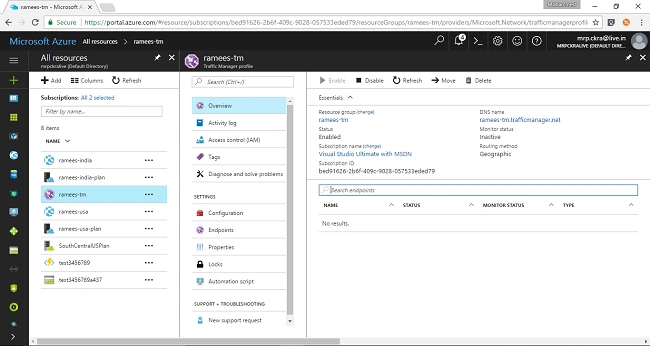
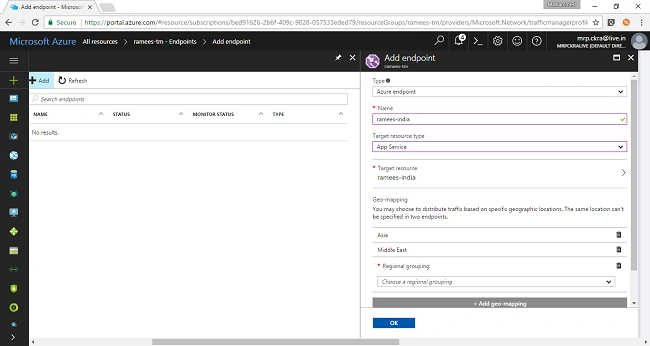
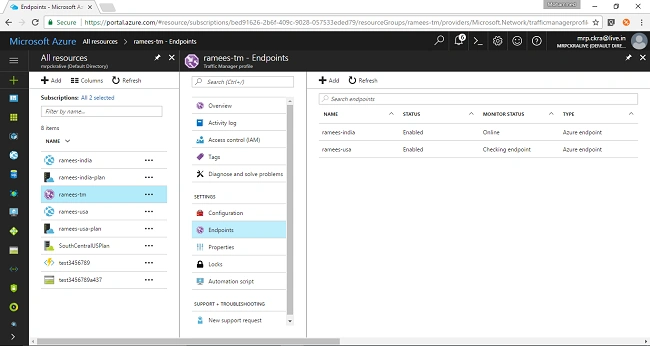
The following are the steps in general to work with Traffic Manager
First, we have to create the endpoints which may be cloud services, websites or it can be outside Azure service also.
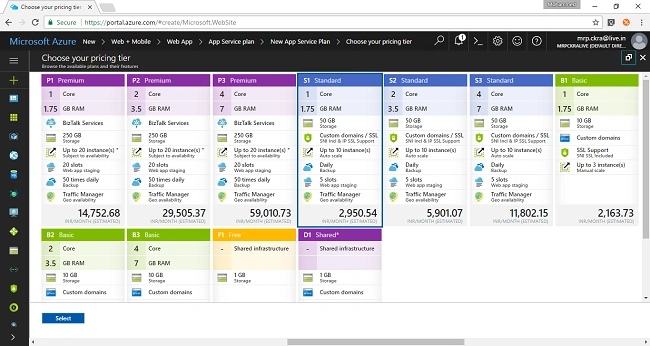
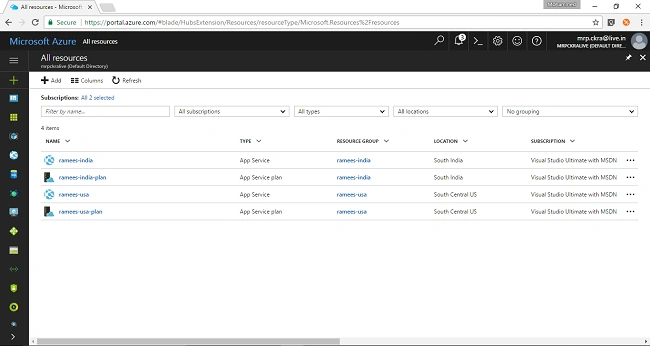


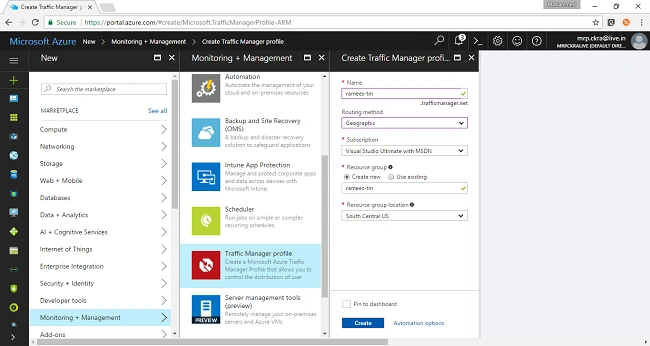


shivaraj totigerPosted Jun 18, 2018, 8:58 AM
This isn't exactly geographical routing method .I can be demoed as performance routing method