

In this article, I would like to share the command for taking a backup of a SharePoint site collection and how to restore the SharePoint site collection using the Management Shell.
Backup
The following is the procedure to take the backup of a SharePoint site collection.
Step 1: Open the SharePoint Management Shell from Microsoft SharePoint products.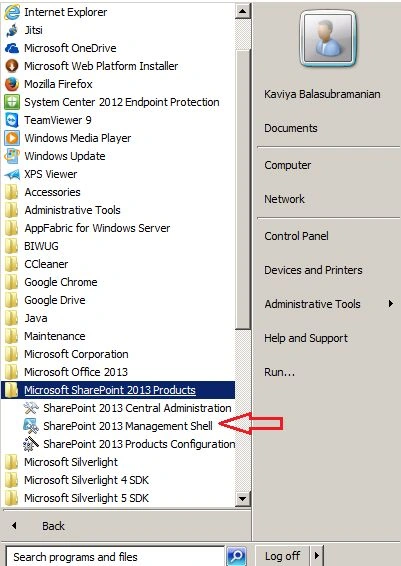
Step 2: Then click on the SharePoint 2013 Management Shell, you will get the Management Shell window as shown below: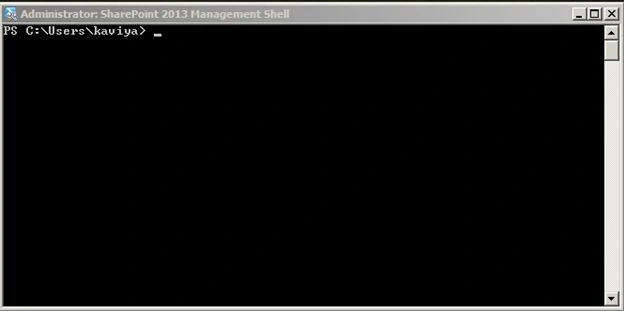
Step 3: Write the following command in the Management Shell to back up a site collection:
Backup-spsite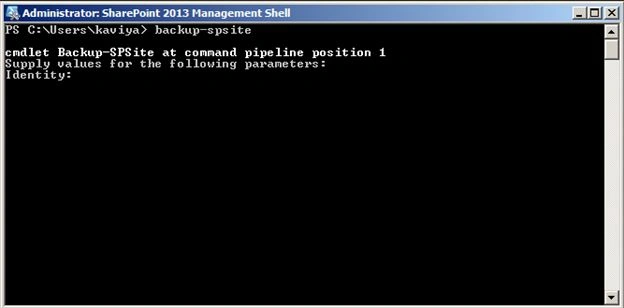
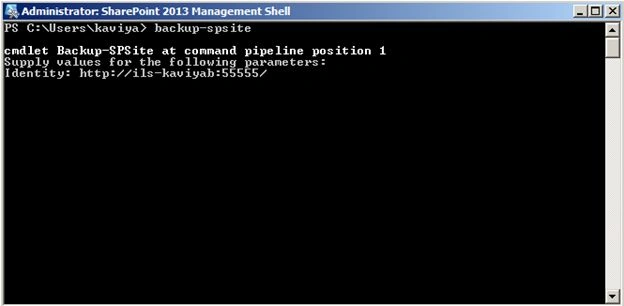
Step 4: Then enter the SharePoint site collection URL in “Identity” as shown below:
Identity: http://ils-kaviyab:55555/ < URL>
Step 5: Then provide the Windows Explorer path to save your backup as in the following:
Path: <path>\<backupfilename>.bak
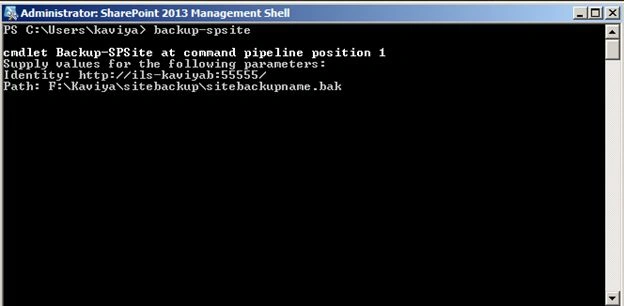
Then press the Enter key to take the backup. The site backup will be completed successfully.
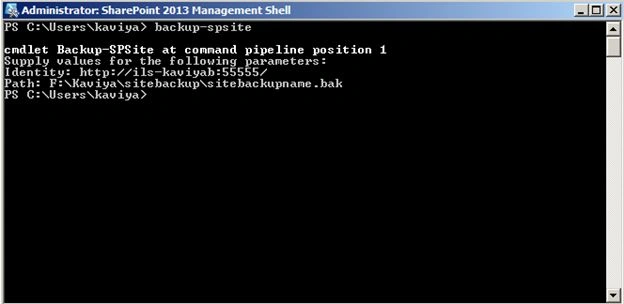
Restore
The following is the procedure to restore a SharePoint site collection.
Step 1: Open the SharePoint Management Shell, then write the following command in the Management Shell to restore a site collection:
restore-spsite
Step 1: Open the SharePoint Management Shell, then write the following command in the Management Shell to restore a site collection:
restore-spsite
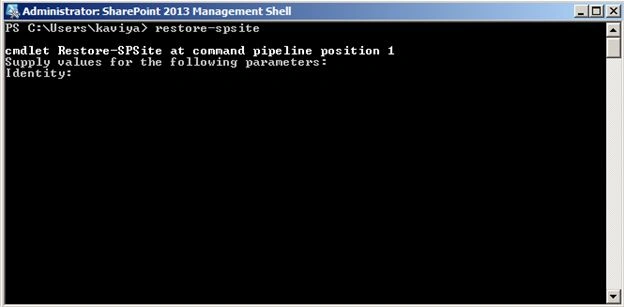
Step 2: Then enter the SharePoint web application URL in “Identity” as shown below:
Identity: http://ils-kaviyab:22222/ <URL >
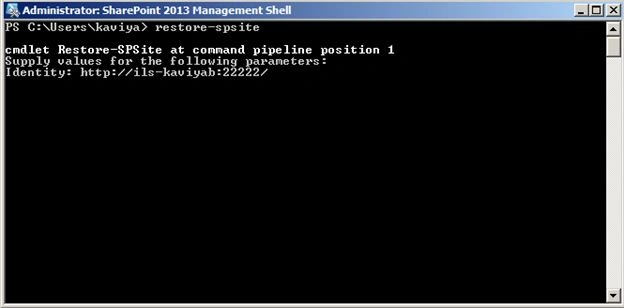
Step 3: Then provide the backup path to restore your backup and press the Enter key, you will get options as shown in the following image.
Path: <path>\<backupfilename>.bak
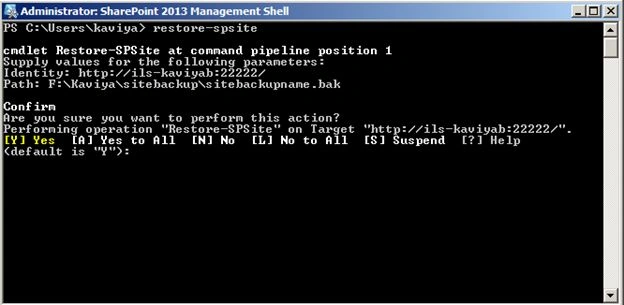
Step 4: Then provide [A] – Yes to the all option to restore the entire site collection:
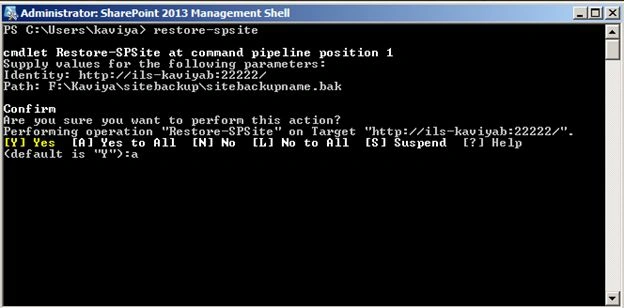
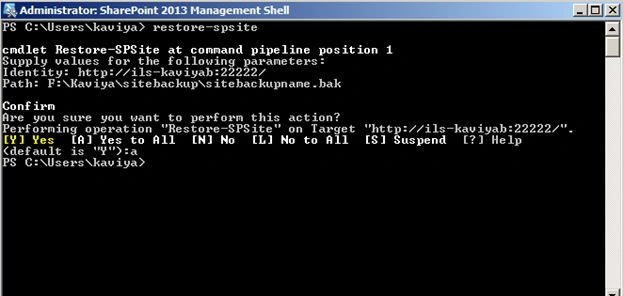
Press the Enter key to restore the site collection, then the site collection will be restored successfully.
Summary
In this article we explored how to take the backup of a SharePoint site collection and restore the site collection.
Prasanna MuraliPosted Sep 5, 2016, 11:03 AM
Nice post......
Guest UserPosted Sep 2, 2016, 5:48 AM
But this won't work for Management PowerShell for SP2013 site. I am getting error that Backup command is not recognized. Request you to kindly provide the steps of process for it and also tell the difference between Back Up,Restore(Site Collection wise) and Export,Import(Site/Sub-Site wise) with proper examples.
Tarun DPosted Sep 2, 2016, 2:16 AM
Nice one .Thanks for sharing..