

In this article, we will learn the basics of Angular Universal. Angular Universal enables Server-Side rendering of Angular applications. An Angular application is run in a browser in the client-side but Angular Universal enables the Angular application to run on the server. In an Angular application, we bring the data from the server to the client and build HTML for the data in the client-side. Angular Universal allows us to do the same on the server.
According to the Angular official website, "Angular Universal is a technology that renders Angular applications on the server".

Step 1
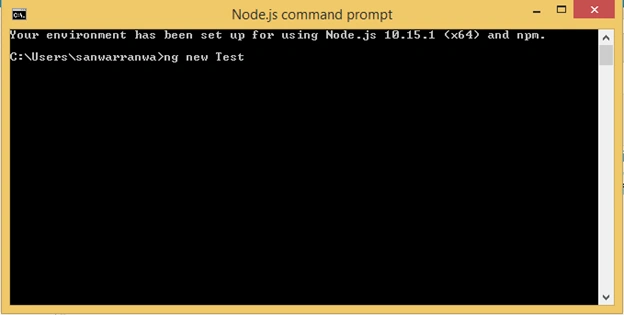
Create an Angular project by using the following command.
ng new Test
Step 2
Open the newly created project in Visual Studio Code and open the terminal. Add the following command to create server-side modules.
ng add @nguniversal/express-engine --clientProject Project-Name
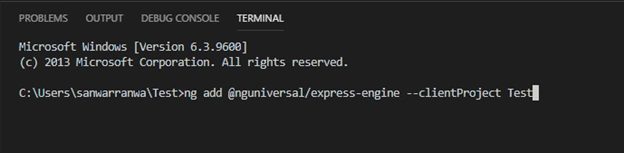
It will take some time to install packages via npm.
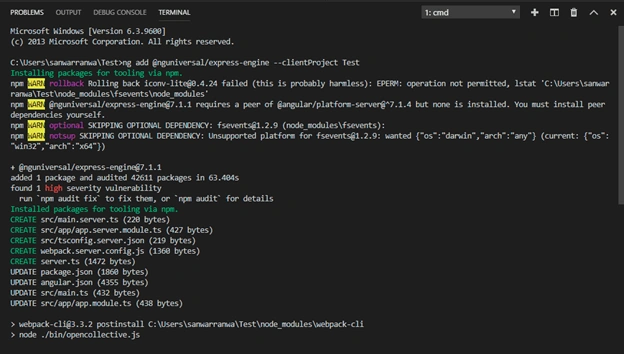
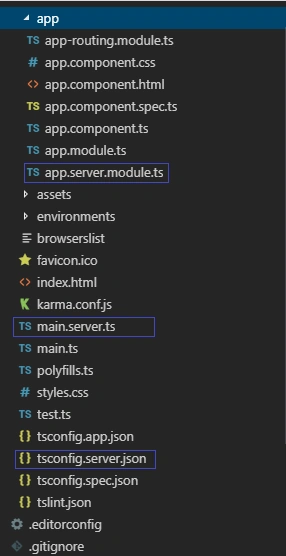
After installing, check some new files created, such as -
main.server.ts
This is bootstrapper for server app.This file exports the AppServerModule.
- import { enableProdMode } from '@angular/core';
- import { environment } from './environments/environment';
- if (environment.production) {
- enableProdMode();
- }
- export { AppServerModule } from './app/app.server.module';
app.server.module.ts
This file is the root module for the server side app.
- import { NgModule } from '@angular/core';
- import { ServerModule } from '@angular/platform-server';
- import { AppModule } from './app.module';
- import { AppComponent } from './app.component';
- import { ModuleMapLoaderModule } from '@nguniversal/module-map-ngfactory-loader';
- @NgModule({
- imports: [
- AppModule,
- ServerModule,
- ModuleMapLoaderModule,
- ],
- bootstrap: [AppComponent],
- })
- export class AppServerModule {}
tsconfig.server.json
This file is for TypeScript server configuration.
webpack.server.congif.js
This is the webpack server configuration file.
server.ts
This is the NodeJS Express server file.
Package.json
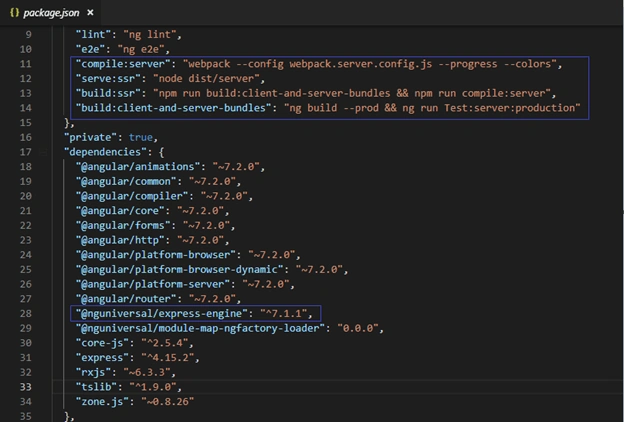
In package.json file, some new dependencies are added and new scripts: “compile:server”, “serve:ssr”, “build:ssr”, “build:client-and-server-bundles” added.
Advantages of Angular Universal
- Improve the start up performance of our application.
- Search Engine Optimization
- Social Media Embedding
Summary
In this article, we learned the basics of Angular Universal, the folder structure of Angular Universal, and the process of how to create an Angular Universal project.
Join the conversation! Your thoughts help the community grow.