

Introduction
In today's article you will learn how to bind various types of HTML Controls with Knockoutjs.
As you know there are many types of HTML Controls so you must be wondering how to bind each of them using Knockoutjs. So this article will help you in doing that.
Step 1
First of all you need to add Knockout to the ASP.NET Application. Tod do you can either download it from it's Home Site or you can download my Zip File provided above and fetch it from there and use it in your application.
After downloading this file go to your application and right-click on and select "Add Existing Items", then browse to the file where you stored it and add it.
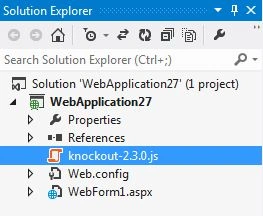
Now this file will be added to the Solution of your application, now drag it to the Head section of your application.
<head runat="server">
<title></title>
<script src="knockout-2.3.0.js"></script>
</head>
Many things can be done with Observables as described in the following.
1. Observables that get Update on Change
First of all we will work on the View Model of our Application. Add this code to your View Model Section.
<script>
function x() {
this.stringValue = ko.observable("Hello");
};
ko.applyBindings(new x());
</script>
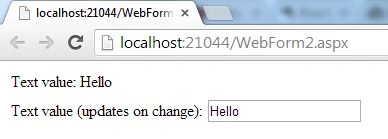
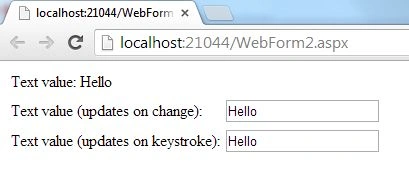
Here I created a function named x(). Then in that function I created two Observables named "stringValue" and "passwordValue". By default I provided them a value that will be seen when the page runs.
Then binding is done to this function.
Now we will move to our "View" Section.
Here the code will be like this:
<table>
<tr>
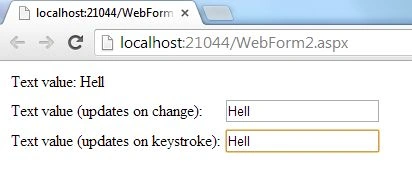
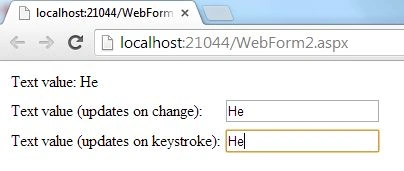
<td class="label">Text value:</td>
Join the conversation! Your thoughts help the community grow.