

Introduction & Demonstration
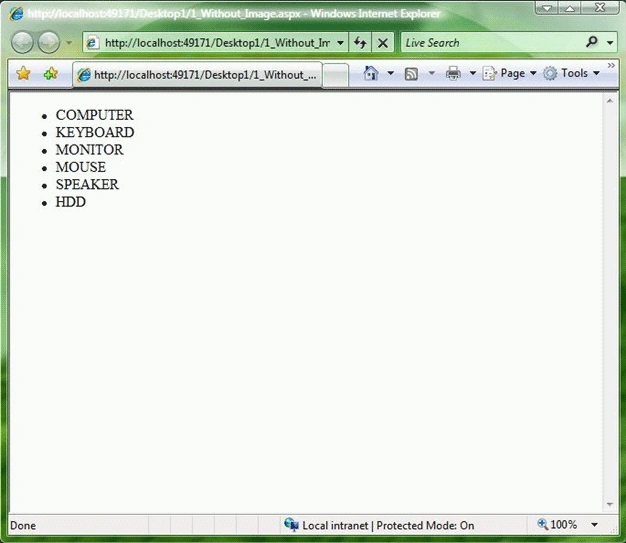
The BulletedList control renders either an unordered (bulleted) or ordered
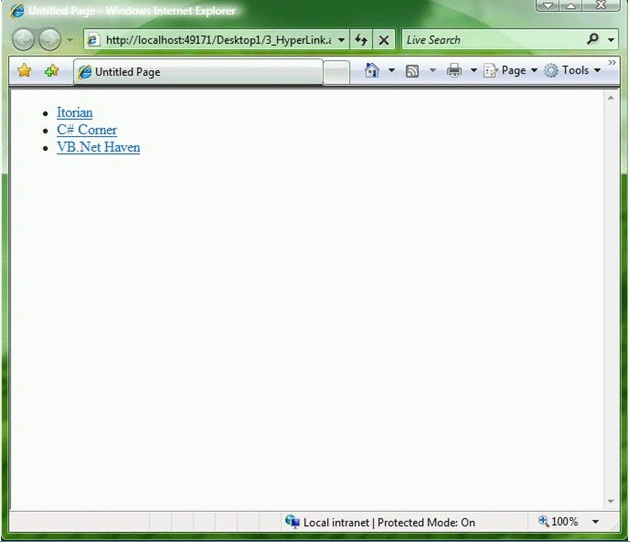
(numbered) list. Each list item can be rendered as plain text, a LinkButton
control, or a link to another web page. For example, the page given below uses
the BulletedList control to render an unordered list of products.
<%@ Page Language="VB" AutoEventWireup="false" CodeFile="1_Without_Image.aspx.vb"Inherits="_Default" %>
<!DOCTYPE html PUBLIC "-//W3C//DTD XHTML 1.0 Transitional//EN""http://www.w3.org/TR/xhtml1/DTD/xhtml1-transitional.dtd">
<script runat="server">
</script>
<html xmlns="http://www.w3.org/1999/xhtml" >
<head id="Head1" runat="server">
<title></title>
</head>
<body>
<form id="form1" runat="server">
<div>
<asp:BulletedList
id="blProducts"
DataSourceID="SqlDataSource1"
DataTextField="Title"
Runat="server" />
<asp:SqlDataSource ID="SqlDataSource1" runat="server" ConnectionString="<%$
ConnectionStrings:DatabaseConnectionString1 %>"
ProviderName="<%$
ConnectionStrings:DatabaseConnectionString1.ProviderName %>"
SelectCommand="SELECT
[ID], [TITLE] FROM [PRO_LIST]"></asp:SqlDataSource>
</div>
</form>
</body>
</html>
We can control the appearance of the bullets that appear for each list item with
the BulletStyle property. This property accepts the following values:
- Circle
- CustomImage
- Disc
- LowerAlpha
- LowerRoman
- NotSet
- Numbered
- Square
- UpperAlpha
- UpperRoman
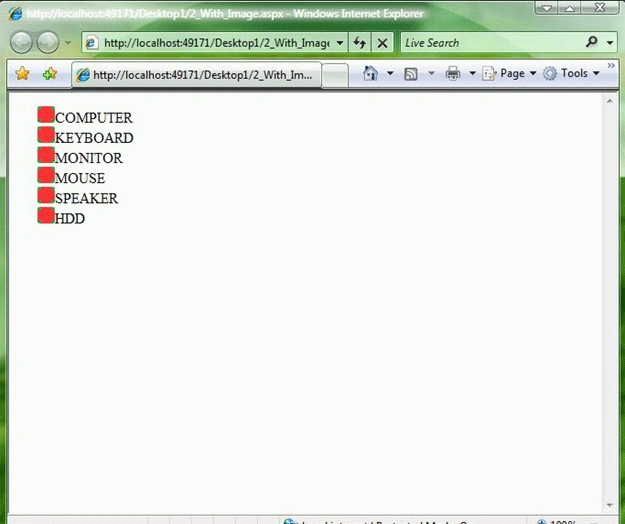
We can set BulletStyle
to Numbered to display a numbered list. If you set this property to the value
CustomImage and assign an image path to the BulletImageUrl property, then we can
associate an image with each list item. For example, the page given below
displays an image named Bullet_List.gif with each list item.
<%@ Page Language="VB" AutoEventWireup="false" CodeFile="1_Without_Image.aspx.vb"Inherits="_Default" %>
<!DOCTYPE html PUBLIC "-//W3C//DTD XHTML 1.0 Transitional//EN""http://www.w3.org/TR/xhtml1/DTD/xhtml1-transitional.dtd">
<script runat="server">
Join the conversation! Your thoughts help the community grow.