

Introduction:
An Action is a something that can be performed on a single row of data returned
by BCS. Using a URL with parameters you can configure an action to be performed.
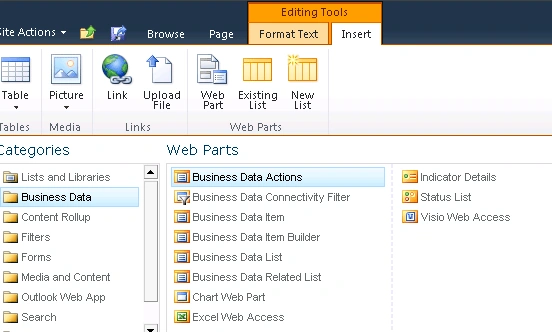
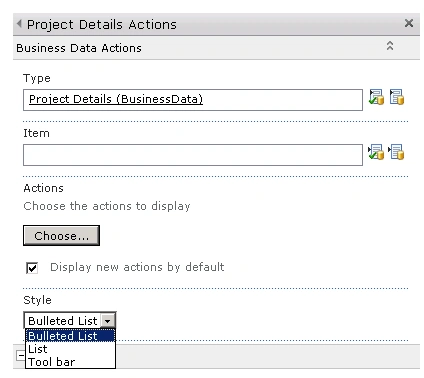
The Business Data Actions web part will display the list of actions for you.
Data Source:
I have created a database in SQL which has a table with some data.
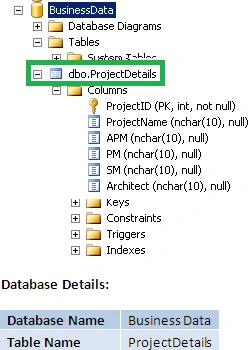
ProjectDetails Table:
"ProjectDetails" table has the following items.

Project Details External Content Type:
- Open SharePoint Designer 2010.
- Click on Open Site.
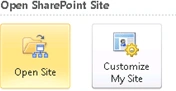
- Enter the site URL and click on Open.
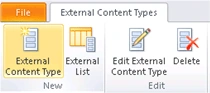
- Go to Navigation => External Content Types
=> New => External Content Type.
- Enter the details as shown in the
following.
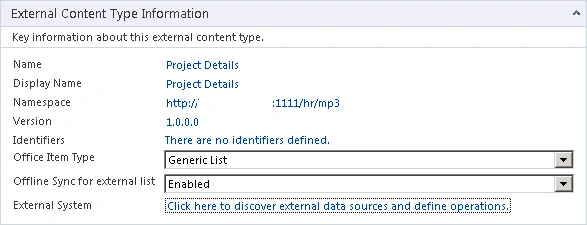
- Click on the link "Click here to discover external data sources and define operations".
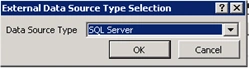
- Click on "Add Connection".
- In the External Data Source Type
selections select "SQL Server" and click on Ok.
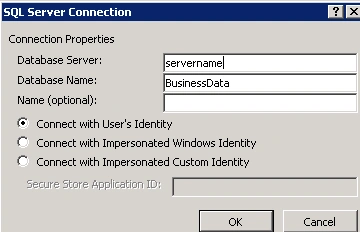
- Enter the details as shown in the
following.
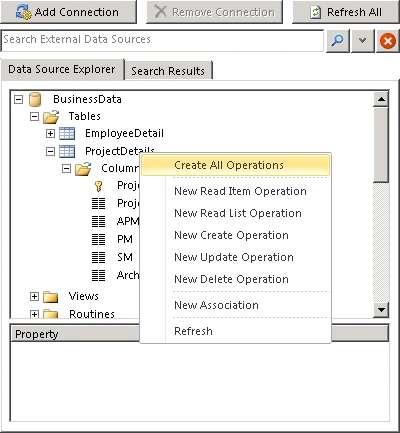
- Right click on ProjectDetails table and
click on "Create all operations".
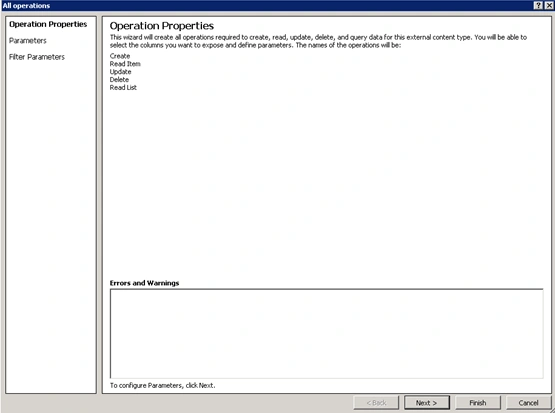
- Click Finish.
- Save the external content type.


Join the conversation! Your thoughts help the community grow.