

Hello Readers.
Welcome to another article on Microsoft's Collaboration with SharePoint and Outlook. Yes a collaboration that will again help the users in their daily activities. Here SharePoint will help you to directly access the Outlook Calendar using SharePoint.
The following is how to do that:
- Click on the top left corner on your site.
- It will open the page layout as in the following, click on Calendar.
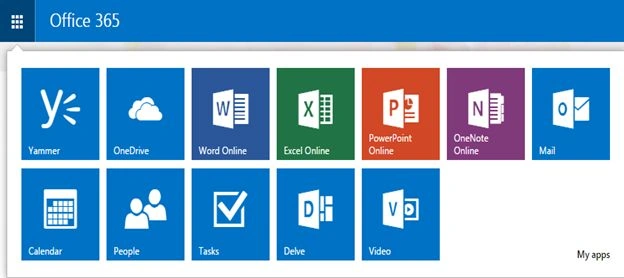
You will be directed to Outlook to your calendar as in the screen below.
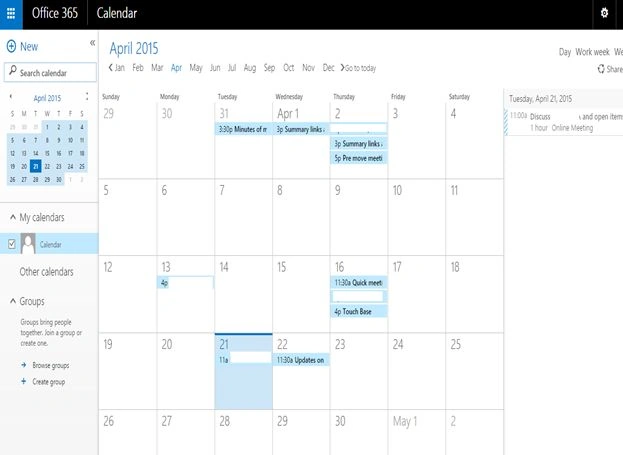
Let's see it closely.
Left Side:
- Here we have a Calendar preview to be clicked on.
- Options to sync other calendars as well.
Outlook User's groups.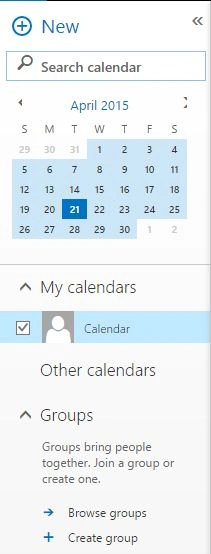
Center
On the center we have the calendar that can be configured to set up a meeting with a monthly view.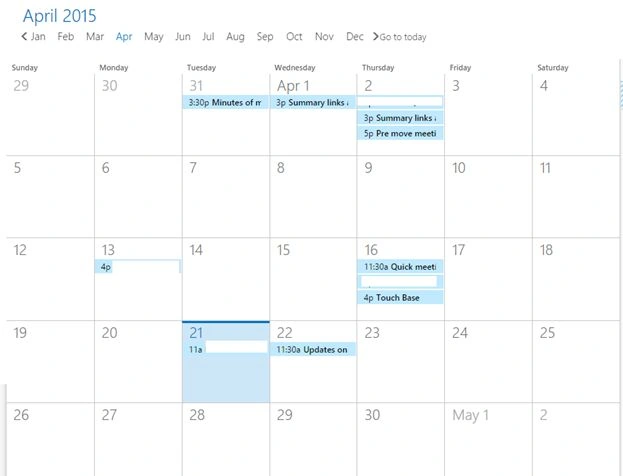
Right
Here it will list all the current calendar items related to “Today”.
New Event/Appointment
As in the screen below, you can create a new event or appointment by filling in the Event, Location, Attendees, Time and Body Details.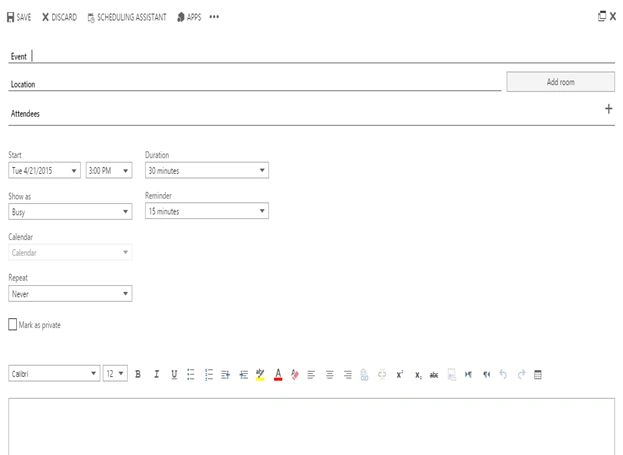
Assistance
Here you can also use the assistance as in.
- Save
- Discard
Scheduling Assistant
Here, as in Outlook, will assist you to create an event as we can see from the screen below. Mainly it will have fewer but important factors that are only required to schedule an event.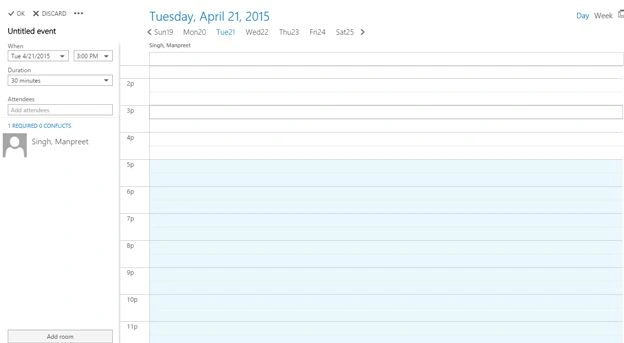
Apps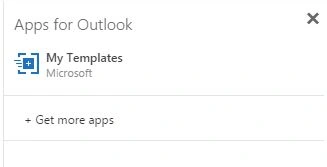
You can click on Apps and pick up some templates from your SharePoint Store.
Insert
Here you can insert attachments from the OneDrives or Pictures.
Categorize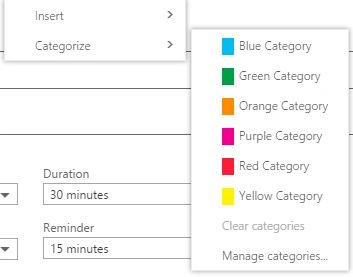
Here you can categorize your event with the respective colors or create a new one.
This article has provided wonderful collaboration for Outlook with SharePoint and indeed it is a user-friendly approach for every one of us. Keep Learning.
Cheers
SriramPosted Jul 3, 2015, 8:26 AM
Good....
Manpreet SinghPosted Apr 27, 2015, 12:46 PM
Thanks Karthik Muthu Karuppan !!
Karthik Muthu KaruppanPosted Apr 23, 2015, 11:12 AM
Nice