

How to change the culture using LightSwitch Visual Studio 2012
In this article I describe how to change the culture in LightSwitch using Visual Studio 2012.
Step 1
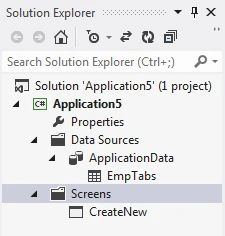
Open the Solution Explorer.
Step 2
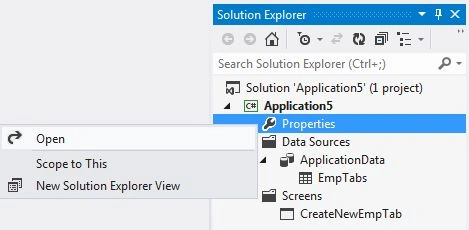
In the Solution Explorer, right-click on the property node and choose "Open".
Step 3
The Application Designer appears.

Step 4
In the Application Designer, select the General Properties option.
Step 5
From the Culture list, you can choose the culture that you want to use as the default culture.
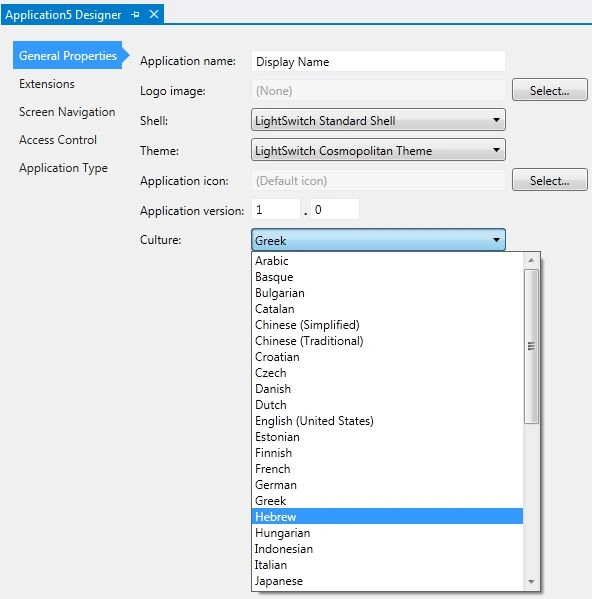
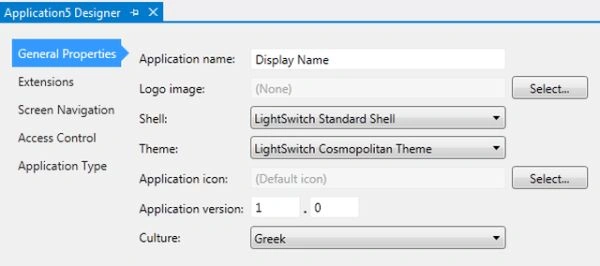
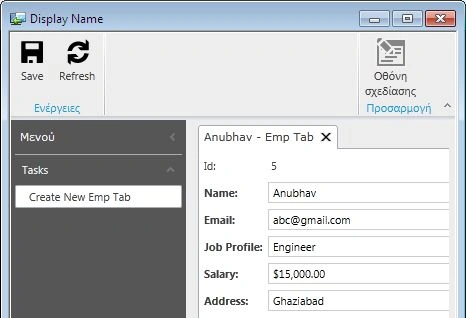
Suppose I have have choosen Greek as a default culture.
Now when I debug my application, first we enter the data in the following textboxes.

After that when we click on "Save" we get:
Join the conversation! Your thoughts help the community grow.