

Introduction
It is the modern app development for Office 365 and Sharepoint 2013 environments. It is an easy way to design, develop and deploy app functionalities with help of all server components (aspx, c#), client components (Html, Java script, J-Query), SQL Data sources and SharePoint features.
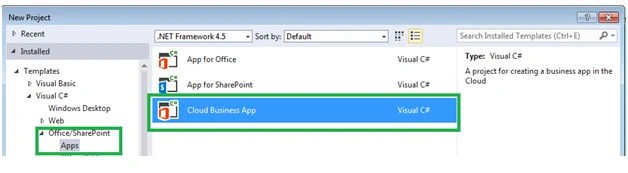
Build application in Visual Studio
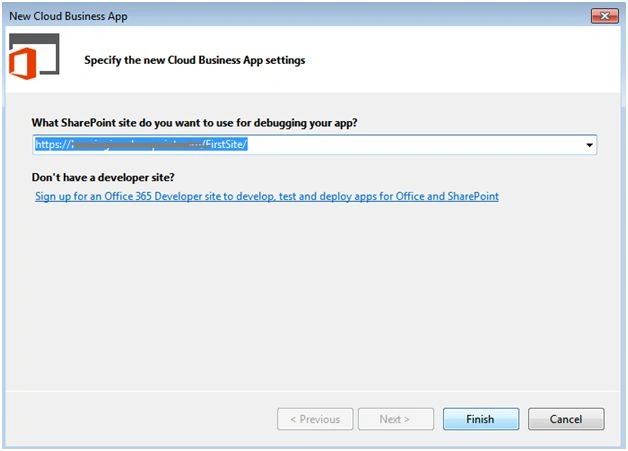
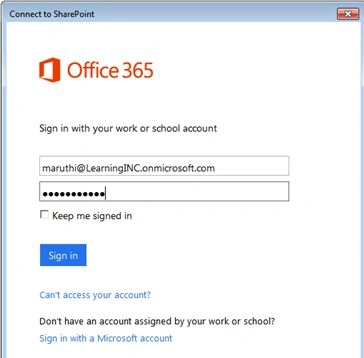
Next give connection to your firm,
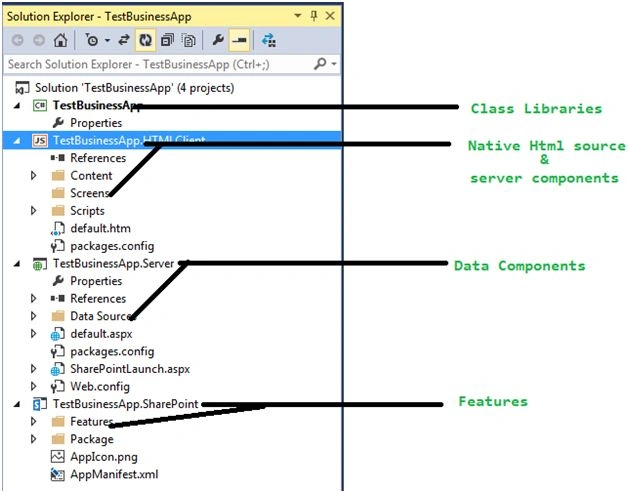
Let’s check solution structure one by one,
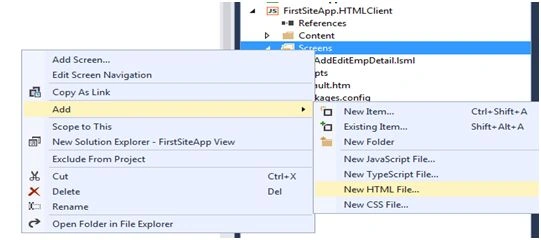
Next add screens to your application with the help of,
Give sample name Home.html and some sample source code,
- <!DOCTYPEhtml>
- <html>
- <head>
- <title></title>
- </head>
- <body>
- <h1>
- welcome to your app
- </h1>
- <div>Your Content goes here.</div>
- </body>
- </html>
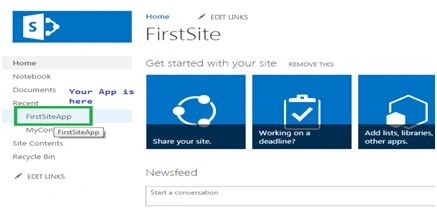
You can customize your app designs with the help of,
- <divid="msls-id-app-loading" class="ui-body-a msls-layout-ignore">
- <divclass="msls-app-loading-img">
- </div>
- <spanclass="ui-icon ui-icon-loading">
- </span>
- <divclass="ui-bottom-load">
- <div>FirstSiteApp.HTMLClient</div>
- </div>
- </div>
Sr KarthigaPosted Feb 17, 2016, 8:25 AM
good one
Sr KarthigaPosted Feb 17, 2016, 8:24 AM
Nice explanation
Santhakumar MunuswamyPosted Dec 23, 2015, 10:33 AM
Thanks for sharing
Humayun Kabir MamunPosted Dec 23, 2015, 2:58 AM
Nice...
Sibeesh VenuPosted Dec 23, 2015, 2:37 AM
Nice Share
Raja TPosted Dec 23, 2015, 2:36 AM
Nice, Thanks for sharing