

Google Cloud Platform Compute Engine is Google's Infrastructure-as-a-Service (IaaS), which is used to run large-scale workloads on virtual machines hosted on Google's infrastructure. It is used by Google itself for there end user products, such as Google search, YouTube and for all products of Google. Allows you to choose a VM with a specific requirement of hardware configurations with a list of server operating systems and now it also allow Windows Server.
If you need to use Google cloud platform, firstly, create an account on Google cloud by any Google account like Gmail account. Signup with 4 steps.
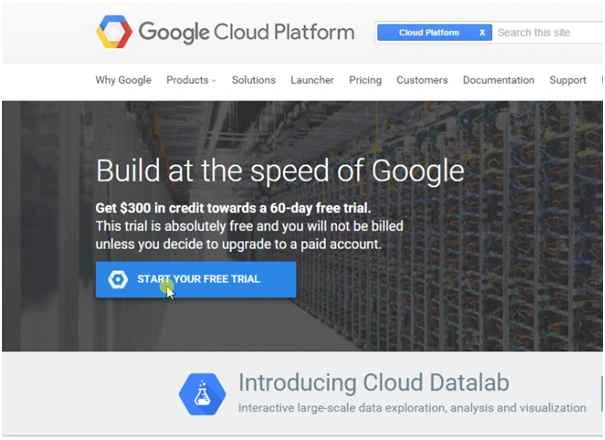
After opening this page just click on “Start Your Free Trial” button to sign up.
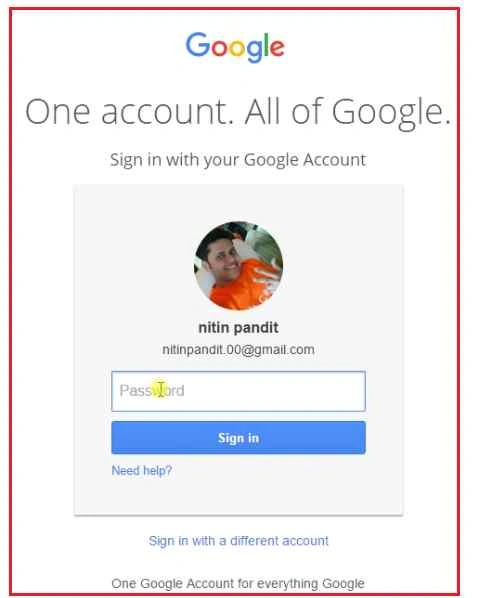
Now Login Google Account with your Gmail id:
After login with your Gmail id you’ll get Google Developers Console:
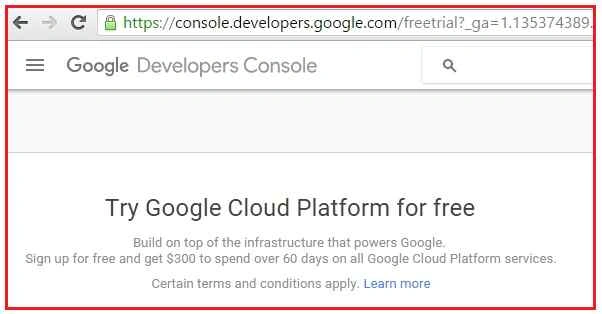
Now you have to follow these 4 Steps:
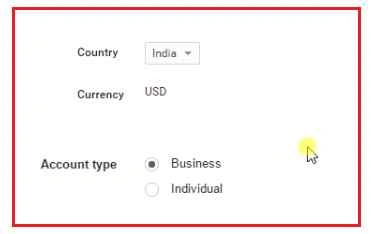
Step 1: Select your Country and Currency, then Account type.
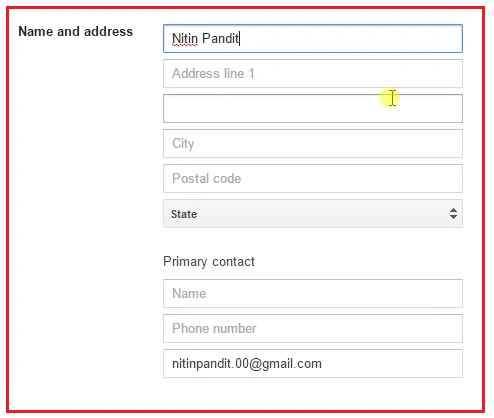
Step 2: Now enter your name and address details.
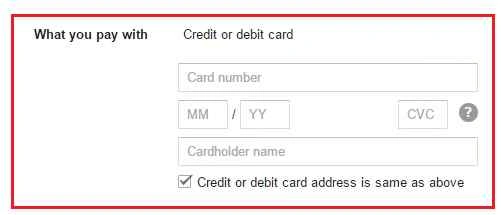
Step 3: Enter Card details for payment details.
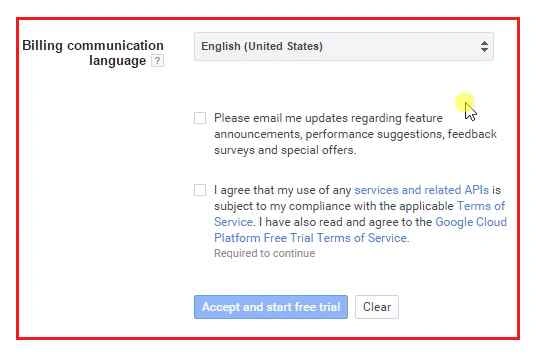
Step 4: Read all agreement details and check agreed and Start Free trail.
After that you’ll get Google Cloud Platform Account that is ready to use. Just see Google Developers Console to manage all services by Google Cloud.
For learning all services read my previous article on Google Cloud Platform.
Getting started with Google Cloud Platform
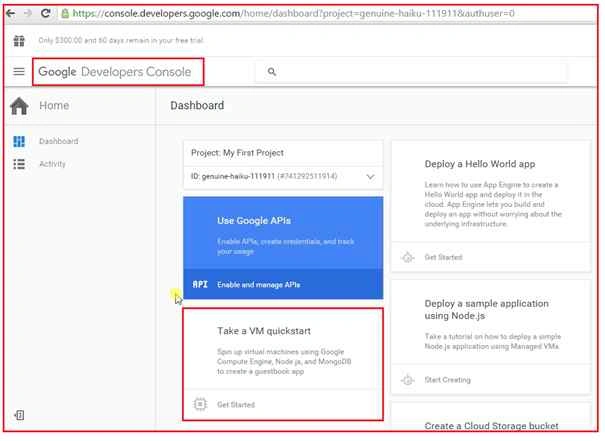
Now find the section of Take a VM quick start to create a VM on Google Cloud, so click Get Started as shown above.
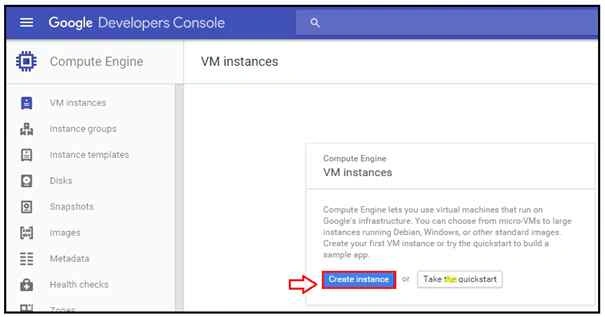
This is VM instance sections to manage all VM in Google Cloud, for new VM just click on Create instance as shown above.
Now just follow some steps to create a VM successfully.
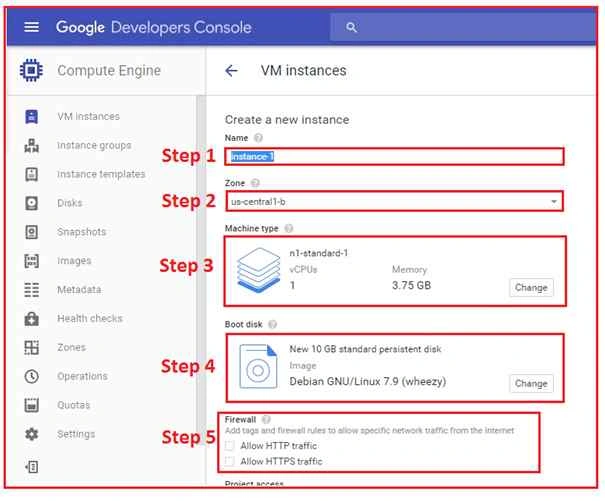
Step 1: Enter name for VM.

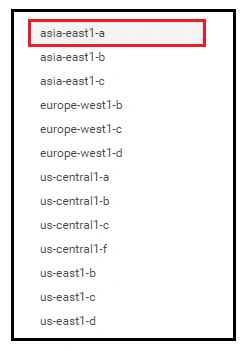
Step 2: Select Zone for selection of Datacentres where you want to store your data from all available Datacentres.
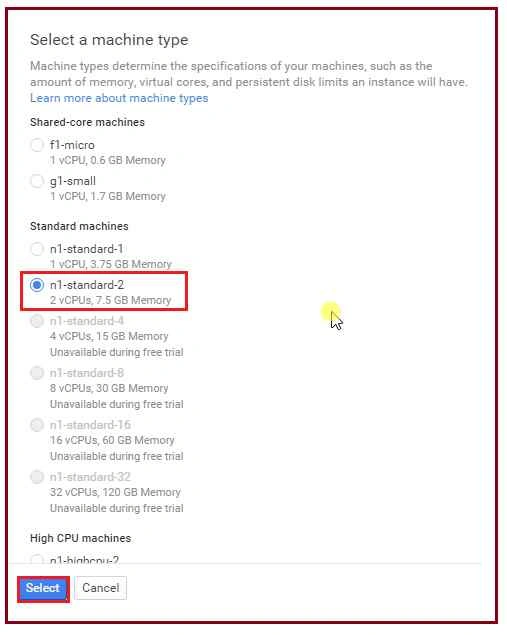
Step 3: Select a machine type for system configurations that you need.
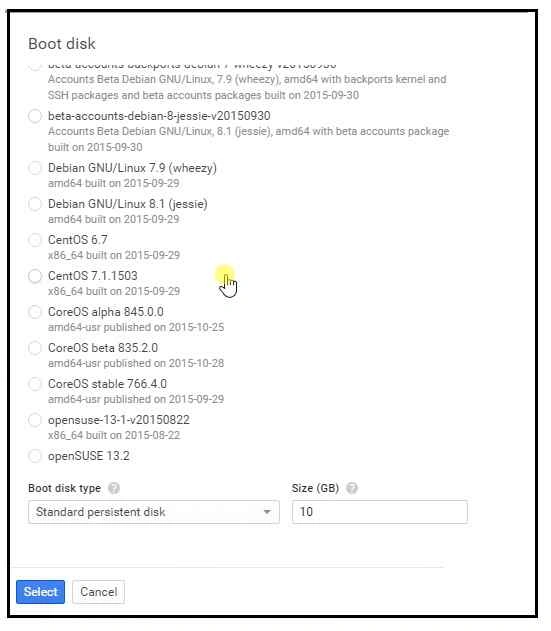
Step 4: Select an operating system that you want in your VM.
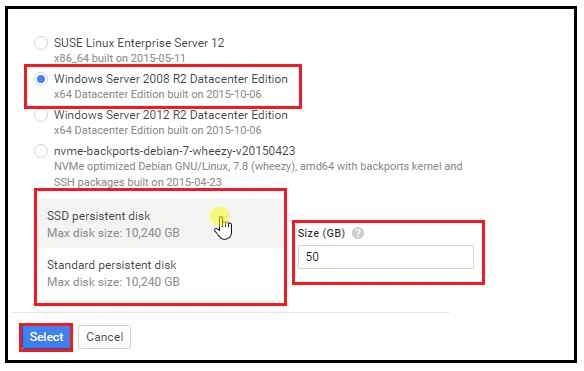
Scroll down the list if you too want Windows Server in VM and Set disk type at last by just entering the size for server hard disk.
Step 5: Allow Firewall and click Create.
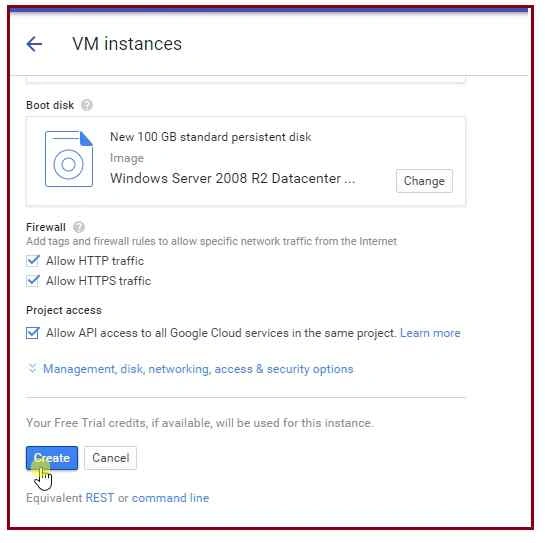
Google Cloud platform allows VM in Minimum time as it takes minimum 10 minutes. If you want to see the process just see in Activities Windows.

Now VM is ready to be used, just set the Account User password or create new password.

Click on more options and find Create or reset Windows password.

Enter Username for Admin Account of your VM and click set button.
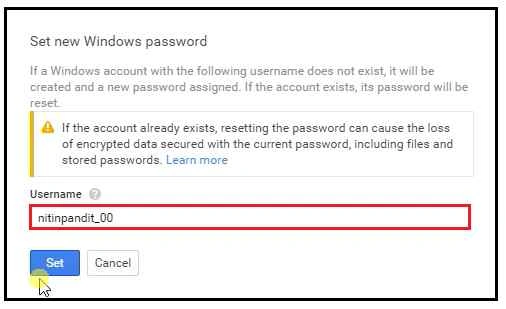
If you are trying to change the password of your VM before 10 minutes it may lead to an Exception, so wait for minimum 10 minutes till the VM is going to be ready.
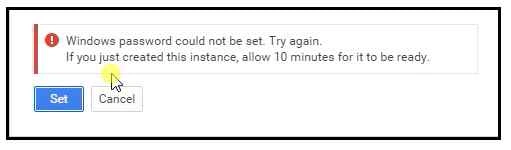
After 10 minutes again click on set button and now you’ll get a new default password for Admin Account. Copy that password and it will not be shown again. If in any case you lost that password, you've to reset it.

Now the time is to connect this VM as Remote desktop access. Download the .rdp file to connect this VM from your local system.
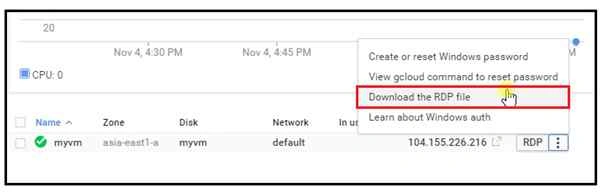
After clicking on “Download the RDP file” you’ll get the .rdp file soon.
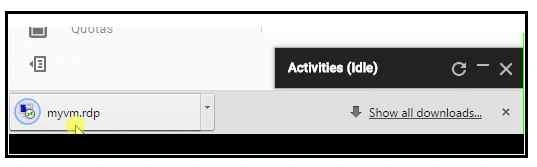
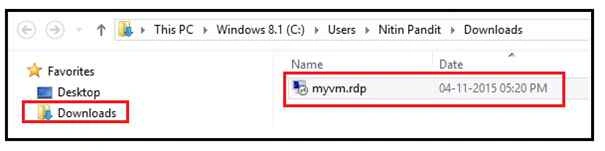
Find that file from your local system (Downloads folder) and click on it.
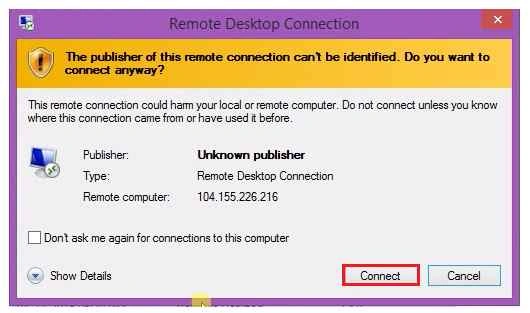
Click Connect.
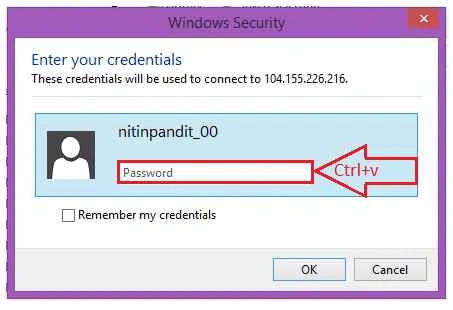
Now paste (Ctrl+v) that password which we copied from the last step and click OK.
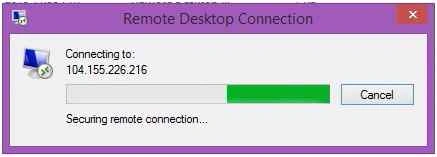
Connecting
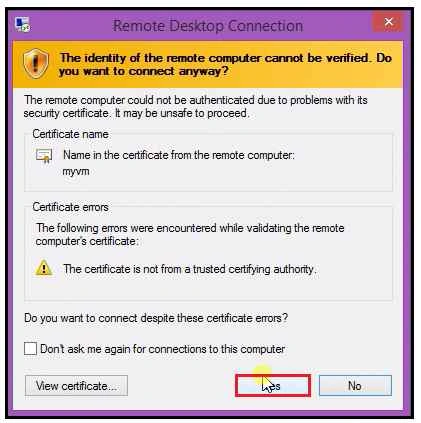
Click Yes to allow certificates.
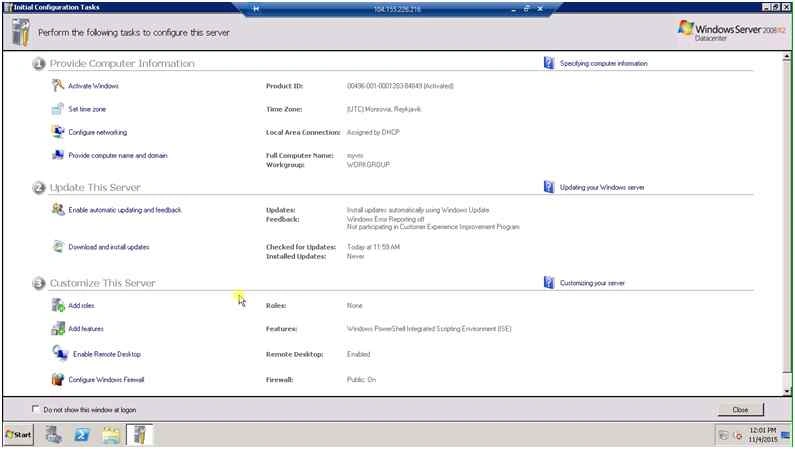
Now your VM is going to prepare your desktop for first time use.

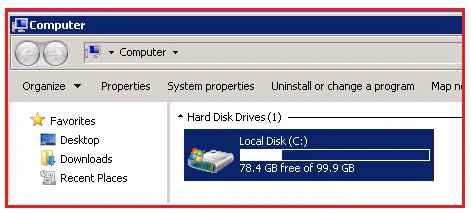
Now this is your VM and completely ready to be used with the same configurations that you selected at the time of VM creations.
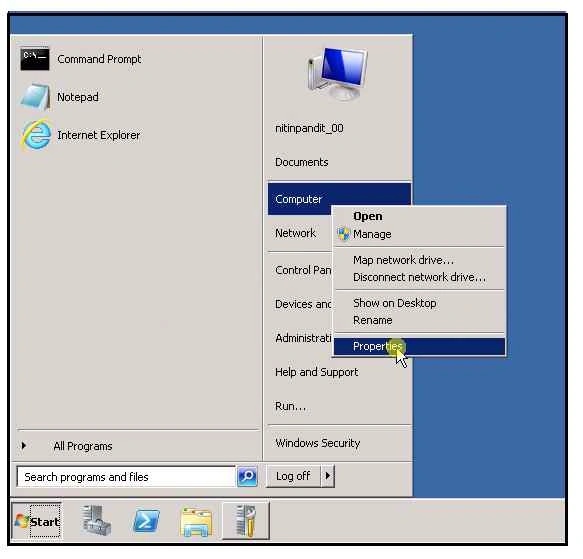
For checking system configuration right click on My Computer and find Properties menu.
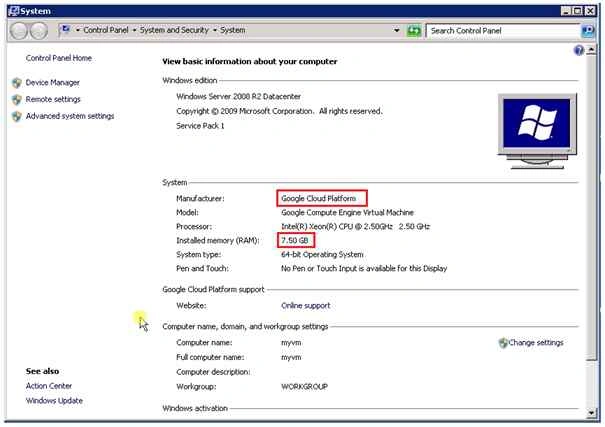
You can now see all the details.
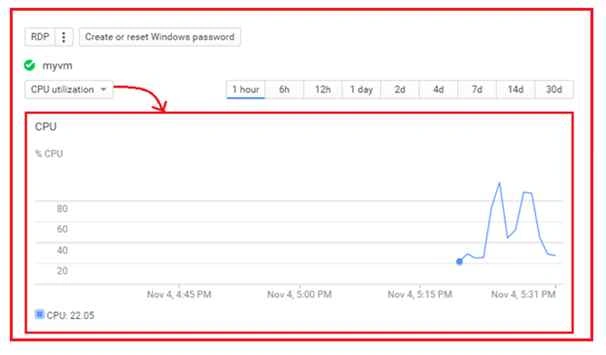
If you want to check your VM CPU utilizations so check the Google Developer Console and Timeline.
Hope you enjoyed this article. Now the time to enjoy Google Cloud Platform, so keep coding. Keep learning and thanks for reading the article.
Santhakumar MunuswamyPosted Nov 11, 2015, 8:49 AM
Good one
Sibeesh VenuPosted Nov 7, 2015, 3:35 AM
Nice Share Dear
Harshad PansuriyaPosted Nov 6, 2015, 11:28 PM
Nice one
Rajeesh MenothPosted Nov 6, 2015, 7:38 AM
Thanks for the share !