

Introduction
In this article we will learn how to configure Power Pivot for Sharepoint 2013.
Power Pivot
It extends the capabilities of the PivotTable data summarization and cross-tabulation feature with new features such as expanded data capacity, advanced calculations, ability to import data from multiple sources and the ability to publish the workbooks as interactive web applications. As such, Power Pivot falls under Microsoft's Business Intelligence offering, complementing it with its self-service, in-memory capabilities.
As a self-service BI product, Power Pivot is intended to allow users with no specialized BI or analytics training to develop data models and calculations, sharing them either directly or through SharePoint document libraries.
Microsoft Power Pivot for Excel is an add-in that you can use to perform powerful data analysis in Microsoft Excel, bringing self-service business intelligence to your desktop.
Configuration of Power Pivot in SharePoint2013
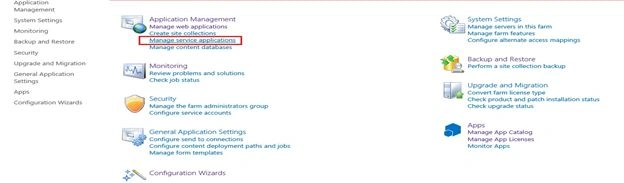
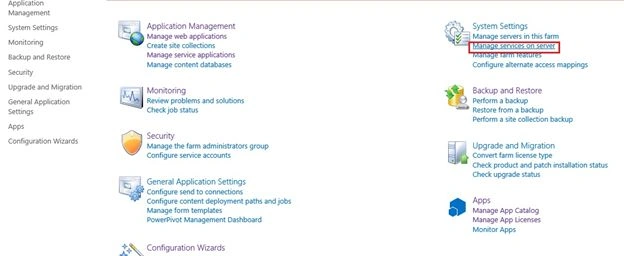
Open the Central Administration then click on the Manage Service Application and configure the Excel Services.
(Excel Services Reports Displayed in SharePoint 2013)
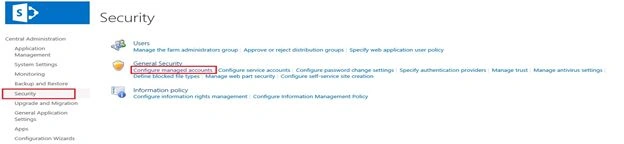
Click on the Security and Configure managed accounts.
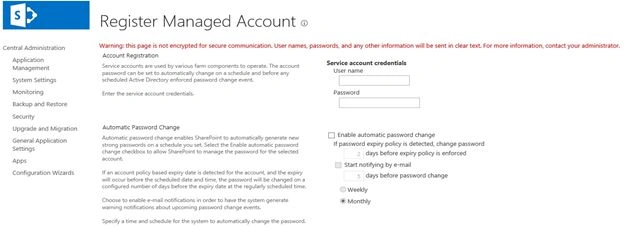
Register New Managed Account.
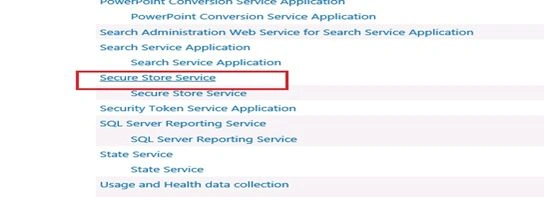
Open the Secure Store Service.
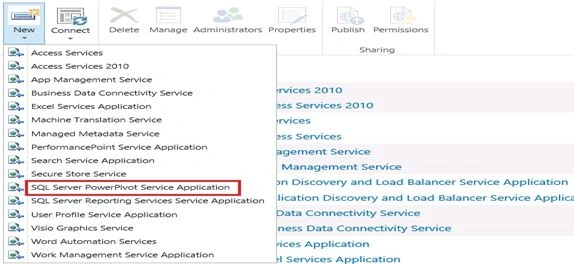
Click on the New tab.
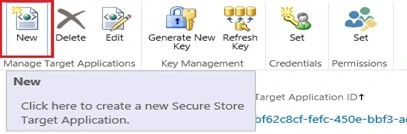
Create New Secure Store Target Application
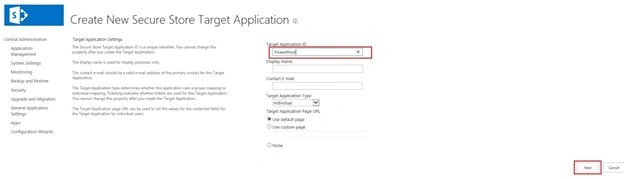
Specify the authentication here.

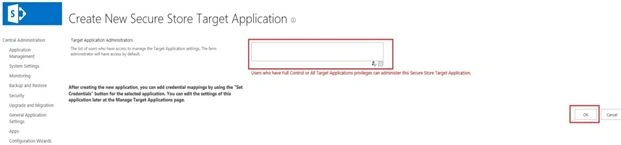
Select the Target Application Admin.
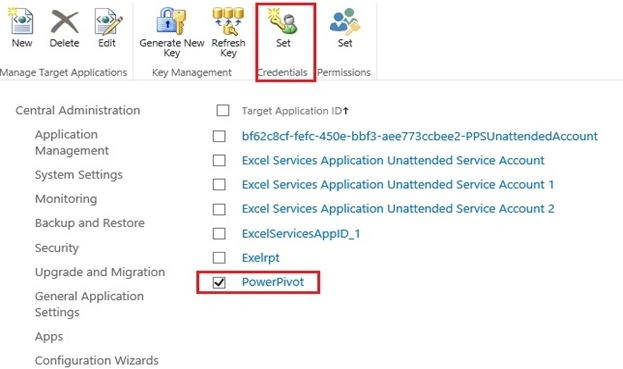
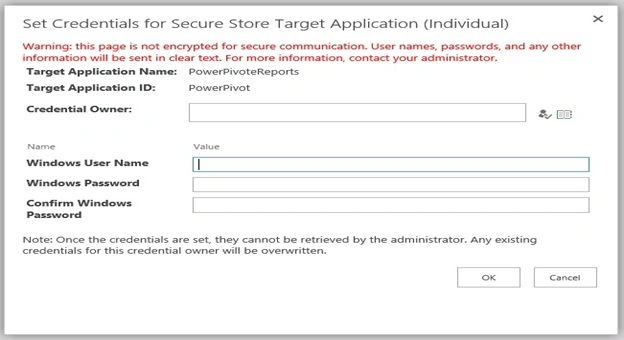
Set the Credentials here.
Enter the Credential Owner details here.
To grant content database access to the managed account, click Start, click All Programs, click Microsoft SharePoint 2013 Products, right-click SharePoint 2013 Management Shell and then click Run as Administrator.
At the Windows PowerShell Command Prompt, type the following syntax (press Enter after each line):
$w = Get-SPWebApplication -identity http://<WebApplication>
$w.GrantAccessToProcessIdentity("<Domain>\<Account>")
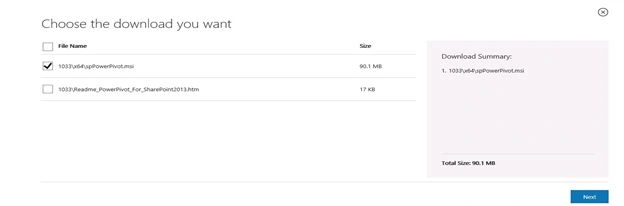
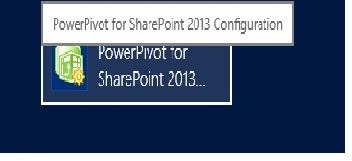
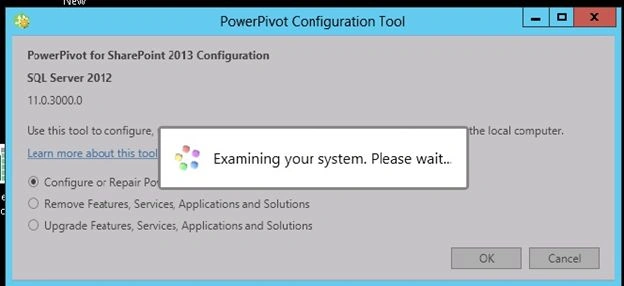
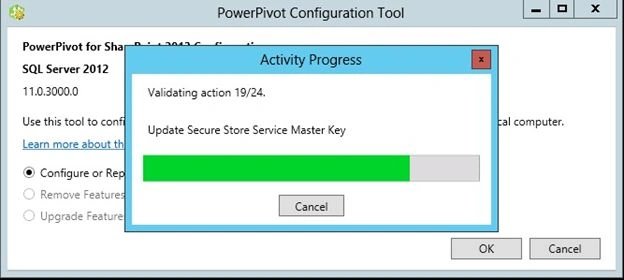
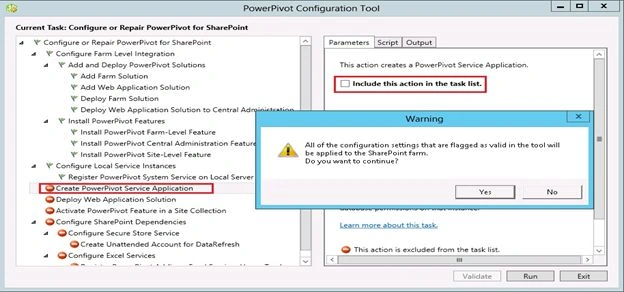
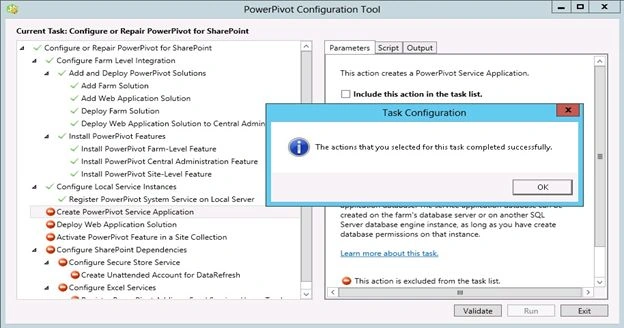
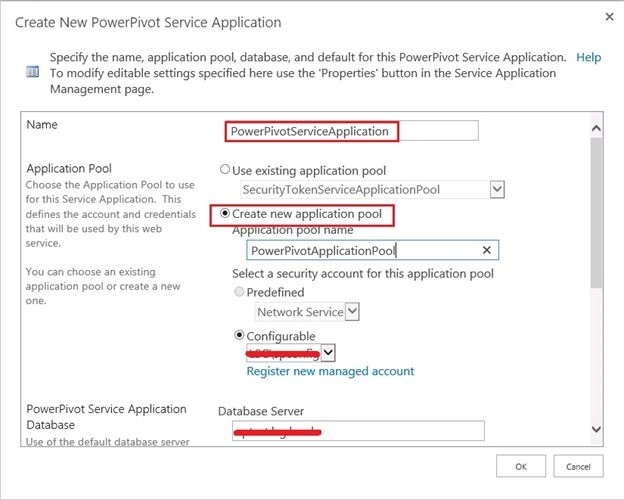
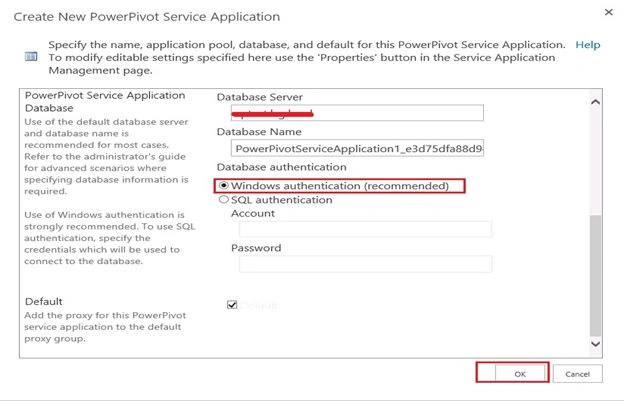
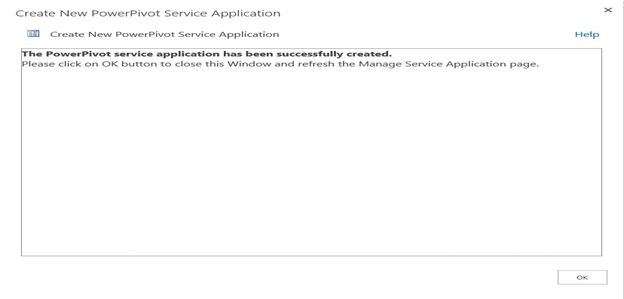
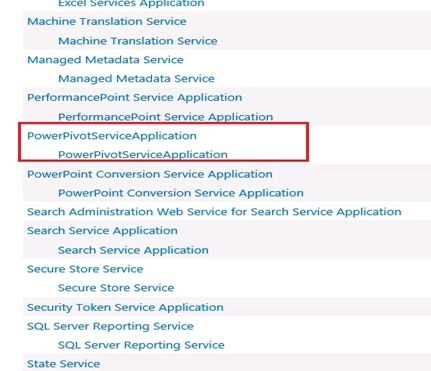
Then download and install spPowerPivot.
Download and install spPowerPivot


Shiju JosephPosted May 7, 2014, 1:57 AM
Thanks Vijai
Vijai Anand RamalingamPosted May 6, 2014, 12:56 PM
Very Nice!!!!