

Welcome to an article on how to configure security policies on the security and compliance center on SharePoint Office 365.
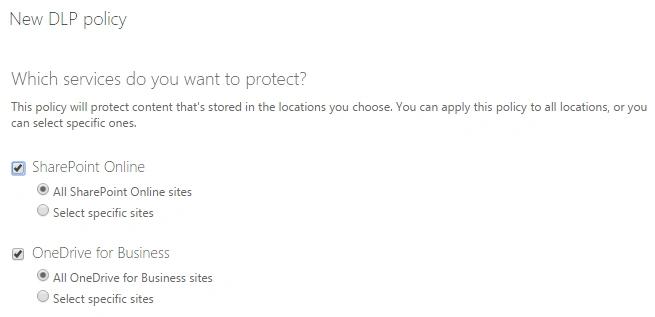
You can configure data loss prevention (DLP) policies to manage your organization’s information across various locations in all the sites or on the drive.
If you are a tenant administrator, open your Office portal and click “Security & Compliance”.
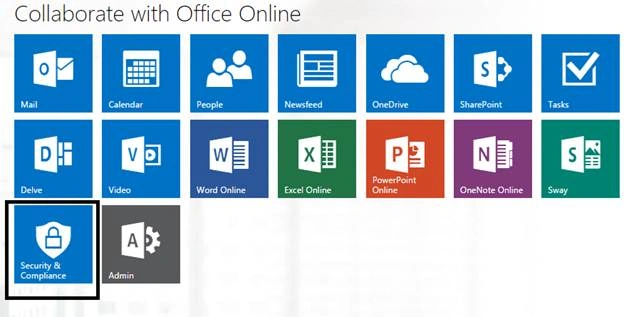
You will reach your security and compliance center.
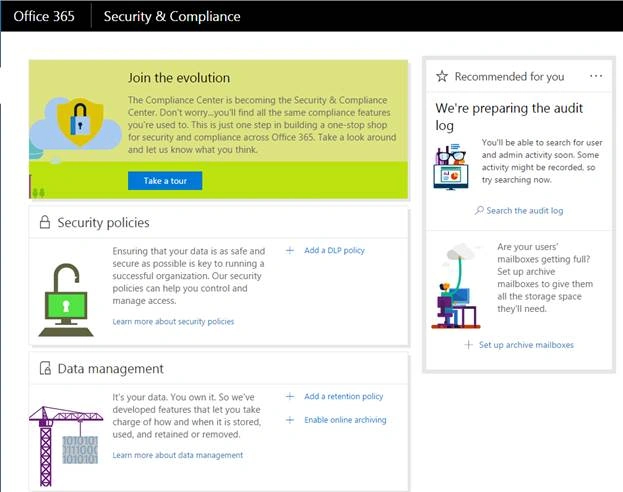
We have here:
Security policies
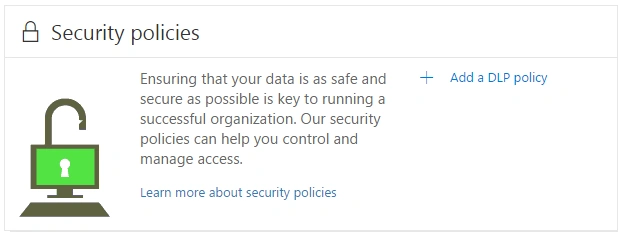
You can configure data loss prevention (DLP) policies to manage your organization’s information across various locations in all the sites or on the drive.
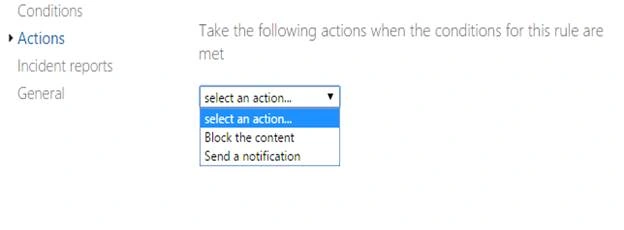
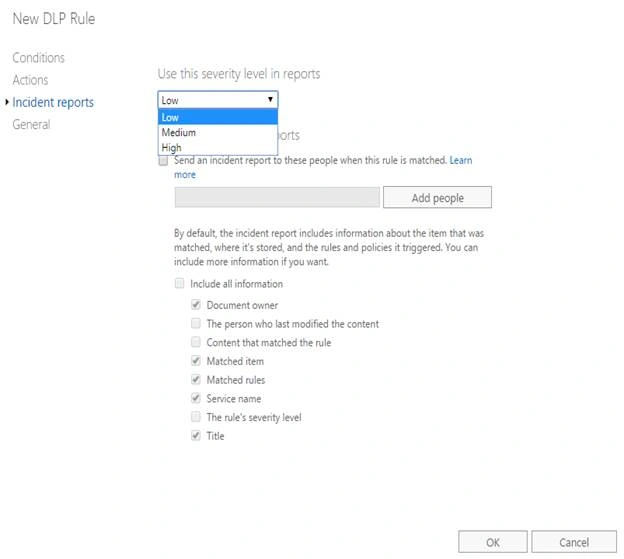
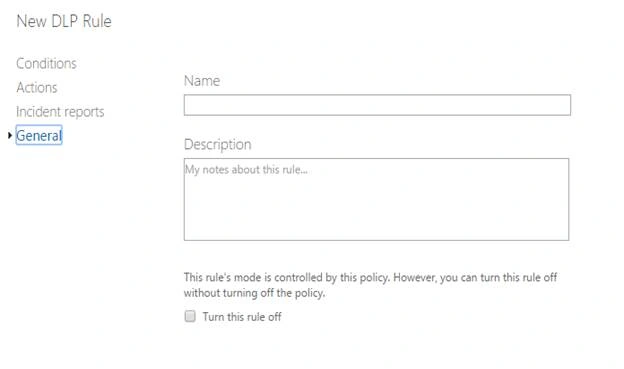
This policy can either be from any finance or medical act or you can create your own custom policies for your organization and secure the documents.
Let’s create a DLP policy together and see what it offers us.
- Click “Add a DLP policy”.
- You will see the section, as shown below:
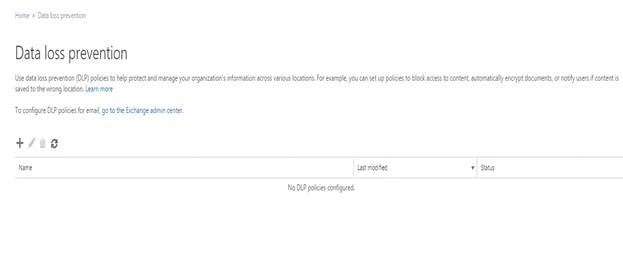
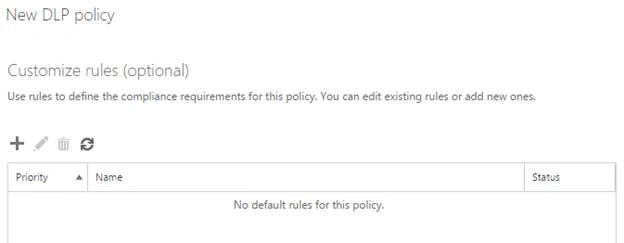
- As we don’t have anything here, let’s create one.
Click the ‘+’ symbol on the view. - You will see a dialog box.
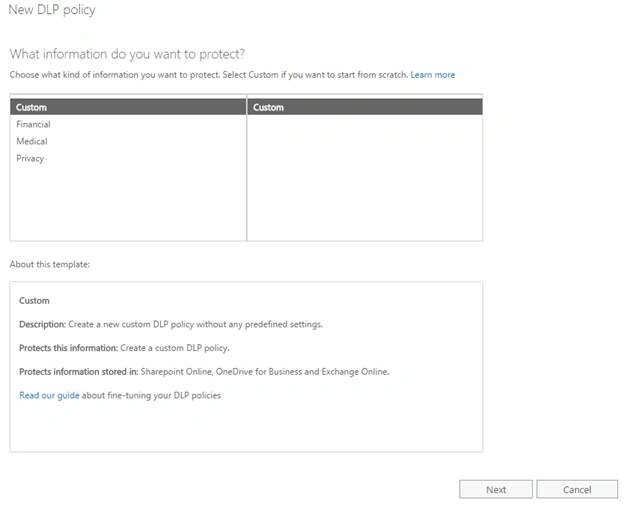
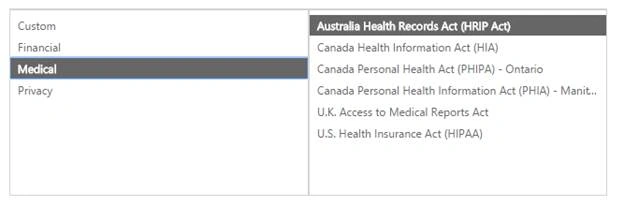
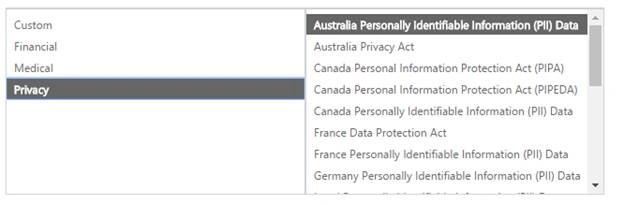
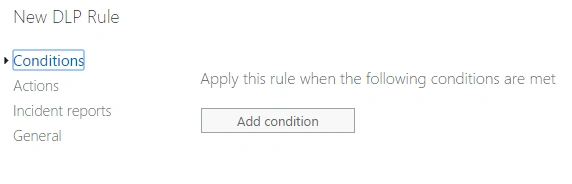
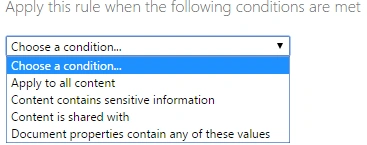
- If you want to create a custom policy, click next or if you want to choose any of the templates under the Financial, Medical and Privacy sections. You can choose one from among them.
- When we see the financial section, we have some default policy acts, which you can see from the screen, shown below. You can choose any of them, if they suit your criteria.
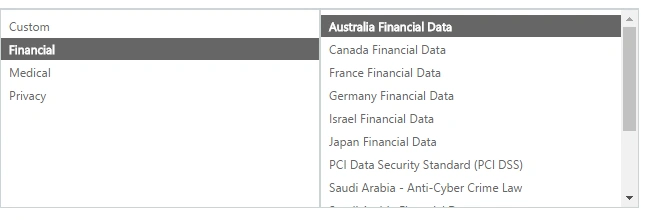
- If you want to create a custom policy, click next or if you want to choose any of the templates under the Financial, Medical and Privacy sections. You can choose one from among them.
Santhakumar MunuswamyPosted Jun 25, 2016, 3:06 AM
Nice share
Kuppurasu NagarajPosted Jun 14, 2016, 1:13 PM
Nice Sharing..
Vignesh ManiPosted Jun 14, 2016, 12:11 PM
Nice
RajaPosted Jun 14, 2016, 12:04 AM
Good One...
Debasis SahaPosted Jun 13, 2016, 1:42 PM
Nice One..