

In this article, we shall see how to greet the user with the name using the logged-in information using the out of the box feature. This article is intended to target the developer who are using the Microsoft Copilot Studio for the custom copilot development.
Steps of Copilot Customization
Once you create the new copilot and when the bot is provisioned, you will have three options for the bot security management. To configure the same you can click on the Settings on the top right.
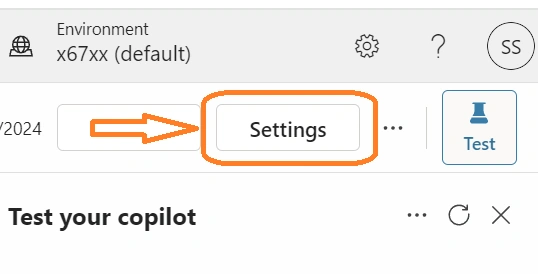
Choose the Security option from the left pane and click on the Authentication.

And when you choose any of the two options below for authentication
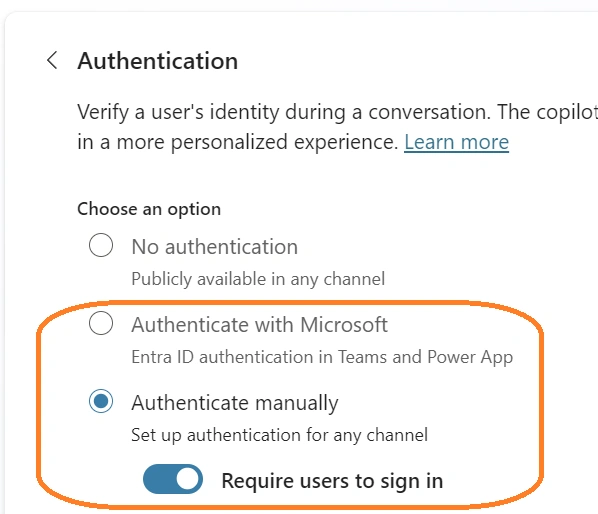
Then you have an option to greet the user with their name using the Entra ID user registration details.
Initially the bot will greet the user only as “Hello,” like this.
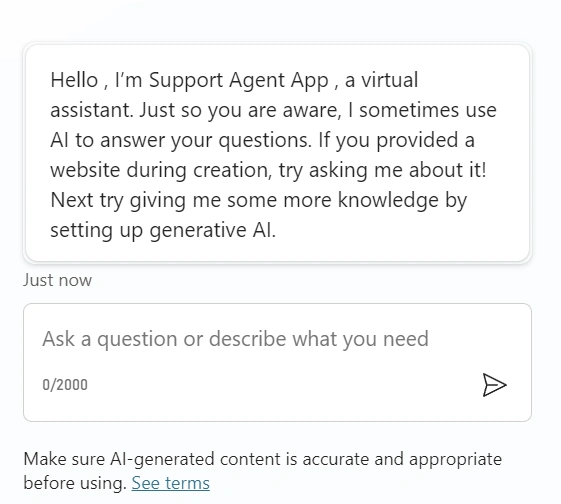
To change this behavior to greet with the signed / logged-in information, follow the steps below.
- Go to the Topics section and select the All Topics options.

- Click on the Conversation Start topic.
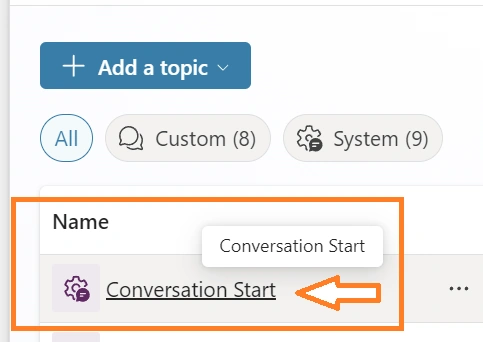
- Click the message option to edit the default message and customize on its own to greet the user.

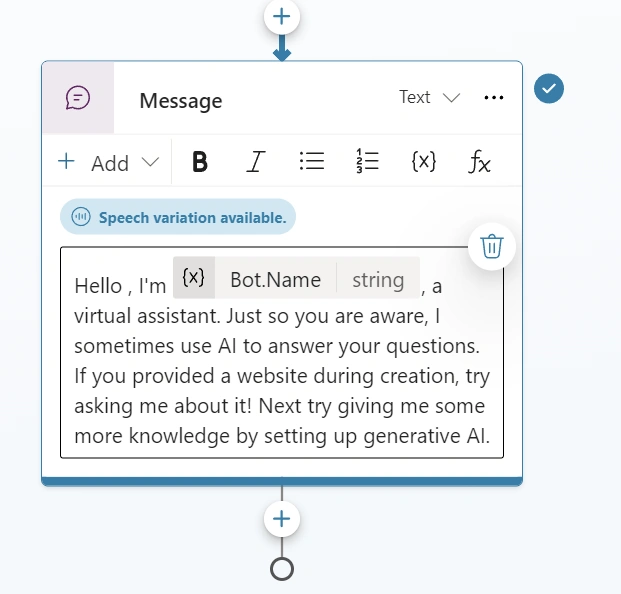
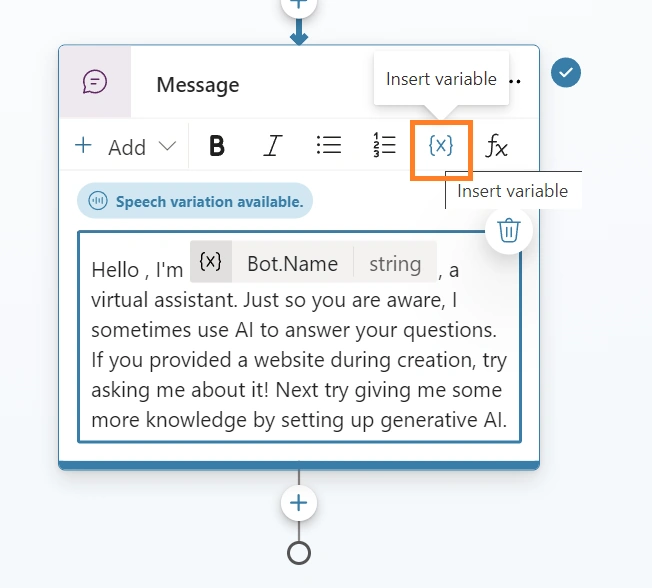
- Select the {x} button option to choose the available variables.
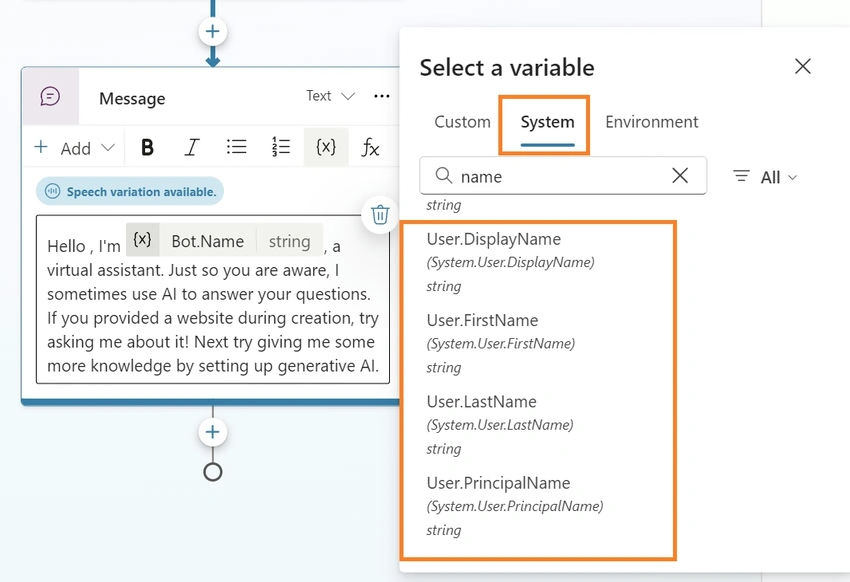
- From the pop-out menu, select the System option and search for the name to choose the below option to greet the user.
- After selecting the choice, Save the topic.

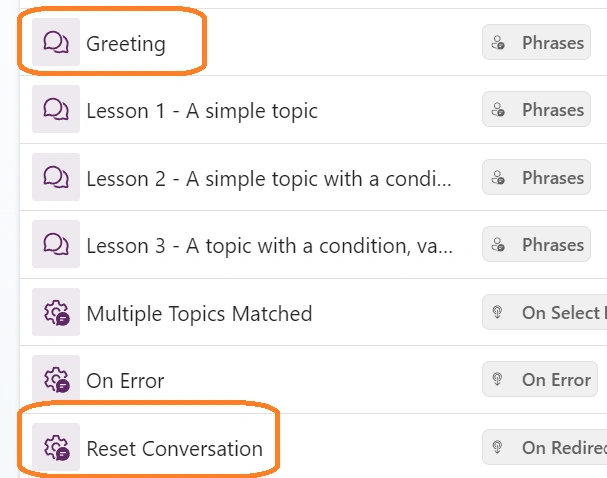
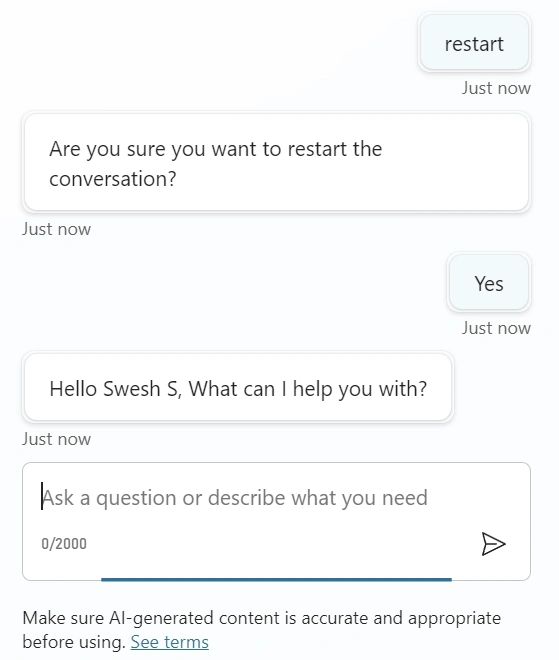
- Repeat the same steps for the topics Greeting and Reset Conversation.
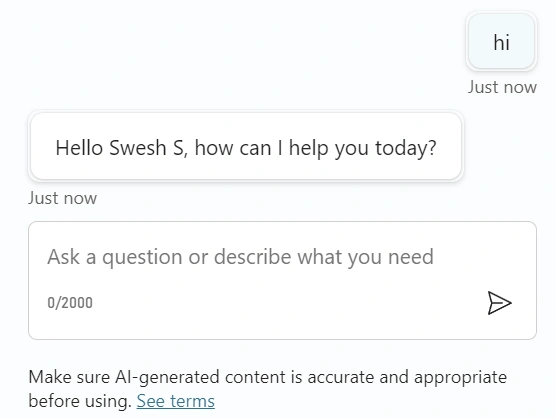
Now, you will see the welcome message.
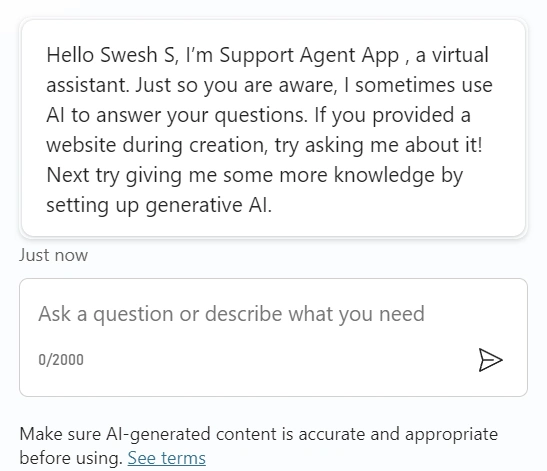
Greetings
Reset Conversation
To read more about Creating Plugins using existing connectors and Adding plugins to topics please read the below articles
Join the conversation! Your thoughts help the community grow.