
Here are the steps:
Open the following URL.
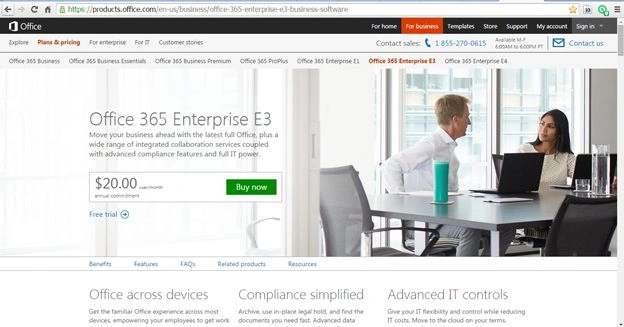
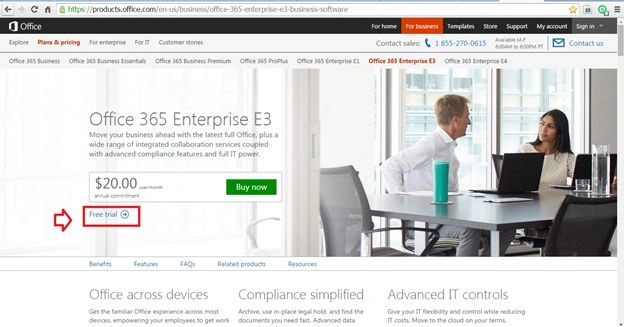
Click Free trial link.
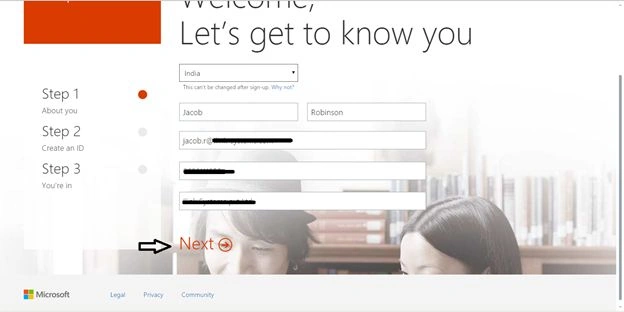
The following screen will appear.
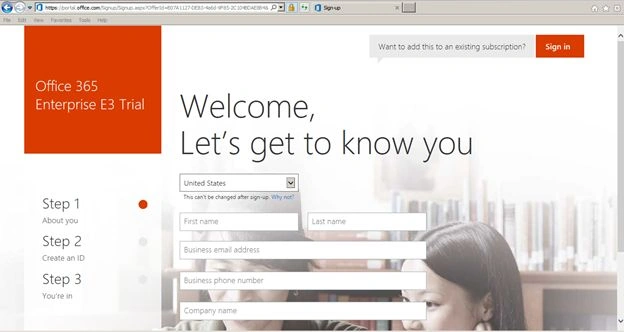
Enter the details and click Next.
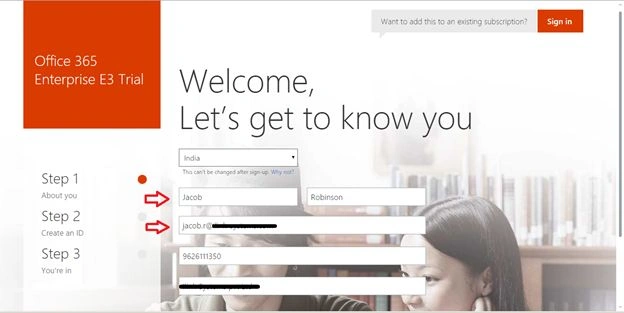
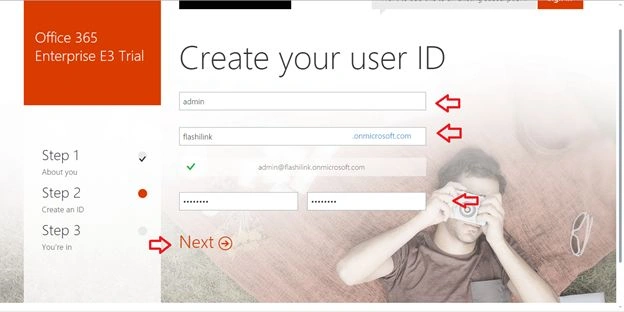
Enter User ID details and click Next.
Confirm your details.
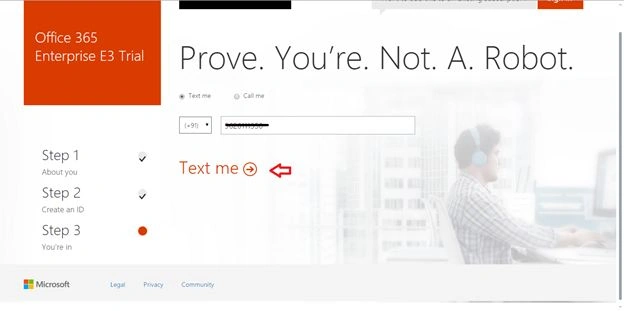
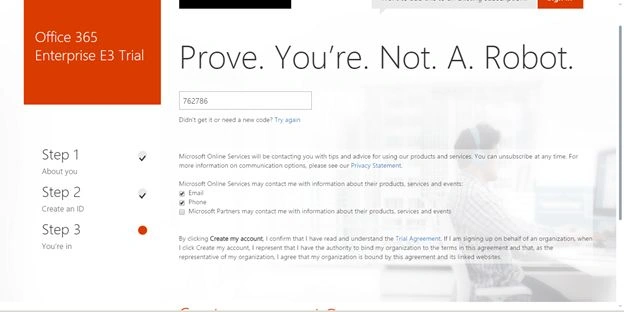
Click Create my account.
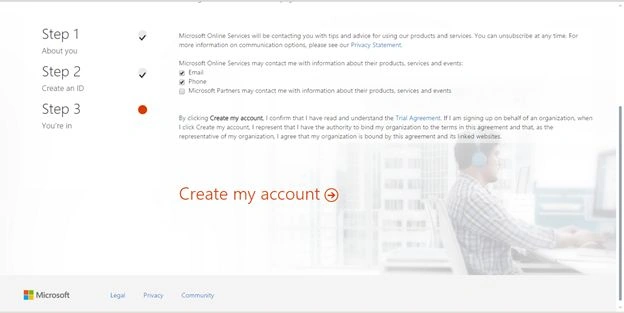
Your account will be created.
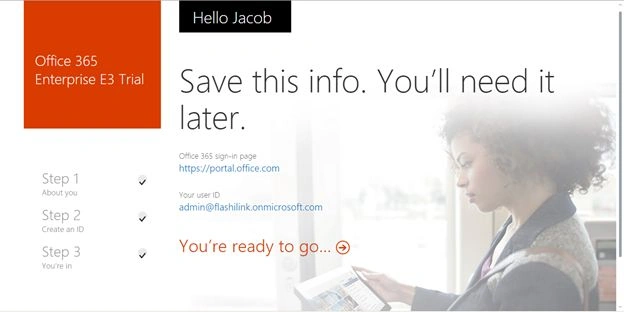
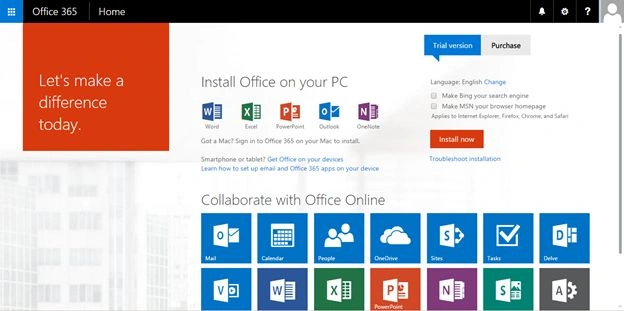
Summary
In this article we saw how to create a trial account in Microsoft SharePoint Office 365.

Create A Trial Account In SharePoint Office 365
Join the conversation! Your thoughts help the community grow.
Sign in to leave a comment
It is the same account you read, post and publish with — and you will come straight back to this page.
jyothi vPosted Aug 30, 2019, 10:02 AM
Can we add users for this free trial account..
Mahesh SherkarPosted Apr 11, 2018, 6:47 AM
Thank you so much Jacob!
Santhakumar MunuswamyPosted Sep 5, 2015, 4:14 AM
Thanks for nice share