

Introduction
Virtual machine is the virtualization/emulation of a computer system. Virtual machines are based on computer architectures and provide the functionality of a physical computer.
I will provide step by step to create a Virtual machine with screenshots below.
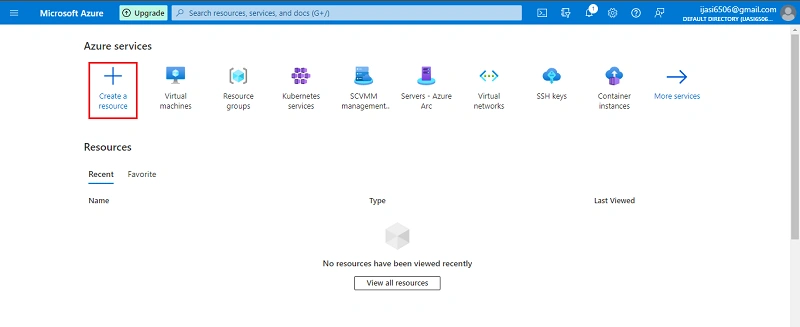
Go to Azure portal. Click Create a Resource
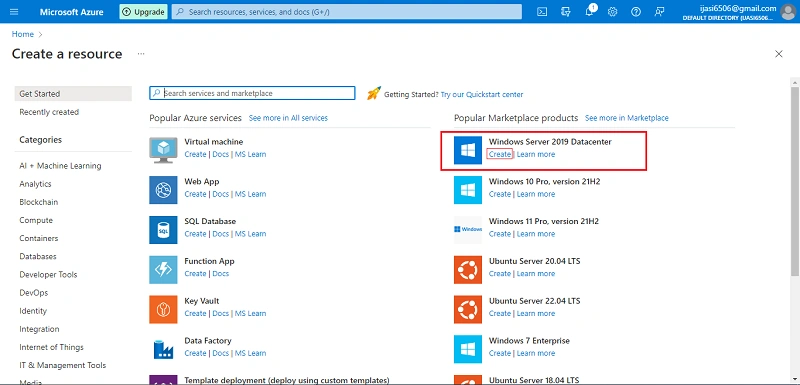
Next Click Create as shown below
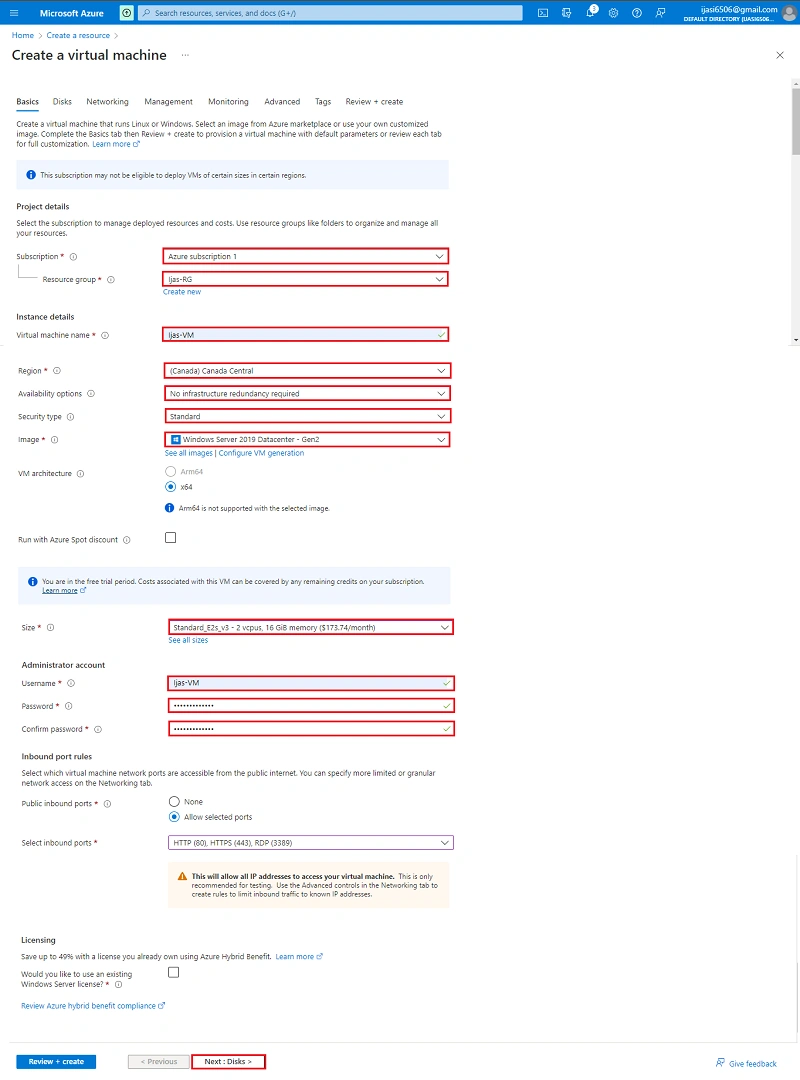
Next in the following step click Next + Disk
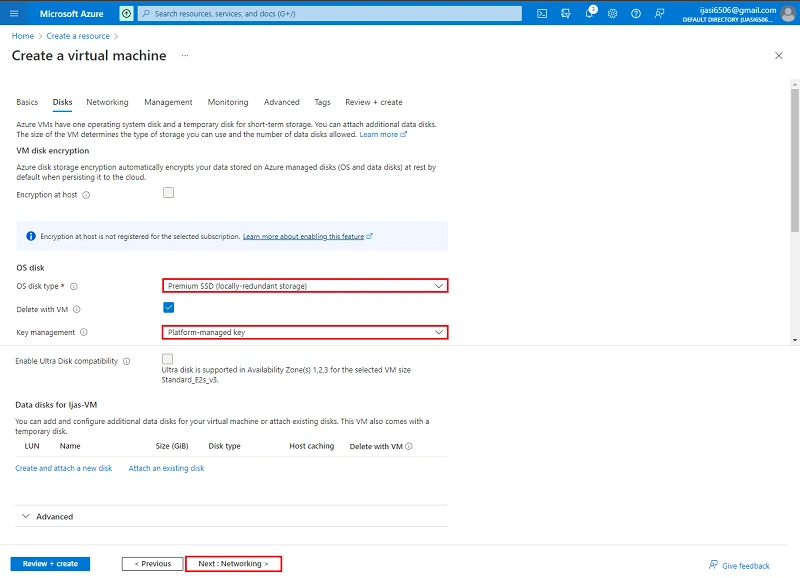
Next in the following step click Next + Networking
Next in the following step click Next + management
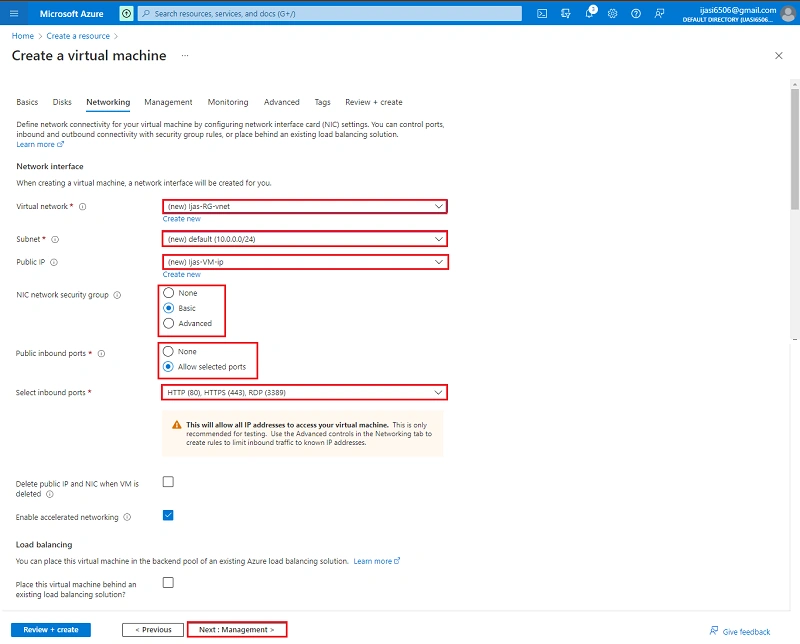
Next in the following step click Next + monitoring
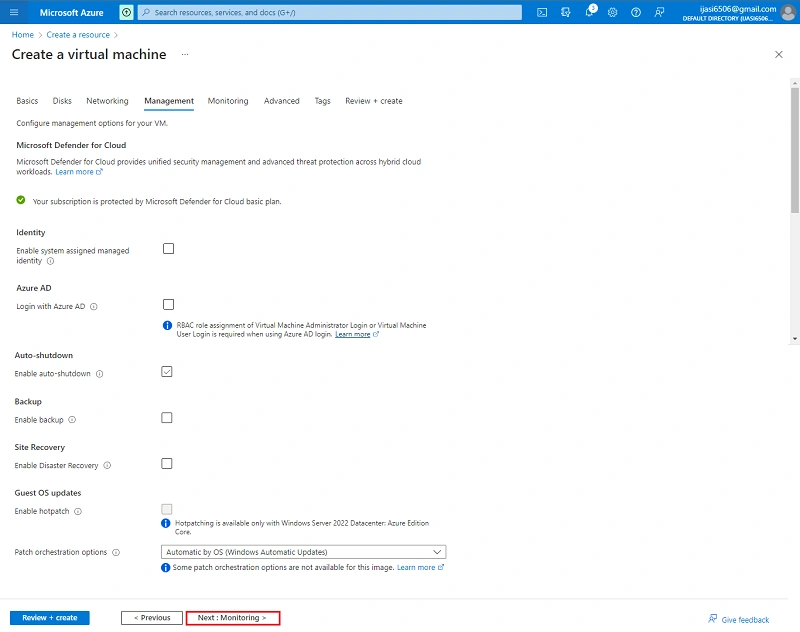
Next in the following step click Next + Advanced
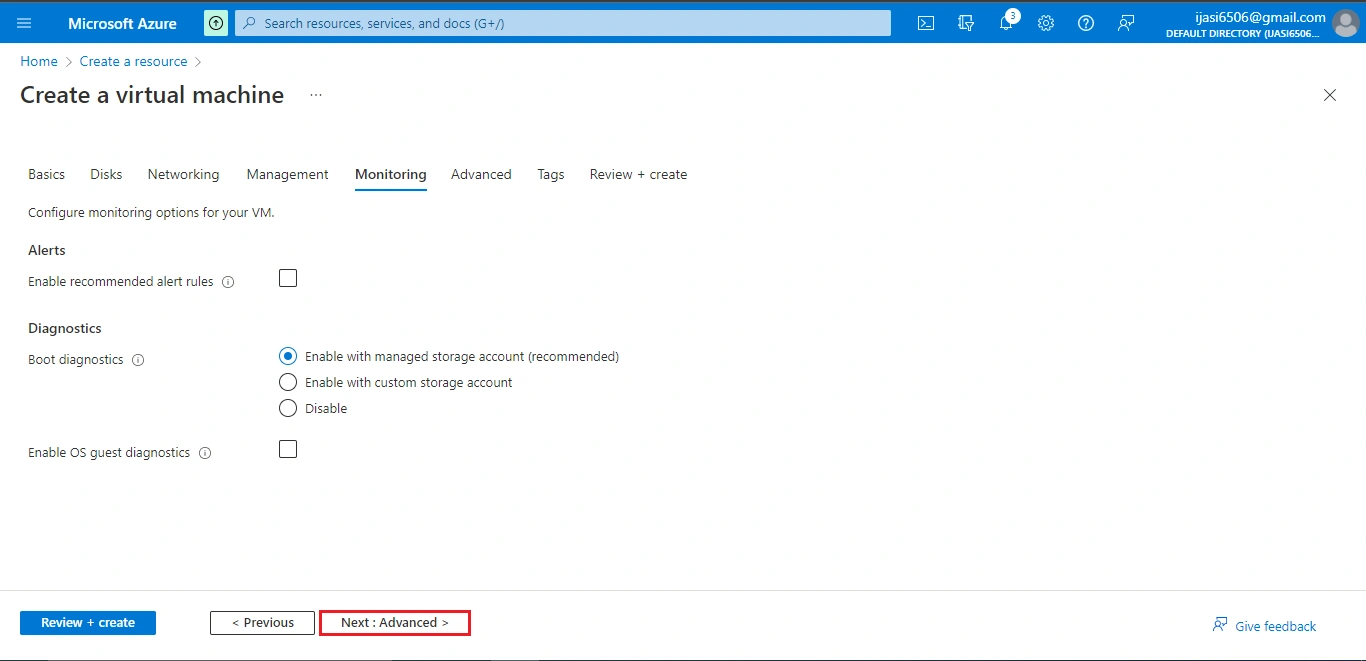
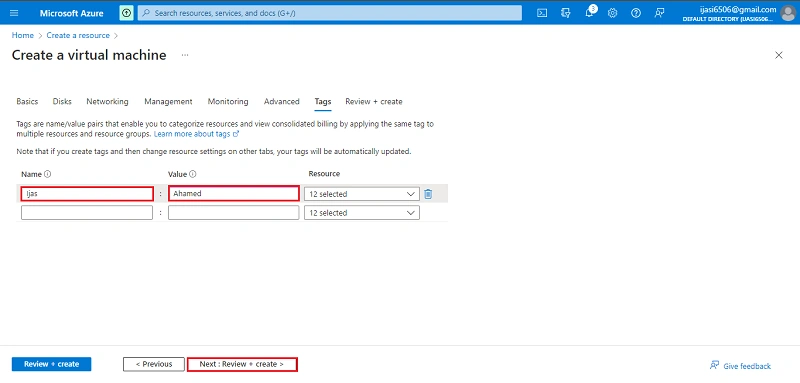
Next in the following step click Next + Tag
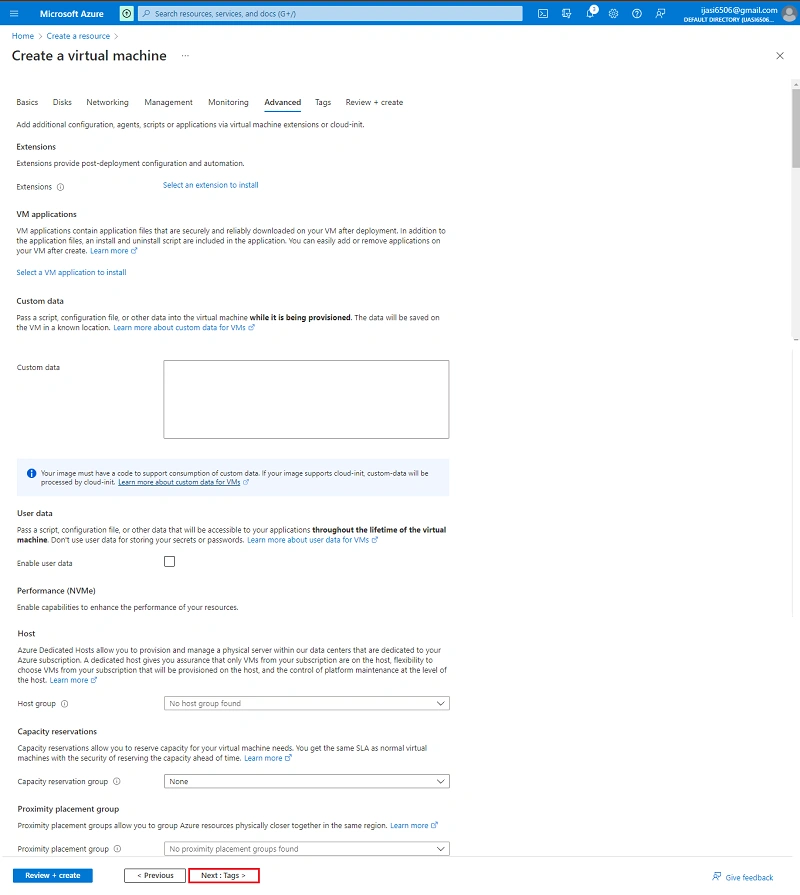
Next in the following step click Next + Review + Create
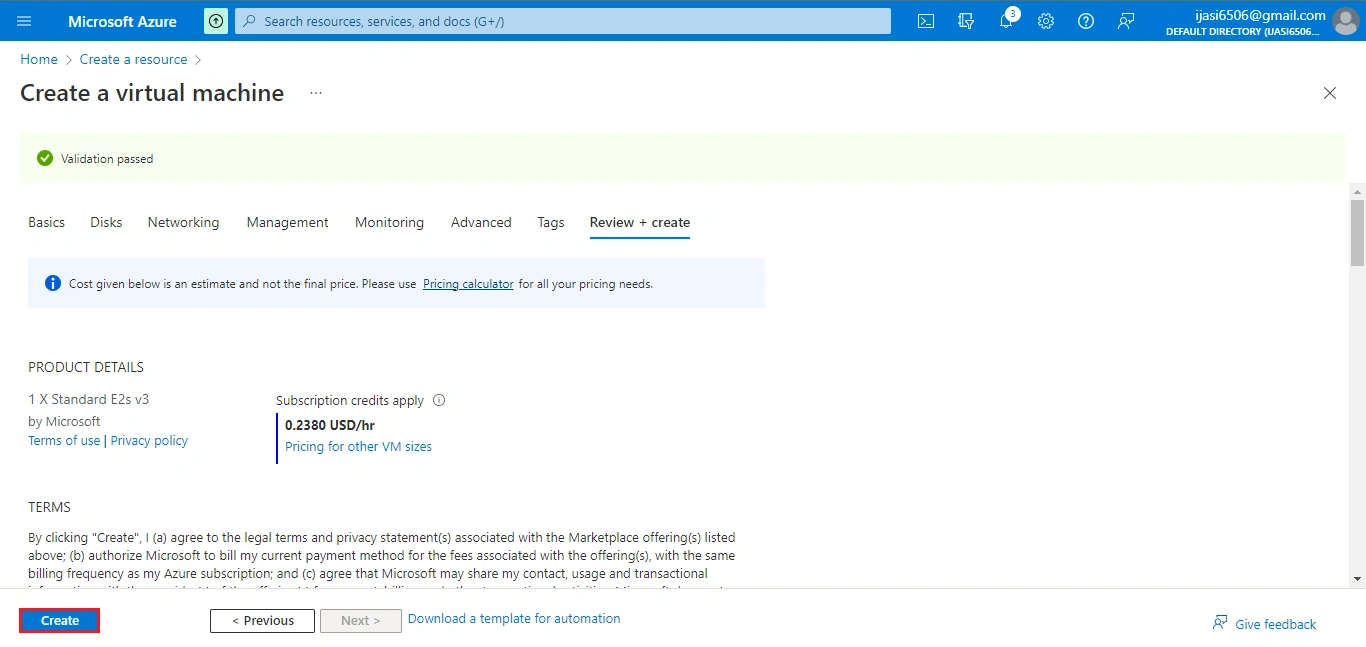
Next Click Create
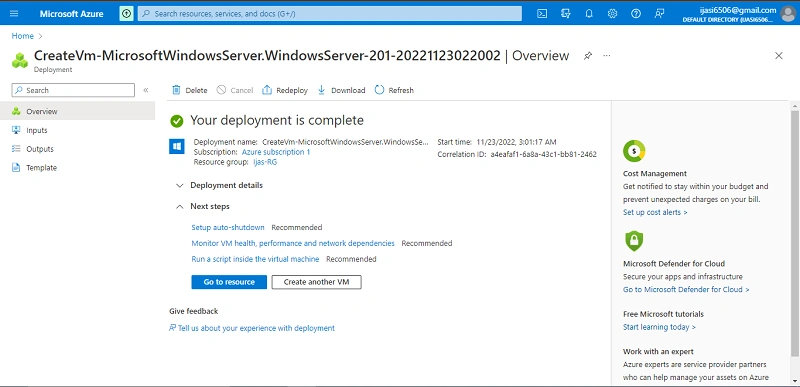
Successfully created a Virtual machine
Conclusion
This article taught us how to set up a Virtual machine. If you have any questions, please contact me.
Thanks.
Viknaraj ManogararajahPosted Nov 29, 2022, 7:27 AM
Excellent Article