

Here, two options are available to use RemoteApp on Azure:
- Using exiting template images
- Creating your own image
Azure RemoteApp brings the functionality of the on-premises RemoteApp program. In back-end, it uses Remote Desktop Services on Azure. It helps you provide secure remote access to the applications from many different user devices. With the help of Azure, RemoteApp can share apps and other resources with other users on any device or any platform.
Benefits
- Flexible hybrid or cloud deployment options
- Scale without expensive infrastructure costs
- Delivered via Microsoft Remote Desktop Protocol
- Access from Windows, iOS, Mac OS X, and Android devices
- Remote applications delivered from the trusted and reliable Azure platform
Features
- Run Windows applications, anywhere
Azure RemoteApp helps employees stay productive, anywhere and on a variety of devices—Windows, Mac OS X, iOS, or Android. Your company’s applications run on Windows Server in the Azure cloud, where they’re easier to scale and update. Employees install Remote Desktop clients on their Internet-connected laptops, tablets, or phones and then, can access applications as if they were running locally. - Scales quickly to meet changing business needs
RemoteApp is a cost-effective solution for a fluctuating workforce or fast-changing business requirements. It ramps up quixkly and and provides seasonal workers, vendors, or large groups of new employees, access to the company applications without paying for new servers and expensive on-premise infrastructure—then, scales down again when business needs change. - Safeguards sensitive corporate applications
RemoteApp provides a protected application delivery solution: applications are never sent to or stored on employee devices, but are centralized on the some trusted and reliable platform used by governments, financial services companies, and other large organizations, dealing with sensitive information. Users access their company applications through Remote Desktop Protocol. - Choose cloud or hybrid deployments
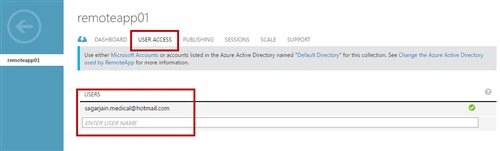
Integrate RemoteApp with your company’s existing on-premises infrastructure and bring your own Remote Desktop Session Host. Or deploy RemoteApp using the pre-built app collections for a stand-alone cloud service. It’s up to you. You can also give employees the option to sign in with their existing corporate credentials or a Microsoft account.
Prerequisites
- Microsoft Azure Subscription (MSDN subscribers or sign up for one month free trial)
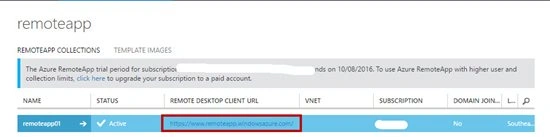
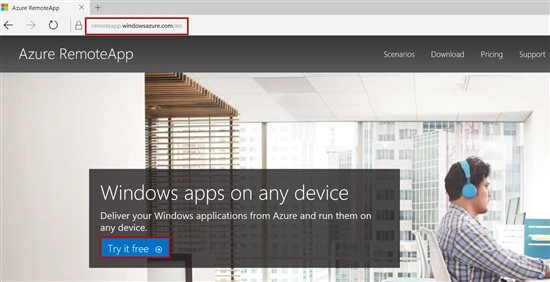
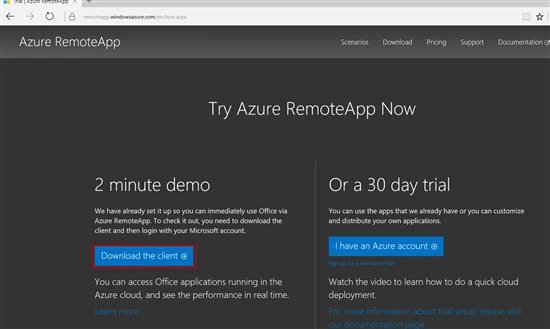
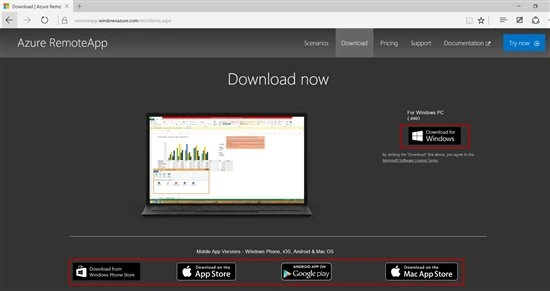
- Azure RemoteApp client. For download, click here
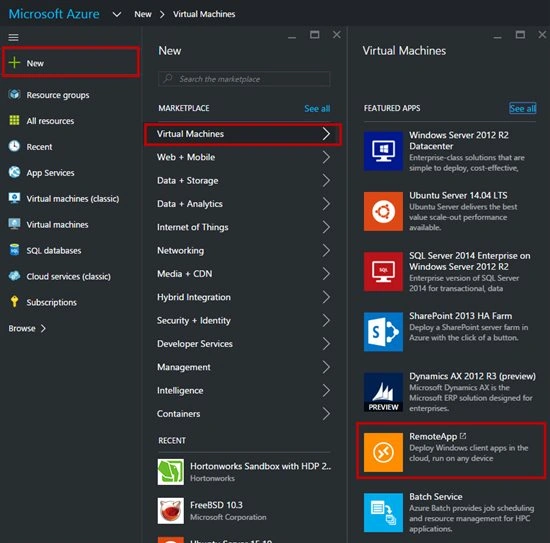
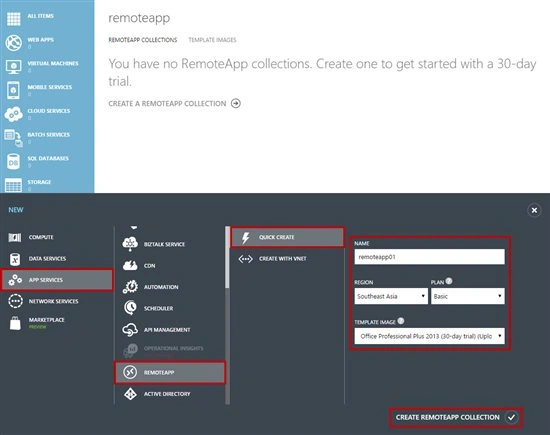
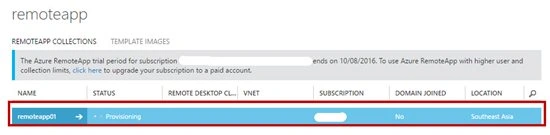
- How to Create Azure RemoteApp
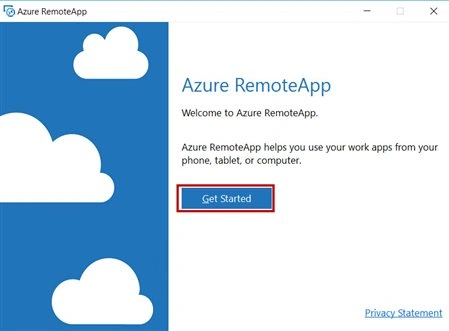
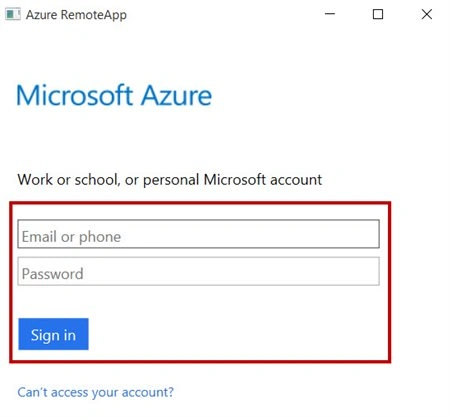
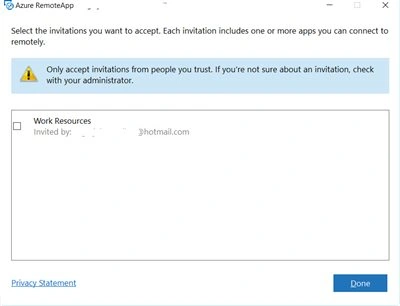
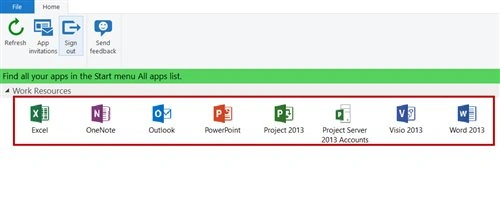
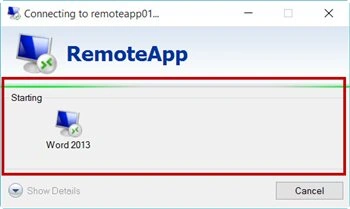
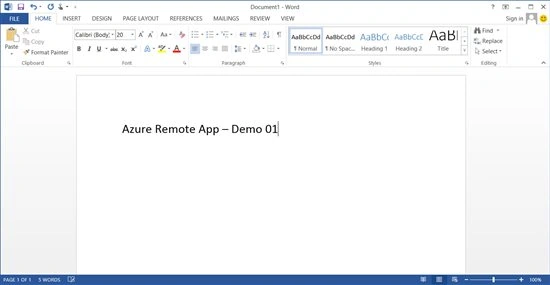
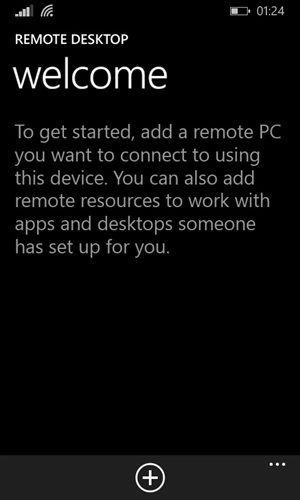
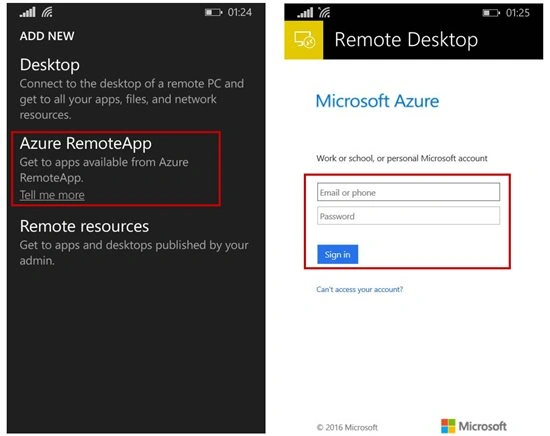
- Configure on client side
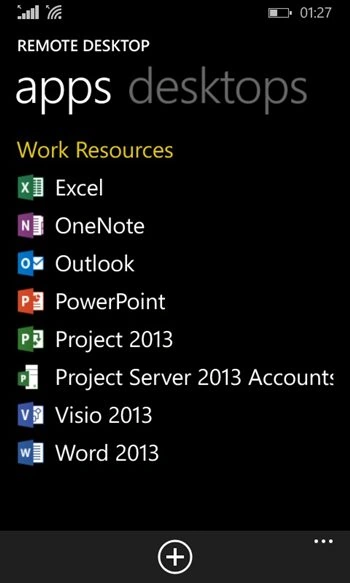
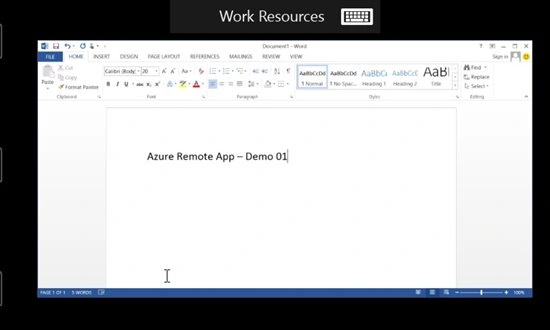
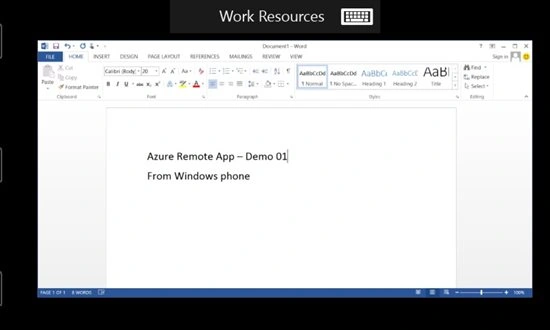
- Can run on any device (Windows PC, Windows Phone, Android, iOS & Mac OS)
kalu singh raoPosted Jul 14, 2016, 6:20 AM
Nice...
Vignesh ManiPosted Jul 13, 2016, 5:41 PM
Good one