

This article helps you to create an express app in a simple and quick way with the view engine and host in an Azure web app.
Why Express JS
When a high priority task needs to create an API, there are plenty of packages/methods and middleware available to use and choosing the right one is not an easy job. Instead of spending time researching what to use and how to create it, making use of the framework with built-in features available is a wise idea. Express includes every essential fundamental of the web application features without disturbing the rules o Node JS as per the guidelines.
How to create Express JS App
To simplify the task we can use the express generator npm package to create an app every time quickly and easily from the house of ExpressJS
Open a PowerShell terminal or cmd prompt and execute the below command.
npm install -g express-generator
assuming you have installed the LTS version (recommended) version of Node package manager in your machine (typically this article covers the Windows OS). Installing the app generator package globally.
Once the package is installed, go to the destined folder to create all the projects and fire the below cmd.
npx express sampleExpressApp --hbs
npx command is used for creating an application boilerplate that includes all the necessary files and folders for the project to run. Dash (--hbs) is a choice of having a view engine to be created along with the app. We have others options like ejs, pug, hogan, jade or no view (for no engine). We will see why a view engine is required in the next section of this article.
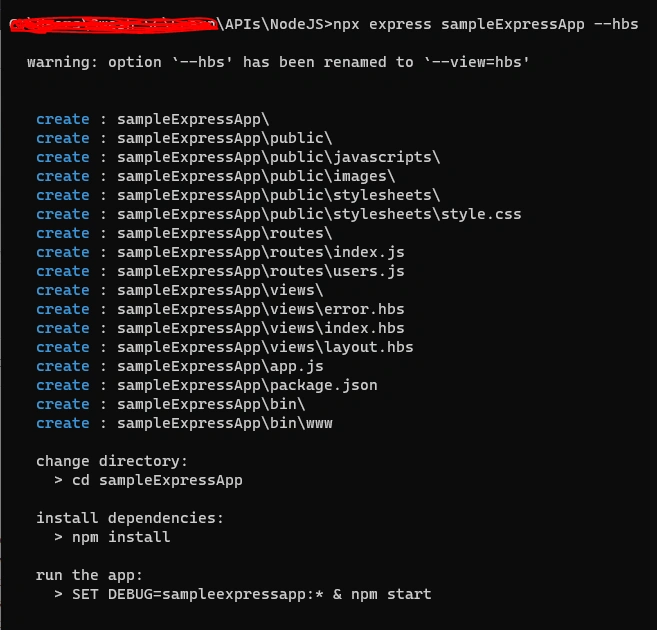
Folder Structure and Files
Open the folder in VS Code
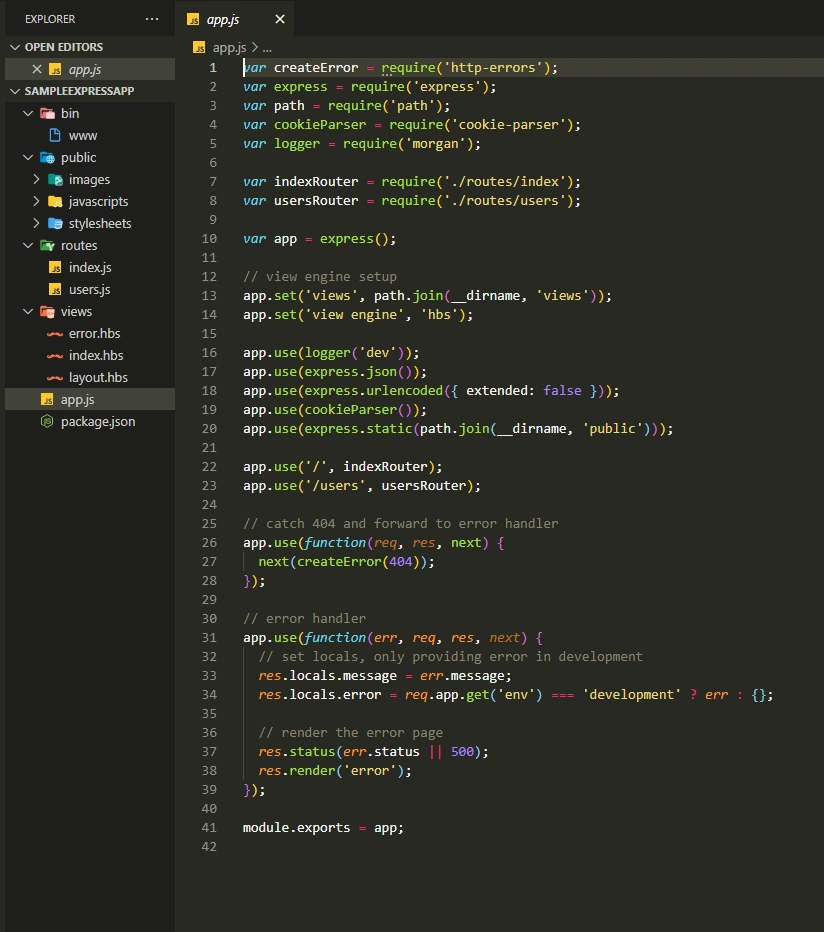
The app.js file holds all the methods for exporting the app with the help of express routers and middleware like logger, cookie parser, morgan and HTTP error handlers that are already added.
App.use is routing all the requests (‘/’) to the routes folder, which means when the browser reaches an endpoint the desired responses will be sent back (along with the status code like 200 OK / 404 Page Not Found) from the js files added in the routes folder.
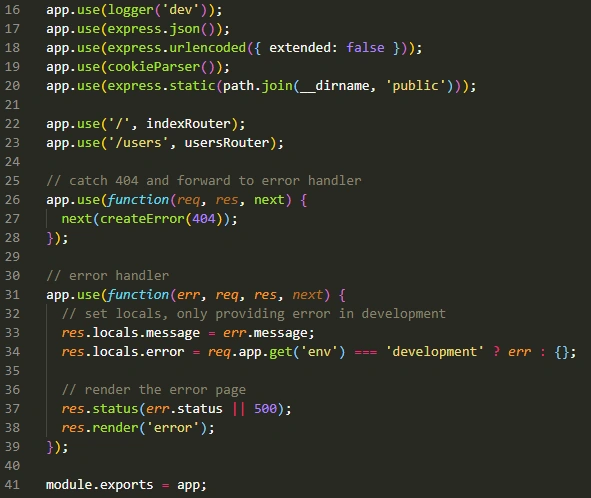
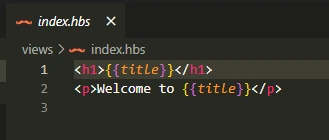
But in case if the response JSON is to be viewed in a browser friendly HTML format then the app requires an additional capability like a view engine. Here in this app, the view engine used is Handlebar JS where all the HTML tags are supported and additionally the JSON object which is received from the router is expressed as a value.
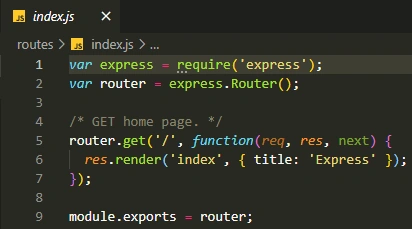
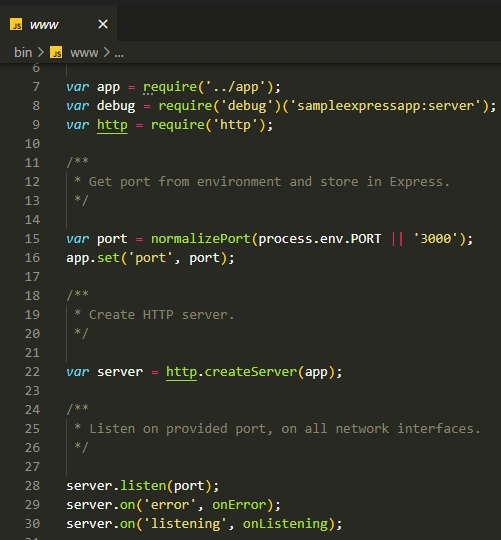
In the bin folder, www file will expose the app in the PORT 3000 by default. If required this can be modified to use different PORT by providing the value in the .env file (which needs to be created separately).



Join the conversation! Your thoughts help the community grow.