

Go to https://dev.azure.com/ and log in using your email (ex: [email protected] and password)
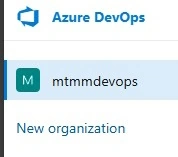
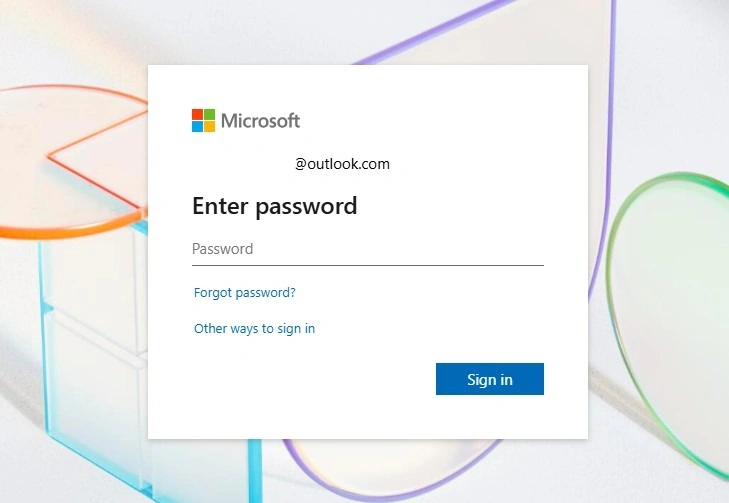
On Azure DevOps Tenant
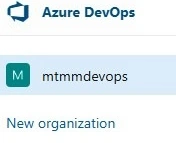
Click ->>> New Organization
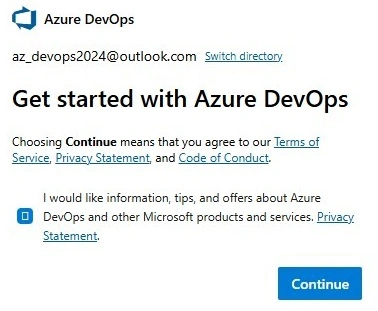
After that, you have to accept the Microsoft terms and conditions, then click-->> Continue
After that, need to give a unique
Name of your organization. (Ex: dev.azure.com/mtmmdevops)
Host your project place :(choose the nearest place to your country) ---->>continue

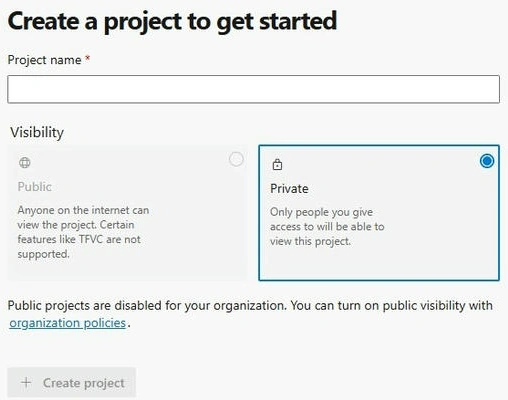
Now that the organization is created, you have to create the project to manage your entire project.
- Project Name: Azure
- Visibility: (According to your project purpose select private or public), now I'm choosing Private because I don't want to let anyone know who wants to see my source code or project-related matter except my organizational members.
Then Click ----> Create Project
After that, you can see your project Dashboard to manage an entire project.

Thanks for your support!
Cheers!
Mohamed Mufthy- DevOps Engineer
Join the conversation! Your thoughts help the community grow.