

Introduction
Azure resource group is a container that keeps and is responsible for relevant resources and it works like a folder. Also, will store the metadata of the resources.
I will do step by step with clear screenshots below.
Step 1
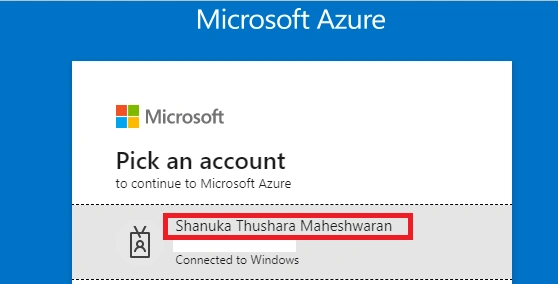
First, you have to sign in to your Azure Portal
Step 2
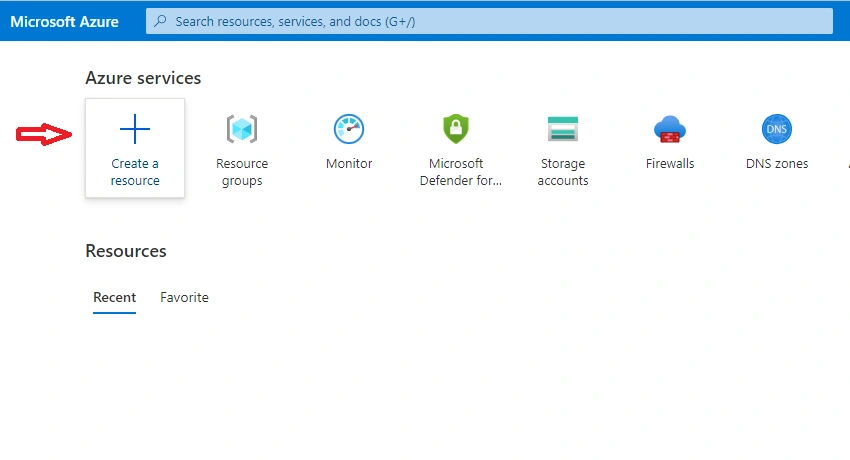
You have to click create a resource
Step 3
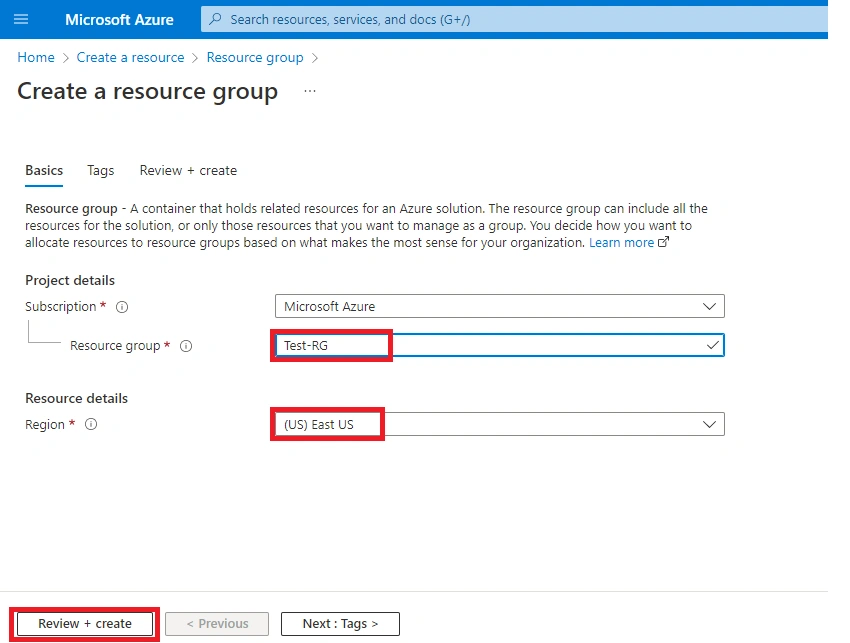
Type your prepared Name and select the Region.
Step 4
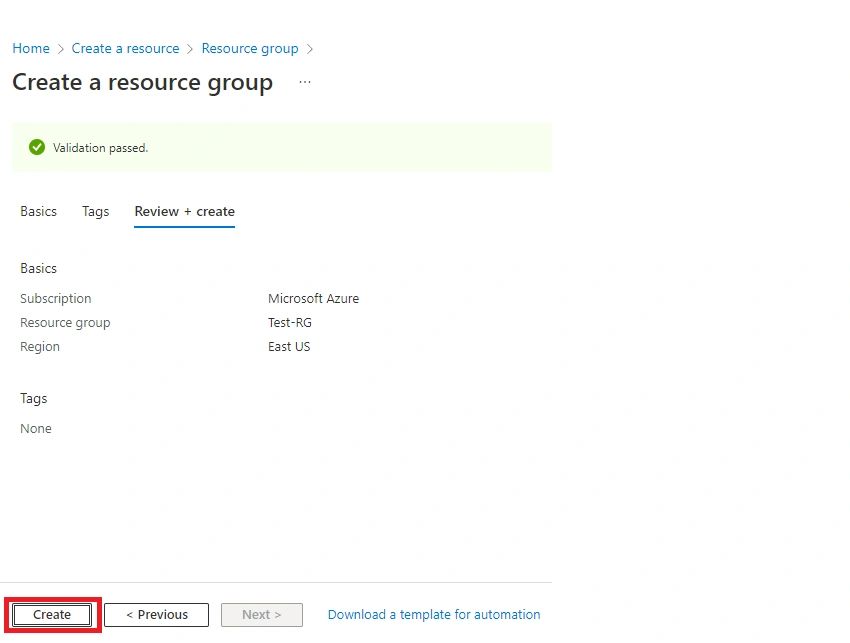
Once you review the summary and create it.
Step 5
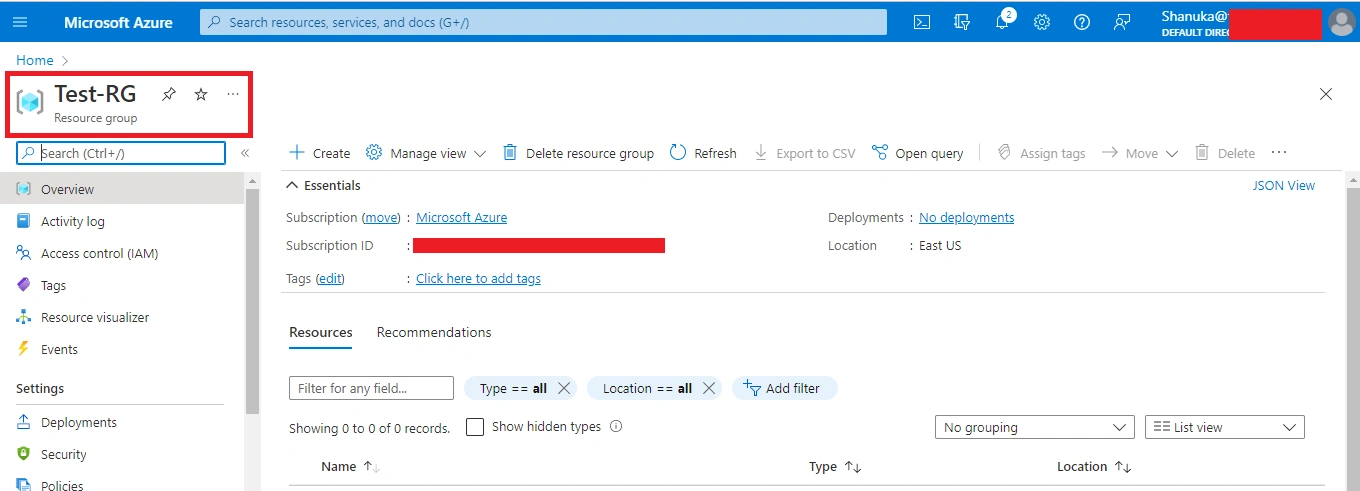
The Resource Group (RG) is created successfully.
Conclusion
This article taught us how to create a Resource Group in our azure portal. And if you have any questions please contact me.
Viknaraj ManogararajahPosted Jun 28, 2022, 9:49 AM
Welcome to the C# Corner community, Shanuka.