

Introduction
A resource group is a container that holds related resources for an Azure solution. The resource group can include all the resources for the solution.
Will provide do step by step with screenshots below.
How to install the Azure CLI
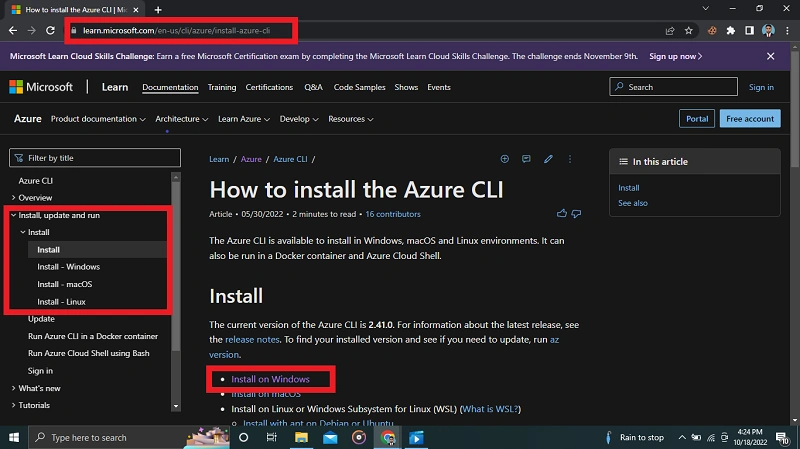
Go to the URL: https://learn.microsoft.com/en-us/cli/azure/install-azure-cli
Select the installed Operating System
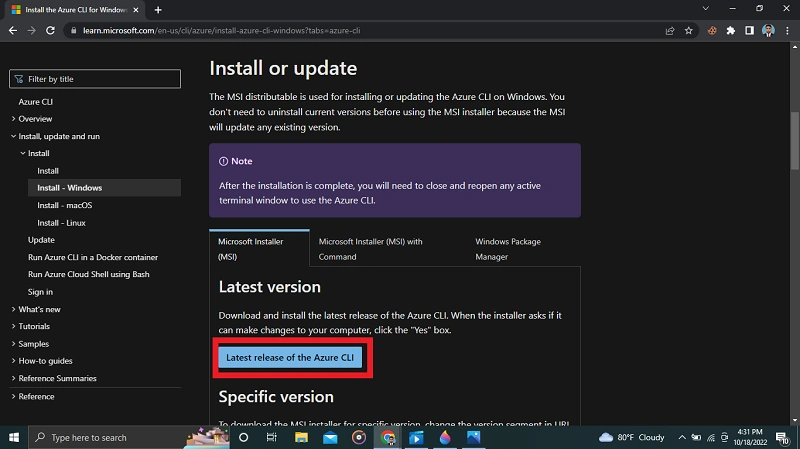
Download and install the latest release of the Azure CLI
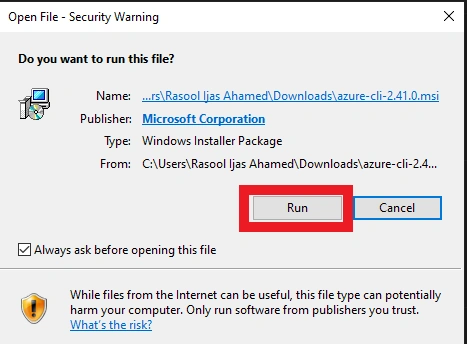
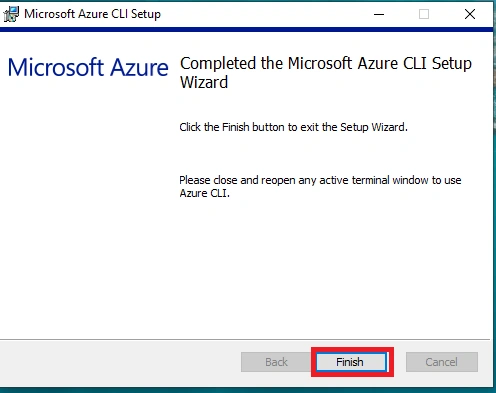
Install setup file,
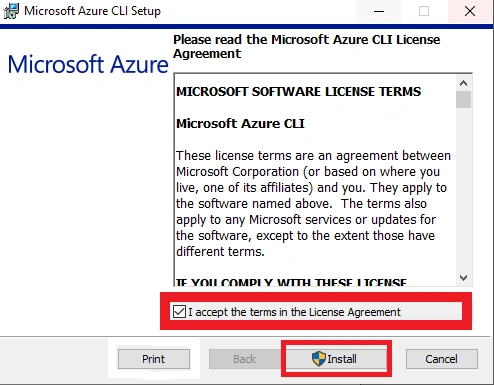
Install setup file,
Run the login command.
az login
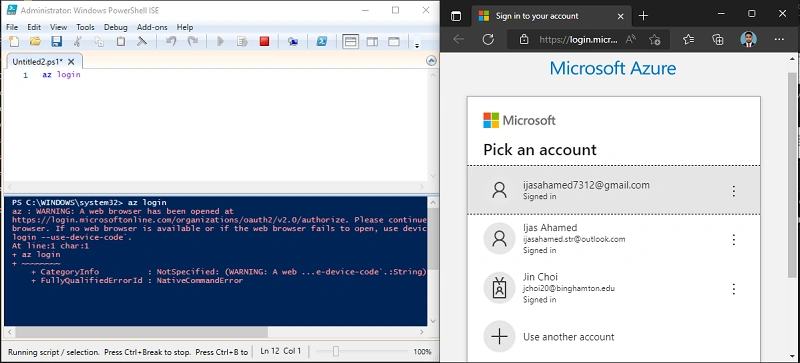
After Login Alert

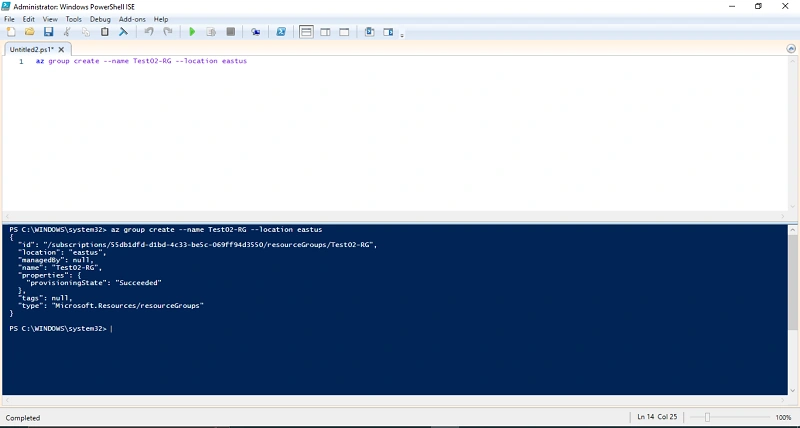
Create a resource group in CLI
az group create --name myResourceGroup --location eastus
You're decision for the Resource Group Name and Location
Conclusion
This article taught us how to create a Resource Group in our CLI. And if you have any questions please contact me.
Join the conversation! Your thoughts help the community grow.