

Background
Many times I have read one question in our communnity forum, which is "How to create files on a local drive using C# ?", so by considering the above requirement I have decided to write this article. So let us start with the basics.
What is a file ?
A file is nothing but a collection of meaningful data with systematically organized information. All the file-related operations are done in the .Net framework using classes in the System.IO namespace.
So let us start step-by-step
- Create one foder on the System's local D drive named FilesCreated to store the files, as:
D:\FilesCreated
2. Create the sample console application to create the files as follows:
- Open Visual Studio from Start - - All programs -- Microsoft Visual Studio.
- Then go to to "File" -> "New" -> "Project..." then select Visual C# -> Windows -> Console application.
- After that specify the name such as CreateFiles or whatever name you wish and the location of the project and click on the OK button. The new project is created.
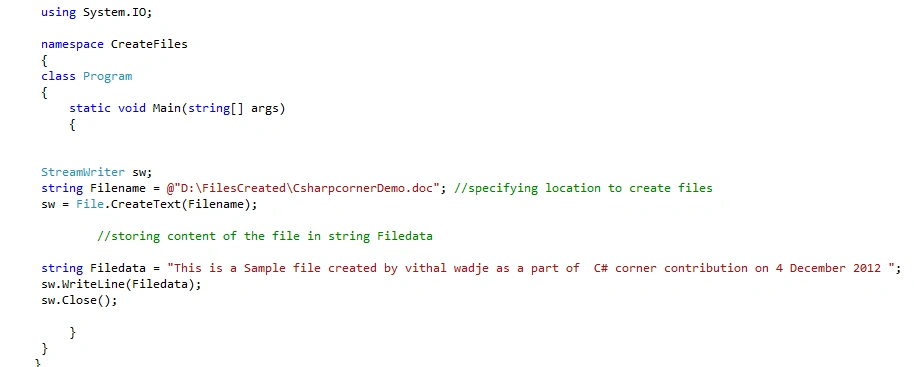
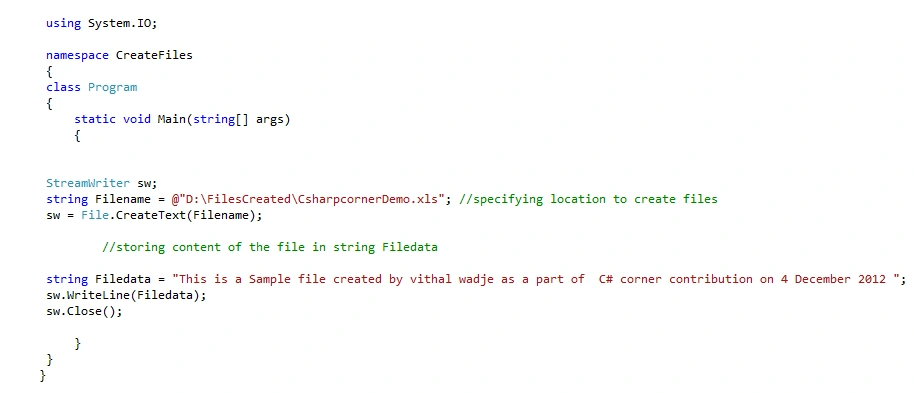
Now use the following code in the Program.cs file to create various files.
- To Create Text Files:
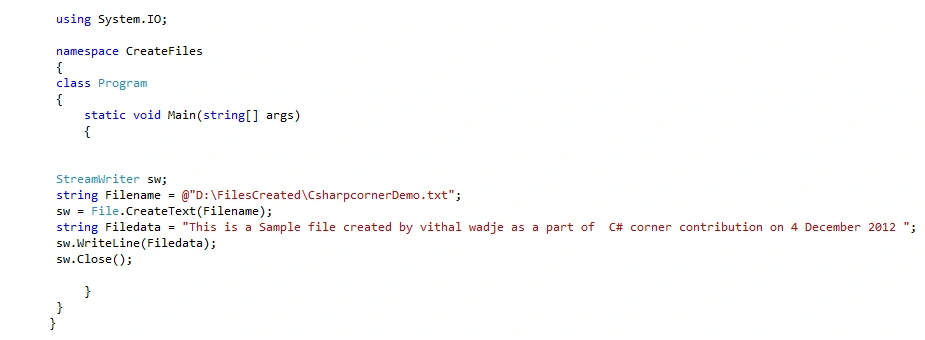
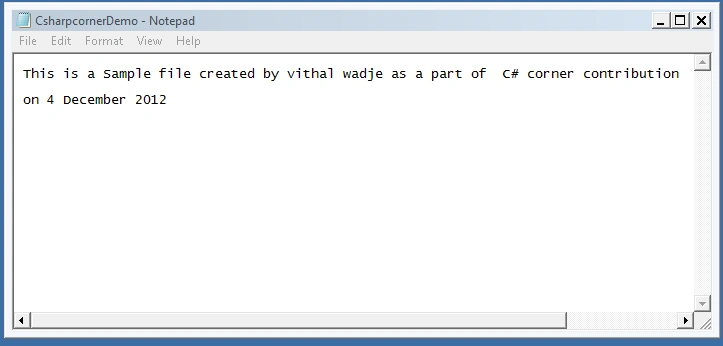
In the above code:
StreamWriter: is used to write the files
String Filename: Is used to specify the location to store the created files
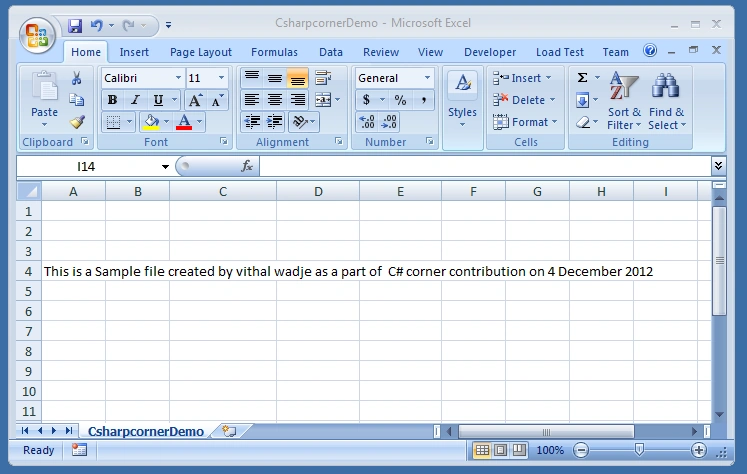

Prashanth NaiduPosted Aug 16, 2020, 6:31 AM
This is not working generating pdf, file(pdf) is created but not able to open from that path. can you provide any different answer.
Brad HarrisPosted Mar 20, 2013, 8:47 AM
This article does not do what it claims to do. Please, if you are a beginning developer and you found this article while researching, please move on and do not think this is any kind of real solution.
Guest UsereditedPosted Dec 7, 2012, 2:05 AMEdited Dec 7, 2012, 11:56 AM
Please point out where I am wrong and where I have personally insulted you. I did not question your knowledge, I critiqued your article using facts. All of my statements were directed at your article.
Guest UsereditedPosted Dec 6, 2012, 3:19 PMEdited Dec 6, 2012, 3:20 PM
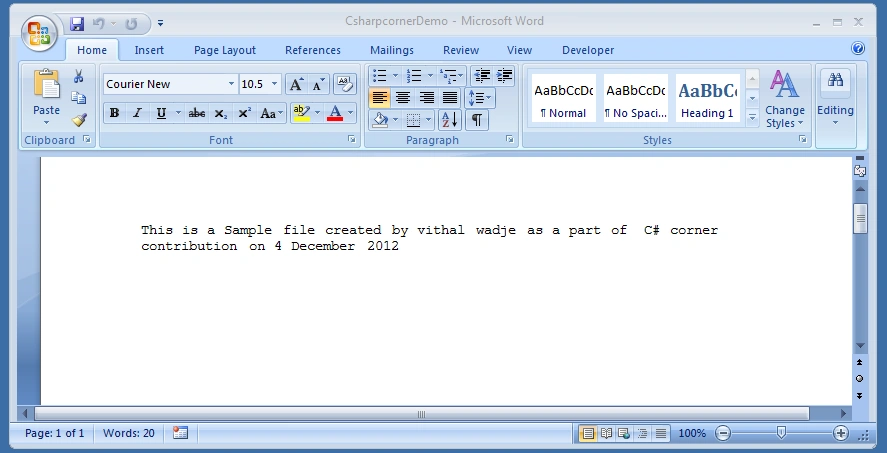
Wow, I'm shocked. Someone criticizes your article and your response is to insult them. How adult and professional of you. If you are going to respond, please do so with facts not insults. On to the facts: I never said anything about the type of application it is, nor does it matter. Web or console is not relevant to the code displayed in the article. The code, both in the article and in the zip file, does not create a true Word, Excel, or PDF file. All four sections do the exact same thing; they create a basic file with a single line of text in it. The only difference is the extension of the file.Windows associates an application with an extension, using that application to open the file by default. Word, Excel, and PDF all have their own special file structure. Your sample here does not create a file using the correct file structure; it creates a text file (technically an UTF-8 encoded text file). Therefore the title of your article and the functionality it is providing is misleading.
Guest UserPosted Dec 6, 2012, 8:16 AM
This is a very misleading and disappointing article. You are not actually creating a word excel or pdf document. You are creating a text file with a different extension that windows will open with those applications. Not to mention you did it with the exact same code written 4 times. I expect better from this site.