

Introduction
Container Instances is a serverless compute service that enables you to instantly run containers without managing any servers. Run containers without managing any servers
I will provide step by step to install container instances in Azure Portal with screenshots below.
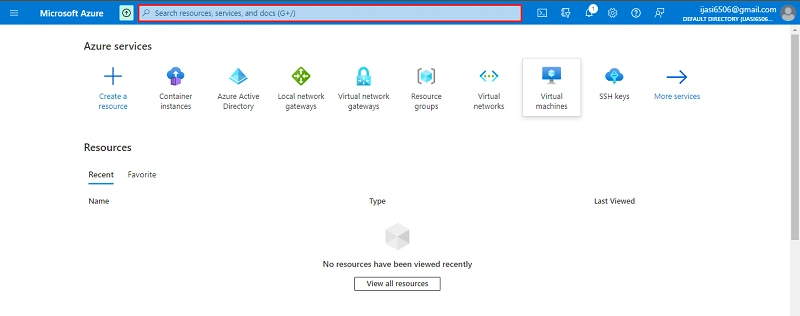
Go to Azure Portal. Click search Bar
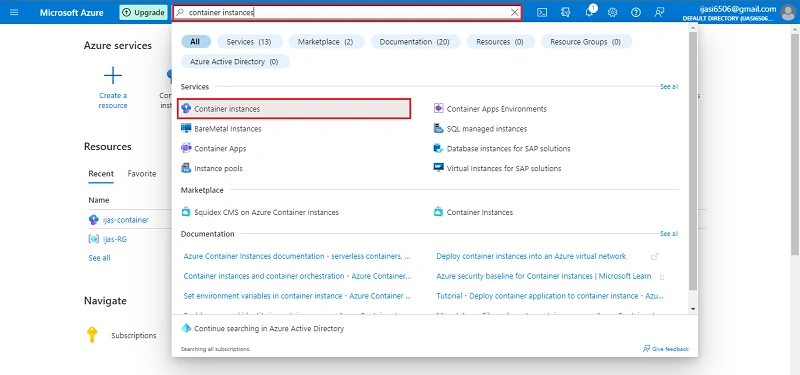
Search the container instances in the Search Bar
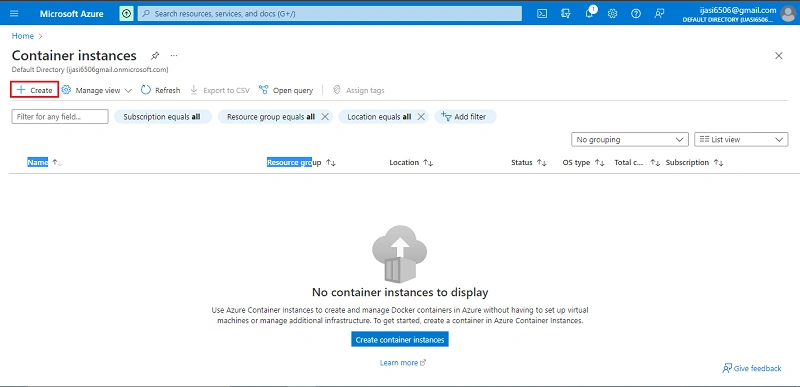
Next Click Create
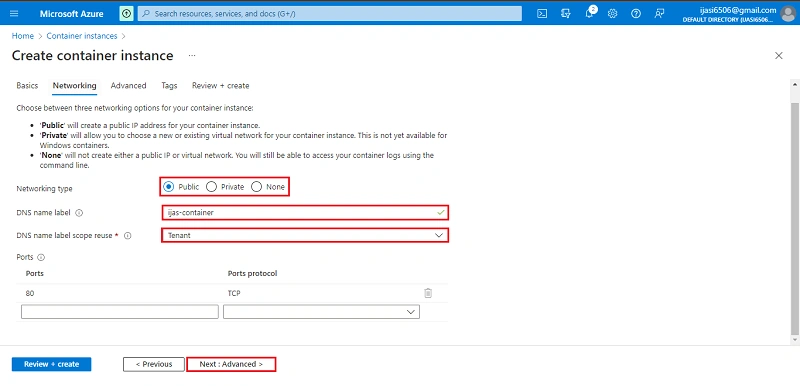
Next in the following step click Next + Networking Button
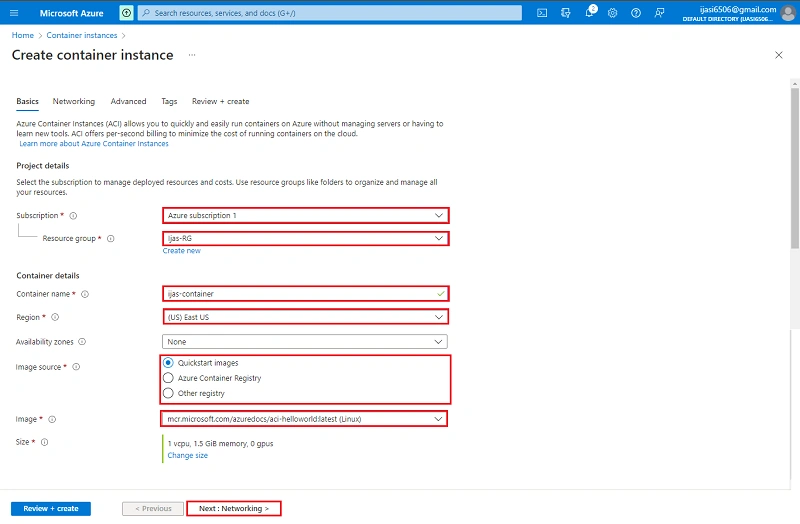
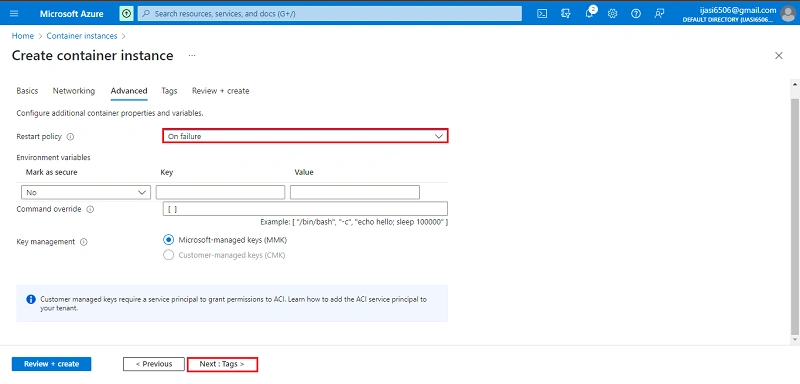
Next in the following step click the Next + Advanced Button
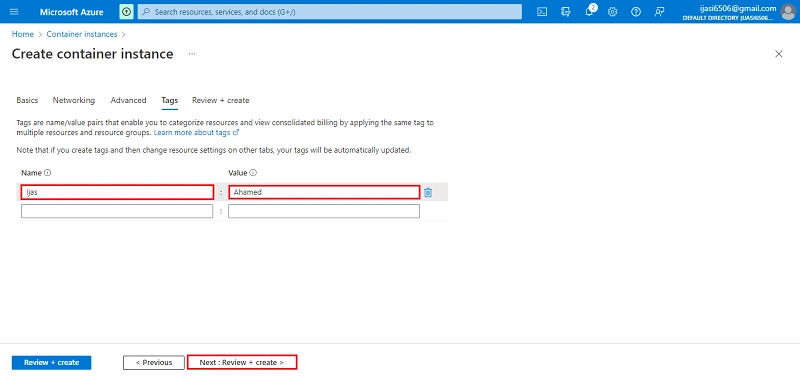
Next in the following step click the Next + Tag Button
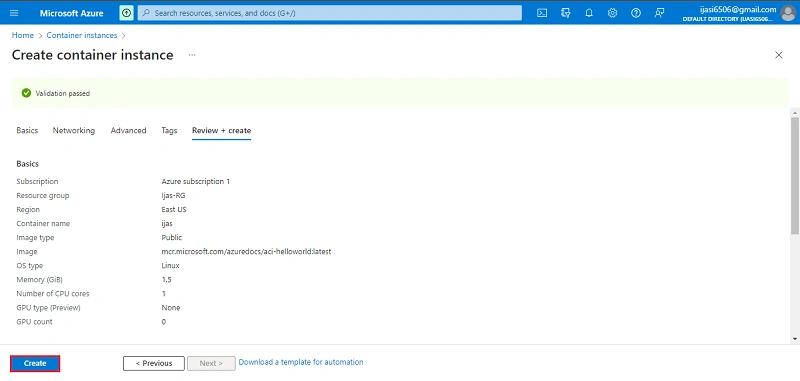
Next in the following step click the Next + Review + Create Button
Click Create
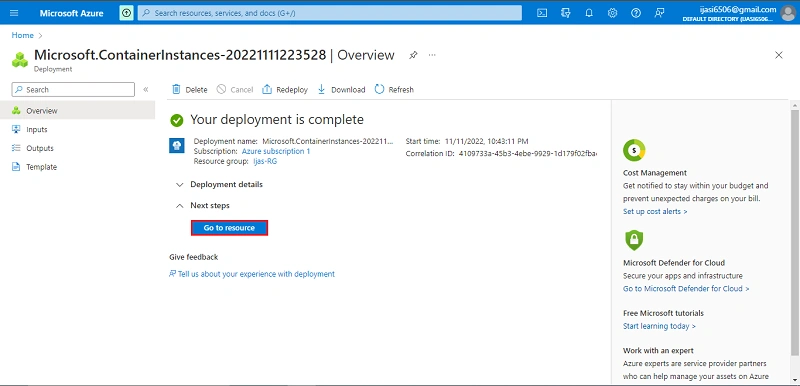
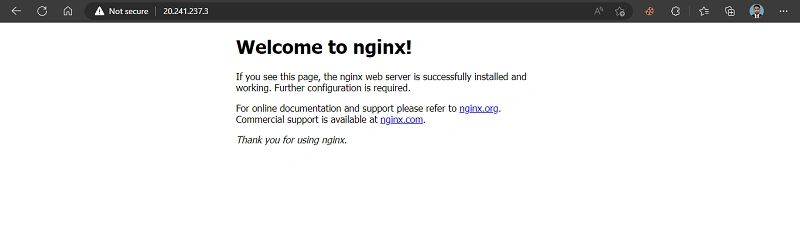
Successfully created container instances
Conclusion
This article taught us how to create container instances in our azure portal. And if you have any questions please contact me.
Join the conversation! Your thoughts help the community grow.