

The following are the definitions of Web Services.
Definition 1:
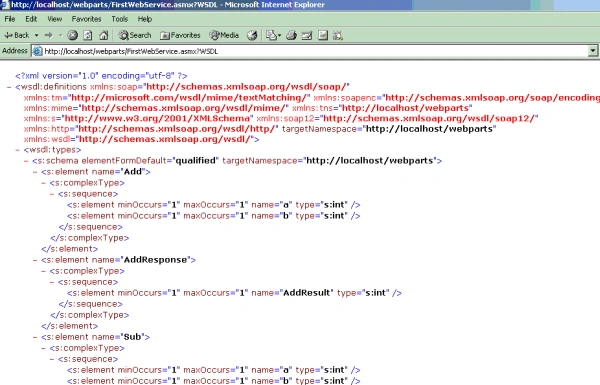
A Web Service is a software application, accessible over the Web through an URL that is accessed by clients using XML-based protocols, such as Simple Object Access Protocol (SOAP) sent over accepted Internet protocols, such as HTTP. Clients access a Web Service application through its interfaces and bindings, that are defined using XML artifacts, such as a Web Service Definition Language (WSDL) file.
Definition 2:
Web Services are typically Application Programming Interfaces (API) or web APIs that can be accessed over a network, such as the internet, and executed on a remote system hosting the requested services.
Definition 3:
A Web Service can be defined as a service available through the World Wide Web (internet or intranet) that uses XML as the message system and is not tied to any programming language or Operating System (OS).
Some people have doubts about where this Web Service concept is relevant.
The best example is, you want to buy a Kingfisher flight ticket online. You can book it from the Kingfisher website. Likewise you can also book that ticket from the makemytrip.com website. Here makemytrip.com is using the Kingfisher Web Service.
Now I will explain about my Web Service.
Note: All files are available in the download file.
Here I am explaining Web Services (how to create a Web Service and how to consume that Web Service using a web application) in an understandable way.
The following is the procedure to create a Web Service and publish it.
- Create a New website and create a virtual directory in IIS.
- Add an asmx file.
- In the .cs file write your functionality.
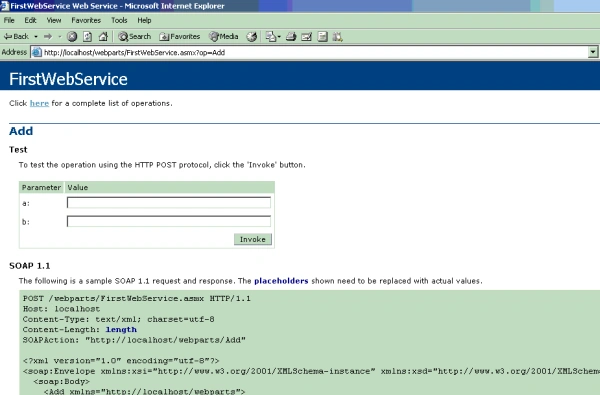
- Run the Asmx file.
The following is the procedure to consume a Web Service.
- Create a New website and create a virtual directory in IIS
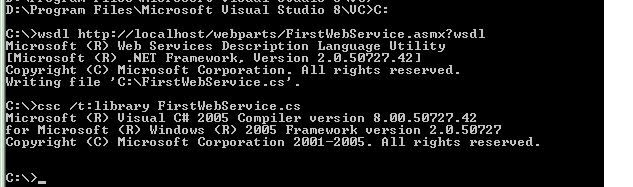
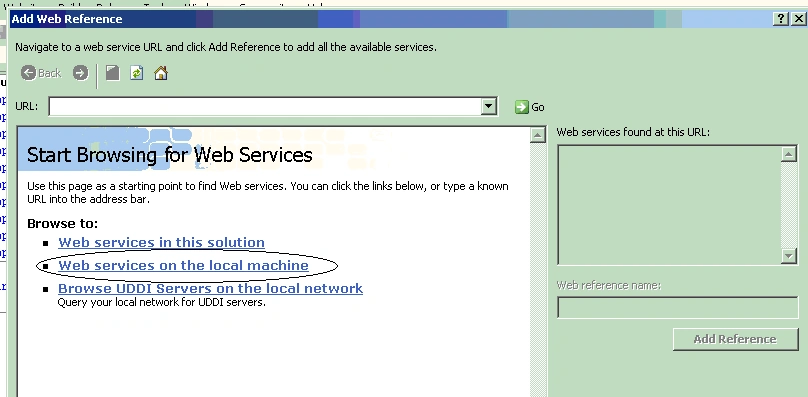
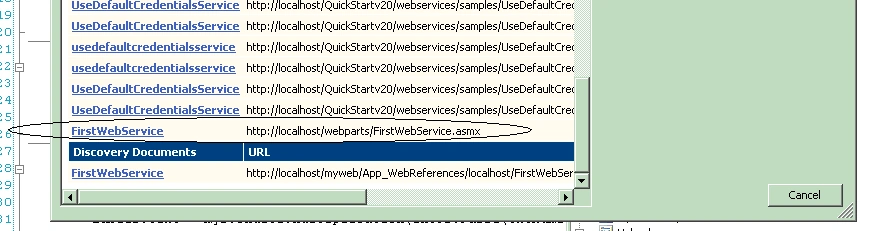
- Create an aspx file and add a web reference.
- Invoke the properties of the Web Service.
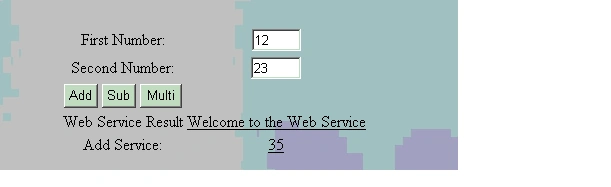
- Run the application.
I created a new website called webparts and created a virtual directory in IIS with that same name.
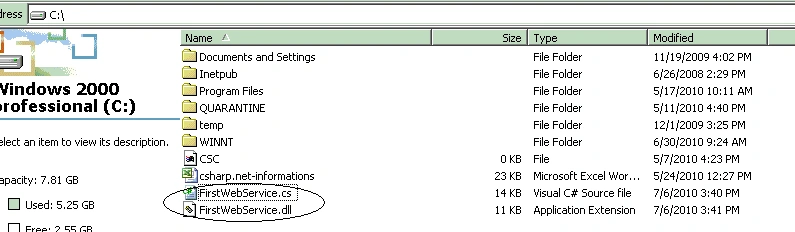
Now I created the asmx application. When we create the file .cs file also create the .asmx file. The .cs file will be in the App_Code folder. In the .cs file I wrote the Web Service functionality Addition, Subtract, Multiplication and Hello methods.
This is the code of the App_Code/ FirstWebService.cs file:
[WebService(Namespace = "http://localhost/webparts")]
[WebServiceBinding(ConformsTo = WsiProfiles.BasicProfile1_1)]
public class FirstWebService : System.Web.Services.WebService
{
public FirstWebService () {
//Uncomment the following line if using designed components
//InitializeComponent();
}
[WebMethod]
public int Add(int a, int b)
{
return a + b;
}
[WebMethod]
public int Sub(int a, int b)
{
return a - b;
}
[WebMethod]
public int Multiplication(int a, int b)
{
return a * b;
}
[WebMethod]
public String Hello()
{
return "Welcome to the Web Service";
}
}
Nagaraj SPosted Oct 12, 2013, 6:43 AM
@ Jitendra Sampathirao Excellent Article.Very good explanation. @mohit mahajan Please don't discourage yourself. Just believe that you have some skills.To improve it, atleast read one article/Concept every day which are related to ASP.Net. There are plenty of articles available in this Site. At any cost don't discourage yourself. No one is born genius.
mohit mahajanPosted Jul 9, 2010, 3:14 AM
hello sir,i want to knw how cn i improve my programming skils in asp.net m working in software compny as a fresher i joined thr,butt myy skill is vryy bad soo will u helpp me for this?