

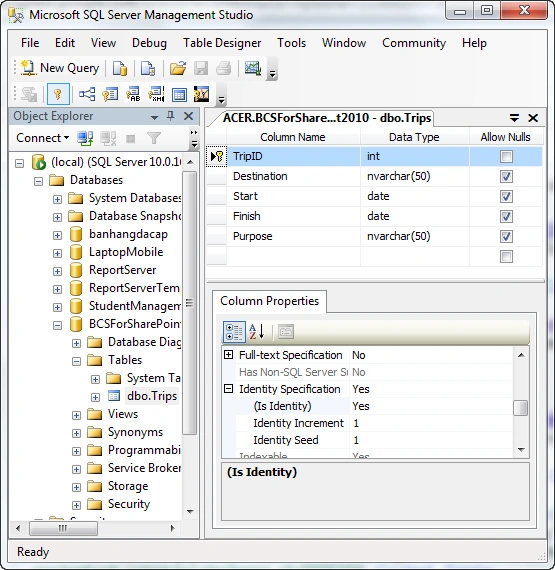
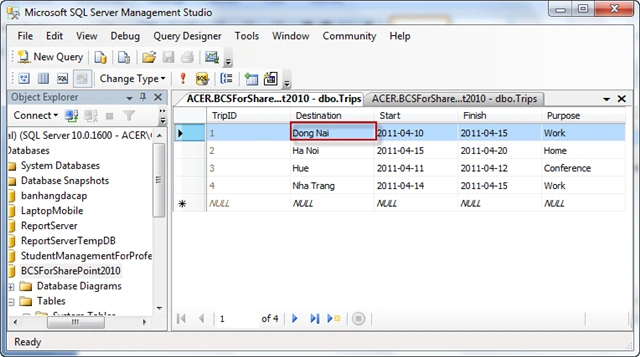
- Create a new table named Trips as follows:
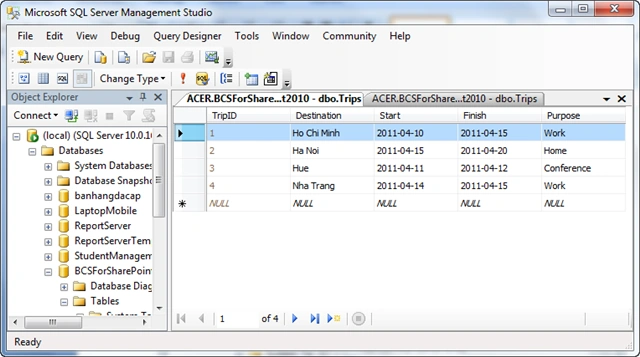
- Data entry:
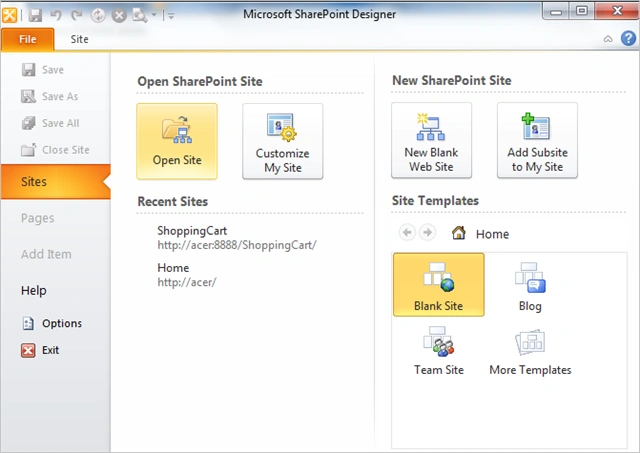
Open SharePoint Designer 2010
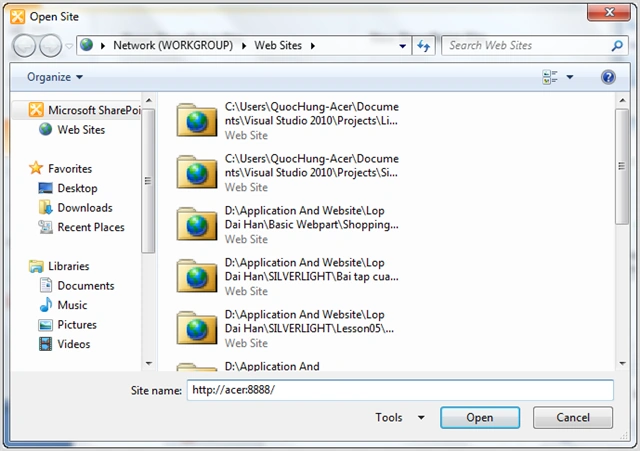
- Open to port your site:
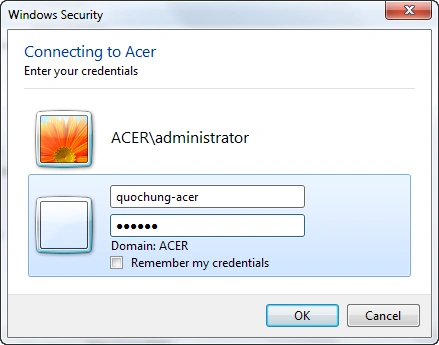
- Sign in SPD
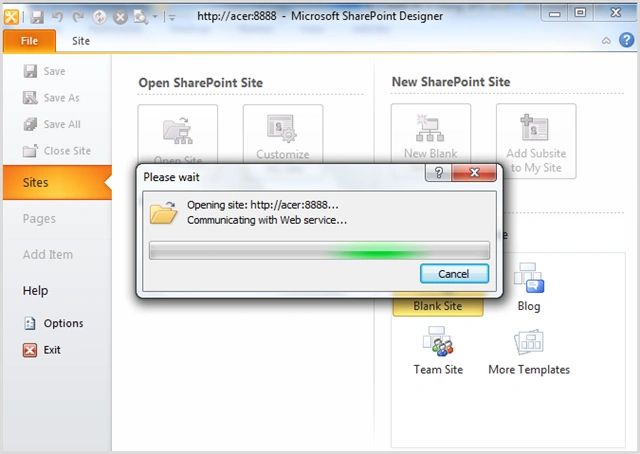
- You wait a moment:
- Navigation Menu | Site Objects you select
External Content Types
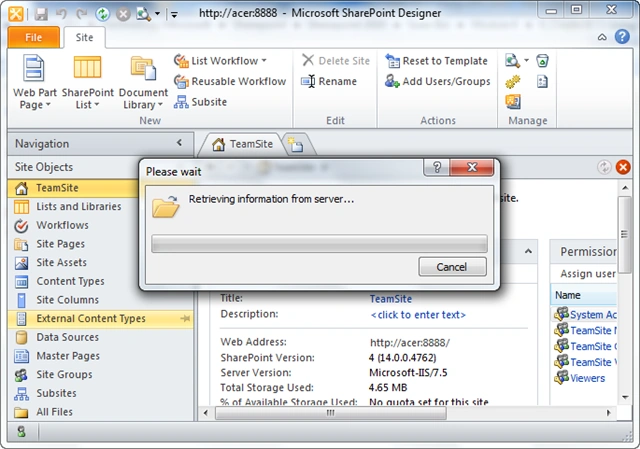
- interface as follows
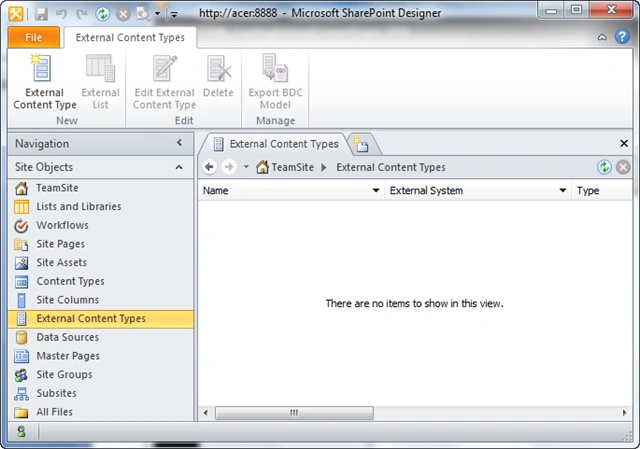
- External Content Types you create by
selecting the Icon External Content Types
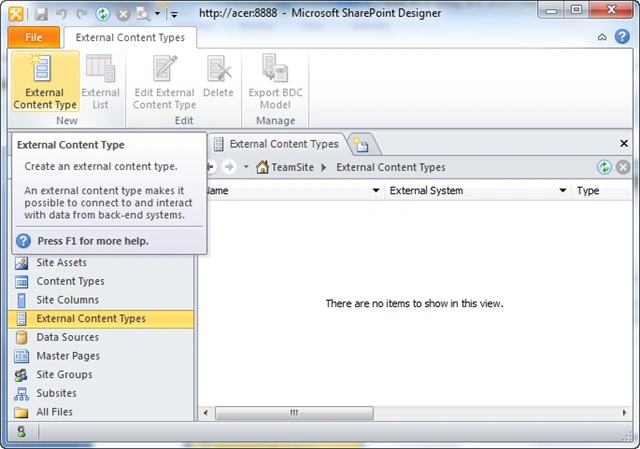
- initial interface is as follows:
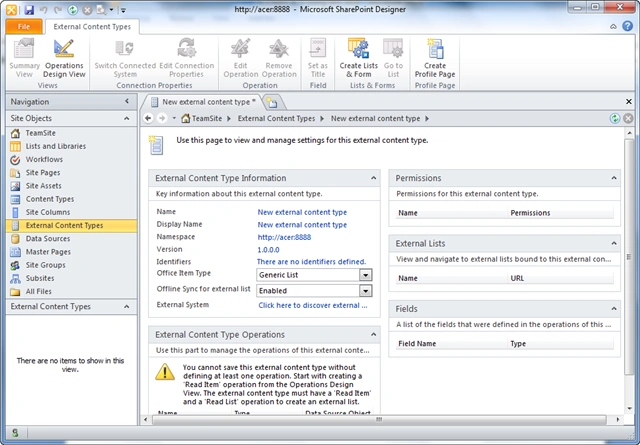
- Do you click on the link below to define
datasource
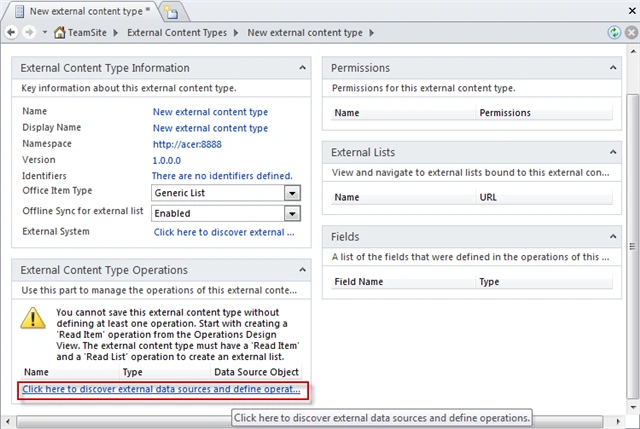
- then new interface Connection | choose Add
Connection
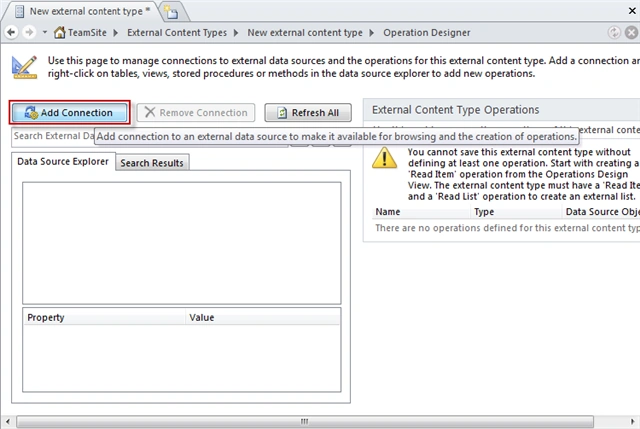
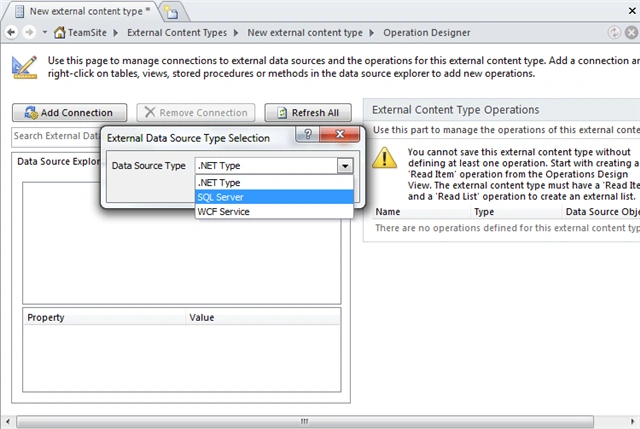
- dialog box appears | select SQL Server
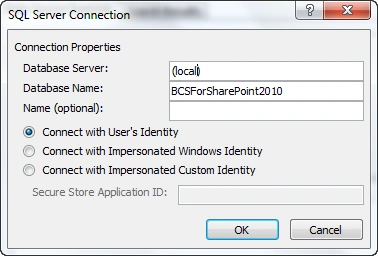
- In the SQL Server Connection:
-Database Server: the name of your server
-Database Name: the name of your database
-All to the following default
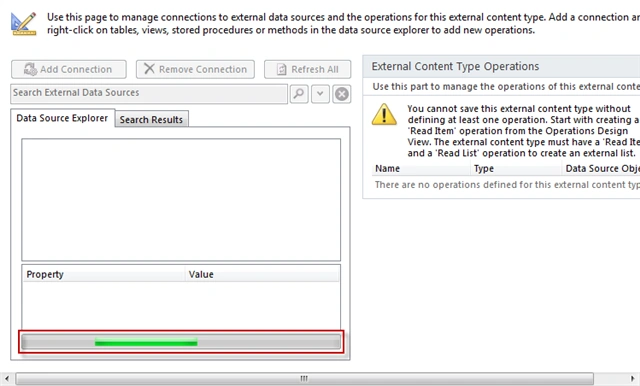
- While you wait a moment for a connection
- After successful connection, the interface
is as follows:
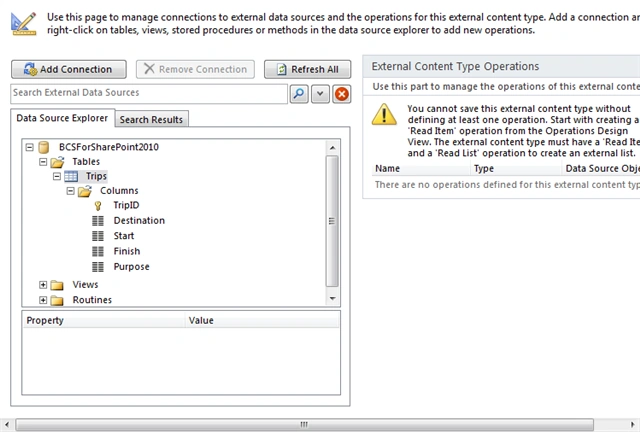
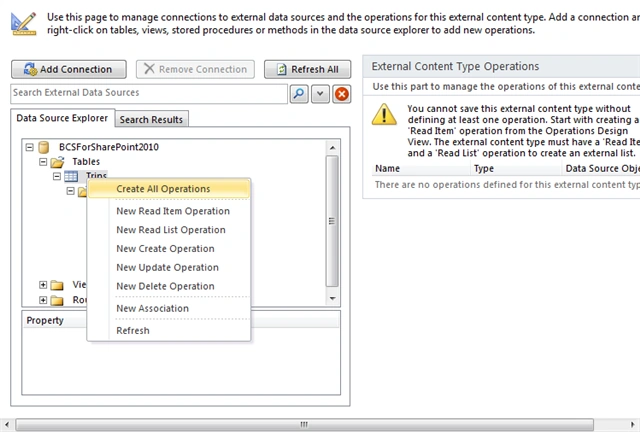
- You must click on the table Trips,
which is the action you choose to Create All Operations
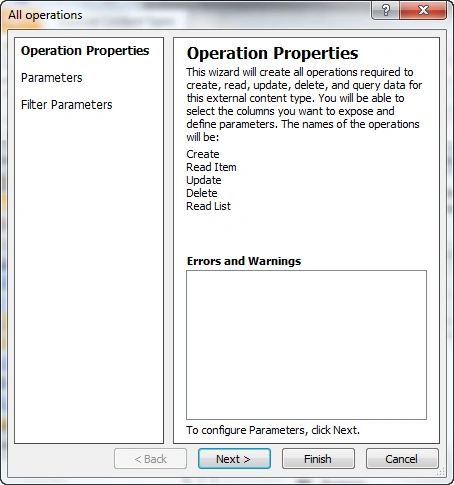
- Click on Next
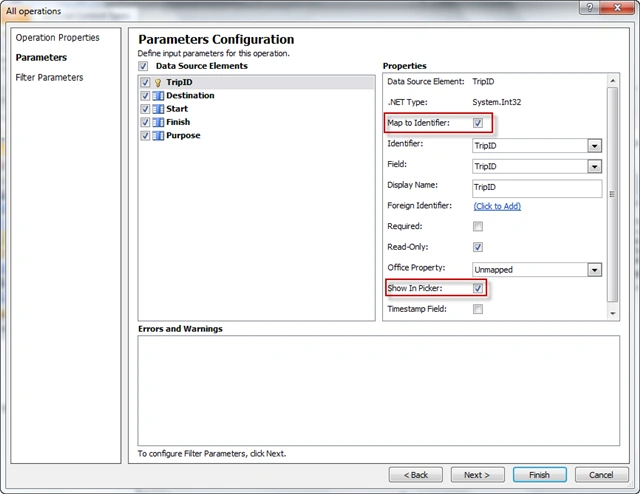
- The selected columns appear to show up
SharePoint List:
-TripID: Mapt to check the Properties window and check Show Print Picker Identifier
-Destination: In the Properties window check Show Picker
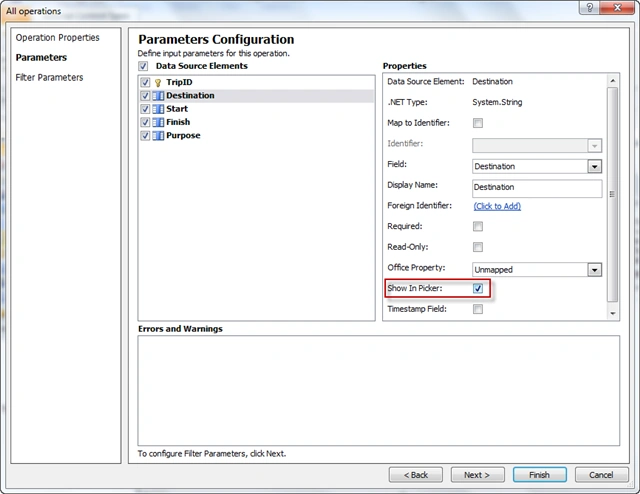
-The other columns you also check Show Print Picker
- you do, you click Finish
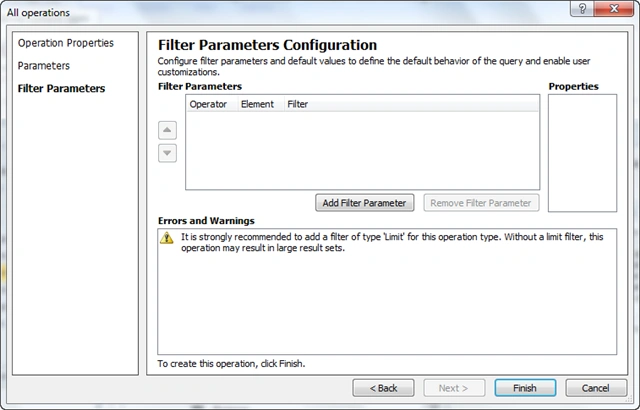
- After the task to display the column you
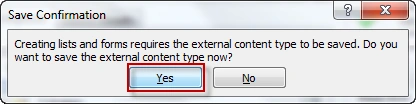
select Icon Creates List & Form as follows:

- dialog box appears; select Yes
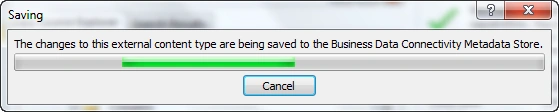
- Do you wait to save the configuration
program
- A dialog box appears; click OK
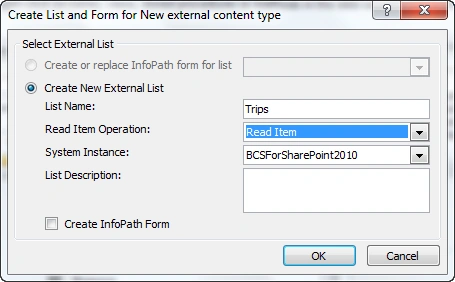
- Back to the list site you choose:
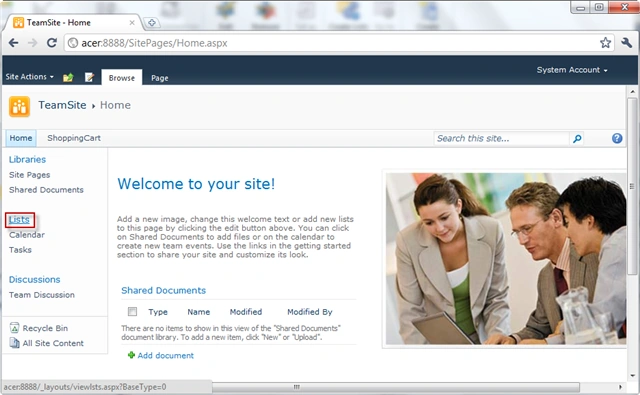
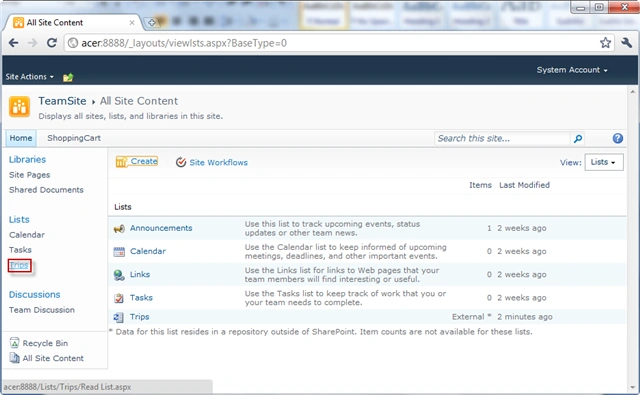
- Select List Trips
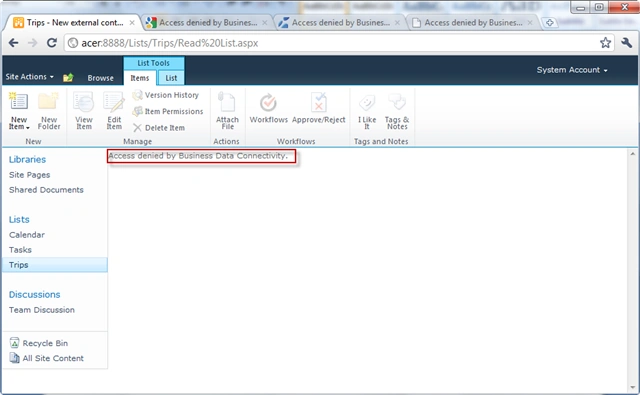
- You will see the error occurs
because users can not be added to services
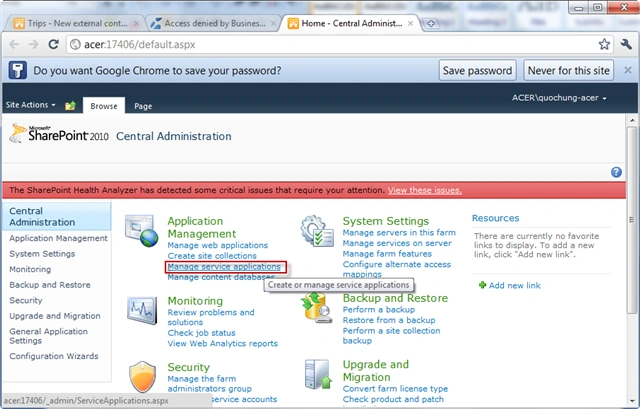
Fix: reference link ( http://blogs.msdn.com/b/ericwhite/archive/2010/ 06/11/access-denied-by-business-data-connectivity.aspx ) - Open Central Administration and select
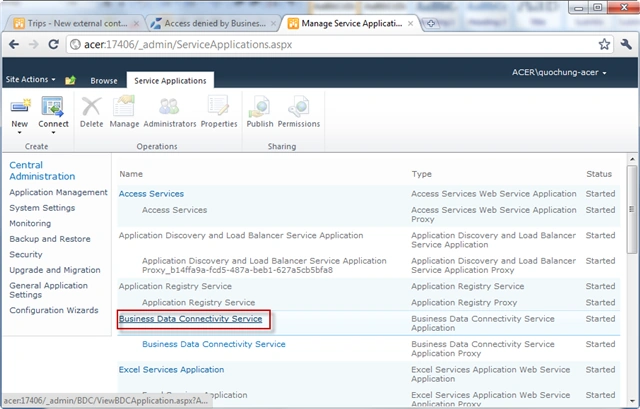
Manage service applications
- You choose Data Connectivity Business
Service
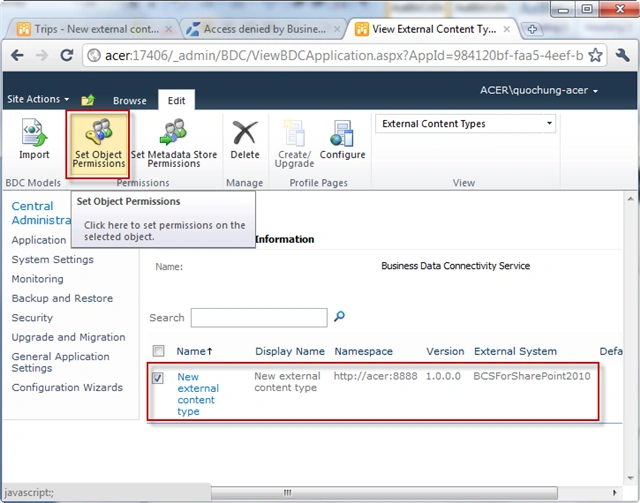
- external content type you choose and
select Icon Set Object Permissions
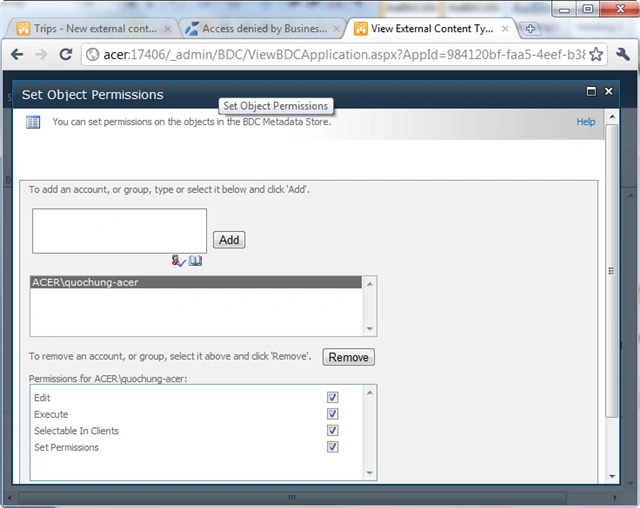
- Add user and you choose the permissions
for that user
- Back to Site | Press F5 to refresh page
error following results:
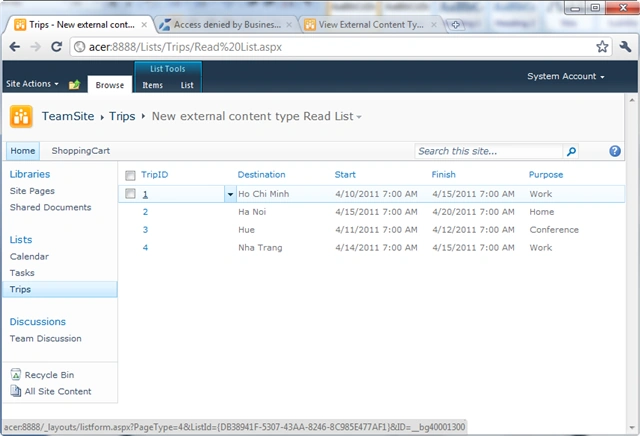
- You can Edit Item
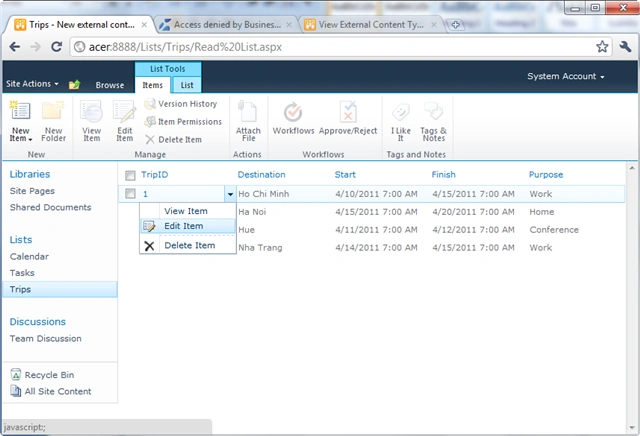
- Edit and Save
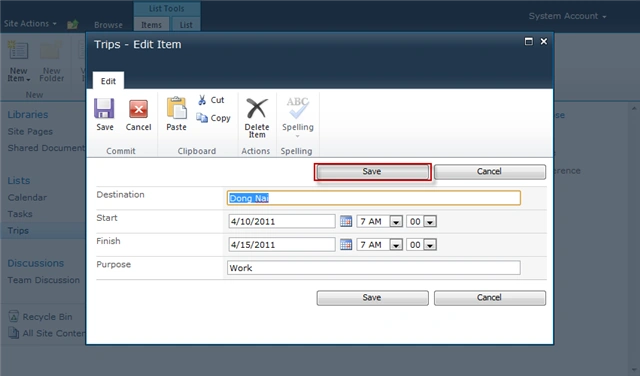
- Edit Item was
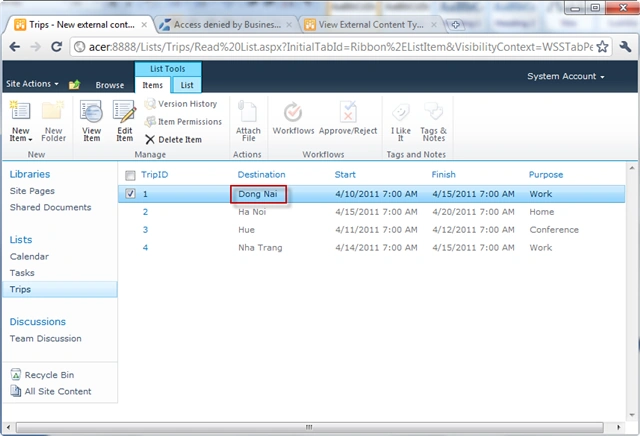
- SQL Server Back to the original value has
not changed, click Execute SQL Icon
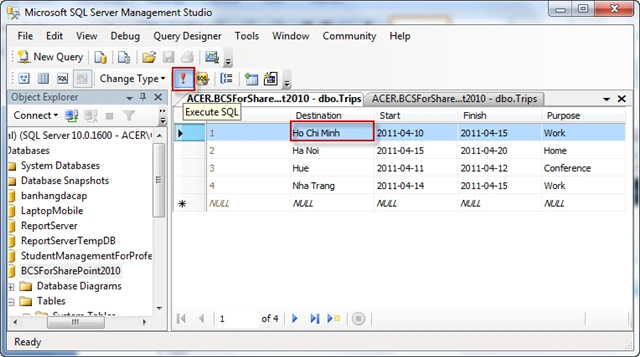
- See the results in SQL Edit
- So you've finished creating the Business Data Connectivity Service.
DanielPosted Oct 23, 2012, 4:58 PM
If one of my fields is a dropdown list in sharepoint I should do?
Hung HungPosted Apr 18, 2011, 5:07 AM
Thanks for view my article my website: http://doquochung.web.officelive.com/default.aspx
Karthikeyan AnbarasanPosted Apr 18, 2011, 3:27 AM
Very nice steps by step explained
Ravishankar SinghPosted Apr 18, 2011, 3:24 AM
Very usefull article.