
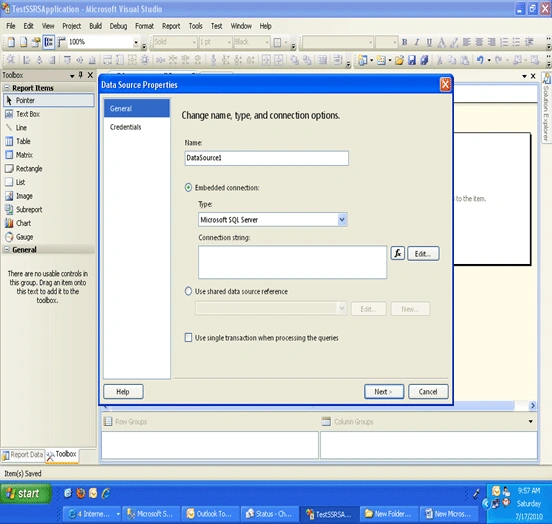
2. Create a new Connection String by Clicking EDIT button. When you click on
that EDIT Button the screen will be like below
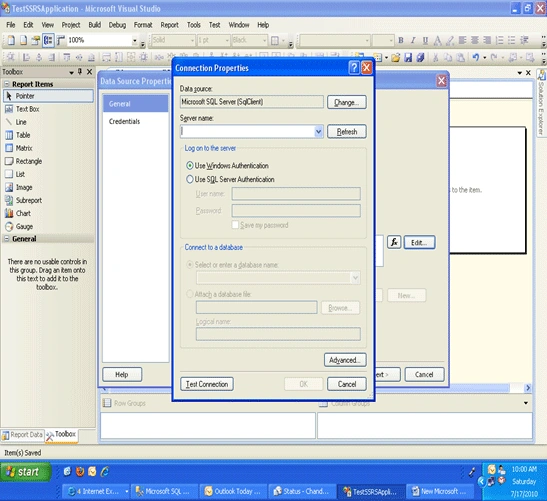
3. Select Server Name, Select Authentication Type. That is Windows
Authentication or Sql server Authentication .
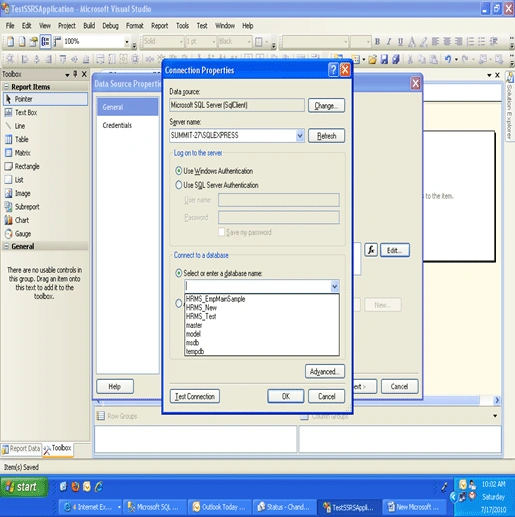
4. Select the Database name from the Option from drop down that is (Select or
enter a database name)
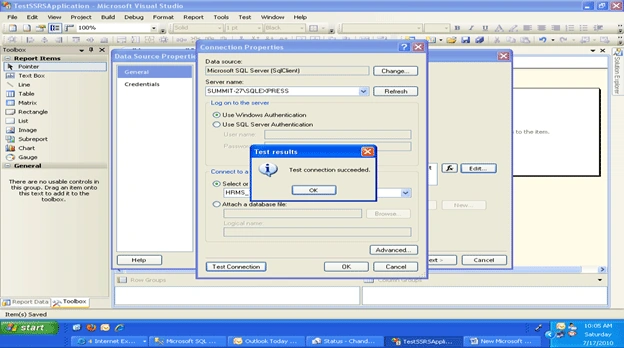
5. And click on Test Connection button and Click on OK Button . The screen shot
will be like this
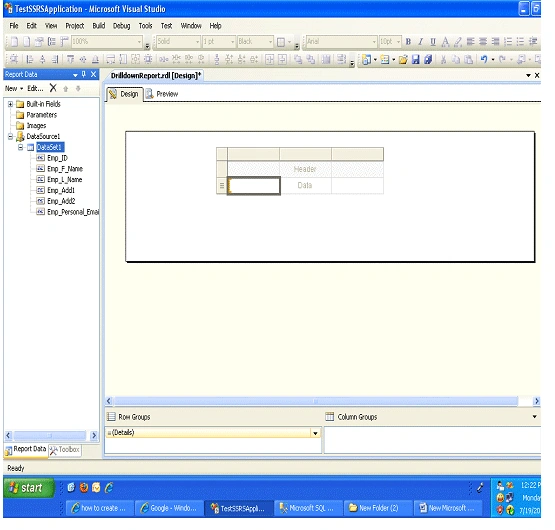
6. By clicking on the Ok Button the Screen will close. Next Screen will be looks
like below format.
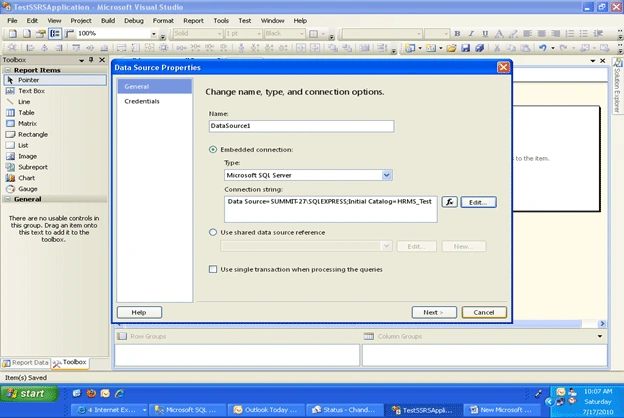
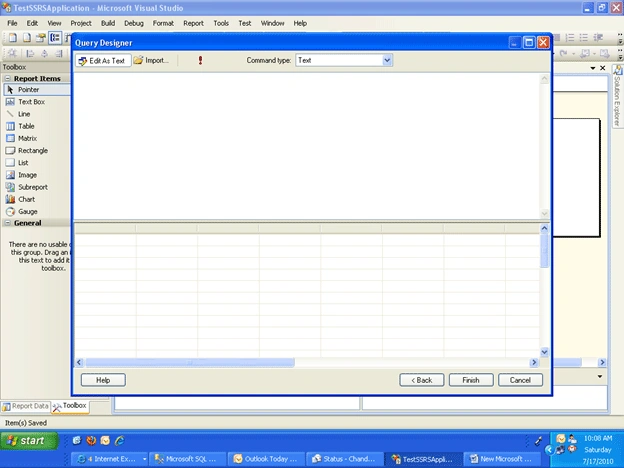
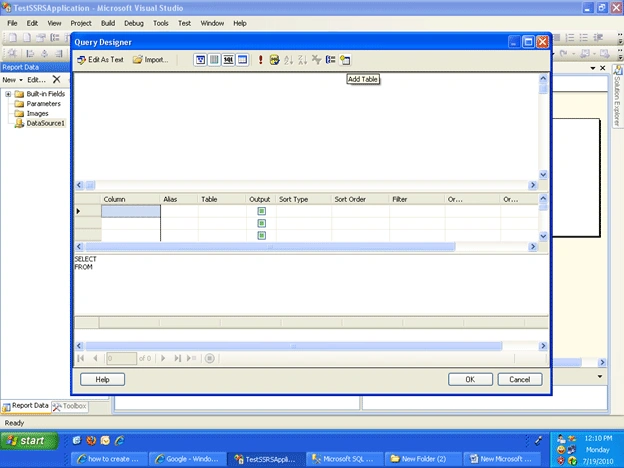
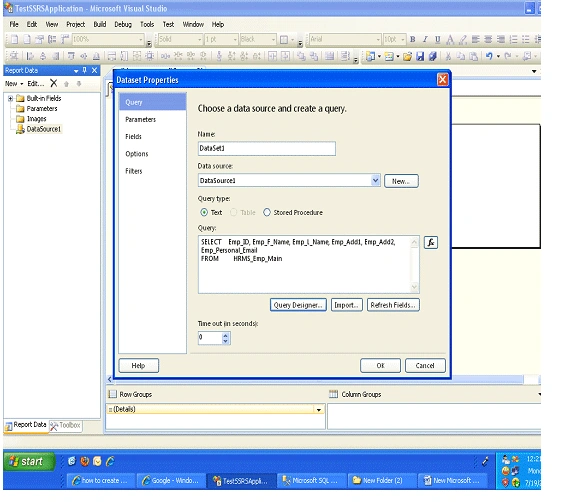
7. Next Click on NEXT BUTTON it will display QUERY DESIGNER WINDOW. The screen
shot looks like below
8. Next Click on EDIT TEXT Button that was located left side at topmost Place.
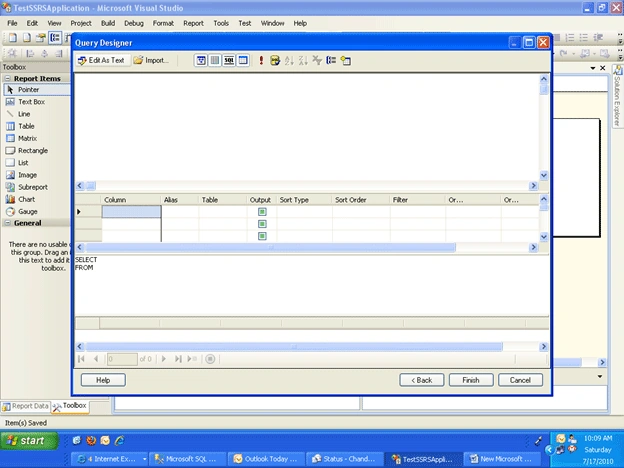
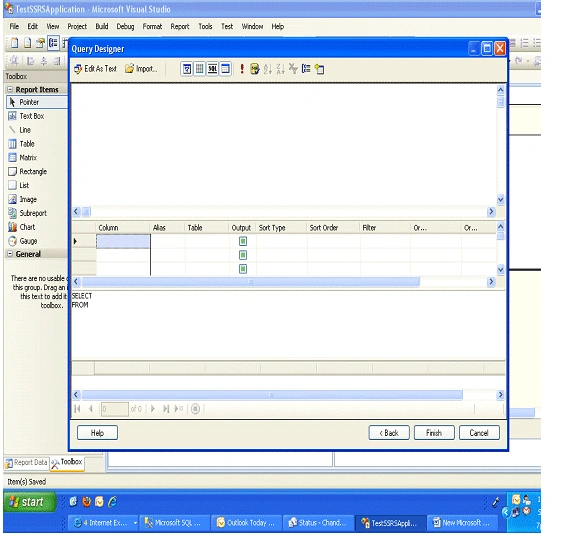
9. By Clicking on the EDIT AS TEST button it will display the following options.
- SHOW/HIDE Diagram Pane,
- SHOW/HIDE Grid Pane,
- SHOW/HIDE SQL Pane,
- RUN
- Verify SQL
- Use Group By
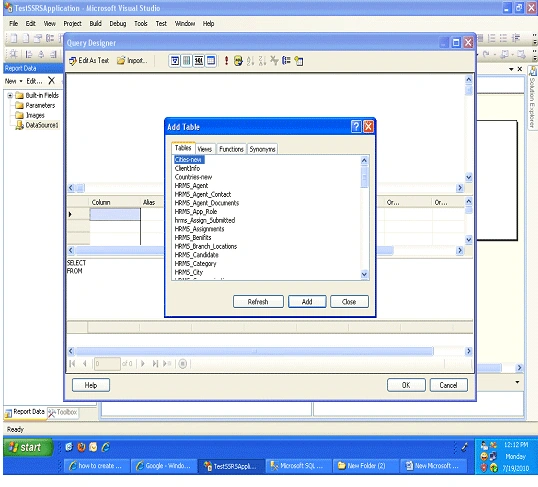
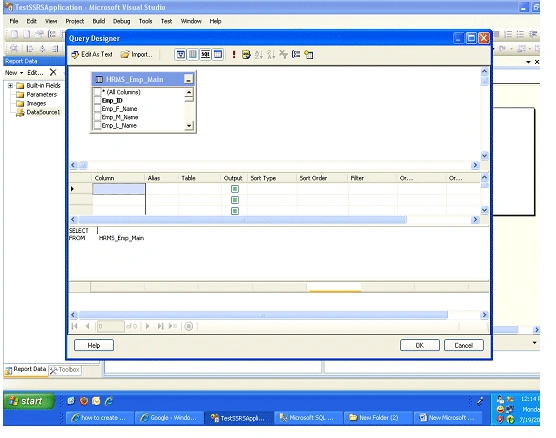
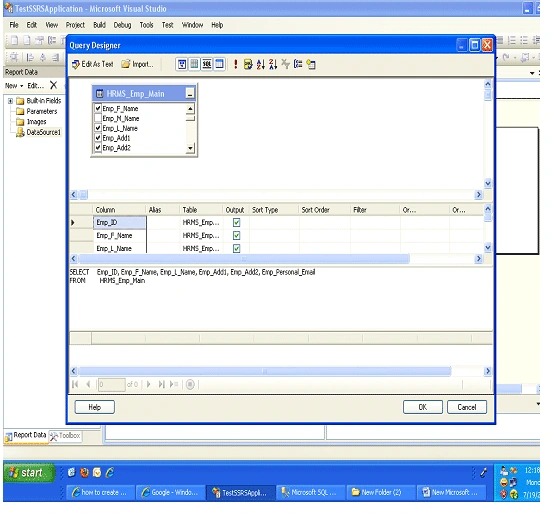
- Add Table
Roopesh MandloiPosted Sep 13, 2010, 1:47 AM
Dear Sir, I am developing a financial accounting software, I just want to create a drill down report that show the account name, total debit amount, total credit amount, balance; on clicking on the total debit amount I should get the list of all vouchers and on clicking any of the voucher number I should get the detail of that voucher. Can I have such report?