

Introduction
In this article we will learn how to extract all the links from a webpage using a web client. At the end of this article you will be able to create an application that can extract links from pages and filter those links on the basis of parameters you want. So without wasting much time let's dive directly into the code.
Creating the Link Grabber
So we are creating a link grabber. For that we need some logic and it's always a good idea to clarify the logic before creating something. So let's define the logic.
The logic is:
- We need a link for the page to crawl. We can get that link from a TextBox.
- Now we have the link. The next step will be to download the web page to crawl. We can either use a web client for it or a WebBrowser control.
- Now we have the HTML document. The next step is to extract the links from that page.
- As we know most of the useful links are contained in the href attribute of the anchor tags.
- Now up to that point we know that we want to grab the anchor elements of the page. So we can do this using getElementsByTagName().
- Now we have the collection of all anchor elements.
- The next step is get the href attribute and add it to a list. Let this list be a check box list.
- Now we have all the extracted links.
Before proceeding let's code the preceding logic.
The Code
The following is the code for the grabber.
- Open Visual Studio and choose "New project".
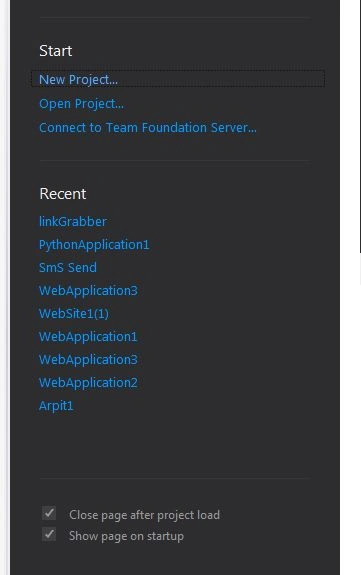
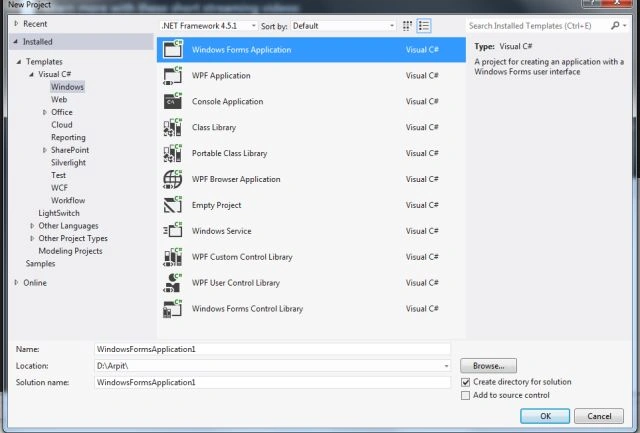
- Now choose "Visual C#" -> Windows -> "Windows Forms application".
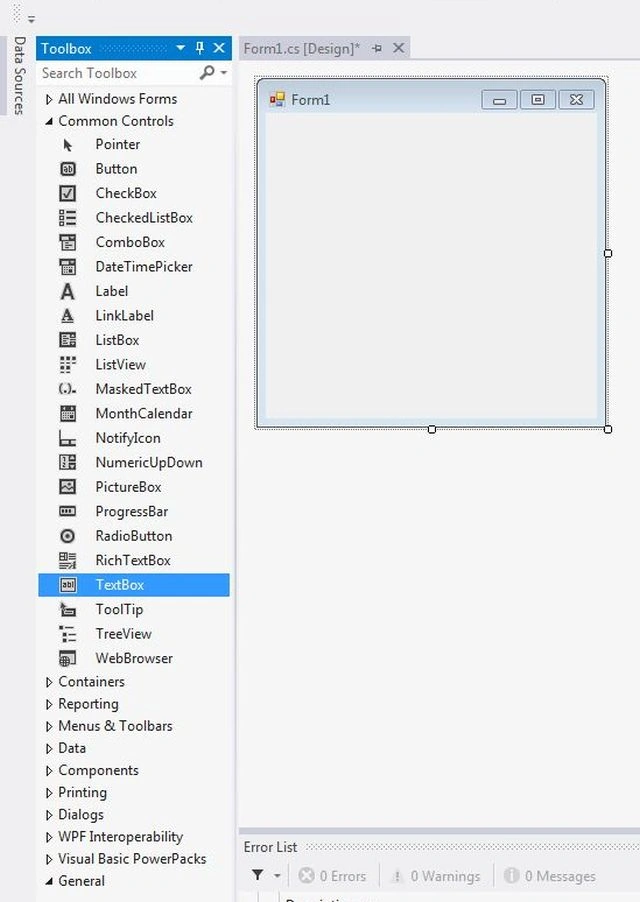
- Now drop a text box from the Toolbar onto the form.
- Now drop a button from the Toolbar onto the form and name it "grab".
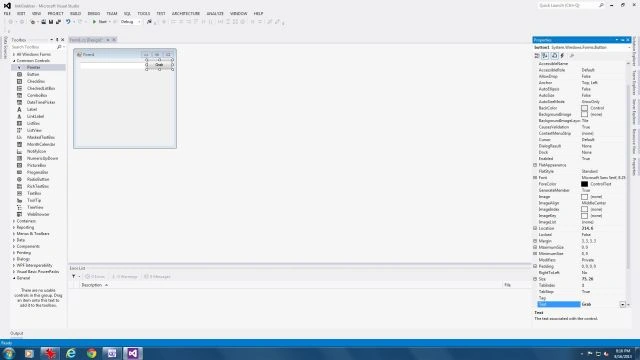
- Now add one check list box from the Toolbar menu onto the form.
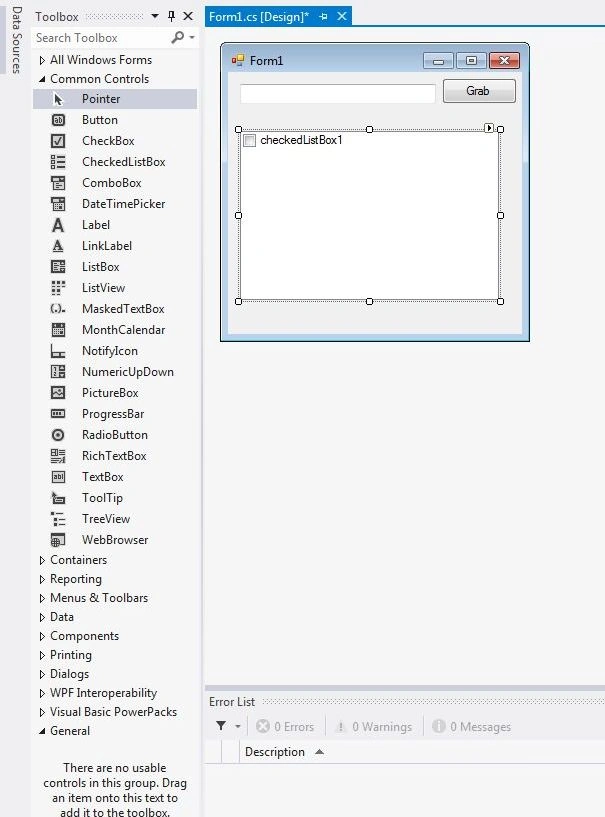
- Now double-click on the button to generate the click handler.
- Add the following code for the click handler:
using System;
using System.Collections.Generic;
using System.ComponentModel;
using System.Data;
using System.Drawing;
using System.Linq;
using System.Text;
using System.Threading.Tasks;
using System.Windows.Forms;
namespace linkGrabber
{
public partial class Form1 : Form
{
public Form1()
{
InitializeComponent();
}
private void button1_Click(object sender, EventArgs e)
{
WebBrowser wb = new WebBrowser();
wb.Url = new Uri(textBox1.Text);
wb.DocumentCompleted += wb_DocumentCompleted;
}
void wb_DocumentCompleted(object sender, WebBrowserDocumentCompletedEventArgs e)
{
HtmlDocument source = ((WebBrowser)sender).Document;
extractLink(source);
}
private void extractLink(HtmlDocument source)
{
HtmlElementCollection anchorList = source.GetElementsByTagName("a");
foreach (var item in anchorList)
{
checkedListBox1.Items.Add(((HtmlElement)item).GetAttribute("href"));
}
}
}
}

Summary
That's it; all done. Now you have successfully made a link grabber. You can further extend it by adding a filter to it. In my next part I will show how to add a filter and how to download files. Thanks for reading and don't forget to comment and share.
Sam HobbsPosted Aug 22, 2013, 5:56 PM
Instead of source.GetElementsByTagName("a") I think you can use source.Links.