
Introduction
In this article we will see how we can customize the row height and header
height in datagrid in WPF.
Creating WPF Application
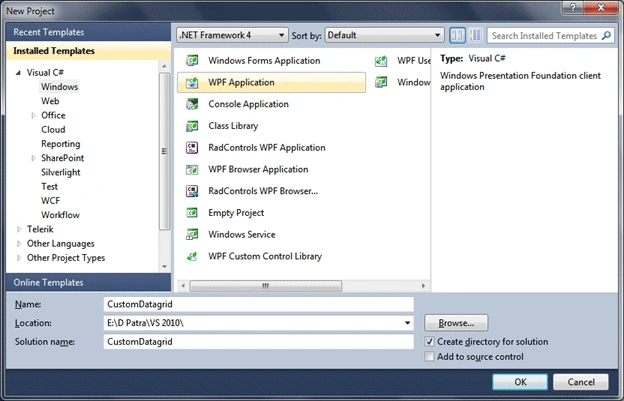
Fire up Visual Studio 2010 and create a WPF Application, name the solution as
CustomDatagrid.
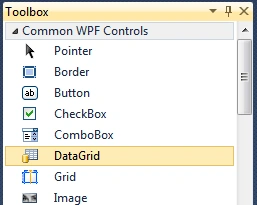
Add a Datagrid to the application by dragging from the toolbox to the designer.
Here are the initial settings when you add the Datagrid.

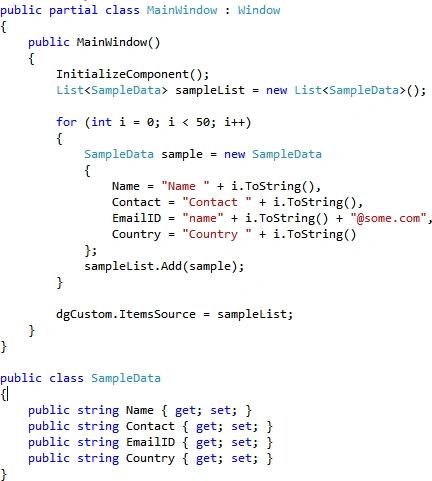
Now let's fill in the datagrid with sample data.
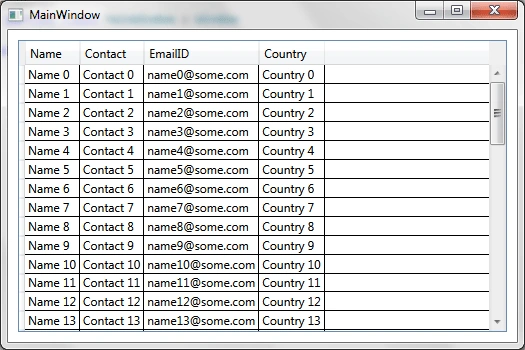
Now let's see how it looks without the Height customization.
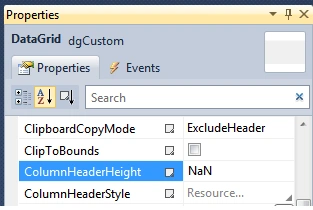
Now, in the datagrid properties. Change the ColumnHeaderHeight to your required
height in this case let's take 30.
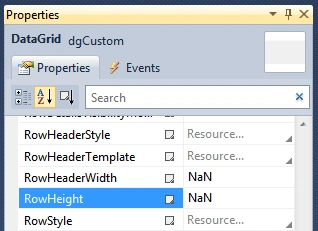
As well as the RowHeight to 24.
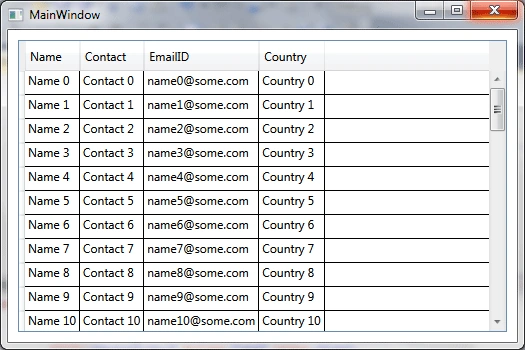
Now run the application to see the changes.
That's it.
Hope this article helps.

Join the conversation! Your thoughts help the community grow.