

Introduction
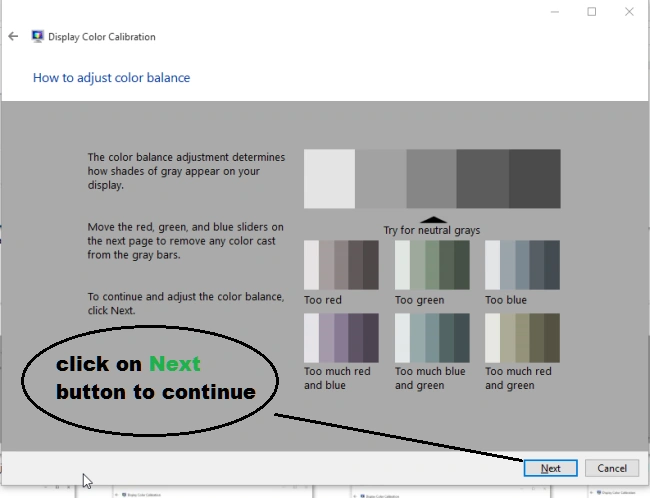
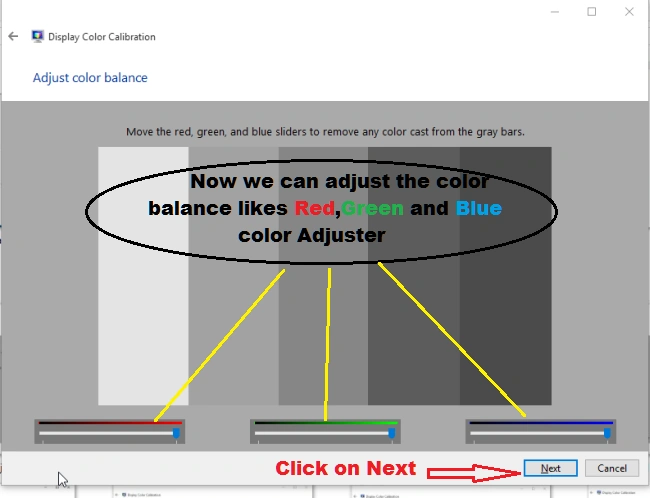
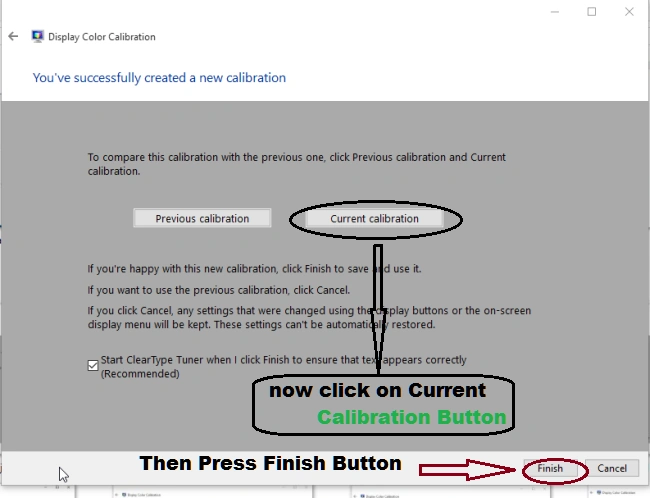
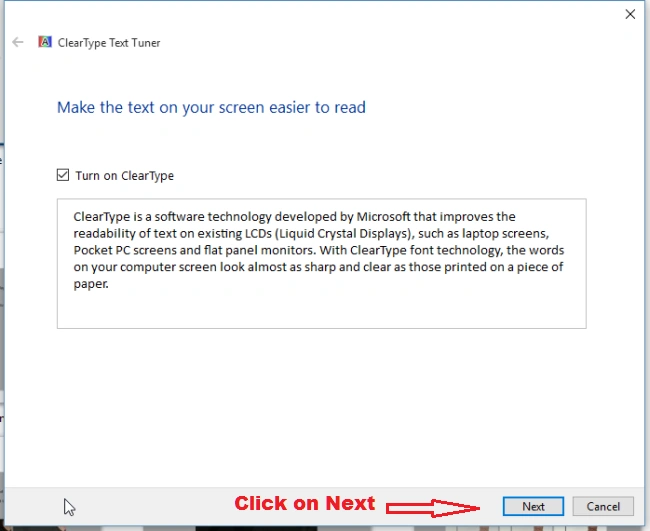
We all know that Microsoft launched a new Windows 10 operating system with high graphics and functionality. In installed Operating System we can already see all the display settings in default mode like Text Size, Icons Size, etc. But sometimes the user wants to change the display settings of Windows 10. There are some important steps to customize the Display setting of Windows 10.
Open Display Settings
Firstly, we will open the Display Window setting, Press Windows key from keyboard and then single click on Setting. Here's the screenshot.
Step 1
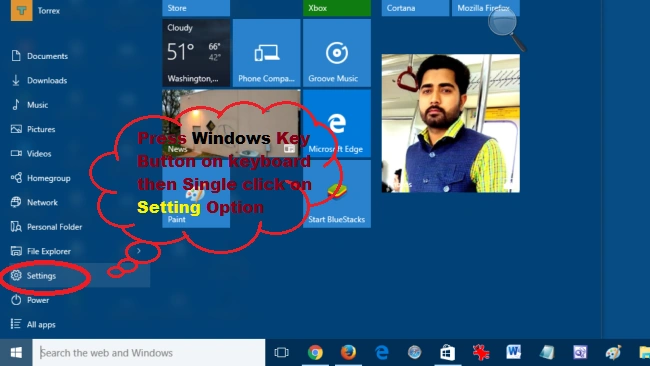 Step 2
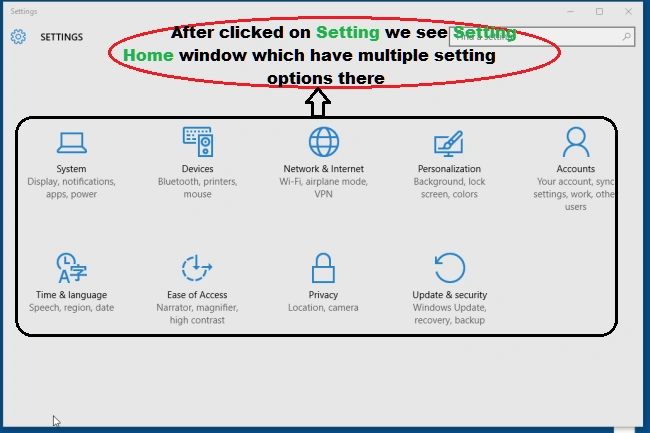 Step 3
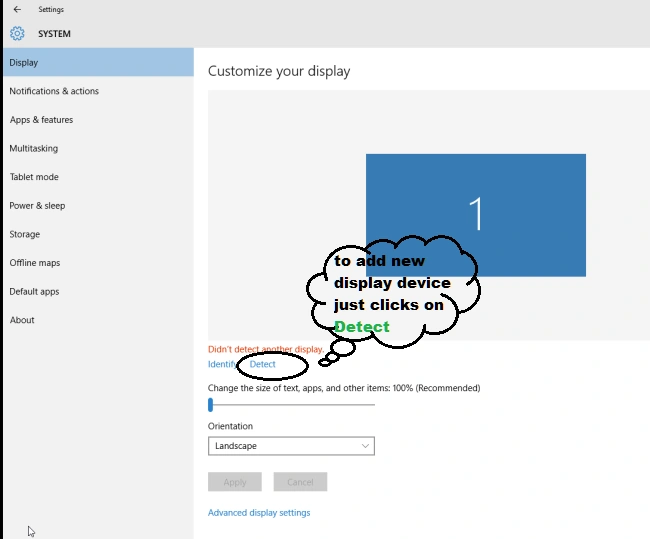
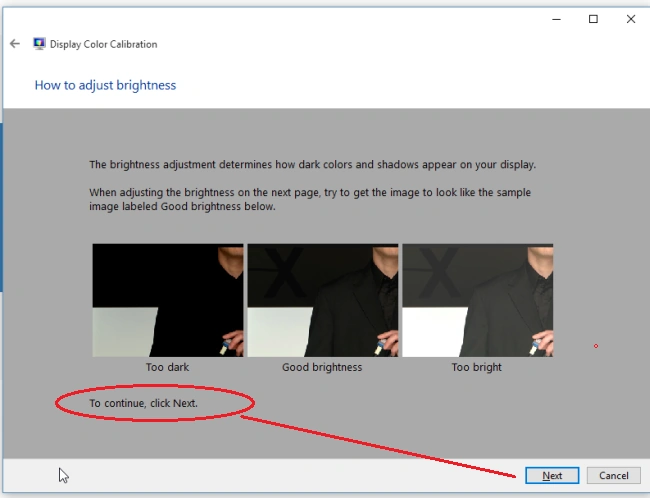
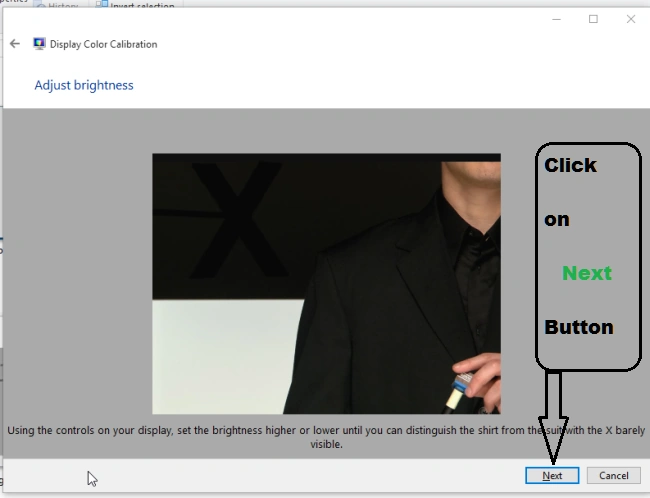
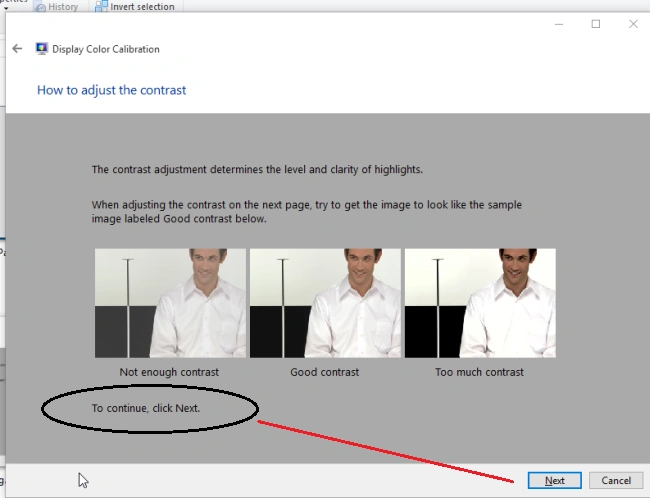
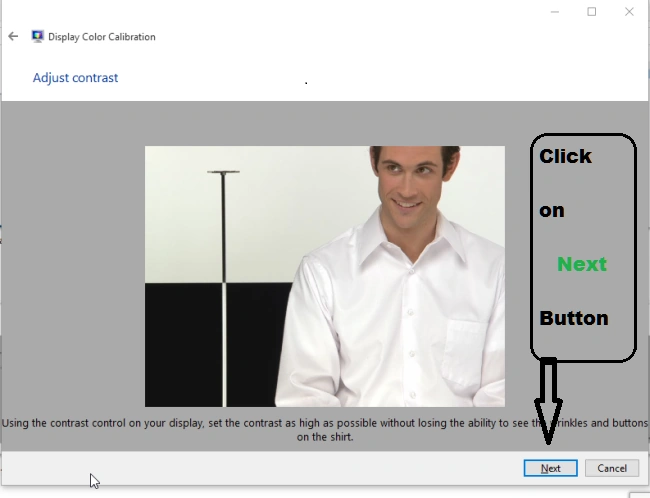
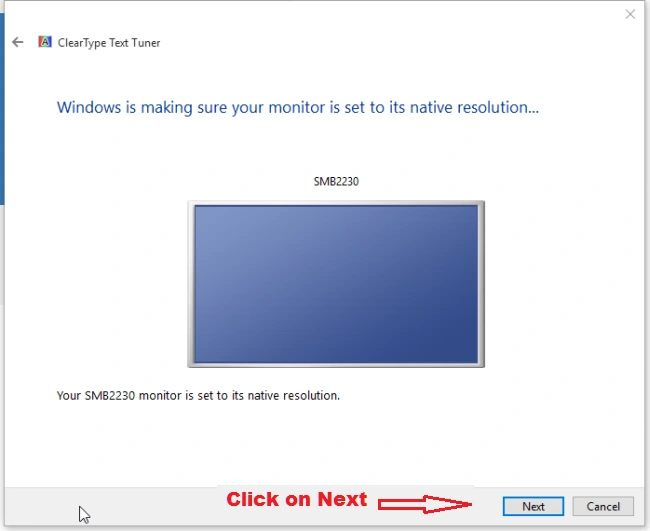
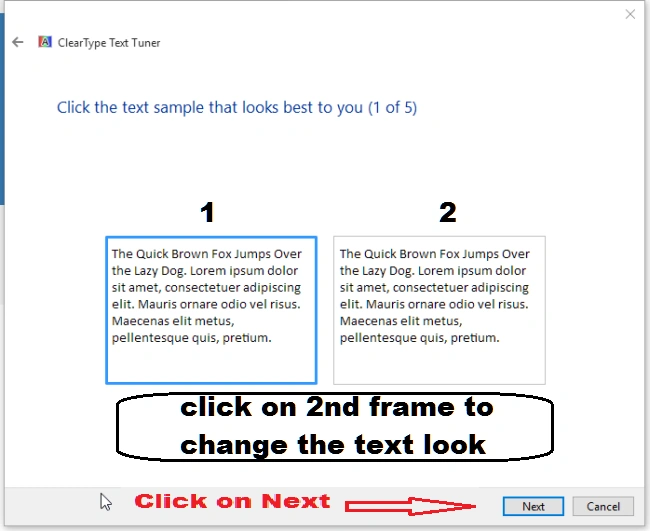
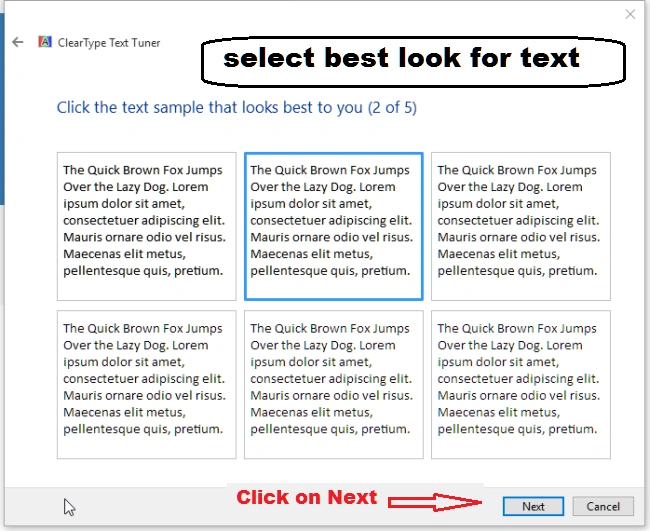
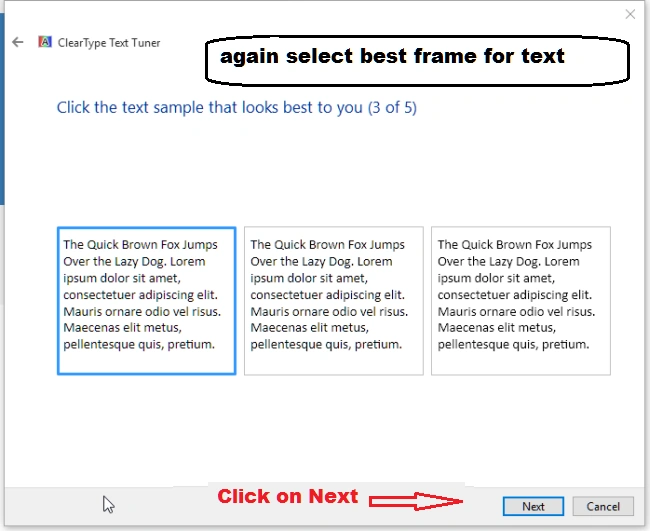
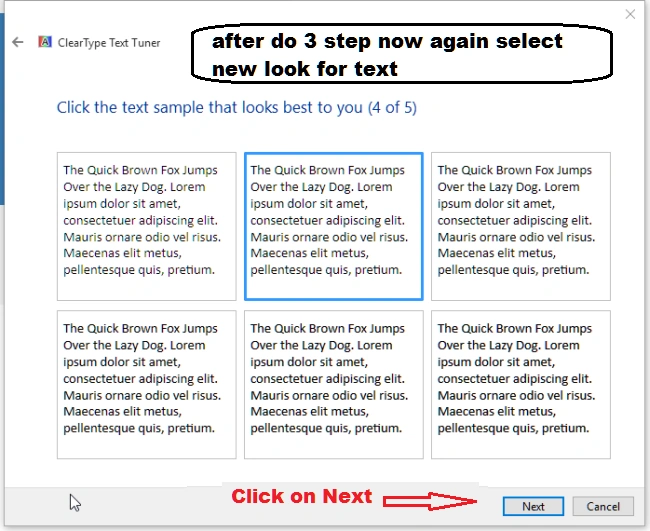
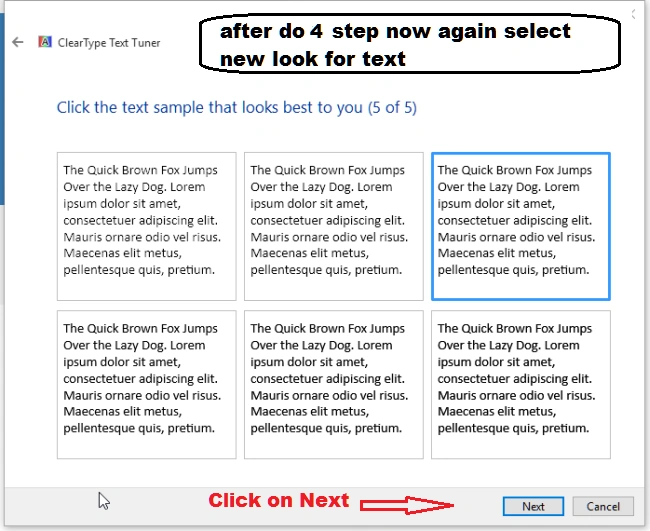
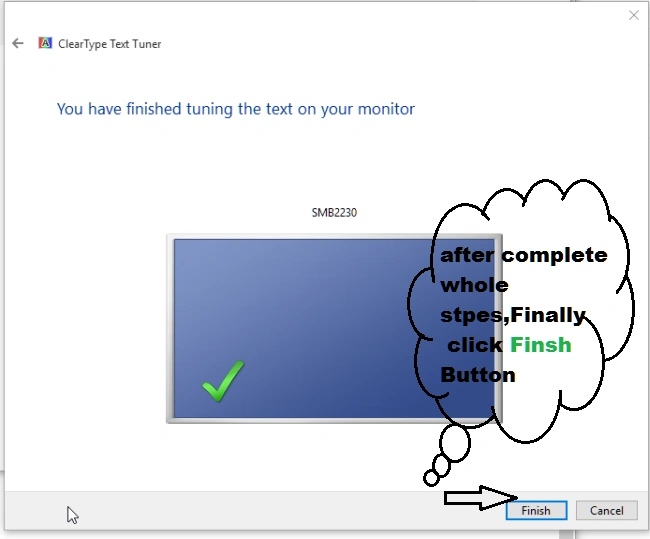
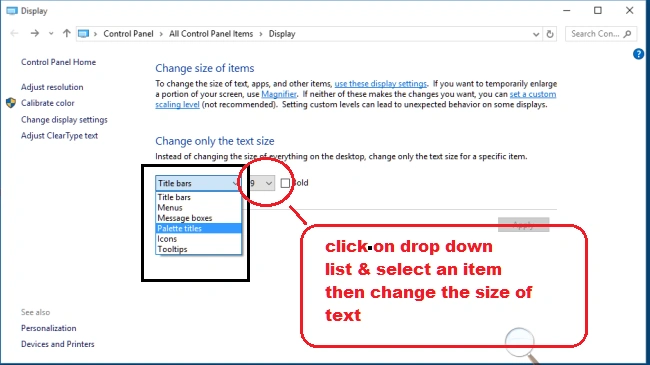
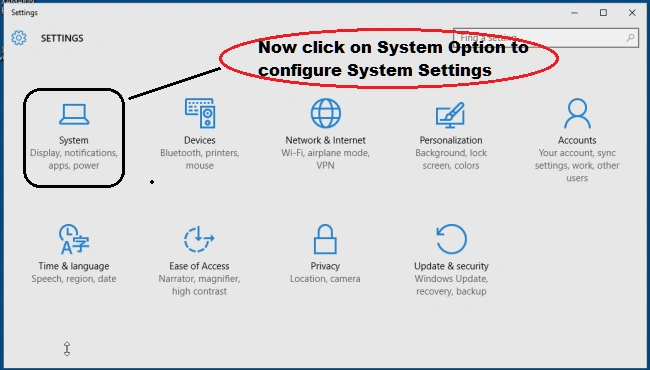 After doing the above steps now we can change the Display Setting like the size of text, apps, and other items according to your requirements. Here's the screenshot,
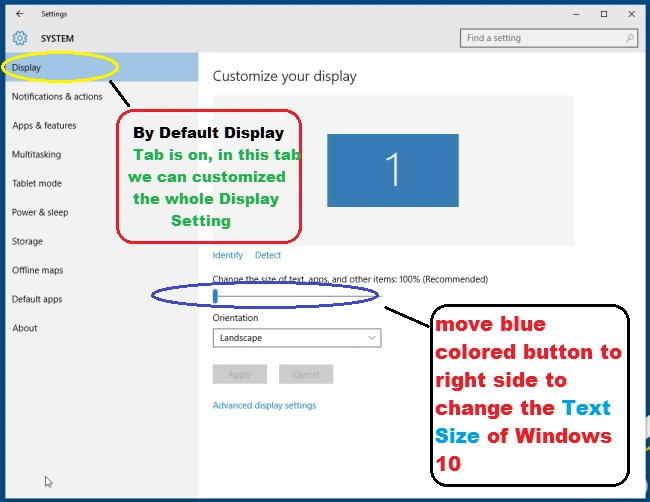
Display Detect
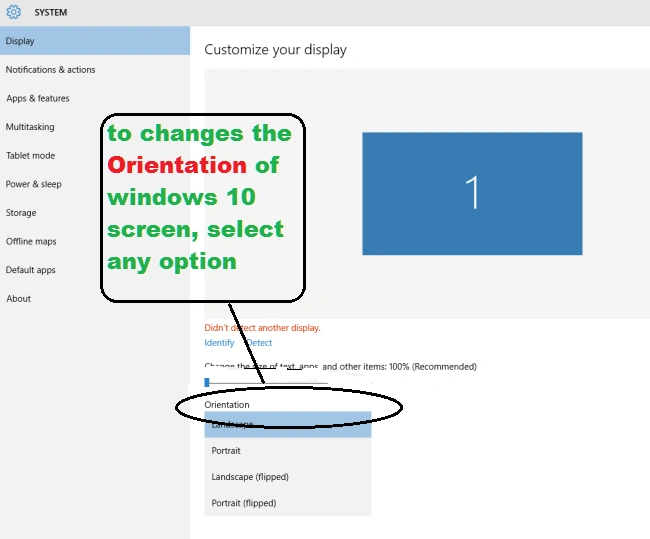
Orientation
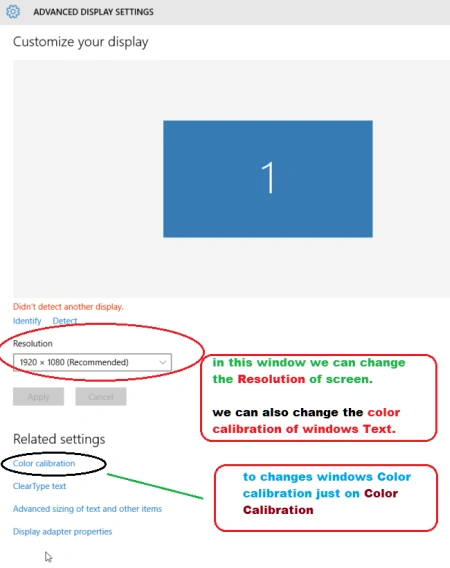
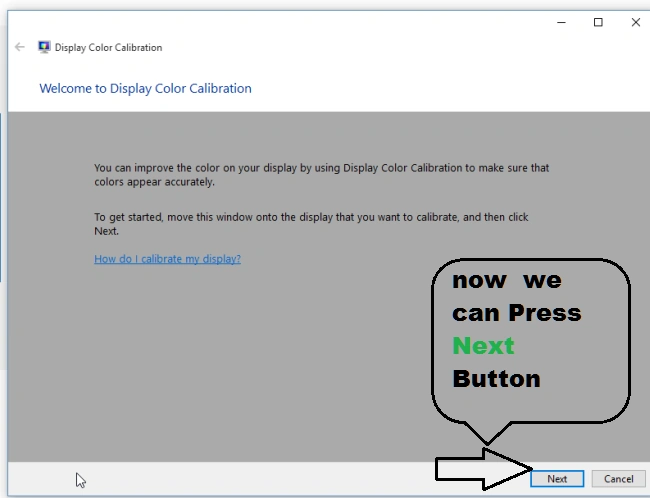
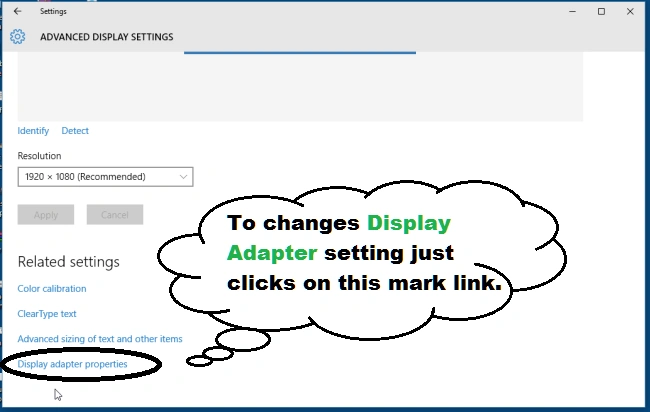
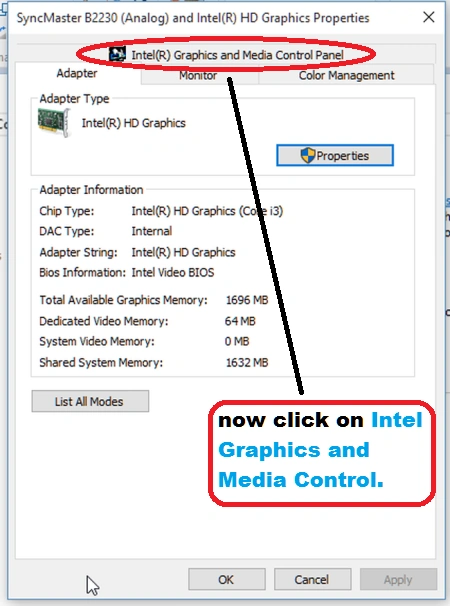
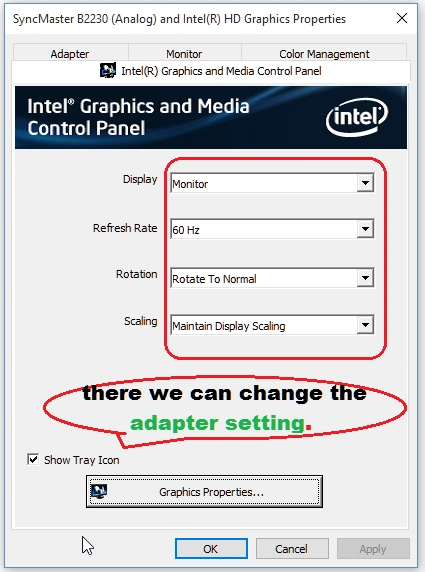
Advanced Setting


Join the conversation! Your thoughts help the community grow.