

Let's Create a Maintenance Plan
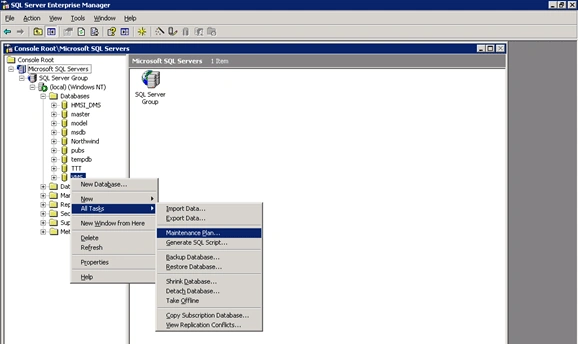
Select your database from the SQL Server Enterprise Manager and right-click on it ----All Tasks--Maintenance Plan...
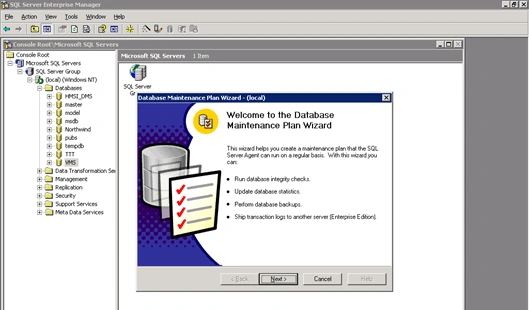
Just follow as per DB Maintenance Plan Wizard....
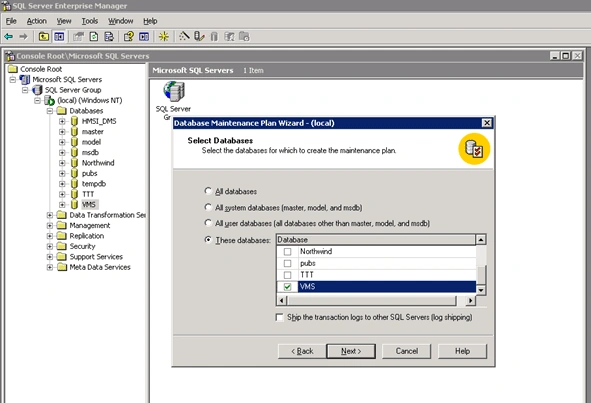
Here, select exact database or all databases as needed.
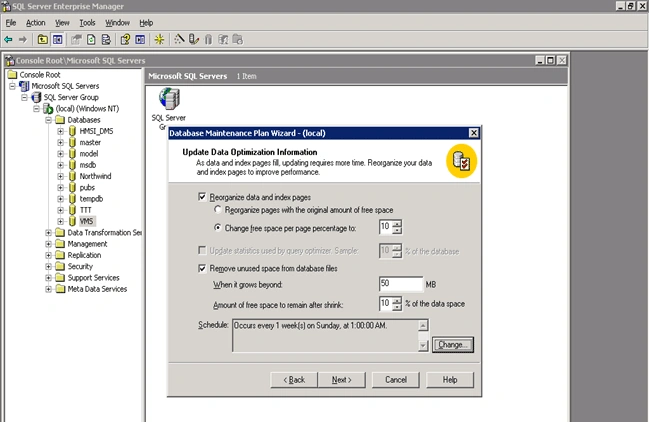
Set Update Data optimization information.
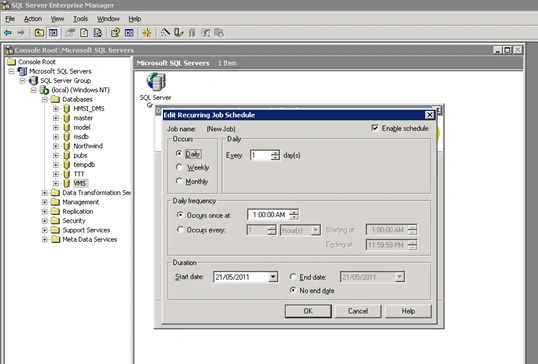
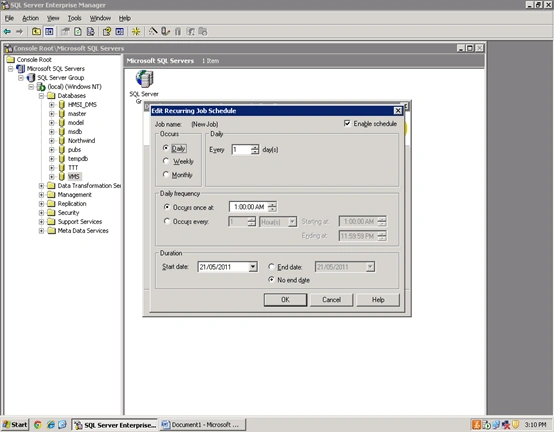
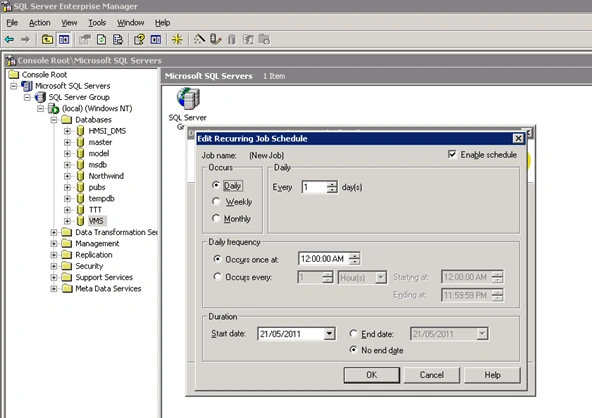
Set Schedule for DB Maintenance plan.
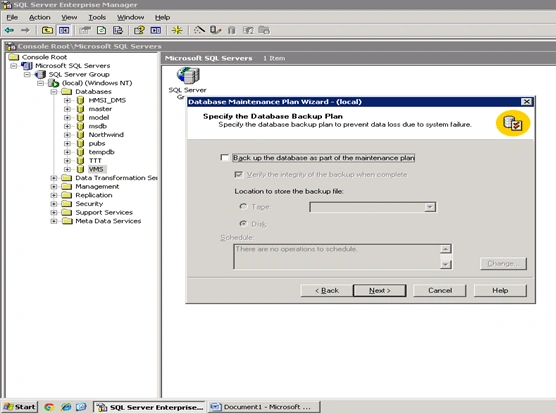
Here, specify the database Backup plan:
Select path for reports.
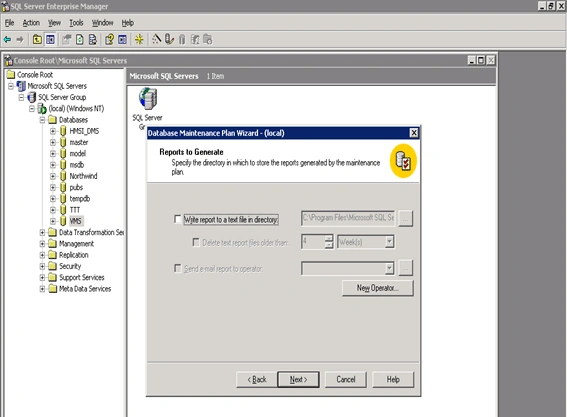
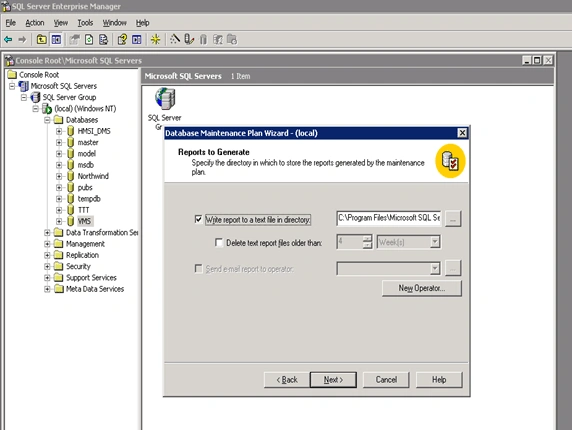
Now the DB Maintenance Plan is complete.
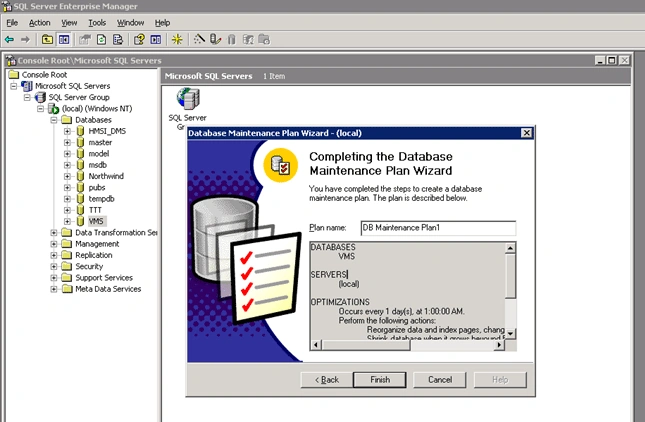
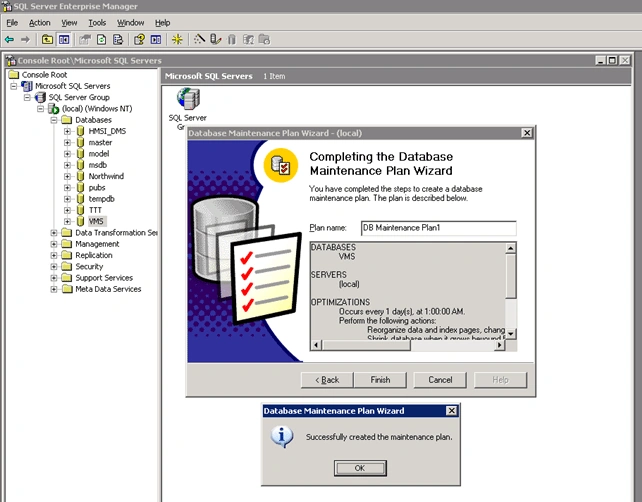
SubashPosted Jul 29, 2016, 7:40 AM
Very useful article for DB Admin Freshers
Vilas GitePosted Jun 30, 2011, 1:33 AM
Thanks Dinesh Sir.... my sharing will continue
Dinesh BeniwalPosted Jun 29, 2011, 6:42 AM
Thanks for sharing Vilas..