Introduction
Azure Web App Service provides a different deployment option to pull the source code and deploy it. This article will help you to learn about how to deploy your application from Bitbucket repository using deployment option in Azure App Service.
Prerequisites
- Visual Studio 2015 and above
- Bitbucket account
- Basic knowledge of Bitbucket
- Azure subscription and basic knowledge of Azure App Services
This article follows the steps given below.
- Creating an Azure Web App
- Deploy the Bitbucket Source to Azure App Service
Creating an Azure Web App
Step 1
Login to your Azure Account
Step 2
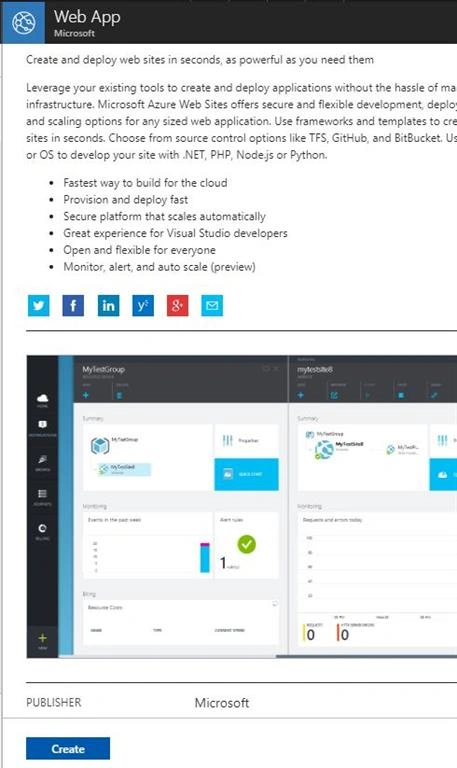
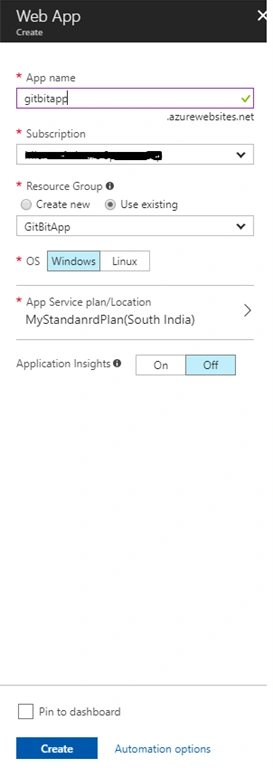
Click on + New and search web app in marketplace, select the web App and provide the following details to create web app as shown in following figures
Figure 1
Figure 2
Step 3
Click on Create, once the deployment is completed let’s start to use the deployment option.
Deploy the Bitbucket Source to Azure App Service
Before going into deployment, click here to learn how to work with bitbucket.
The below image shows my BitAppDemo repository in Bitbucket which contains a simple ASP.NET Web application source code.
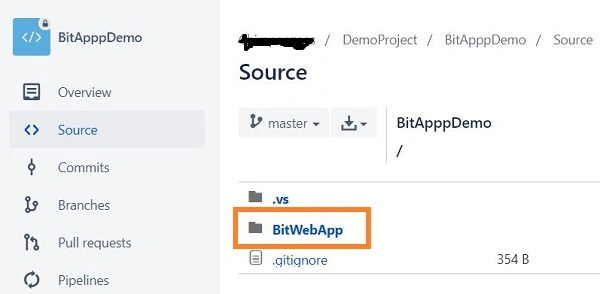
Figure 3
Step 1
Go back to Azure portal
Step 2
Select the Web App(GitBitApp) Which we have created recently and click on deployment option
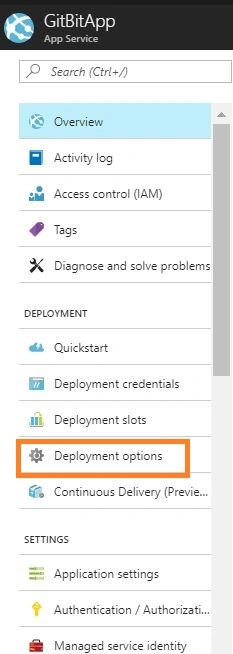
Figure 4
Step 3
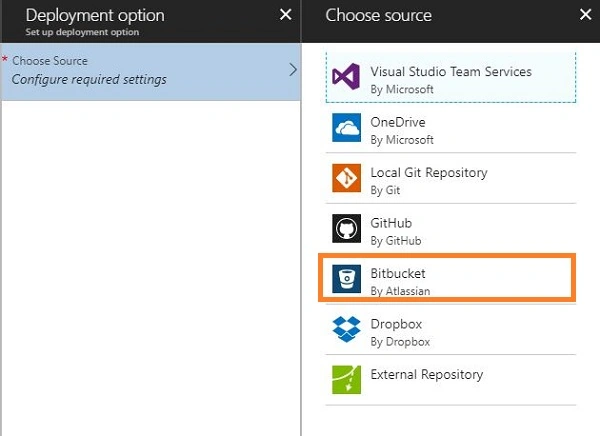
Choose Bitbucket as a Source as shown in image
Figure 5
Step 4
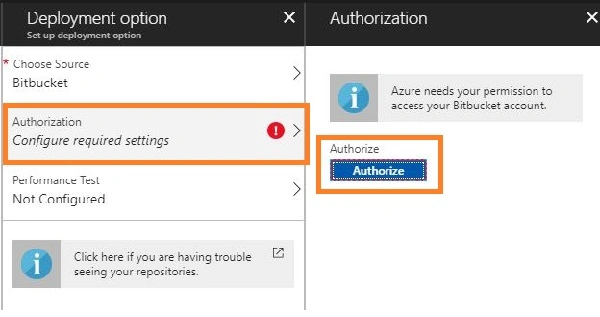
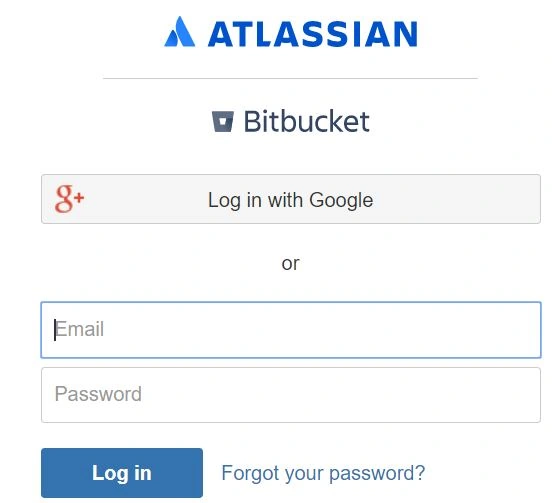
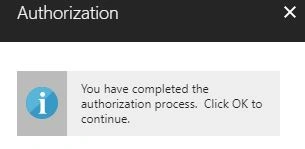
Select Authorization which will take you to Bitbucket application to complete your authentication process with Bitbucket from Azure.
Figure 6
Figure 7
Figure 8
Step 5
Choose your organization- Team in Bitbucket
Step 6
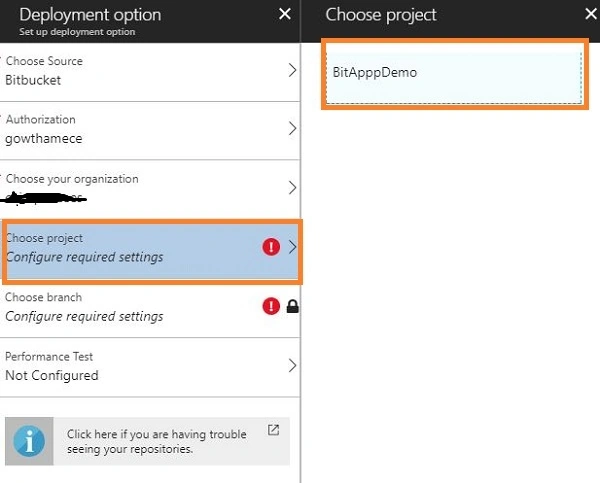
Choose the project and then select the repository. In my case, it is BitAppDemo.
Figure 9
Step 7
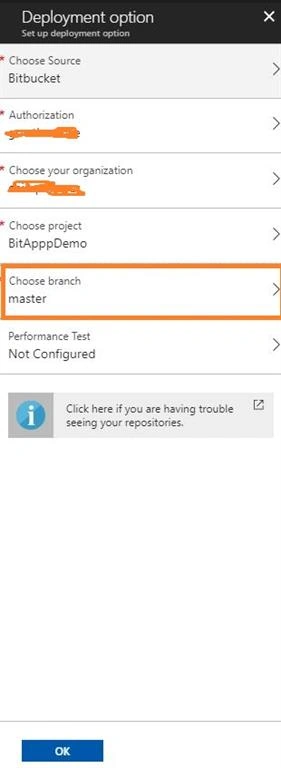
Choose the branch – In my case, it is Master
Figure 10
Step 8
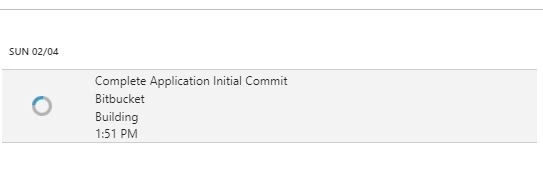
Finally, click on ok, now you can check the status as shown in the figure below. Once the status changes from building to active, click on the web app URL so that you can see the application running in the browser.
Figure 11
Finally, the source of basic ASP.NET MVC Web application in Bitbucket is deployed into Azure Web App Service.
Now, I’m trying to create a new branch in the repository, following that done some changes in the source code using Visual Studio 2017. Next, I commit and push the code to the Bitbucket repository, once the code merge is done to master branch, Azure Web App service will start the deployment with respect to the changes in the master branch.
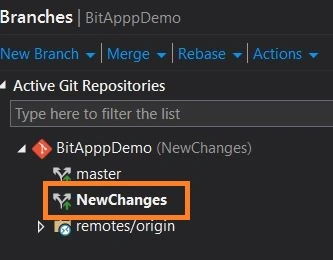
Figure 112: Bitbucket in Visual Studio
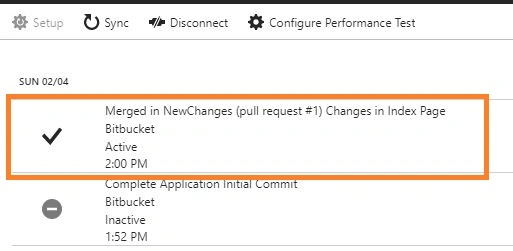
Figure 113: Status in Azure Web App Service once the merge is done
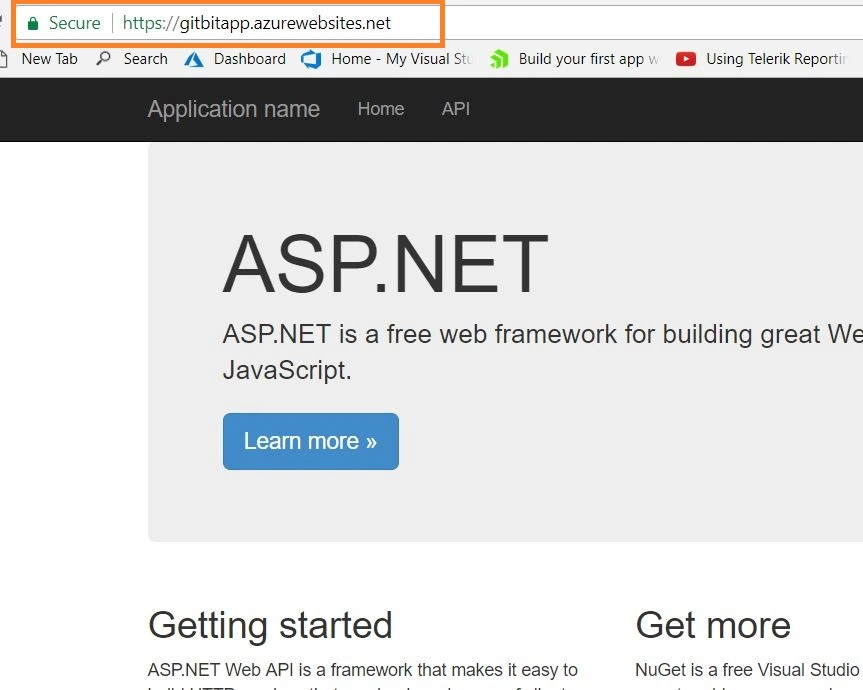
Figure 14 : After sucessful deployement
Figure 115: Application Running in Browser
I hope you have enjoyed the article. Your valuable feedback, questions, or comments about this article are always welcome.



Join the conversation! Your thoughts help the community grow.