

Before we start,
- IIS is installed and running
- .NET Hosting Bundle installed (for .NET Core / .NET 5+ apps)
- Your web app is published (from Visual Studio or CLI)
- You have admin access to the server or local machine
Step 1. Publish Your Application.
From Visual Studio
- Right-click your project → Publish
- Choose Folder
- Set the target location (e.g., C:\PublishedApps\MyApp)
- Click Publish
Step 2. Create a Folder for the Site.
- Open File Explorer
- Create a folder (e.g., C:\inetpub\MyApp)
- Copy all published files into this folder
Step 3. Open IIS Manager.
Press Win + R, type inetmgr, and hit Enter
Step 4. Add a New Website.
- In the left pane, right-click “Sites” > Add Website
- Fill in the details:
- Site name: MyApp
- Physical path: Select the folder where you copied the published files
- Binding:
- IP address: All Unassigned
- Port: 80 (or another if already used)
- Host name: Optional (e.g., myapp.local if you plan to use the hosts file)
- Click OK
Step 5. Set Application Pool
- After adding the site, select it in IIS Manager
- On the right pane, click Basic Settings.
- Check the Application Pool name (e.g., DotNetServicePool)
- Go to Application Pools in the left panel
- Find the app pool → Right-click → Advanced Settings.
- Set.
- .NET CLR Version.
- .NET CLR v4.0 for ASP.NET Framework
- "No Managed Code" for .NET Core / .NET 5+
- Start Mode: AlwaysRunning (for services)
- Identity: Leave as ApplicationPoolIdentity or set custom
- .NET CLR Version.
Step 6. Set Folder Permissions
- Right-click your web app folder (e.g., C:\inetpub\MyApp)
- Go to Properties > Security > Edit
- Add:
- User: IIS AppPool\YourAppPoolName
- Give at least Read & Execute, List Folder Contents, Read
Step 7. Test the Deployment.
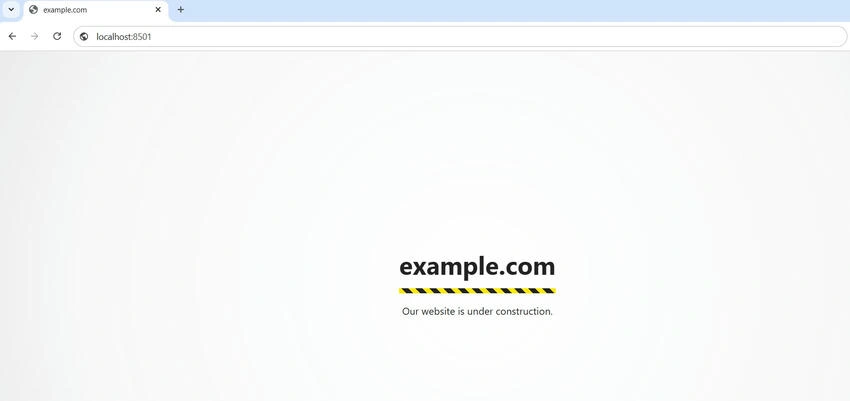
- Open a browser
- Navigate to:
- http://localhost (if using port 80)
- http://localhost:port (if using a custom port)
Common Issues & Fixes
| Issue | Solution |
|---|---|
| 403 Forbidden | Check folder permissions |
| 500 Internal Server Error | Check the logs or the event viewer |
| 404 Not Found | Verify correct routing and app start point |
| App Not Starting | Make sure the correct .NET Hosting Bundle is installed |
| Kestrel Not Responding | For .NET Core, check the web.config for the correct processPath |
- Previous Series: Understanding Internet Information Services – Series I
- Previous Series: Introduction to IIS Site and Application Pool (For Beginners) – Series II
Join the conversation! Your thoughts help the community grow.