


Introduction
As AI adoption grows, deploying open-source AI models efficiently at scale becomes a critical challenge. Azure Kubernetes Service (AKS) provides a robust and scalable platform for containerized AI model deployment. It enables developers to manage, scale, and optimize AI workloads while leveraging Kubernetes' orchestration capabilities.
This article explores the end-to-end process of deploying an open-source AI model on AKS, highlighting best practices, essential configurations, and performance optimization techniques.
Why Use AKS for AI Model Deployment?
Deploying AI models in production requires scalability, high availability, and automation. AKS offers the following benefits.
- Scalability: Easily scale AI models to handle varying workloads.
- Efficient Resource Management: Optimize GPU and CPU usage for AI inference.
- Seamless Integration: Connects with Azure ML, Azure AI Services, and DevOps pipelines.
- High Availability: Ensures minimal downtime and load balancing across nodes.
- Security & Compliance: Provides built-in security policies and identity management.
Prerequisites
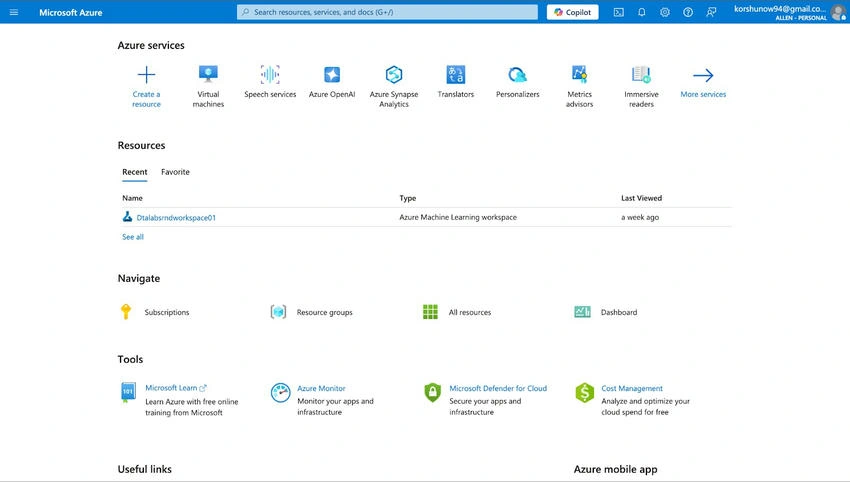
Before proceeding, ensure you have,
- An Azure account with a subscription.
- Azure CLI and Kubectl installed.
- A pre-trained open-source AI model (e.g., TensorFlow, PyTorch, or Hugging Face model).
- A Docker container with the AI model packaged.
- AKS cluster set up in Azure.
Step-by-Step Deployment
Step 1. Create an AKS Cluster.
To deploy AI models on AKS, first create a Kubernetes cluster.
az aks create --resource-group myResourceGroup \
              --name myAKSCluster \
              --node-count 3 \
              --enable-addons monitoring \
              --generate-ssh-keys
Once the cluster is created, configure kubectl to connect.
az aks get-credentials --resource-group myResourceGroup --name myAKSCluster
Step 2. Build & Push the AI Model Container.
Dockerize the AI Model
Create a Dockerfile to package the AI model into a container.
- FROM python:3.9
- WORKDIR /app
- COPY requirements.txt ./
- RUN pip install -r requirements.txt
- COPY . .
- CMD ["python", "app.py"]
Build & Push to Azure Container Registry (ACR)
- docker build -t mymodel:v1 .
- az acr login --name mycontainerregistry
- docker tag mymodel:v1 mycontainerregistry.azurecr.io/mymodel:v1
- docker push mycontainerregistry.azurecr.io/mymodel:v1
Step 3. Deploy the AI Model on AKS.
Create a Kubernetes Deployment YAML (deployment.yaml)
apiVersion: apps/v1
kind: Deployment
metadata:
  name: ai-model-deployment
spec:
  replicas: 2
  selector:
    matchLabels:
      app: ai-model
  template:
    metadata:
      labels:
        app: ai-model
    spec:
      containers:
        - name: ai-model
          image: mycontainerregistry.azurecr.io/mymodel:v1
          ports:
            - containerPort: 5000
Apply the Deployment and Expose the Service.
kubectl apply -f deployment.yaml

kubectl expose deployment ai-model-deployment --type=LoadBalancer --port=80 --target-port=5000
Step 4. Monitor and Scale the Deployment.
# Check deployment status
kubectl get pods

# Scale deployment based on load
kubectl scale deployment ai-model-deployment --replicas=5

# Monitor logs for debugging
kubectl logs -f <pod_name>
Best Practices
- Use GPU-enabled nodes if AI inference requires high computational power.
- Integrate with Azure DevOps for CI/CD pipelines to automate deployment.
- Leverage Horizontal Pod Autoscaler to dynamically scale based on traffic.
- Secure your container registry with Azure Role-Based Access Control (RBAC).
- Implement logging & monitoring using Azure Monitor and Prometheus.
Conclusion
Azure Kubernetes Service provides an efficient, scalable, and secure environment for deploying open-source AI models. By following this structured approach, organizations can leverage Kubernetes’ orchestration power while ensuring reliability and performance. Start deploying AI models on AKS today and scale your AI solutions effortlessly!
Next Steps
Join the conversation! Your thoughts help the community grow.