

Introduction
In today's article you will learn how to determine whether a computer is using the Remote Coordinator and resolve existing transactions.
Distributed Transaction Coordinator fully supports the Window Backup and Restore feature but this Backup and Restore feature can only be used on local Computer. If a transaction spand various computers then it's consistency cannot be granted. To avoid this problem we need to ensure that no current transaction is in an active mode during a Restore or Backup operation.
For ensuring that all these things take place we should check two things:
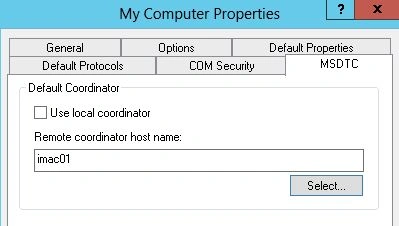
- Checking whether the Coordinator is a Local Coordinator or a Remote Coordinator.
- Checking whether any transaction is in the Incomplete mode and then resolving it.
So now we will first check whether the Coordinator is a Local Coordinator or Remote Coordinator.
Step 1
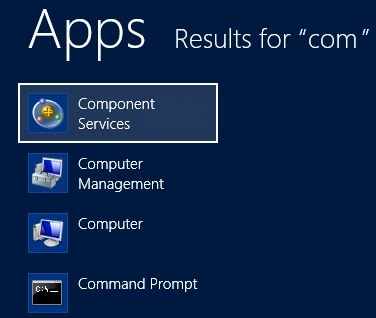
First of all Logon to your Windows Server 2012 as Administrator. Now go to the Start Menu and search for the "Component Services".
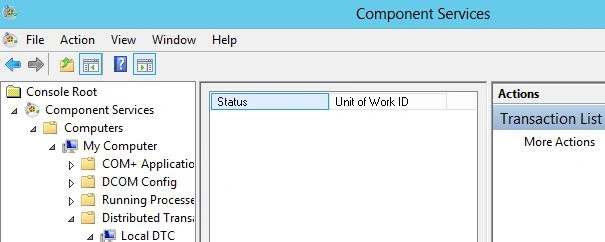
Now as you open the Component Services, this type of Window will appear in front of you.
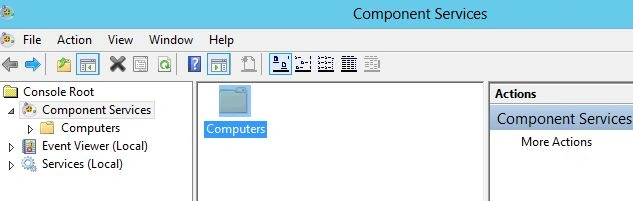
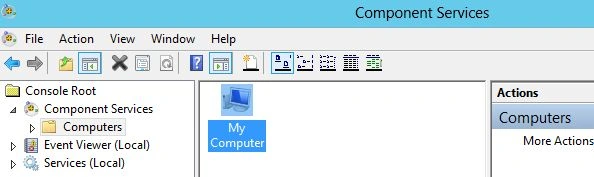
Here you will get an option named as "Computers", double click on this option to open it.
Step 2
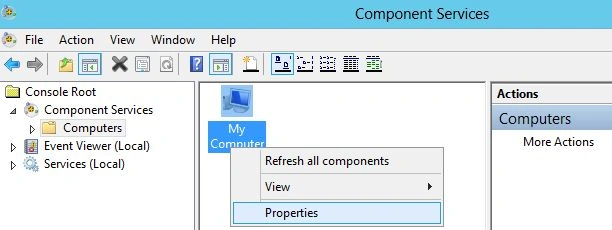
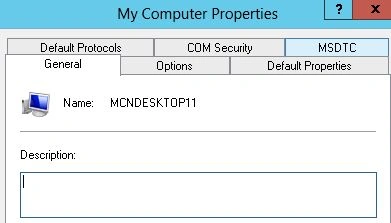
In Computers you will find your Computer name (as I have "My Computer"), right-click on your computer name to open it's properties.
Join the conversation! Your thoughts help the community grow.