

In this article on “Development of SharePoint Add-In Solutions on Office 365 – Azure”, we will be learning how we use SharePoint Add-In Solutions on Office 365.
What is SharePoint Add-In?
There are two kinds of SharePoint add-ins: SharePoint-hosted, and provider-hosted add-ins. In this article, we will see a SharePoint hosted add-in and depending on various scenarios, you can conclude what kind of host you would require.
As quoted in Microsoft Docs, “A SharePoint Add-in is a self-contained piece of functionality that extends the capabilities of SharePoint websites to solve a well-defined business problem.”
Simply put, we use add-ins to keep the custom code off the websites to prevent any security or performance glitch on our servers but also manage to achieve the same functionality by storing them elsewhere. It is easily manageable and keeps our sites and servers safe.
We can use all the SharePoint components such as pages, lists, workflows, custom content types, list templates, web parts, and more using the SharePoint add-in feature.
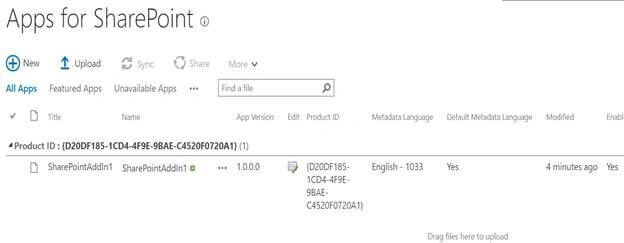
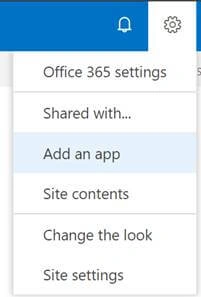
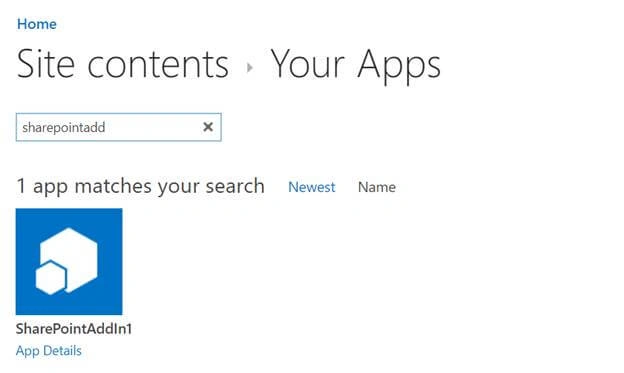
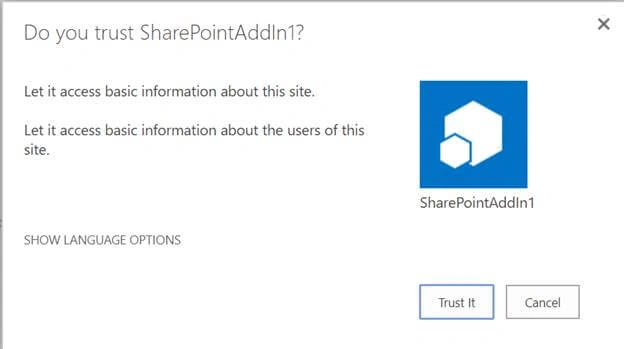
The SharePoint add-ins that we will develop and install today will be featured as a tile on the Site Contents page of the SharePoint website where you can click on them and execute your business logic.
Now, it’s time to achieve the same. So, kindly follow the steps below and learn how to develop a SharePoint add-in on Office 365-Azure.
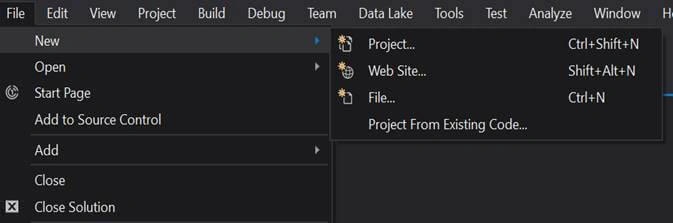
- Open Visual Studio and create a project.
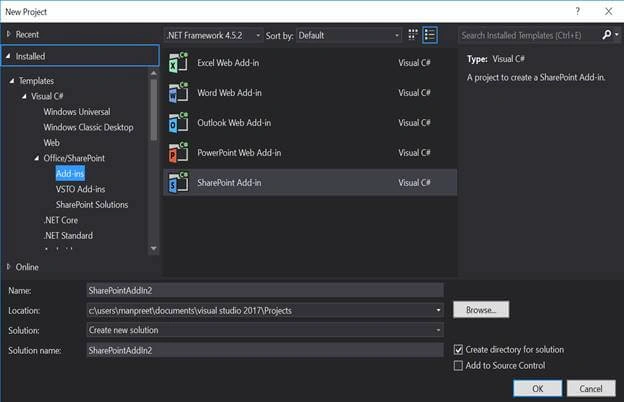
- Under the template Category of “Office/SharePoint” add a “SharePoint add-in” solution.
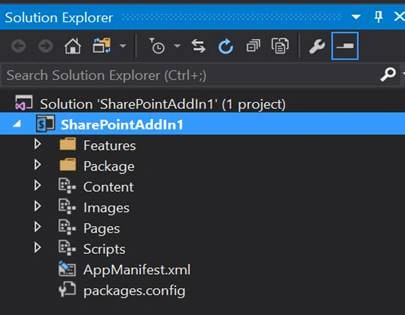
- It will take some time and will create a solution as below.
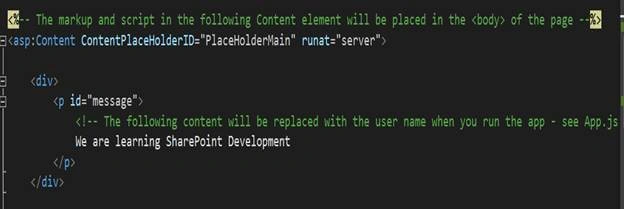
- Open up the pages section and click on the Default.aspx page.
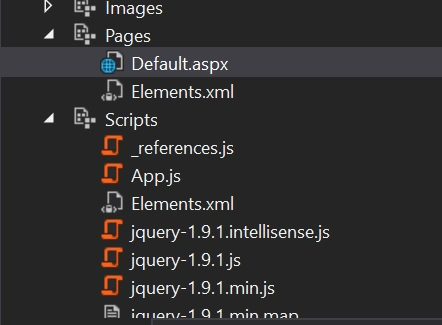
- In the code, comment the App.js reference as we will bypassing the code to open our default.aspx page.



Hadshana KamalanathanPosted Jul 19, 2018, 7:12 AM
Nice Article
Sanghamitra MohantyPosted Jun 27, 2018, 6:25 PM
Nice one .....