

This is the third article on development aspects of PowerApps on Office 365. We will see real-time scenarios and all the examples of what Power App has to offer. You can read the first two parts from the below links, before starting with this third one.
Why PowerApps?
Organizations can’t allow a free source of apps. They need to store some data with secured access, and who can provide better security than Microsoft? You need to have Microsoft PowerApps for allowing the users to access the apps. So, you not only save money on the app hosting but also, you host that on one of the world’s best platforms.
When it comes to development, PowerApps is the right tool to use for a quicker and smarter app development process.
Let’s see what the app has -
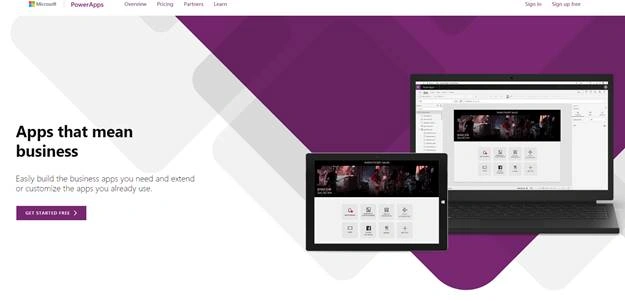
- Go to Power Apps.
- Use this link to sign in with your organization’s Office 365 ID or with your Windows ID.
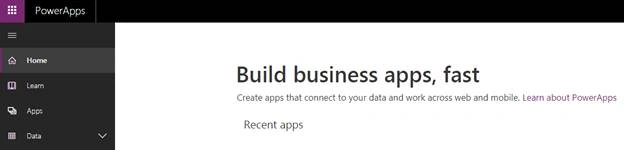
- Once you log in, you will arrive at this portal.
- Sign-In and you will redirect to this portal page.
- Click on the "Apps" section.
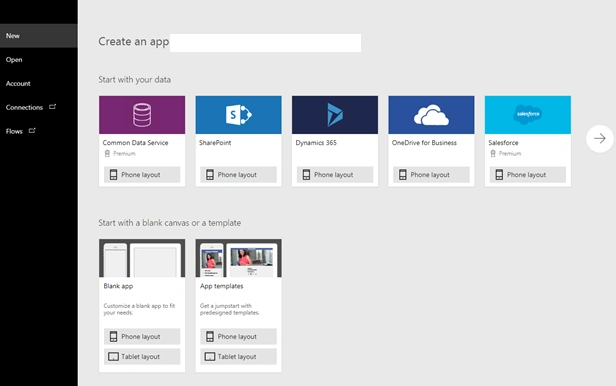
- You can connect your app with various everyday social or custom apps and use them in your process of development of your own PowerApps.
You can connect to the existing data sources and services, like Excel files, SharePoint lists, CRM records, your custom APIs, your Dropbox, or any such service to collaborate with your app. The best part is that you use a designer to customize or build an app that uses the device capabilities, including cameras, GPS, and pen control, without writing any code. - Click on Blank App (Tablet layout). You will come to a screen like below.
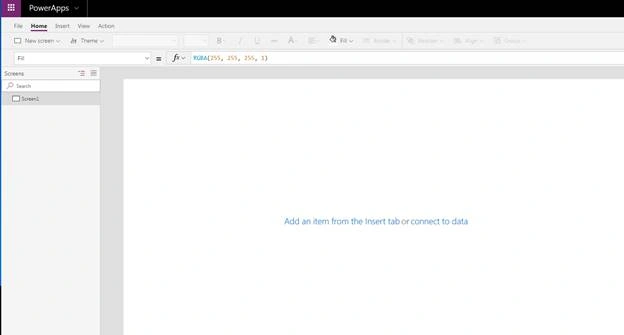
The app is divided into tabs on the top navigation - screens through the left navigation and the properties on the right navigation.
Development of App – Action tab on PowerApps

Under the “Action” tab, we have the following configuration.
- Collect – Here, you can create a collection to store data which are similar. You can categorize them and use the data throughout your app.
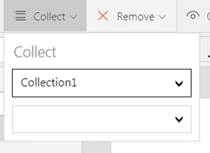
- Remove – You can use this function to remove the data from the collection.
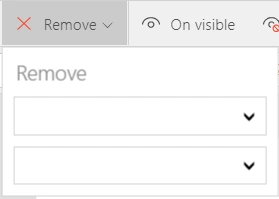
- On visible – You can write a rule of a condition or an action what should be the function On Visible.

- On hidden

You can write a rule of a condition or an action what should be the function On Hidden.
- On start

You can write a rule of a condition or an action what should be the function On start.
- Flows
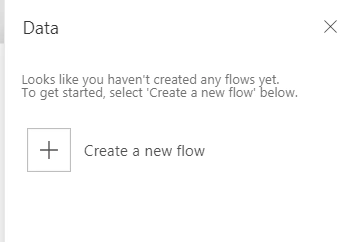
Here, you can attach the flow to your PowerApps. Flows is workflows which will support the PowerApps for various backend functions.
This was the last article on PowerApps configurations. We will now see these in real-time scenarios. Here, we saw all the available controls on our PowerApps which will be used for developing an app. Keep following this series of articles to learn PowerApps Development.
Keep reading & keep learning!
Join the conversation! Your thoughts help the community grow.